
Do Not Sell My Personal Information Jump to content
View in the app

A better way to browse. Learn more.

Subaru Owners Club UK | Subaru Forums

A full-screen app on your home screen with push notifications, badges and more.

To install this app on iOS and iPadOS
  1. Tap the Share icon in Safari
  2. Scroll the menu and tap Add to Home Screen.
  3. Tap Add in the top-right corner.
To install this app on Android
  1. Tap the 3-dot menu (⋮) in the top-right corner of the browser.
  2. Tap Add to Home screen or Install app.
  3. Confirm by tapping Install.

Subaru Modified

856 videos in this category

  1. SOC Admin ·
    Hope You All enjoyed This Drag Build On The Subaru Impreza WRX STI '06,Any questions comment,Like The Vid! Add me Main Psn | llJaws Second Main Psn ...
    • 657 views
  2. SOC Admin ·
    Hope You All enjoyed This Drag Build On The Subaru Impreza WRX STI '10,Any questions comment,Sub And Like The Vid! Only If You Want To! Add me Main ...
    • 1,534 views
    • 505 views
    • 1,415 views
    • 782 views
    • 739 views
    • 639 views
    • 996 views
    • 446 views
    • 979 views
    • 806 views
    • 637 views
    • 2,442 views
    • 510 views
    • 1,168 views
  3. SOC Admin ·
    Upgrading the outdated COBB Accessport V2 for the V3. COBB has recently suspended support for the V2. ALL tuners in my area suggested I upgrade to the V3.
    • 560 views
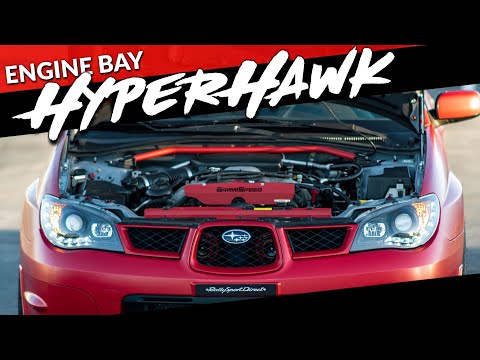
    • 550 views

Background Picker
Customize Layout

Configure browser push notifications

Chrome (Android)
  1. Tap the lock icon next to the address bar.
  2. Tap Permissions → Notifications.
  3. Adjust your preference.
Chrome (Desktop)
  1. Click the padlock icon in the address bar.
  2. Select Site settings.
  3. Find Notifications and adjust your preference.

