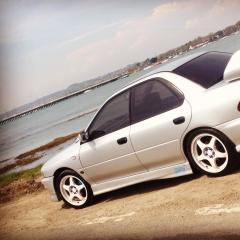
June 13, 201510 yr My electric window switch on my Scooby STI '94 Classic is playing up, just on my drivers one..... To get it to work I have to turn the car off and on again, it will work once, then stops working again, turn the car off and on, then it works once again??? Any ideas???
June 15, 201510 yr Drivers side as in that window or all windows from that switch? If it's the latter then might be worth spraying a bit of electrical cleaner on it and working the switch a bit to clean the contacts. With the car off of course and wait for the cleaner to evaporate before trying the switch.
June 16, 201510 yr Author Drivers side as in that window or all windows from that switch? If it's the latter then might be worth spraying a bit of electrical cleaner on it and working the switch a bit to clean the contacts. With the car off of course and wait for the cleaner to evaporate before trying the switch. Yes it's the latter, I'll give that ago before buying another switch panel.



Create an account or sign in to comment