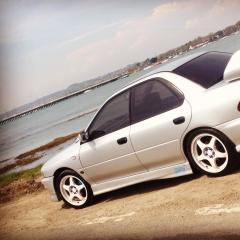
April 19, 201610 yr Called footman James as they were recommend to as I have 2 friends that have insured recently with them and got good service and prices, went through all the details and got told "Sorry, we can't insure you as we have insured to many Subarus and yours isn't a classic???" i laughed and said is that a joke? Your not taking my money as you've insured to many Subarus?? And my friends insured a K reg, and the other was a N-reg and mine being a L-reg?? So what was that about??? they were happy with the mods and it was parked in drive way and it was 1 of 3 cars with only 3k per year miles?? hey ho, there loss just wanted to share that with you all
April 23, 201610 yr had this on my bike with footman james on a classic policy Got the renewal from footman james on mymz baghira, not competitive so cancelled it and asked for prof of no claim to be sent which read years insured 2012-2016 claims zero ncd earned zero Phone to see what was going on , get we dont award NCD on classic policy you would of been told to which I said if I had been told I wound'nt of taken insurance out reply is we cant do anything about it now, 4 years ncd plus the 2 years I had before down the drain Quote



Create an account or sign in to comment