
Skip to content
View in the app

A better way to browse. Learn more.

Subaru Owners Club UK | Subaru Forums

A full-screen app on your home screen with push notifications, badges and more.

To install this app on iOS and iPadOS
  1. Tap the Share icon in Safari
  2. Scroll the menu and tap Add to Home Screen.
  3. Tap Add in the top-right corner.
To install this app on Android
  1. Tap the 3-dot menu (⋮) in the top-right corner of the browser.
  2. Tap Add to Home screen or Install app.
  3. Confirm by tapping Install.

Steve

Administrators
  • Joined

  • Last visited

Everything posted by Steve

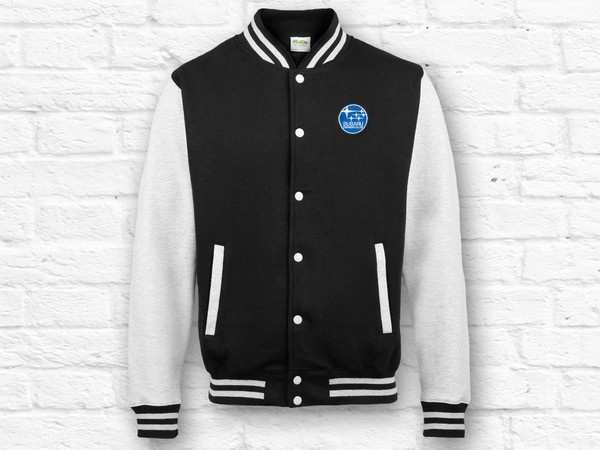
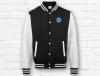
  1. Hi Guys We are shifting our Varsity jackets and we have just reduced them. We are getting limited on all sizes so best get yours whle you can. http://www.mufflebox.com/products/subaru-owners-club-varsity/ Also, I may be able to discount some fleeces as well.. email me at [email protected] and I will discount one for you (depending on size availability)
  2. not sure what happened there. Hmm also, it's not a standard club shirt. I agree that is bad. Did you want a replacement? we have some new ones which look really nice: http://www.mufflebox.com/collections/subaru/products/subaru-owners-club-logo-t-shirt these are proper screen printed. PM me mate

Background Picker
Customize Layout

Account

Navigation

Search

Search

Configure browser push notifications

Chrome (Android)
  1. Tap the lock icon next to the address bar.
  2. Tap Permissions → Notifications.
  3. Adjust your preference.
Chrome (Desktop)
  1. Click the padlock icon in the address bar.
  2. Select Site settings.
  3. Find Notifications and adjust your preference.