Do Not Sell My Personal Information Jump to content
View in the app

A better way to browse. Learn more.

Subaru Owners Club UK | Subaru Forums

A full-screen app on your home screen with push notifications, badges and more.

To install this app on iOS and iPadOS
  1. Tap the Share icon in Safari
  2. Scroll the menu and tap Add to Home Screen.
  3. Tap Add in the top-right corner.
To install this app on Android
  1. Tap the 3-dot menu (⋮) in the top-right corner of the browser.
  2. Tap Add to Home screen or Install app.
  3. Confirm by tapping Install.

Paulprm

Members
  • Joined

  • Last visited

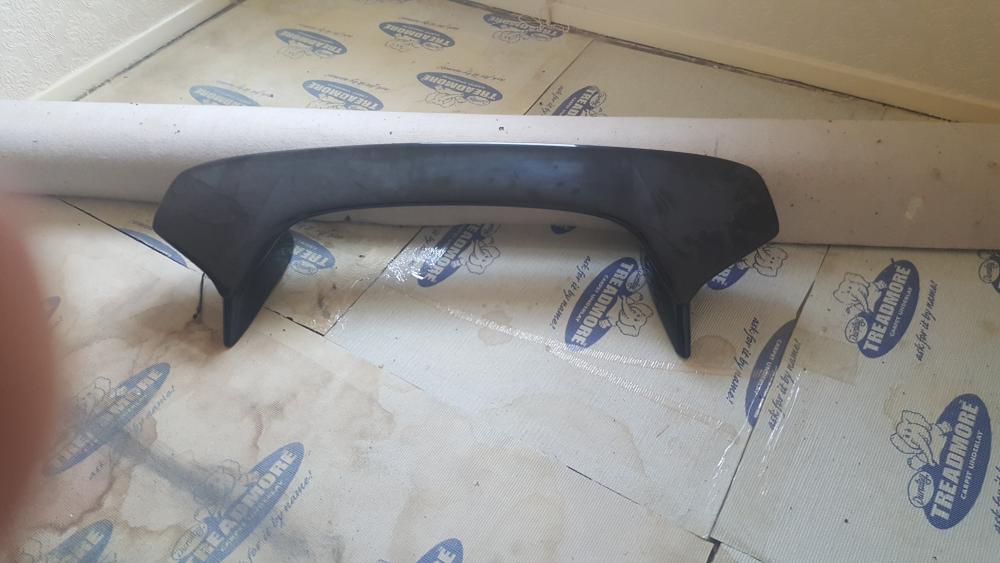
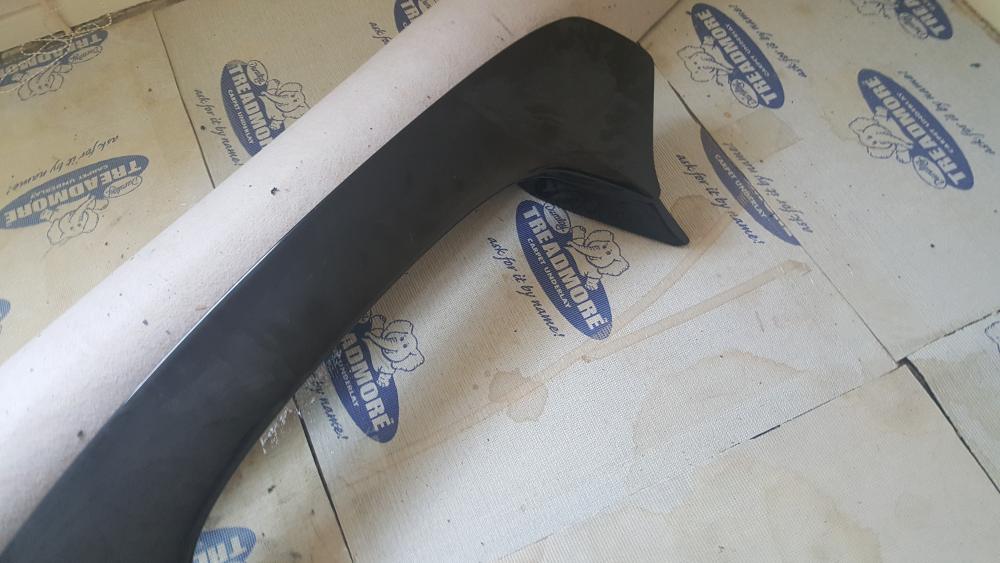
  1. Photo of spoiler I have for sale , ignore background decorating lol
  2. Bump
  3. Paulprm posted a topic in Was it you?
    Heading toward spennymoor from Kirk Merrington approx 1500 hrs today
  4. Paulprm posted a topic in Was it you?
    Blue blob A689 out of Bishop Auckland heading down spennymoor by pass
  5. Paulprm posted a topic in Junk Room
    Just noticed my son has joined forum ( marshffs oh no) how many more dads and lads on here ?
  6. New member from County Durham saying hello , owner of black wrx blobeye, once on nesf but they mostly use fb now, Not my cup of tea !
  7. Hi everyone , for sale front and rear seats from 04 blobeye in charcoal also up I have a rear low level spoiler on 18L black with gold flecks fitted with risers no reasonable offer refused . Cheers paulprm

Background Picker
Customize Layout

Configure browser push notifications

Chrome (Android)
  1. Tap the lock icon next to the address bar.
  2. Tap Permissions → Notifications.
  3. Adjust your preference.
Chrome (Desktop)
  1. Click the padlock icon in the address bar.
  2. Select Site settings.
  3. Find Notifications and adjust your preference.