Do Not Sell My Personal Information Jump to content
View in the app

A better way to browse. Learn more.

Subaru Owners Club UK | Subaru Forums

A full-screen app on your home screen with push notifications, badges and more.

To install this app on iOS and iPadOS
  1. Tap the Share icon in Safari
  2. Scroll the menu and tap Add to Home Screen.
  3. Tap Add in the top-right corner.
To install this app on Android
  1. Tap the 3-dot menu (⋮) in the top-right corner of the browser.
  2. Tap Add to Home screen or Install app.
  3. Confirm by tapping Install.

Marshffs

Members
  • Joined

  • Last visited

Everything posted by Marshffs

  1. Cheers jay. yeah it goes well just wish i knew what was done to it lol. VF turbo but unsure which 1. Sti intercooler. sure injectors are pink iirc. nur spec system and no idea about a remap but must of had 1 at some point or it would run awful if the above wasn’t mapped in.
  2. Alright Dad. 😉
  3. Hello all, my 2001 wrx is due a service, at the moment it has an intermittent missfire type problem, bogging down etc. It doesn’t do it all the time and im assuming its the plugs but im changing them anyhow as part of the service. Question is, would you recommend NGK PFR7B and do they come pre gapped? i have no CEL light in the car either. Steve
  4. was done when Gambit had it.
  5. Thanks, she gets cleaned every sunday (weather permitting). She getting looked after Pete
  6. All done lol. Didn’t see the colour chart.
  7. Hello BIGD, can you do them SOC Owners club stickers in white? Want 1 for my rear window. Cheers Steve
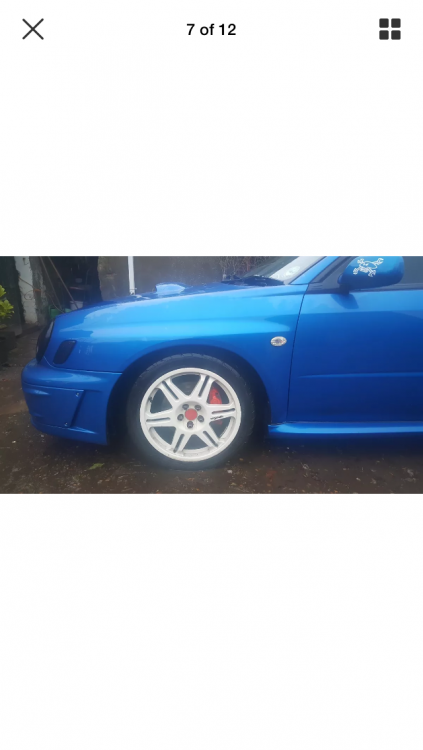
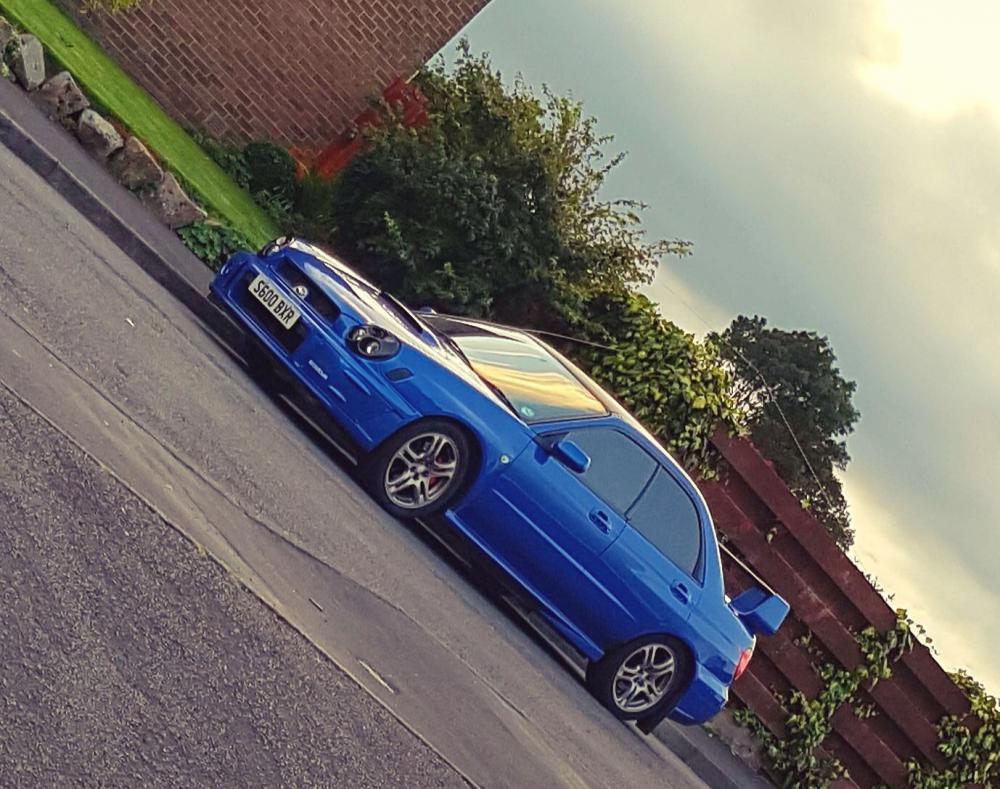
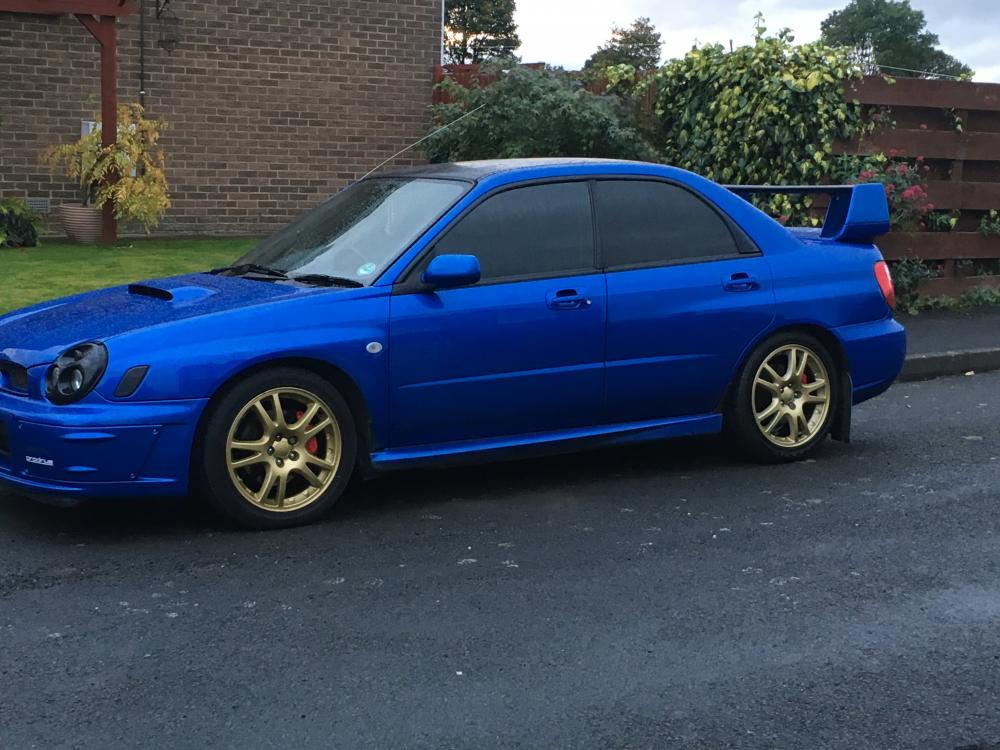
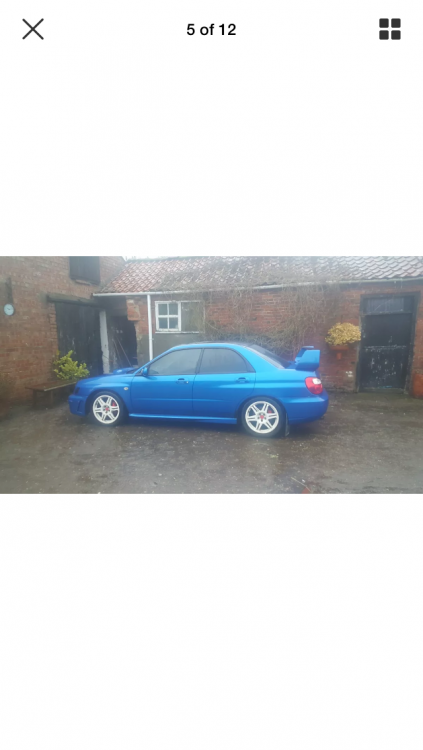
  8. Hello all, new member here from County Durham. I was a member of NESF but its all FB orientated now and i dont do FB. I purchased my WRX off Gambit on here. Thought id come along and introduce myself. Many of you will know the car. Had white wheels on when purchased and then bought standard WRX wheels and them went for the STI V7 alloys which i refurbed myself. Thanks Steve

Background Picker
Customize Layout

Account

Navigation

Search

Configure browser push notifications

Chrome (Android)
  1. Tap the lock icon next to the address bar.
  2. Tap Permissions → Notifications.
  3. Adjust your preference.
Chrome (Desktop)
  1. Click the padlock icon in the address bar.
  2. Select Site settings.
  3. Find Notifications and adjust your preference.