Nimbus
Members
-
Joined
-
Last visited
-
Nimbus changed their profile photo
-
Hi Brom Watched with interest your post re: tyre sizes. I am near Bingham, Notts if you want to compare handling some time ! I am generally unhappy with the roll/handling issues on my Tribeca and wondered if better shocks are perhaps the answer ?? Anyone have thoughts in this direction? Love the car otherwise and as you say, the size/weight will have a massive effect so don't want to overstate the problem. I used to have Impreza's so have been spoilt in the past. Cheers guys
-
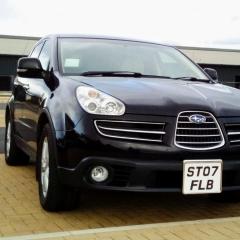
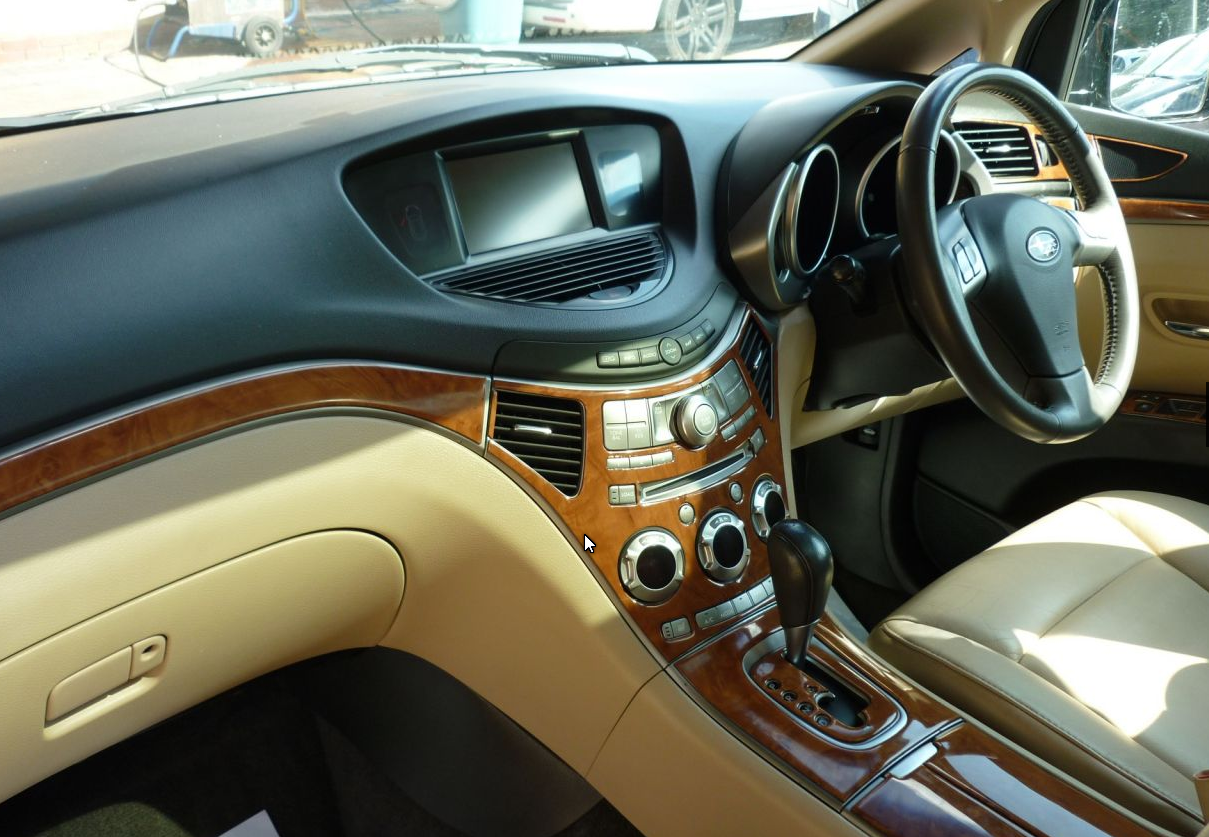
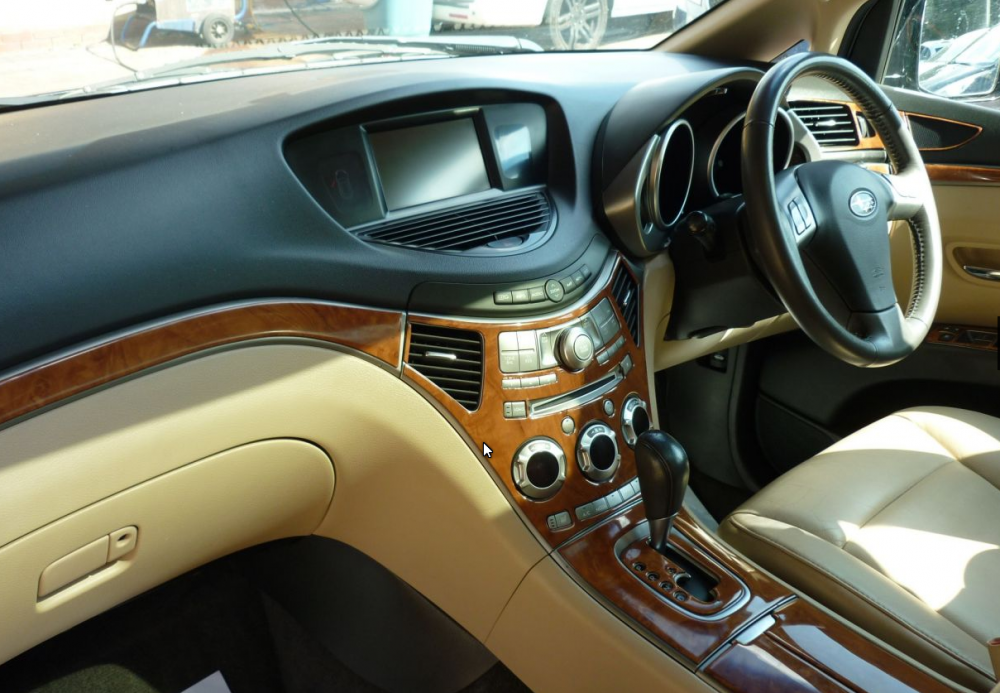
Black B9 Tribeca now running to East of Nottingham....love the smooth power delivery in this beast....but the dash sold it to me, as pic shows ! Big thanks to all replies to my camera issue....auto electrician found old camera had problems so spent all of £7.50 getting a new camera via Amazon !! (Subaru wanted £400....yeah right !) After some head scratching on the wiring the new camera fired up perfectly on first power up....Smiles all round
-
Hi all Newly acquired a 2007 Tribeca B9. Used to own an Impreza Turbo years ago, remembered the incredible 4x4 characteristics ! Don't expect more than a comfortable (bad back now) and smooth drive...pity about the mpg though. Any advice would be appreciated for the reversing camera......all I get are some coloured lines, nothing else......surely a live image should show right ? Cheers Graham