ande_sbraru
Members
-
Joined
-
Last visited
-
Hello everyone, in August this year I'm in South England for a week or two. I'm still searching for OEM struts (front & rear) in good condition. Would be nice if I could pick them up, while I'm there. Would be ideal if they are fully assembled with top mounts and springs. Other offers are also welcome 🙂 Greetings André
-
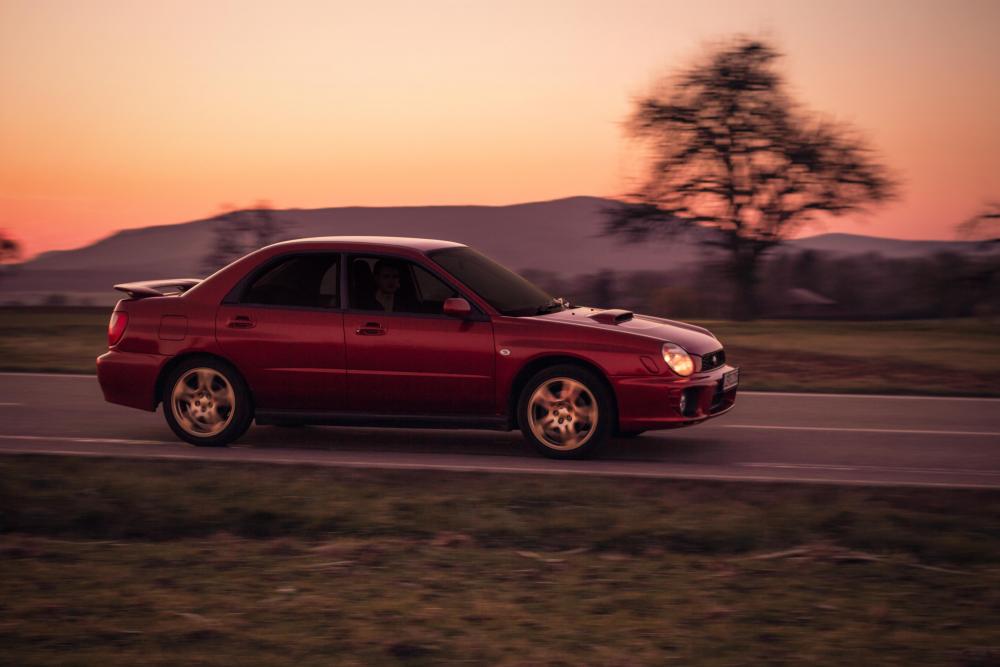
Hello everyone, I'm from Germany and own a 02 Bugeye WRX in the color Sedona Red. The car was imported by a previous owner. I thought it would be funny to see if the previous owner from the UK is around here 😄 Also nice to get some history about it. The Bug looks stock and apart from the catless DP and a yellow rear Anti-Roll bar there's nothing that does not appear to be stock. The clock was not working and the radio missing. Also the rear Surfboard-like spoiler lost it's clear coat. Sadly there are no other real differences that could set this Bug apart from others.