WR1-299
Members
-
Joined
-
Last visited
Everything posted by WR1-299
-
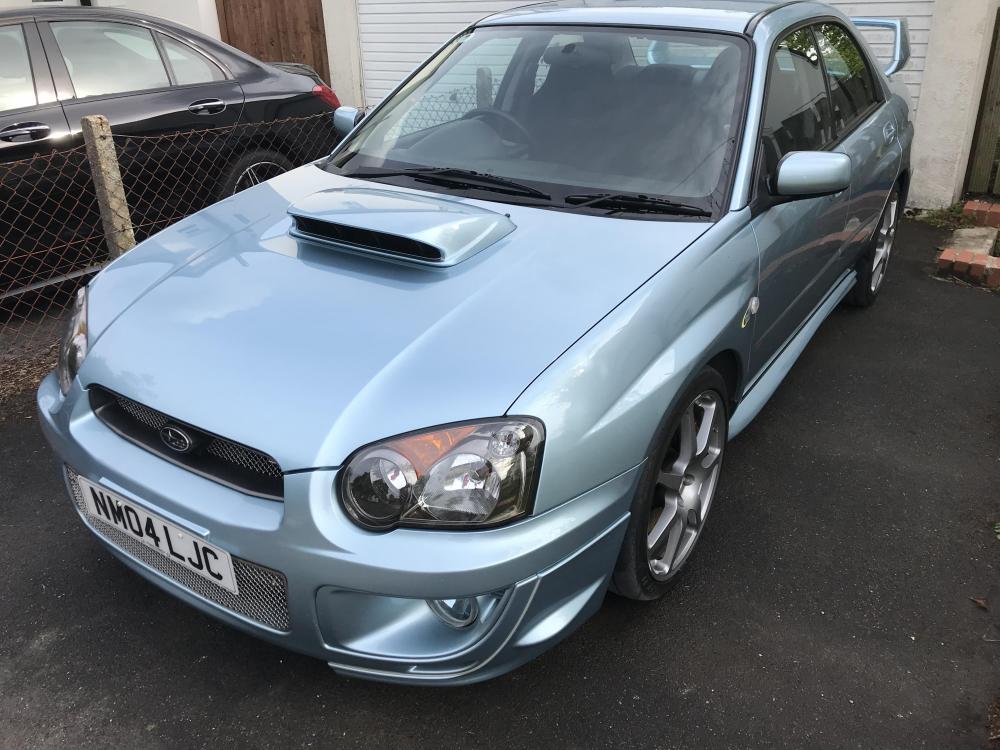
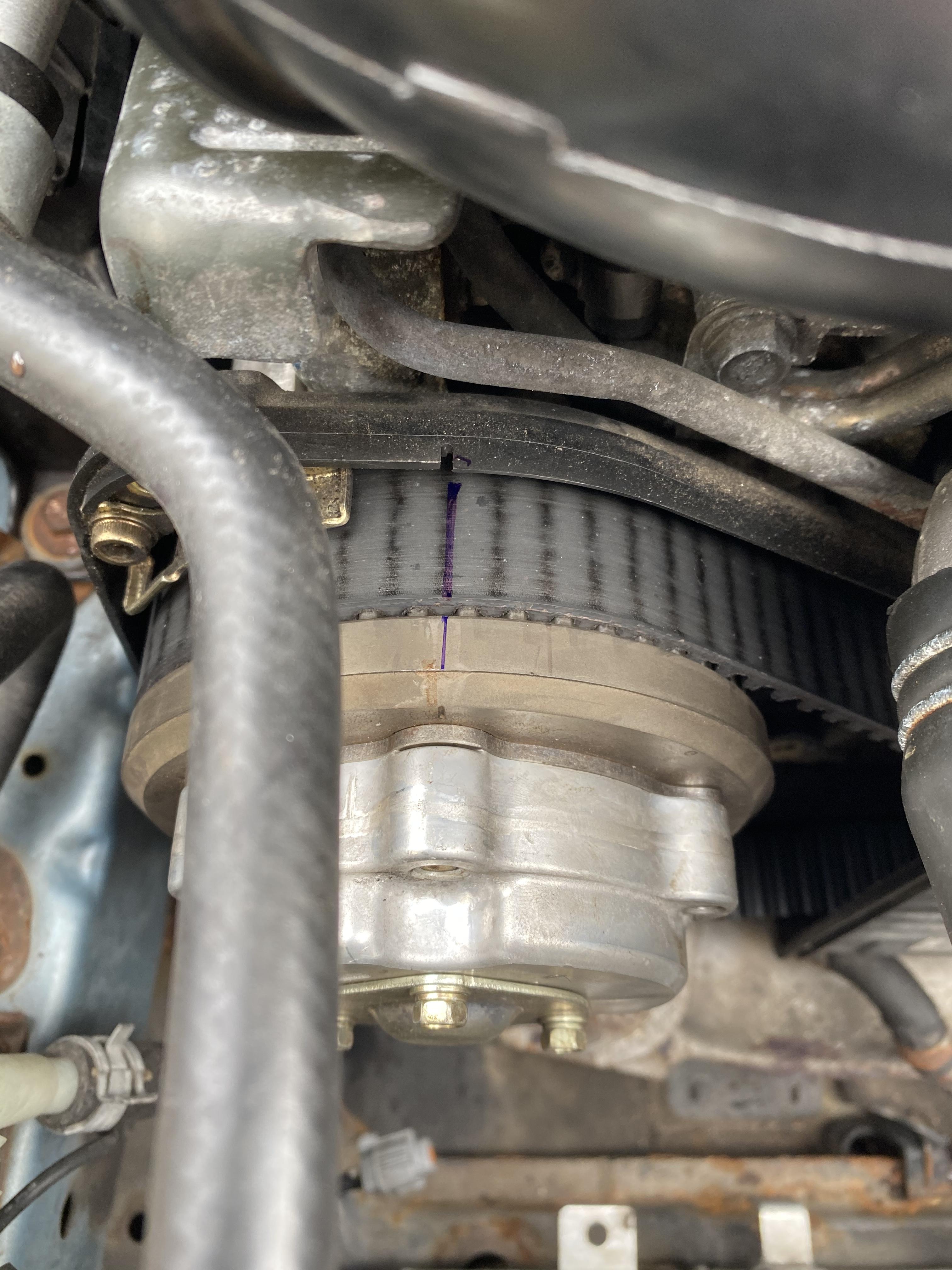
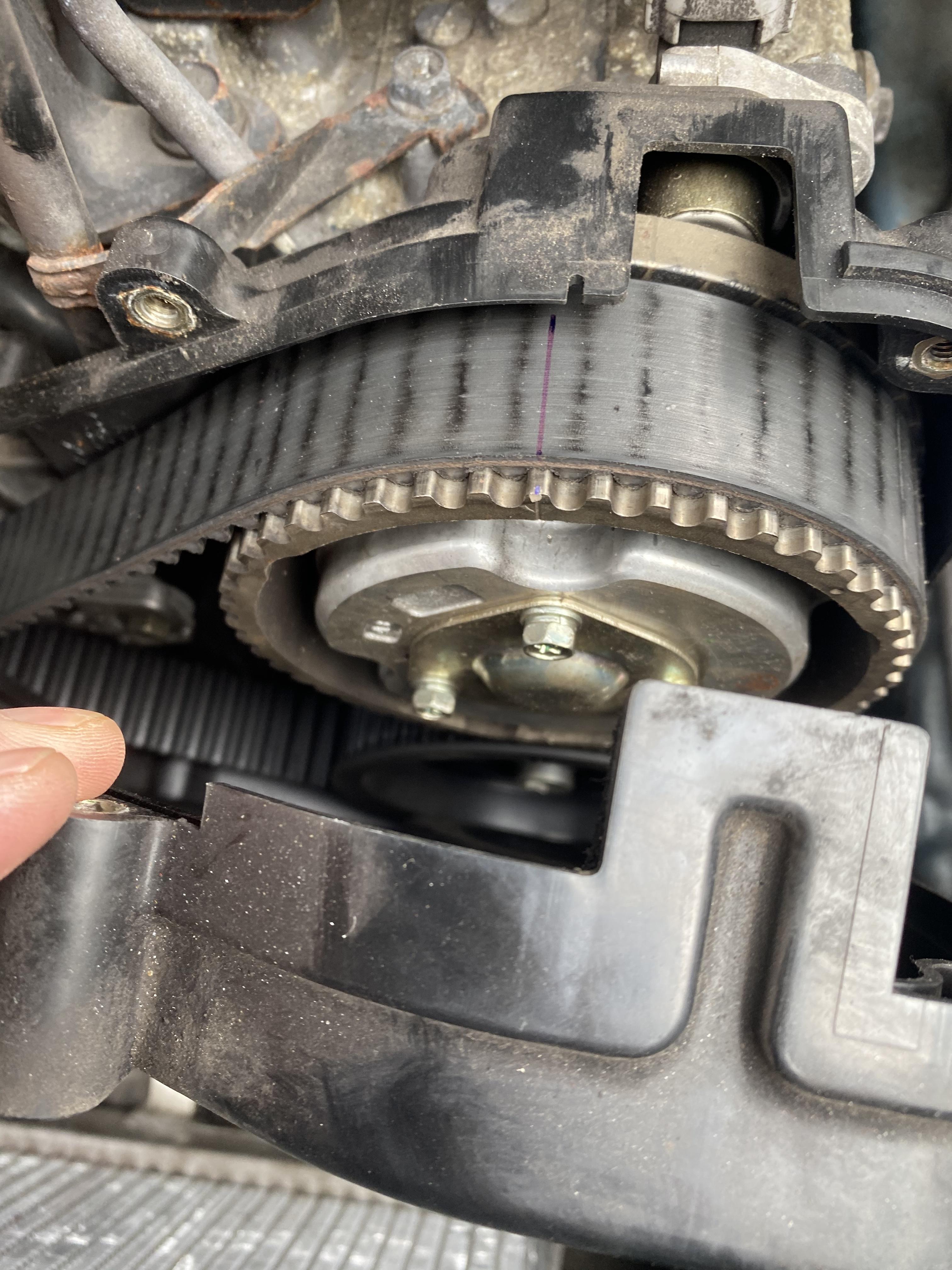
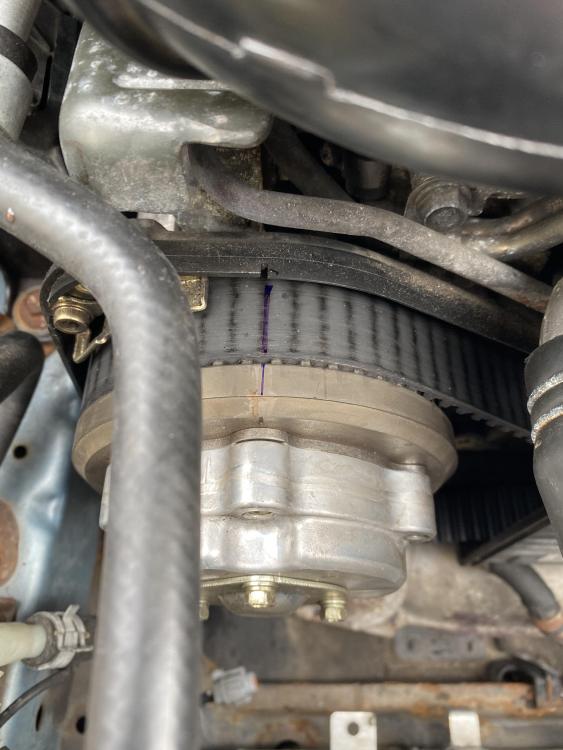
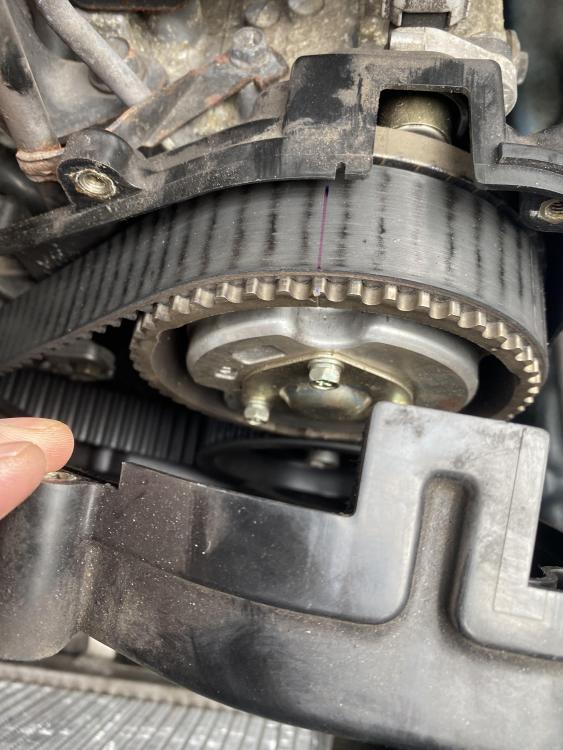
I have been through a number of threads with this issue and every remedy mentioned has not worked. I have a 2004 WR1, and this fault has been driving me crazy for quite some time. what have I done so far: swapped the sensors round to see if the fault code changes. No change. renewed the AVCS loom complete, from JTI Innovation. No change. I sent my ECU of to be checked for any issues, sent to Autotronics in Leicester. No fault found within the ECU. I think I am left with some options, which may be clutching at straws, these options are: check the timing. I have done this for it looked slightly off, but was told this can be quite normal. I’m not too sure. Have a look for yourself Bank 1 aligned correctly Bank 2 slightly off The cambelt was put into be replaced 2 years ago, but on looking at it, it looks a lot older. I am thinking that the garage that did the job may not have done so, therefore, the belt and the tensioner may not have been changed. If the timing is out slightly, would this not throw a fault in the cam position? as I said, I am clutching at straws and I want to drive the car without the dreaded engine light coming on after driving for a few minutes.
-
Give it a wash and a polish.