Skip to content
View in the app

A better way to browse. Learn more.

Subaru Owners Club UK | Subaru Forums

A full-screen app on your home screen with push notifications, badges and more.

To install this app on iOS and iPadOS
  1. Tap the Share icon in Safari
  2. Scroll the menu and tap Add to Home Screen.
  3. Tap Add in the top-right corner.
To install this app on Android
  1. Tap the 3-dot menu (⋮) in the top-right corner of the browser.
  2. Tap Add to Home screen or Install app.
  3. Confirm by tapping Install.

Pork chop

Members
  • Joined

  • Last visited

Everything posted by Pork chop

  1. Cheers savage 👍,Need to make myself some more patch panel cardboard I'm running out 🍺
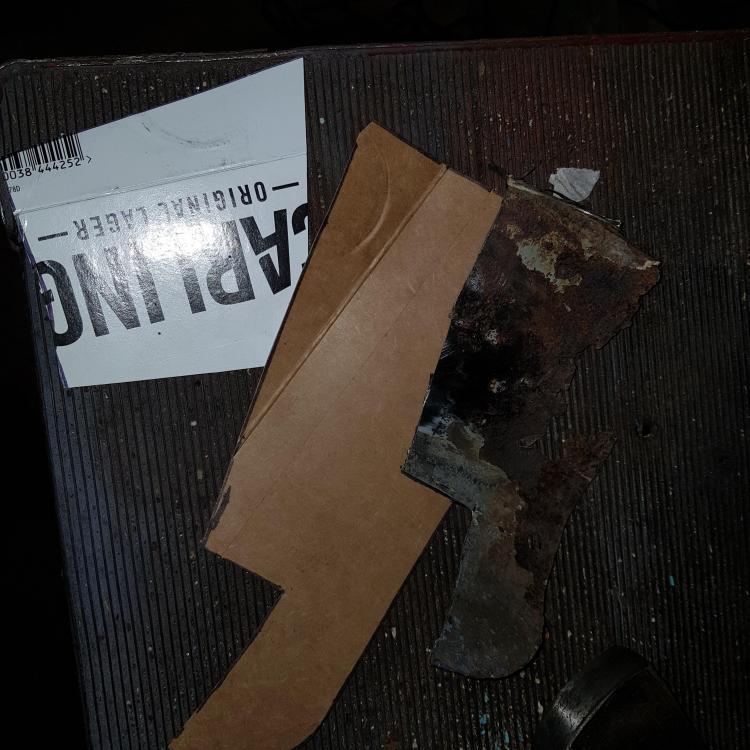
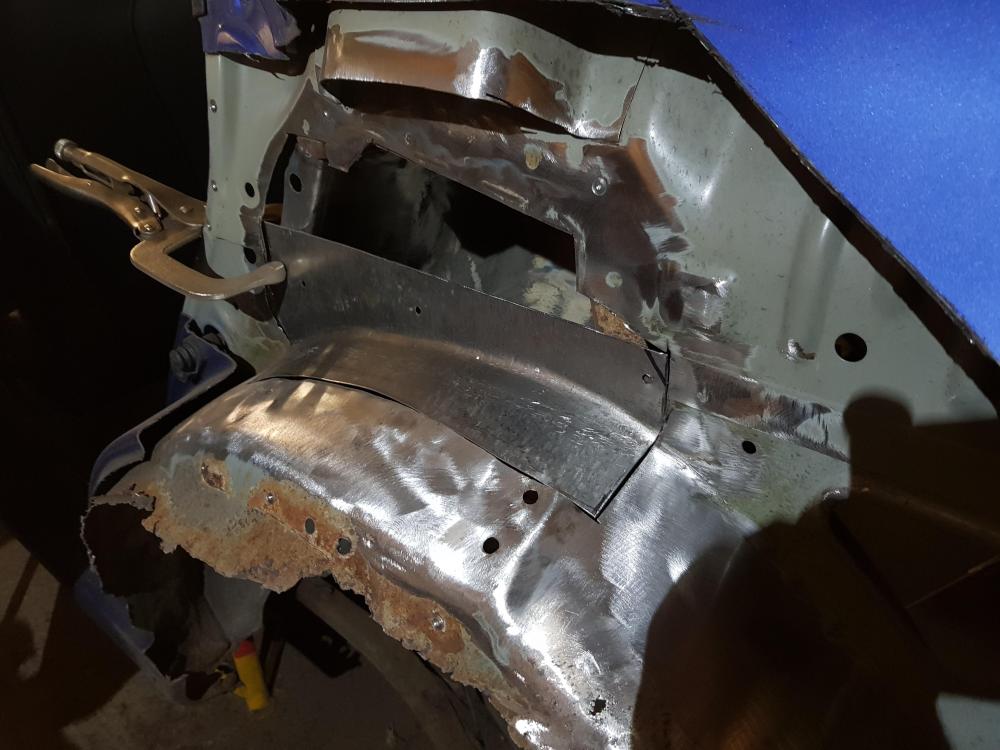
  2. Hand planished repair panels ahoy 🤪
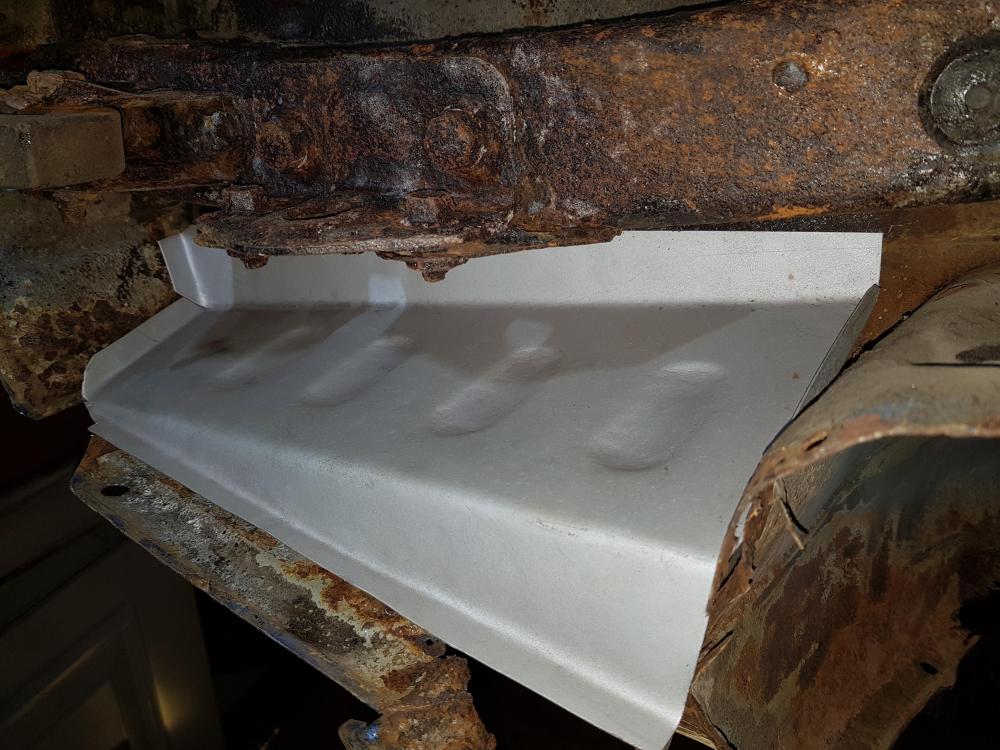
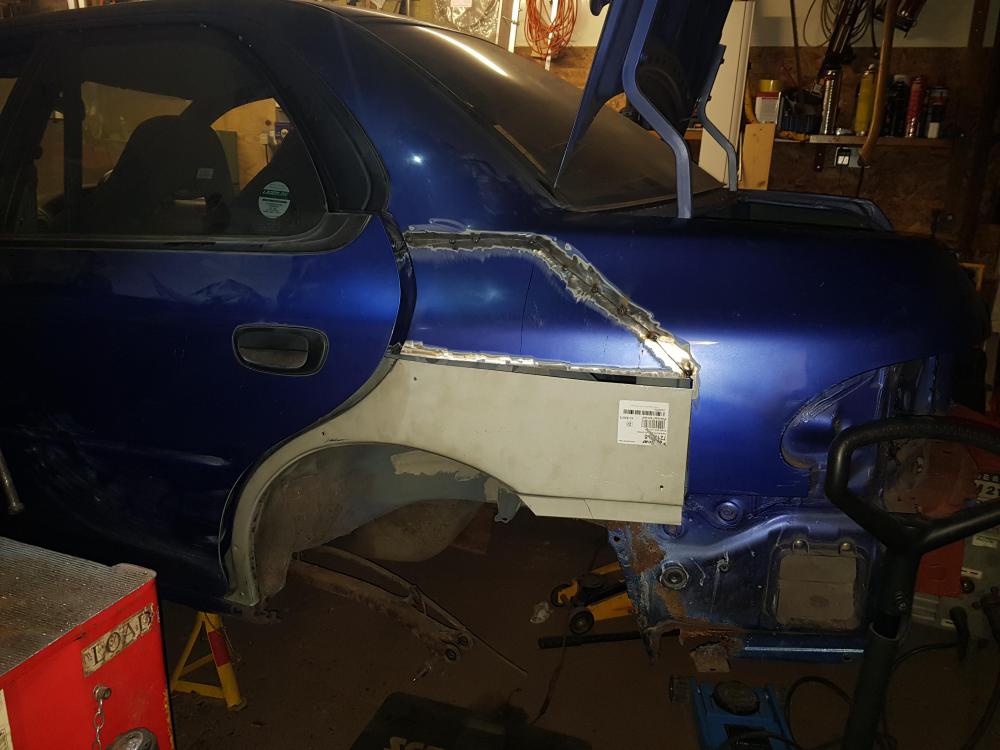
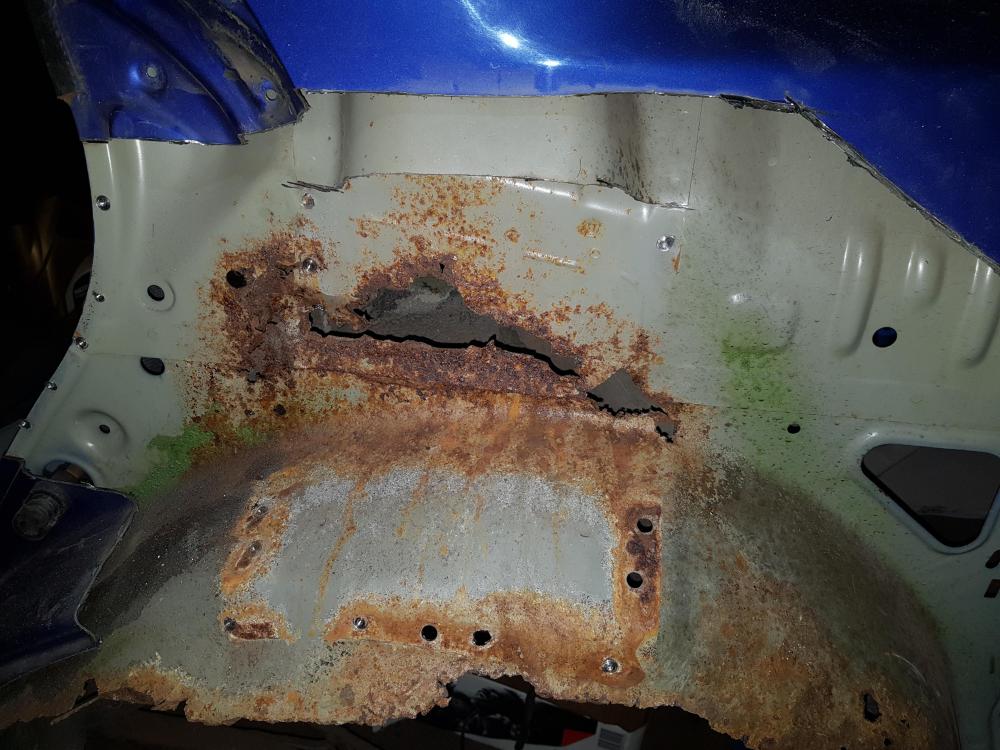
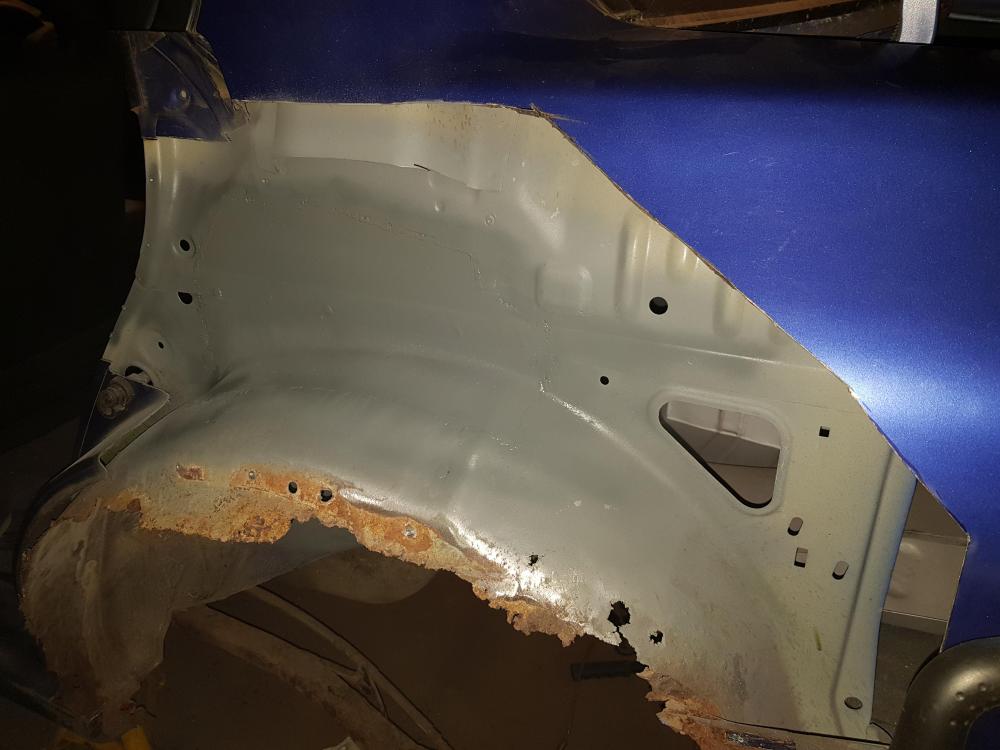
  3. Rust repairs continue!😪😪
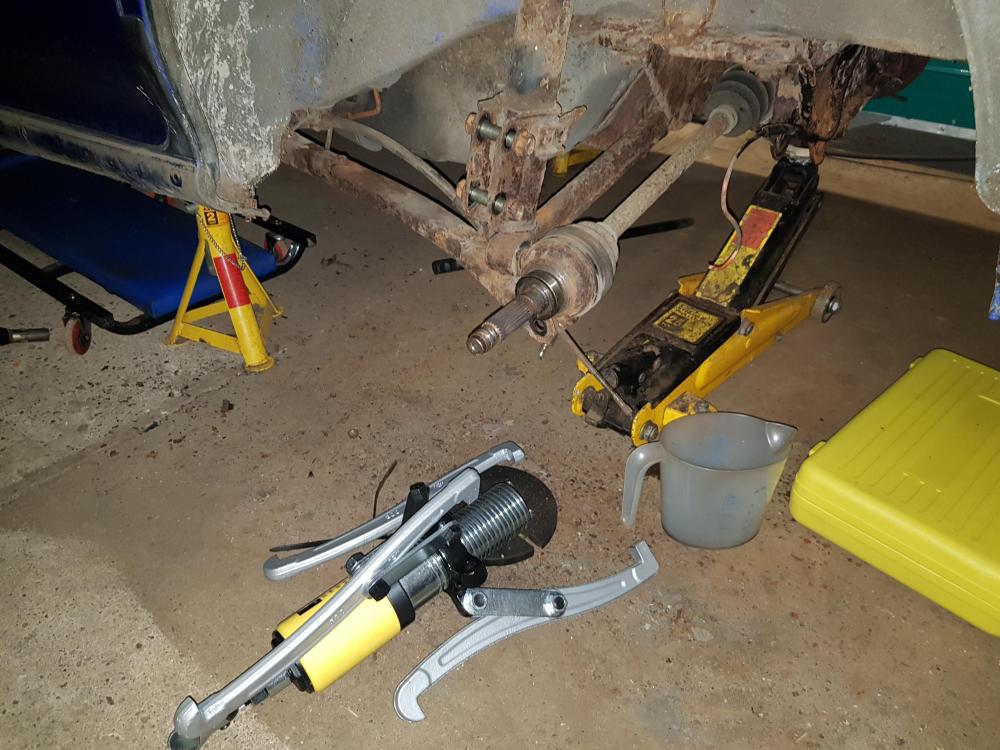
  4. Hi savage, pullers were a bargain mate just over £40 brilliant I had to make a plate to go over the wheel studs tho . https://rover.ebay.com/rover/0/0/0?mpre=https%3A%2F%2Fwww.ebay.co.uk%2Fulk%2Fitm%2F264017406153
  5. Removed rear hubs with great difficulty I might add ! Ebay spesh 15ton hydraulic pullers, copious amounts of plus gas and heat finally 21 year old splines released phew😬😜

Background Picker
Customize Layout

Account

Navigation

Search

Search

Configure browser push notifications

Chrome (Android)
  1. Tap the lock icon next to the address bar.
  2. Tap Permissions → Notifications.
  3. Adjust your preference.
Chrome (Desktop)
  1. Click the padlock icon in the address bar.
  2. Select Site settings.
  3. Find Notifications and adjust your preference.