Deso
Members
-
Joined
-
Last visited
-
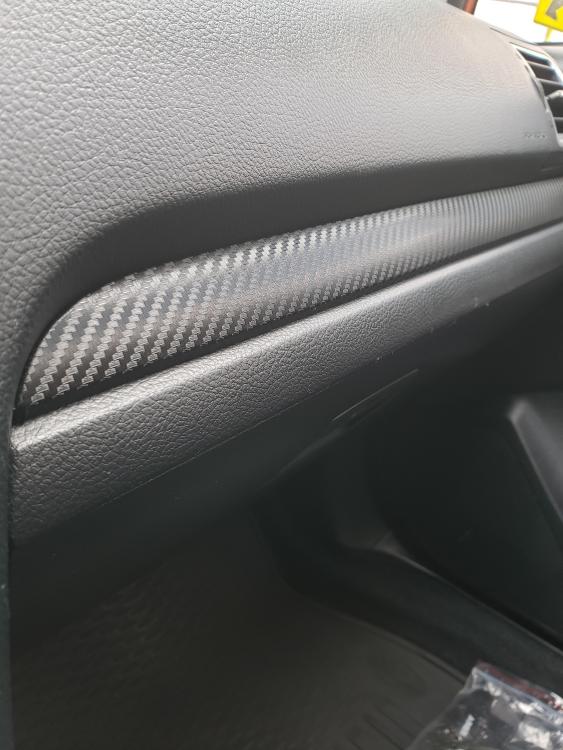
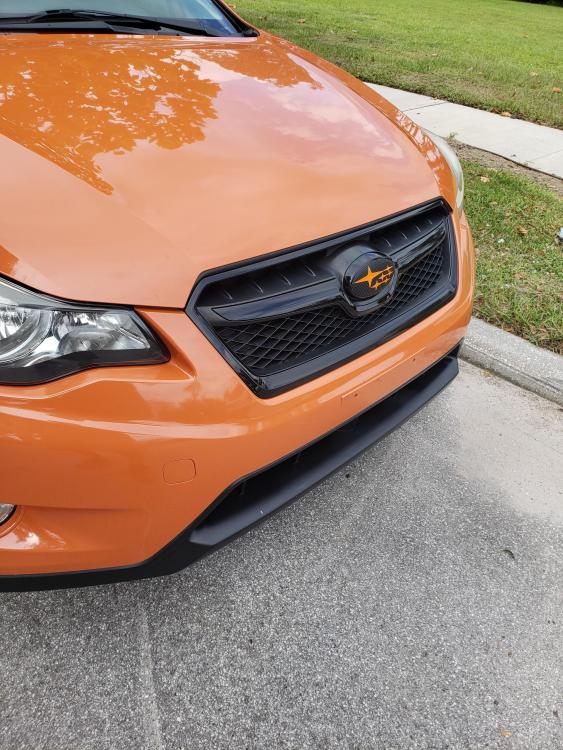
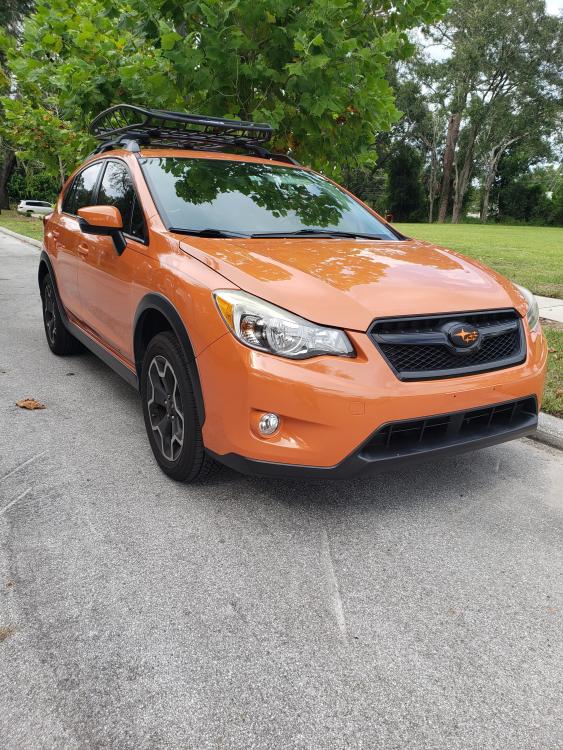
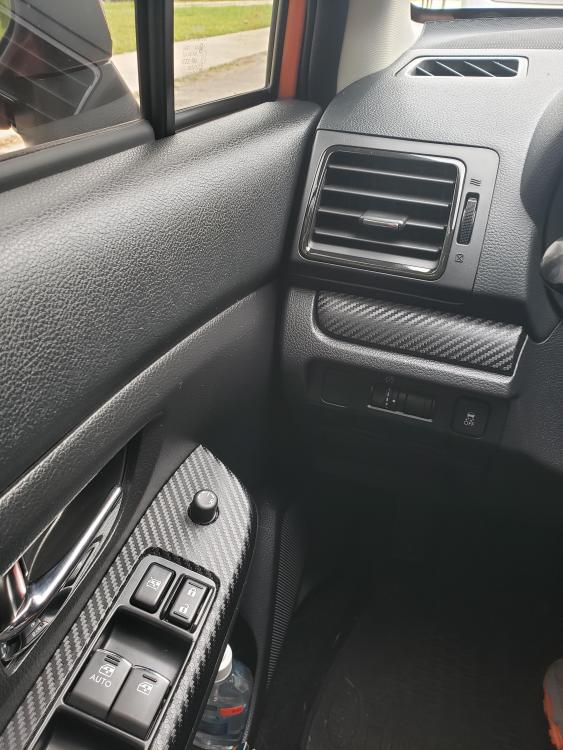
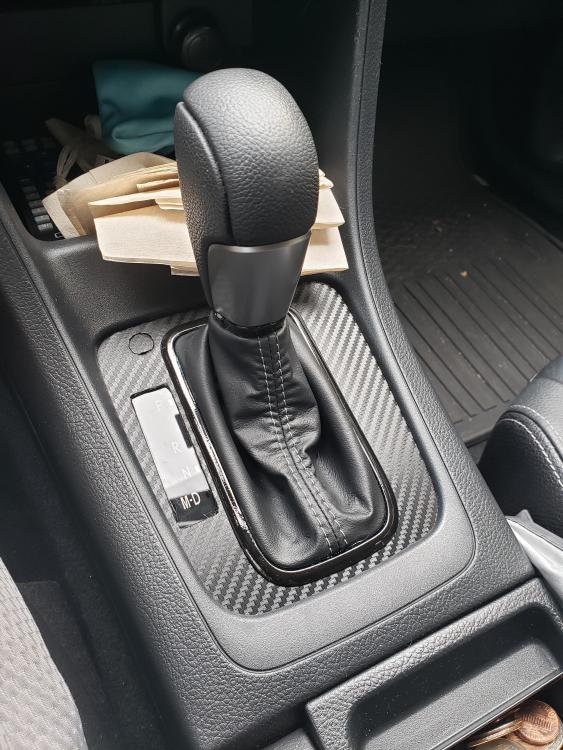
It does. Its a little bit textured but its smooth. Feels nice. I also painted the silver trims around the ac vents to a gloss black. Overall, im happy with it. Also finally got the grill done!
-
Very cool! I actually thought about wrapping it with carbon wrap at first but saw one with gloss black and really liked it. Yours looks really nice! I like how the carbon look doesnt stand out so much unless you get close to it. The black wheels goes well also. Nice job! Ill post some photos when its all finished.
-
I did. I just started to do some custom touches. Deleting the chrome is definitely in the to do list. Going to paint the chrome on the grill a gloss black and change out the badges. The chrome just doesnt look good. Thanks for the suggestion! The black with the white looks really nice! I have the orange one so hoping the black will look good on it
-
Doing some interior work. Decided to wrap the aluminum look trim pieces in my XV. Its pretty easy and looks much better.