Malc
Members
-
Joined
-
Last visited
Everything posted by Malc
-
Yes, me too (as they say!) Don't open the link!!! Malc
-
Many thanks for the heads up. I'll check it out now!
-
Hi and many thanks to all for your advice and comments. I'll take a look at the options you suggest.
-
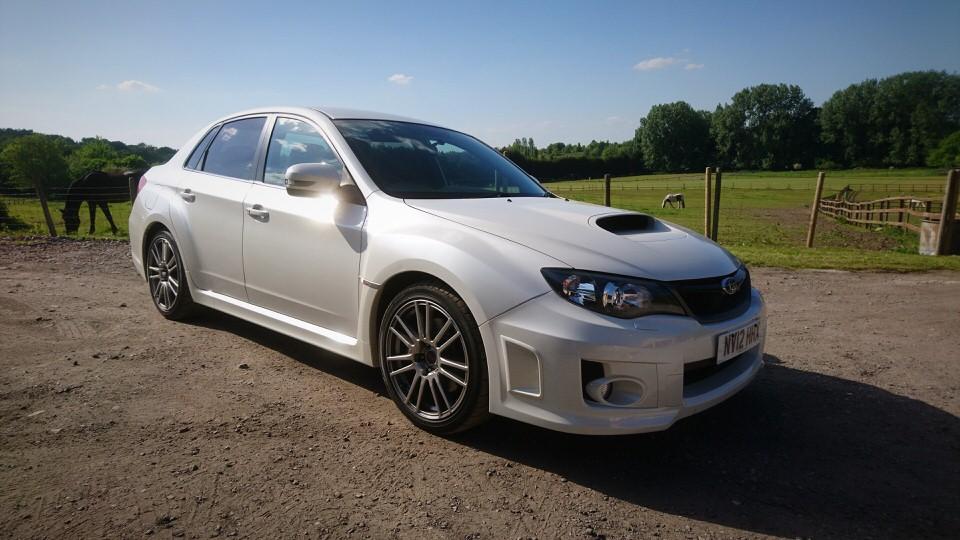
Hi. Anyone got any tips or recommendations for Autumn/Winter tyres for my 2012 WRX Sti? I'm running on semi-slicks at the moment. Don't need anything rally-ready, just good all round boots. Cheers
-
Thanks Jay. Nice to be part of the Subaru set! All the best. Malc
-
Hi there. Thanks for the welcome and I too love the shape; bit more muscular than some. Best wishes.
-
A long time ago I bought one of the first Mk1 Prodrive Subaru's (Mica Blue etc) and loved it. After a succession of reasonably fast cars including a V6 Clio, I never quite got over the uniqueness of the Scooby. And then, like some kind of odd serendipity, this beauty turned up in my local garage. I circled round it for a month and then thought sod it. I'm nearly 70 and despite screams of dispair from my wife and family, I test drove it and that was it! When you look at the build it's pretty basic, the radio and satnav are like something out of the 60s, but when you get in and drive it, that sound and feeling of being in an arcade game, that's unique!