Boots819 ian
Members
-
Joined
-
Last visited
-
-
-
paid by the way
-
going bring, wash up liquid ,tarp, and paddling pool. please supply your own snorkel and face mask for health and safety reasons
-
I'd best go as I've got flags and banners best book it for 2 cars as well, ps camping weekend I think.
-
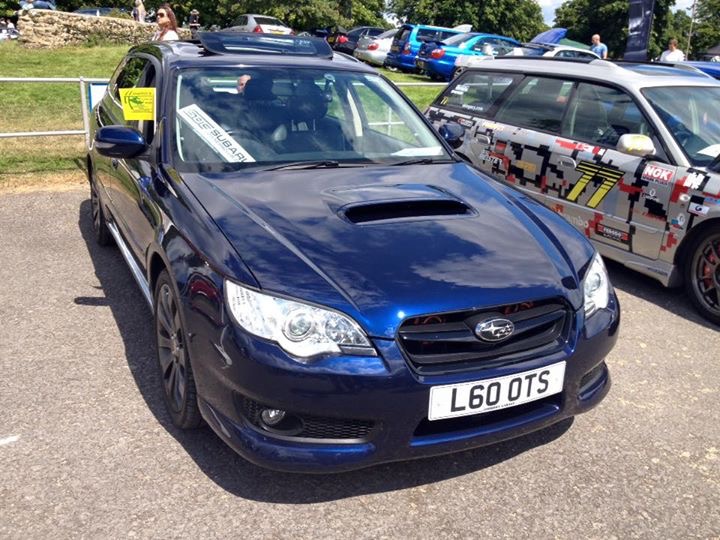
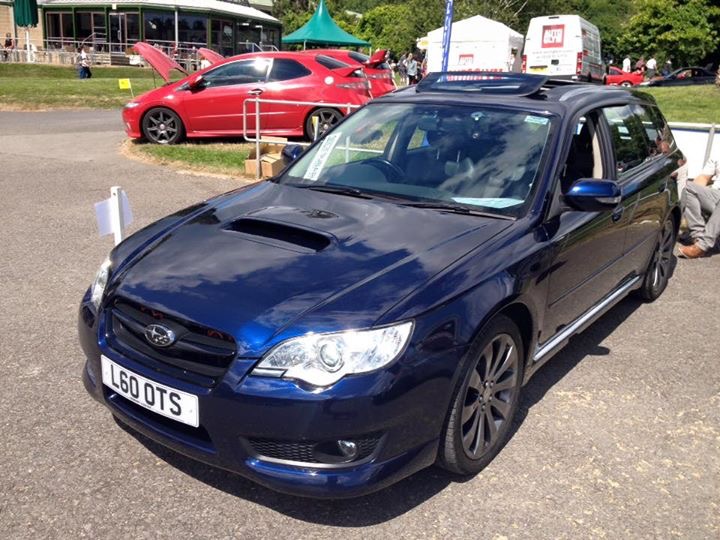
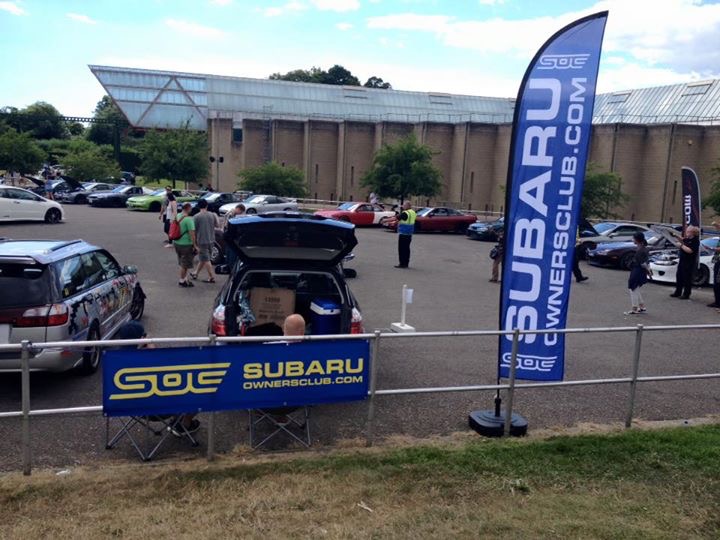
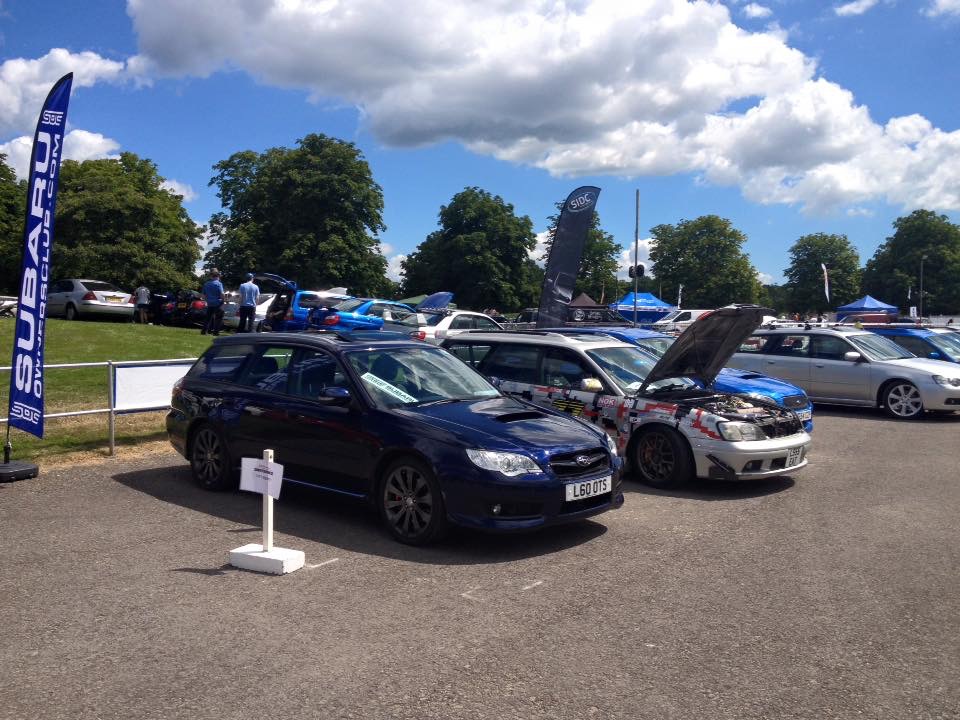
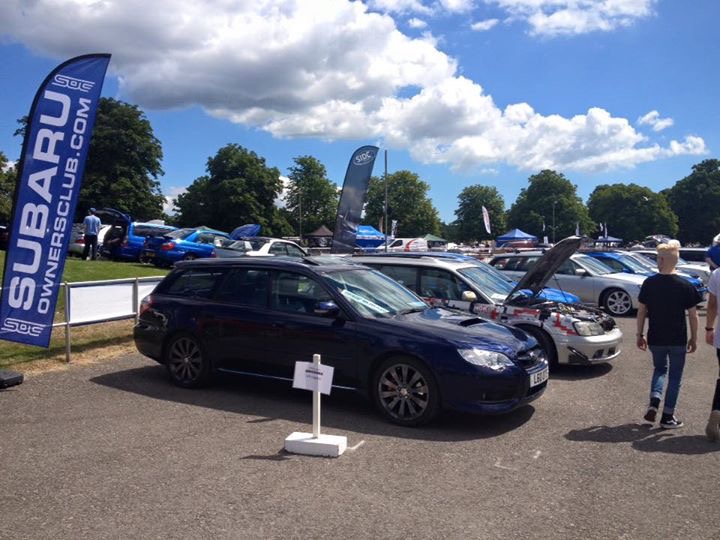
FLAGS FLYING HIGH TODAY
-
Bno probs about 2.5 hrs AA reckon reckon 1.55 early morning across Salisbury plan can't wait
-
I'm ready will have to meet on stand maybe running late for 8 am meet
-
i'll be flying the SOC Flag and SOC under pants also being worn
-
sorry not been around( personal reasons) all going well , will be at above point on time, see you all , quite a few police around last year so drive carefully lol
-
didnt make it , wife not good, and got all dressed up with no place to go
-
I THINK MY BOY WILL TURN UP TO GEOFF, ALTHOUGH NOT IN SUBARU, SEE YOU THERE
-
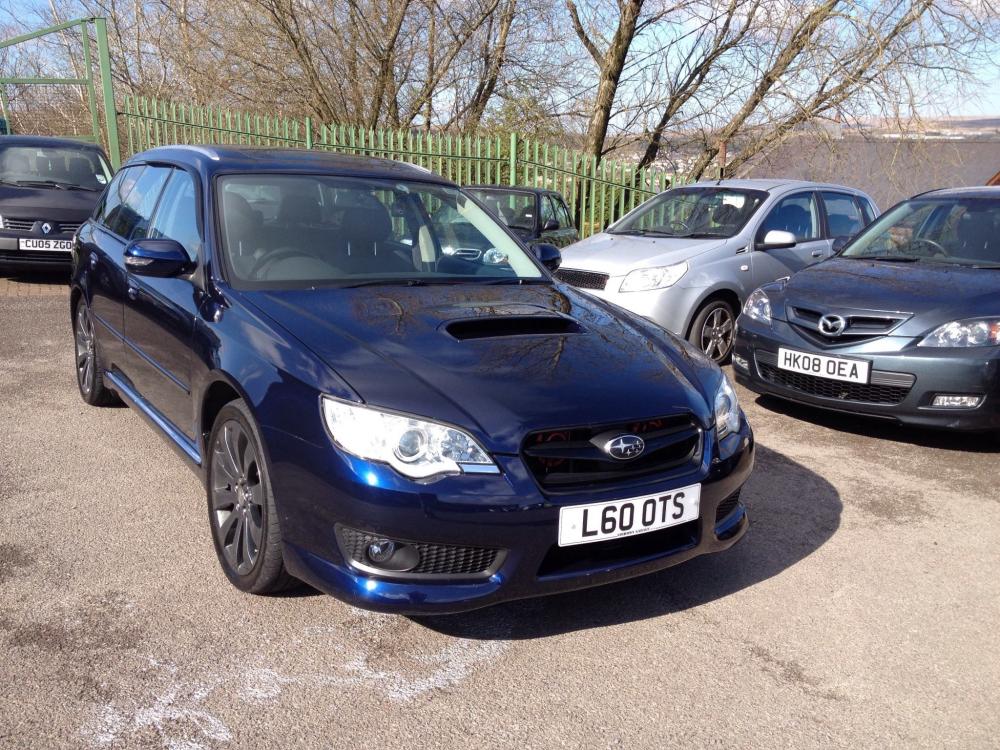
I'm bringing 2 cars for the stand if possible please, my legacy and the boys new toy
-
Put me down please weekend camping , weekend drinking, weekend what weekend
-
I think we should book the stand Asaph for at least 20 cars so we can get the hard standing by the museum entrance again , really great spot, there's bond to be late comers , and if not we,ll have some line dancing space