Blob205
Members
-
Joined
-
Last visited
Everything posted by Blob205
-
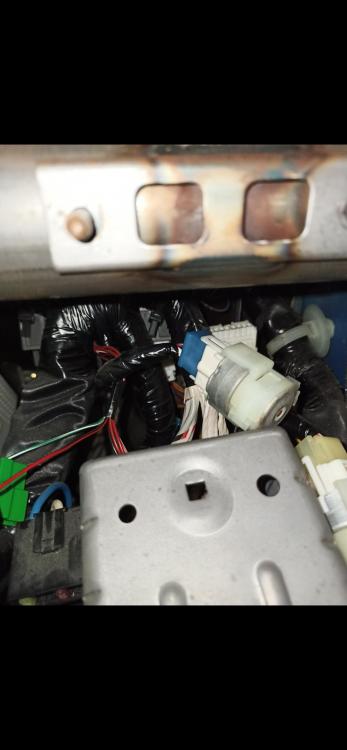
 Hello everyone, i am new here and im looking for some help regarding a parasitic draw issue ive been having and cant figure out. I have narrowed it down to the 20A clock room fuse in the engine bay, and upon further investigation and disconnecting everything that i have found on that circuit, the draw was still there.. So i decided to dig under the dash and look for something that is warm therefore drawing constant power, i found a denso 5260 relay with a blue connector that is sitting ontop of the fuse box bracket( clipped in from the underside pretty much hidden away) and what do you know, it is really warm, after disconnecting it the draw fell down to an acceptable level. But i cant find anything about that relay online, and what it is there for, also tried replacing it with a new relay and it doesnt fix the issue either, looking for some input on what that thing is there for so i can run that circuit down for any possible faults..