Do Not Sell My Personal Information Jump to content
View in the app

A better way to browse. Learn more.

Subaru Owners Club UK | Subaru Forums

A full-screen app on your home screen with push notifications, badges and more.

To install this app on iOS and iPadOS
  1. Tap the Share icon in Safari
  2. Scroll the menu and tap Add to Home Screen.
  3. Tap Add in the top-right corner.
To install this app on Android
  1. Tap the 3-dot menu (⋮) in the top-right corner of the browser.
  2. Tap Add to Home screen or Install app.
  3. Confirm by tapping Install.

Poppy

Members
  • Joined

  • Last visited

  1. Welcome!!
  2. That is beautiful!!
  3. 😂😂😂😂
  4. Thank you!!!
  5. Craig0789 started following Poppy
  6. Poppy started following Craig0789
  7. Literally same😂😂
  8. Yeah the amount of people I've had yell REV ITT as I drive past🤣🤣 Awesome, sounds like a plan 🙂
  9. Thank you!!
  10. Hiya! Deffo enjoying it, only picked her up on Monday L) Aw awesome!! I'll let you know if I hear of any!
  11. Lovely car!!
  12. Poppy changed their profile photo
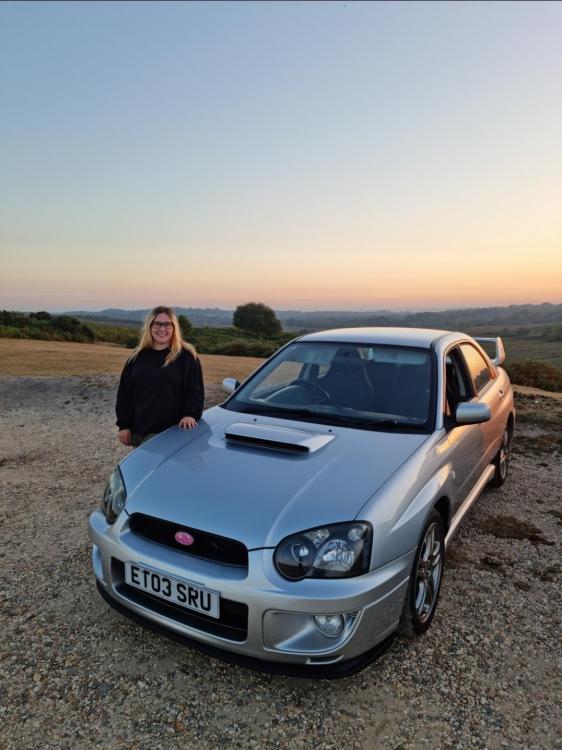
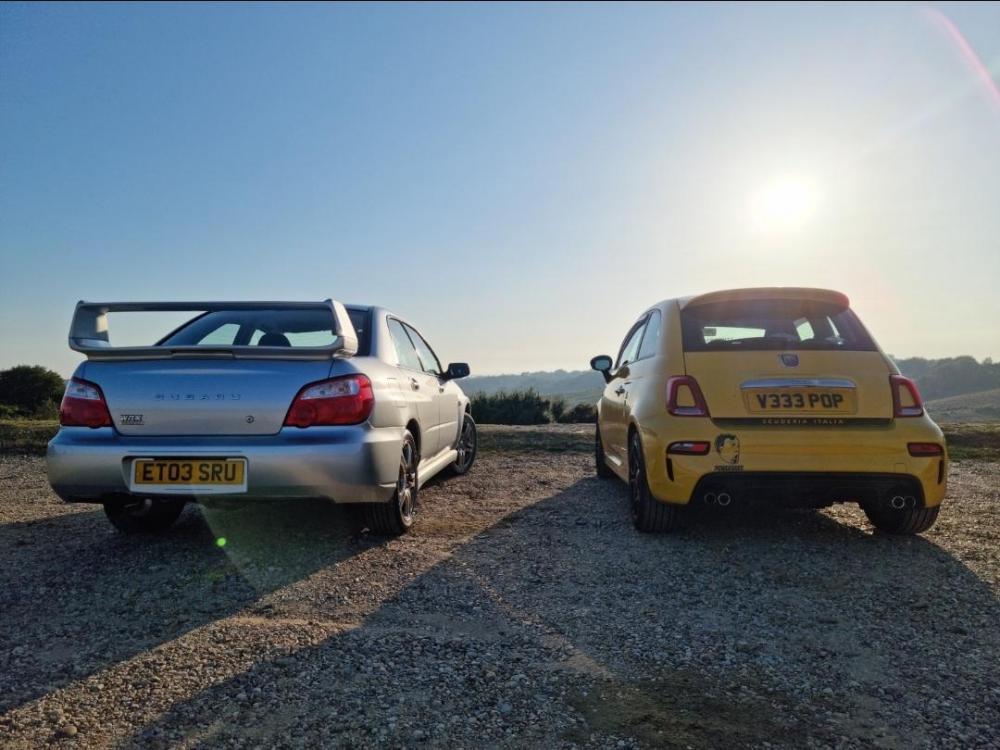
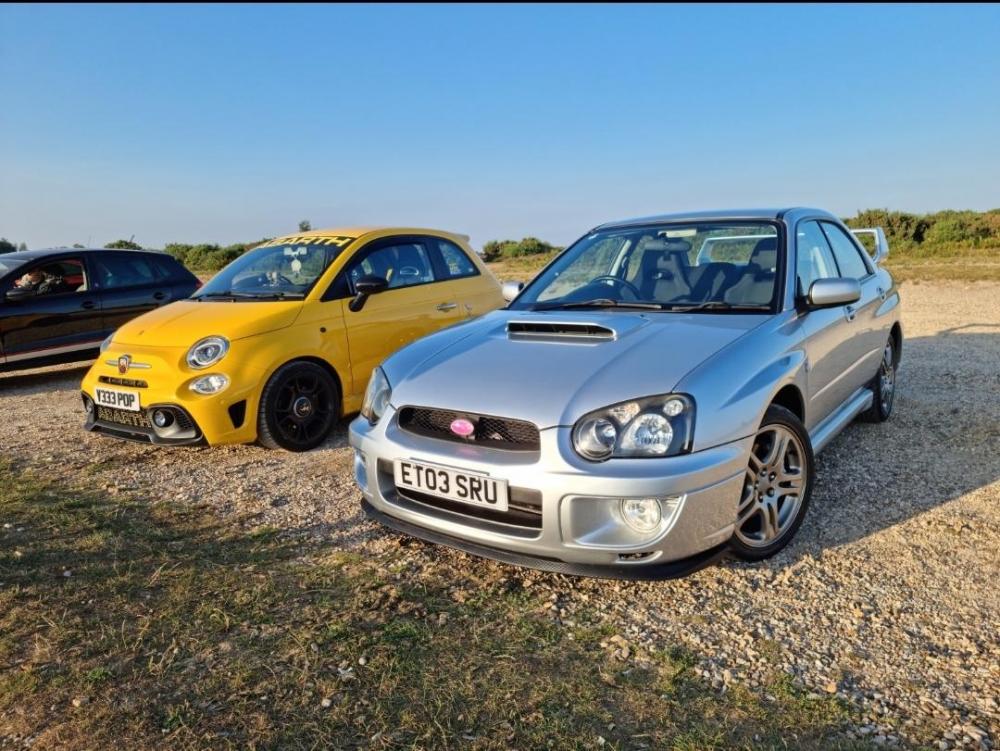
  13. Hi everyone! I'm new here, picked up my Scooby on Monday🥰 Looking forward to getting to know you all, are there any meets going on soon? I'm in Surrey😊 Thank you!!
Background Picker
Customize Layout

Configure browser push notifications

Chrome (Android)
  1. Tap the lock icon next to the address bar.
  2. Tap Permissions → Notifications.
  3. Adjust your preference.
Chrome (Desktop)
  1. Click the padlock icon in the address bar.
  2. Select Site settings.
  3. Find Notifications and adjust your preference.