Denise Neville
Members
-
Joined
-
Last visited
-
Thank you ernieb. Just as I had feared. I was interested to find that there has been a lawsuit against Subaru in the US for faulty Starlink systems. I have dropped a line to Subaru, as 4 years for a system to work and then fail, isnt satisfactory at all.
-
Denise Neville joined the community
-
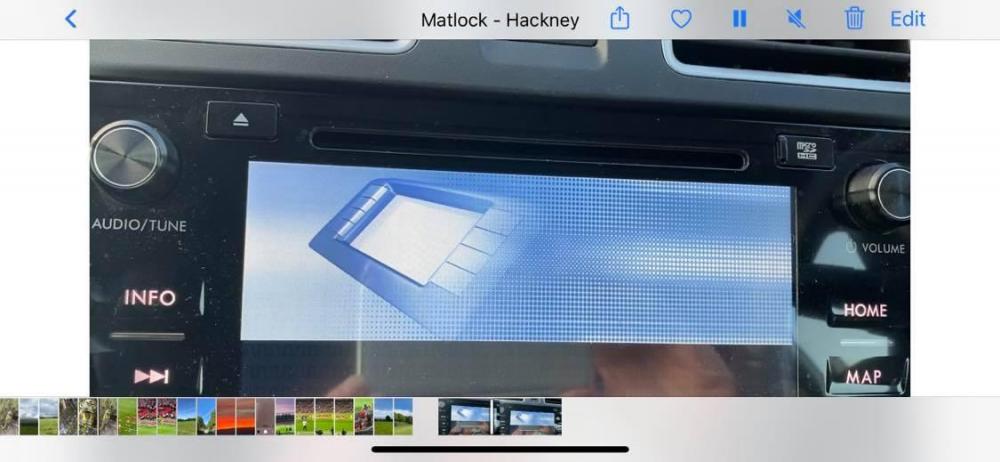
We own a Subaru XV, 2017, which until recently had a perfectly functioning Starlink Infotainment System. Then out of the blue, it decided not to boot up. It is constantly going through the motions of starting, getting so far, then failing. It turns off, then turns on again and goes through the same procedure. This was particularly annoying last night on a trip up north in the dark, very distracting. So far, we have gone back to the garage where we purchased it from, they showed very little interest and said they would call back, which they didnt. Another garage informed us that they did not have the capabilities to do the job and referred us to another Subaru Garage. They had the car for a considerable time, and reported back that it would mean a new unit. We have browsed the internet to try and see if there is a similar story, but cannot find it. Any help would be greatly appreciated. I attach a screen shot of the video I took earlier.