Skip to content
View in the app

A better way to browse. Learn more.

Subaru Owners Club UK | Subaru Forums

A full-screen app on your home screen with push notifications, badges and more.

To install this app on iOS and iPadOS
  1. Tap the Share icon in Safari
  2. Scroll the menu and tap Add to Home Screen.
  3. Tap Add in the top-right corner.
To install this app on Android
  1. Tap the 3-dot menu (⋮) in the top-right corner of the browser.
  2. Tap Add to Home screen or Install app.
  3. Confirm by tapping Install.

Jonathan

Members
  • Joined

  • Last visited

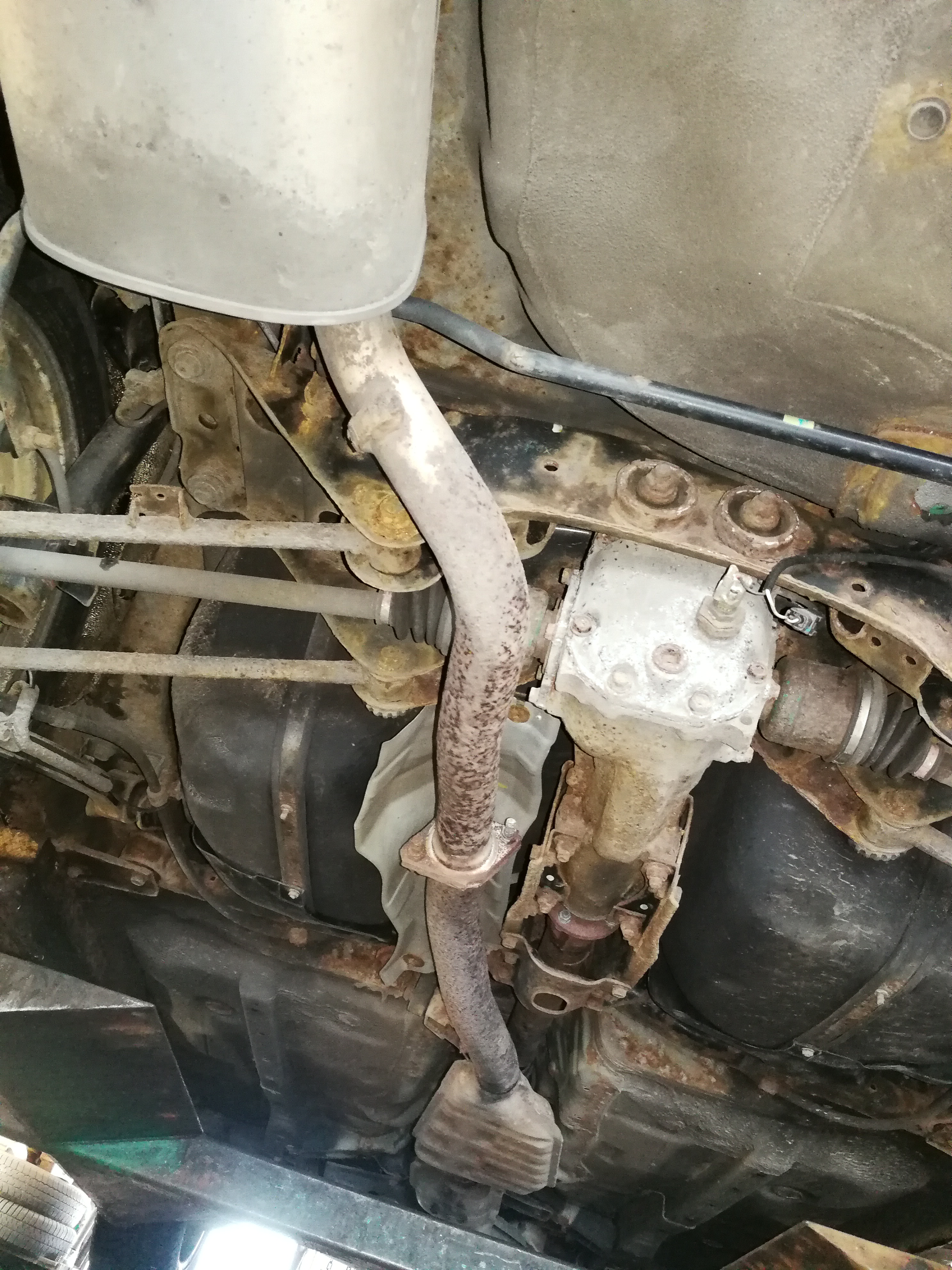
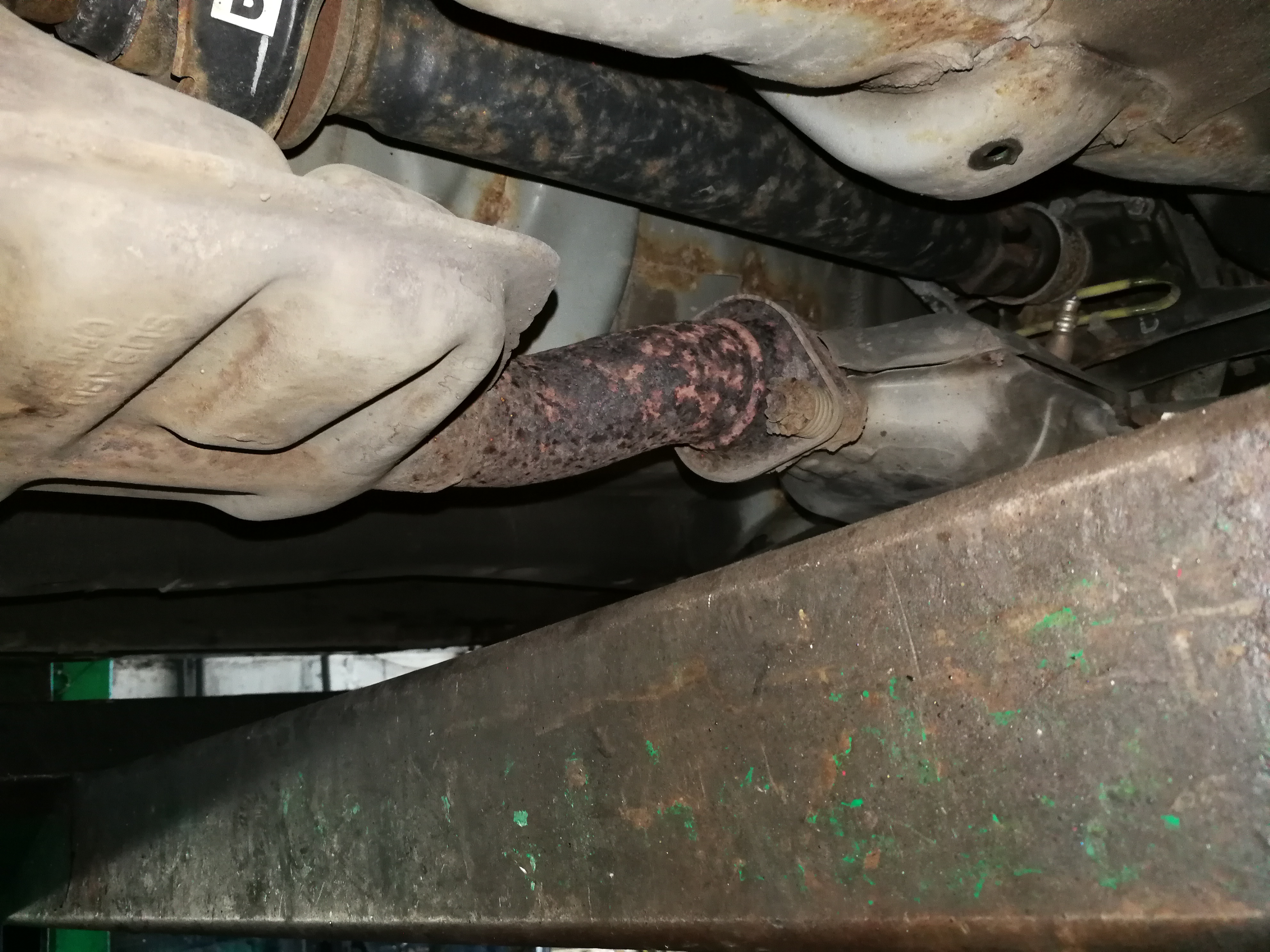
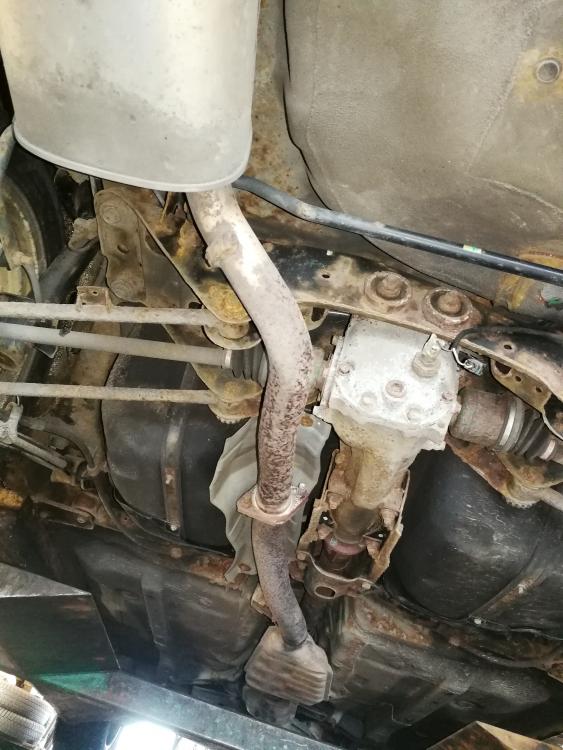
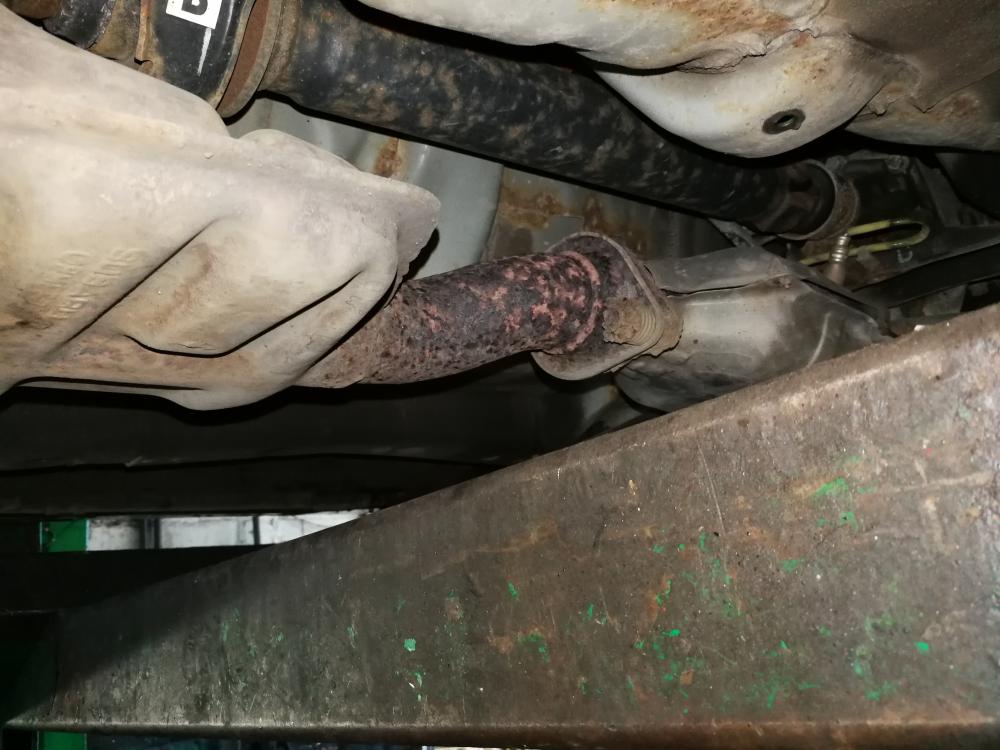
  1. I've managed to get some pictures. The clamp that connects the cat to the mid-section is rusted and the pipes that connect the mid section to the back silencer have also gone. But the picture of mine is different to yours. theres a cat, clamped to a mid section that runs through to the rear silencer. You might me much more of an ex[ert than me in working out whether it's the same shape - what do you think? out wdifferent to yours -
Background Picker
Customize Layout

Account

Navigation

Search

Search

Configure browser push notifications

Chrome (Android)
  1. Tap the lock icon next to the address bar.
  2. Tap Permissions → Notifications.
  3. Adjust your preference.
Chrome (Desktop)
  1. Click the padlock icon in the address bar.
  2. Select Site settings.
  3. Find Notifications and adjust your preference.