Skip to content
View in the app

A better way to browse. Learn more.

Subaru Owners Club UK | Subaru Forums

A full-screen app on your home screen with push notifications, badges and more.

To install this app on iOS and iPadOS
  1. Tap the Share icon in Safari
  2. Scroll the menu and tap Add to Home Screen.
  3. Tap Add in the top-right corner.
To install this app on Android
  1. Tap the 3-dot menu (⋮) in the top-right corner of the browser.
  2. Tap Add to Home screen or Install app.
  3. Confirm by tapping Install.

Retserof

Members
  • Joined

  • Last visited

Everything posted by Retserof

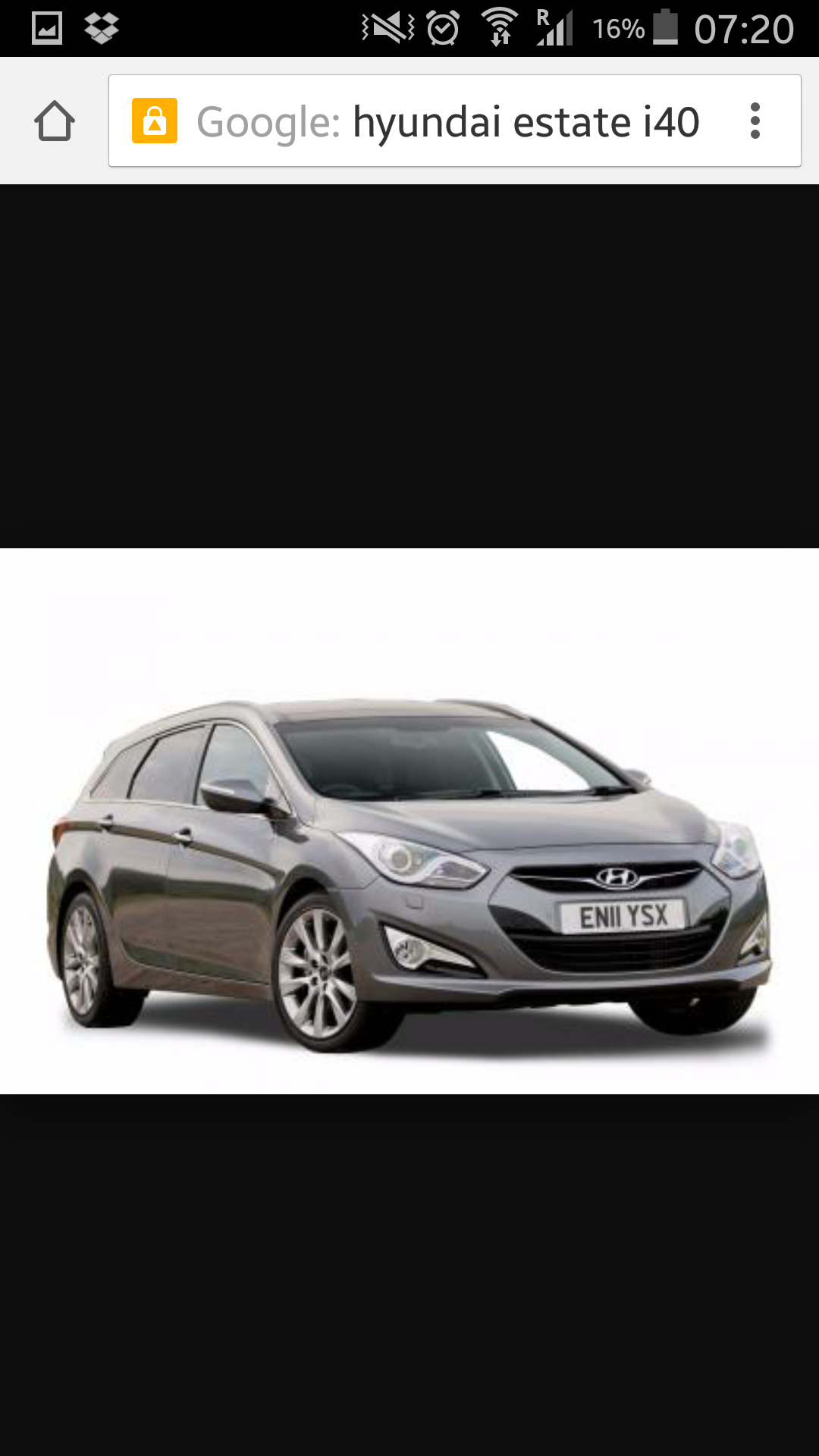
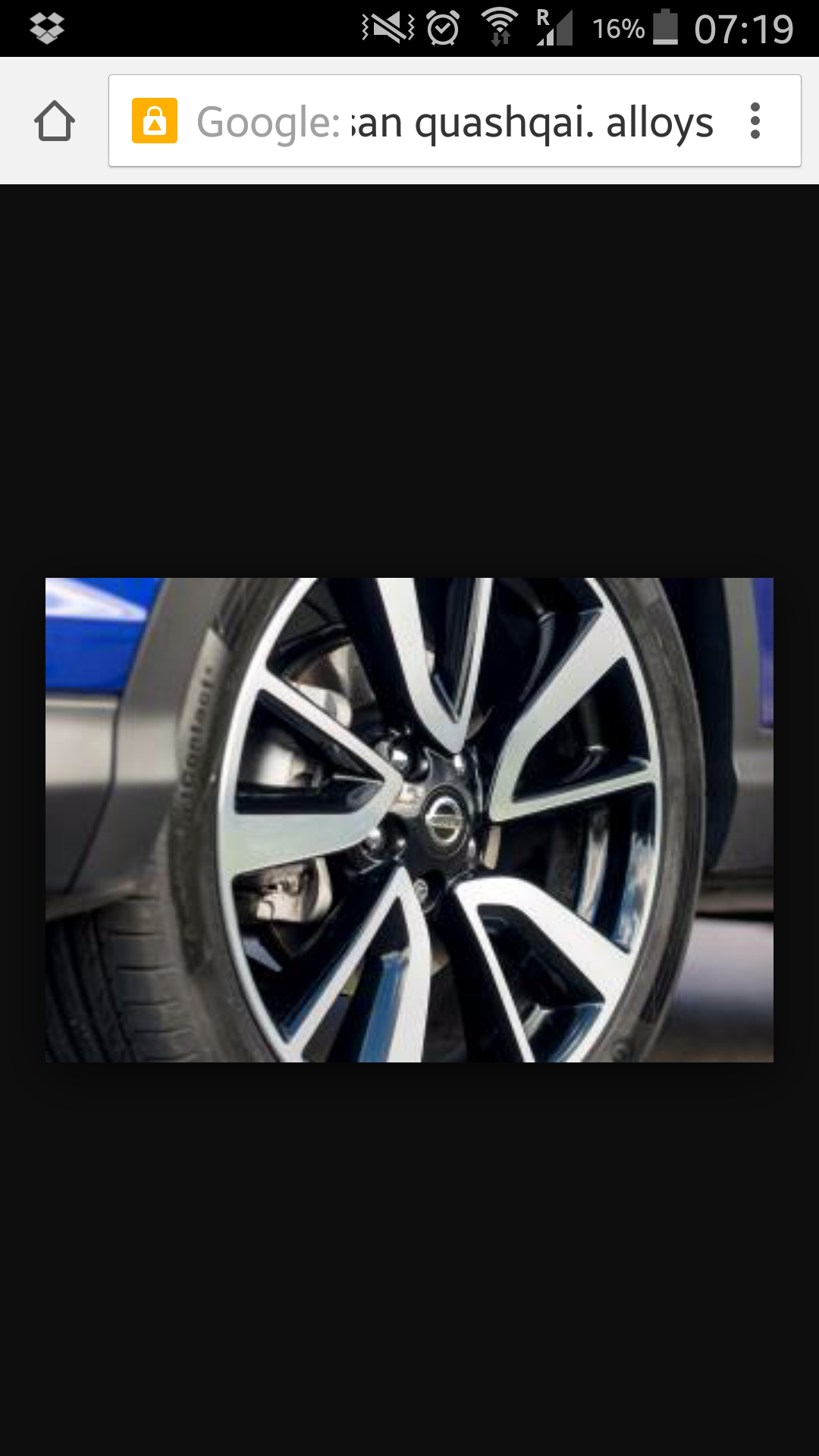
  1. A bit boring really. The alloys look like they are off a Nissan quashqai and the car except for the bonnet scoop looks like a hyundai i40.
  2. Does anyone know of a friendly and reasonable Subaru garage outside north London. A10 or M11. Happy to travel a bit but Sheffield is a bit far for me. Cheers.
  3. Very interesting thread. Cheers for sharing your journey. Any recent pics?? You've done so much it would be great to see it all.
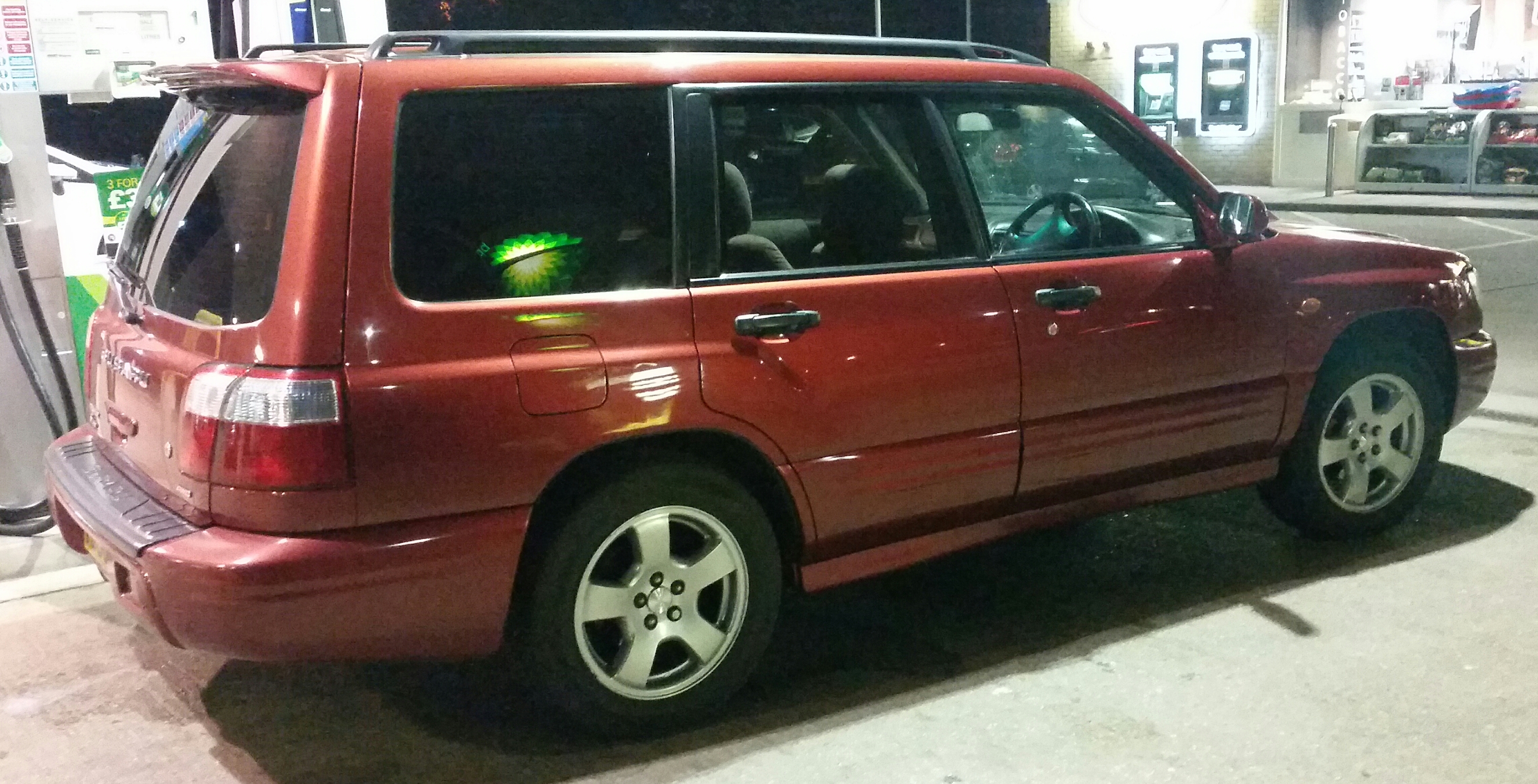
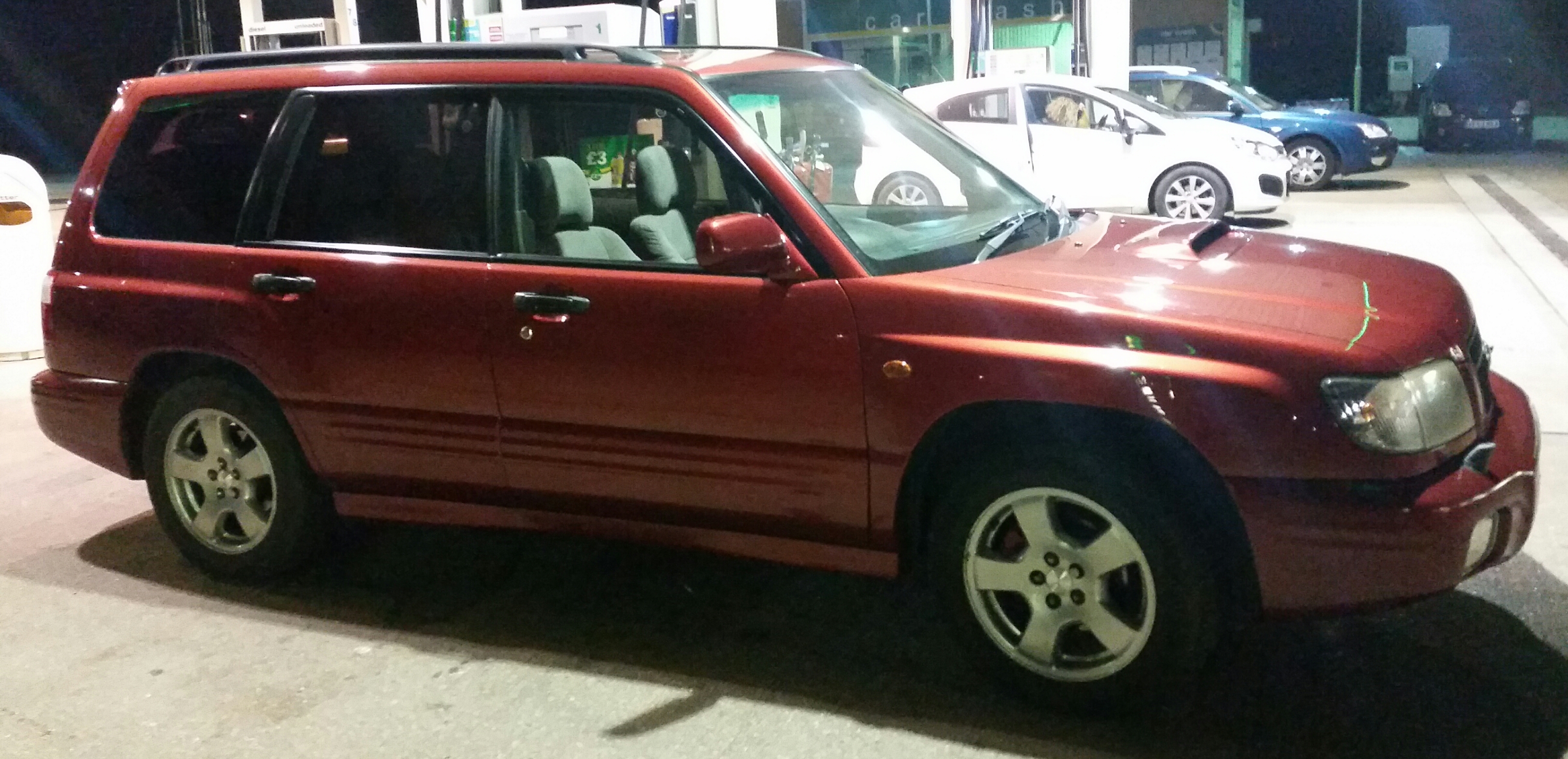
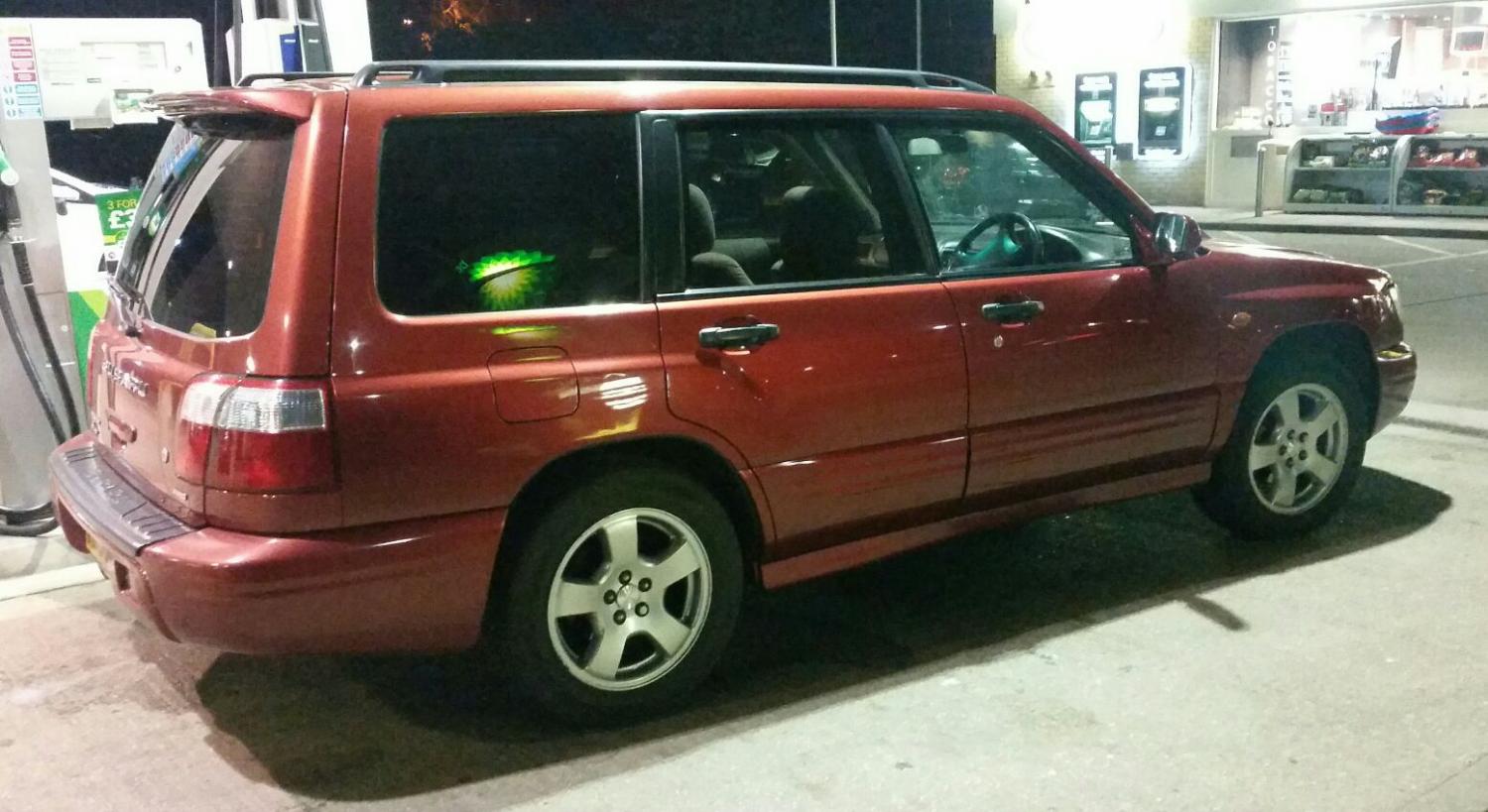
  4. Very happy with mine!!
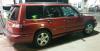
  5. I just bought my first Forester. Wow. Go for it. You won't regret it.

Background Picker
Customize Layout

Account

Navigation

Search

Search

Configure browser push notifications

Chrome (Android)
  1. Tap the lock icon next to the address bar.
  2. Tap Permissions → Notifications.
  3. Adjust your preference.
Chrome (Desktop)
  1. Click the padlock icon in the address bar.
  2. Select Site settings.
  3. Find Notifications and adjust your preference.