DaveyC
Members
-
Joined
-
Last visited
-
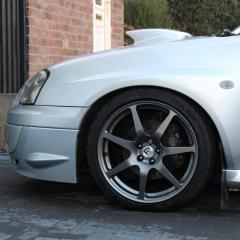
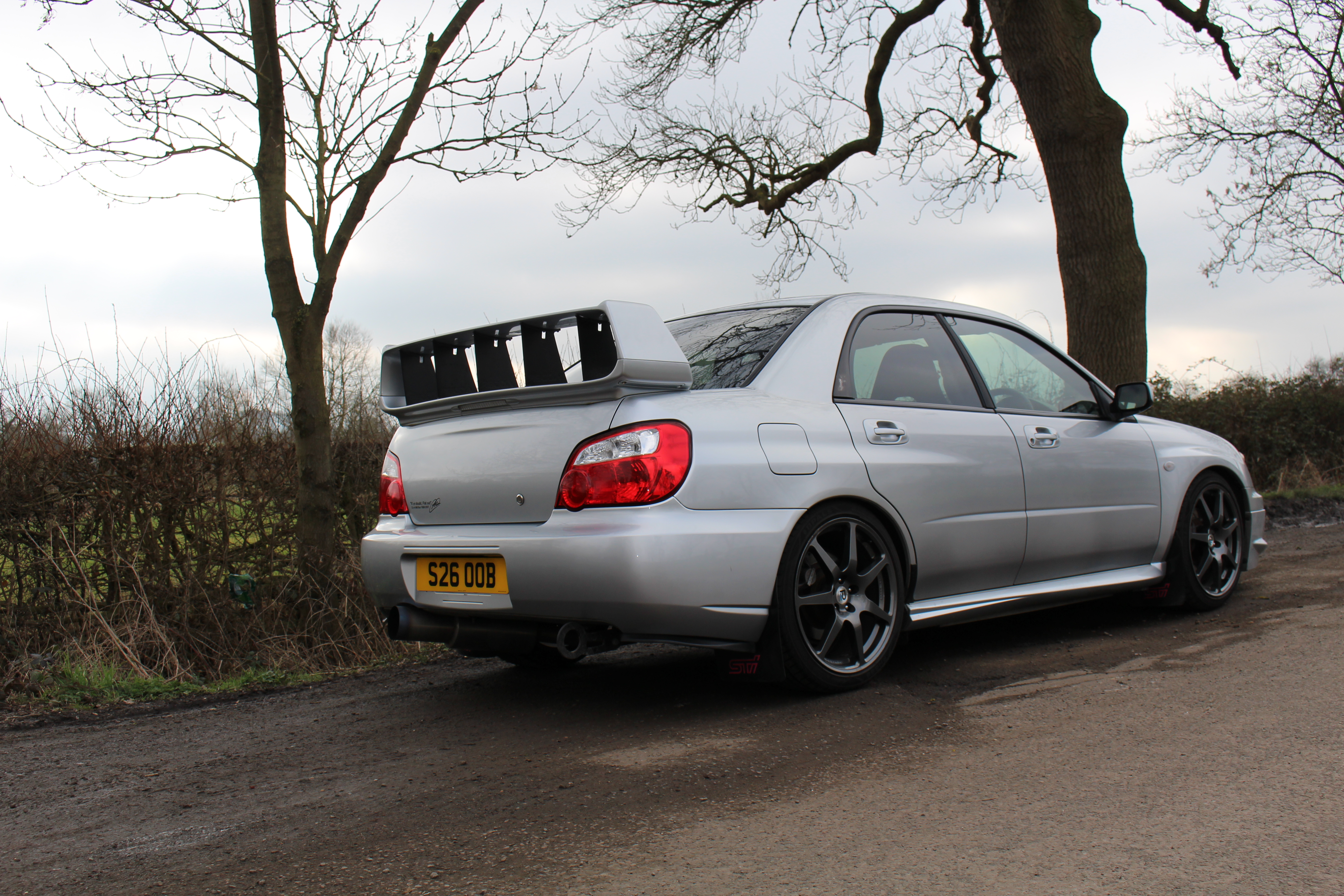
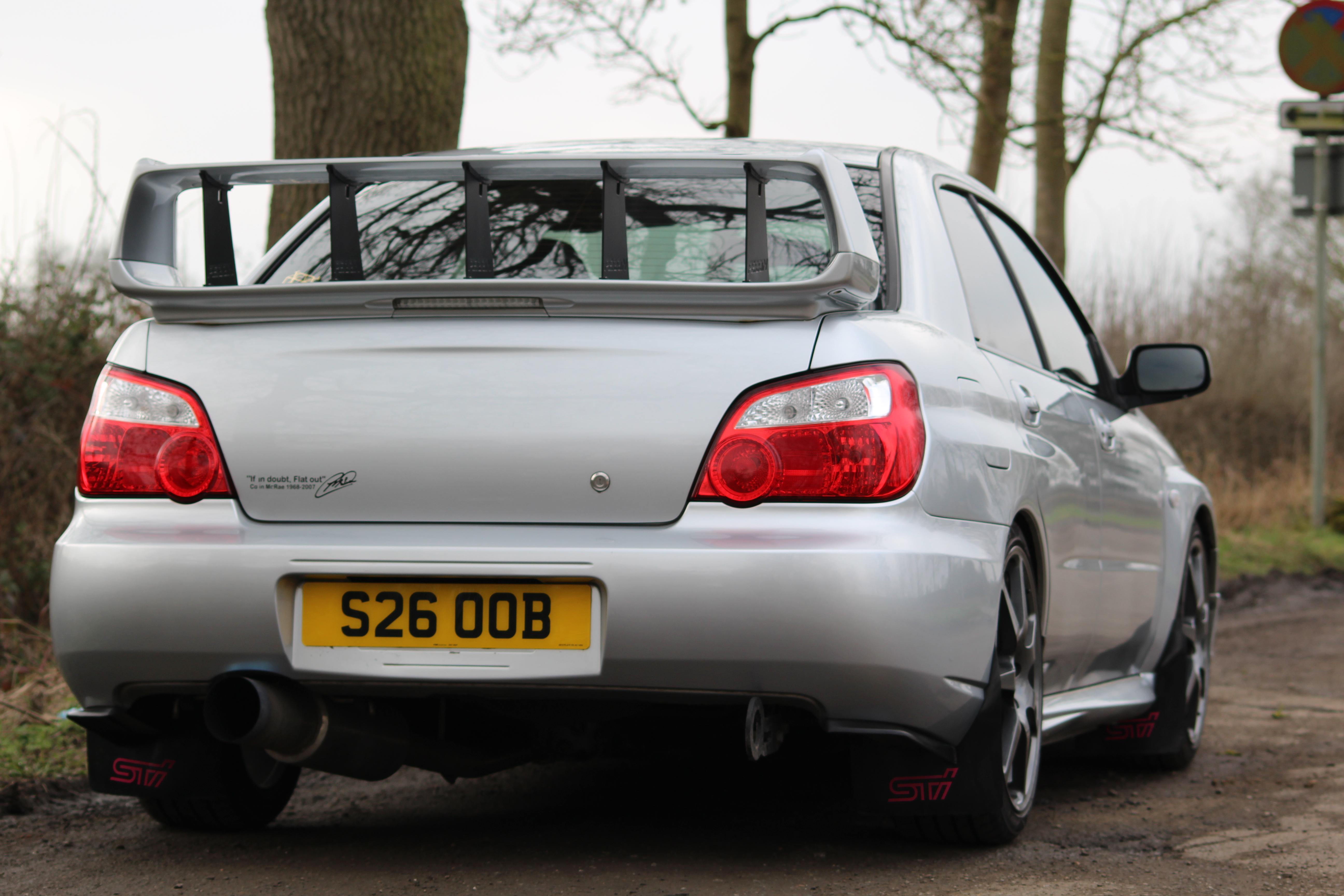
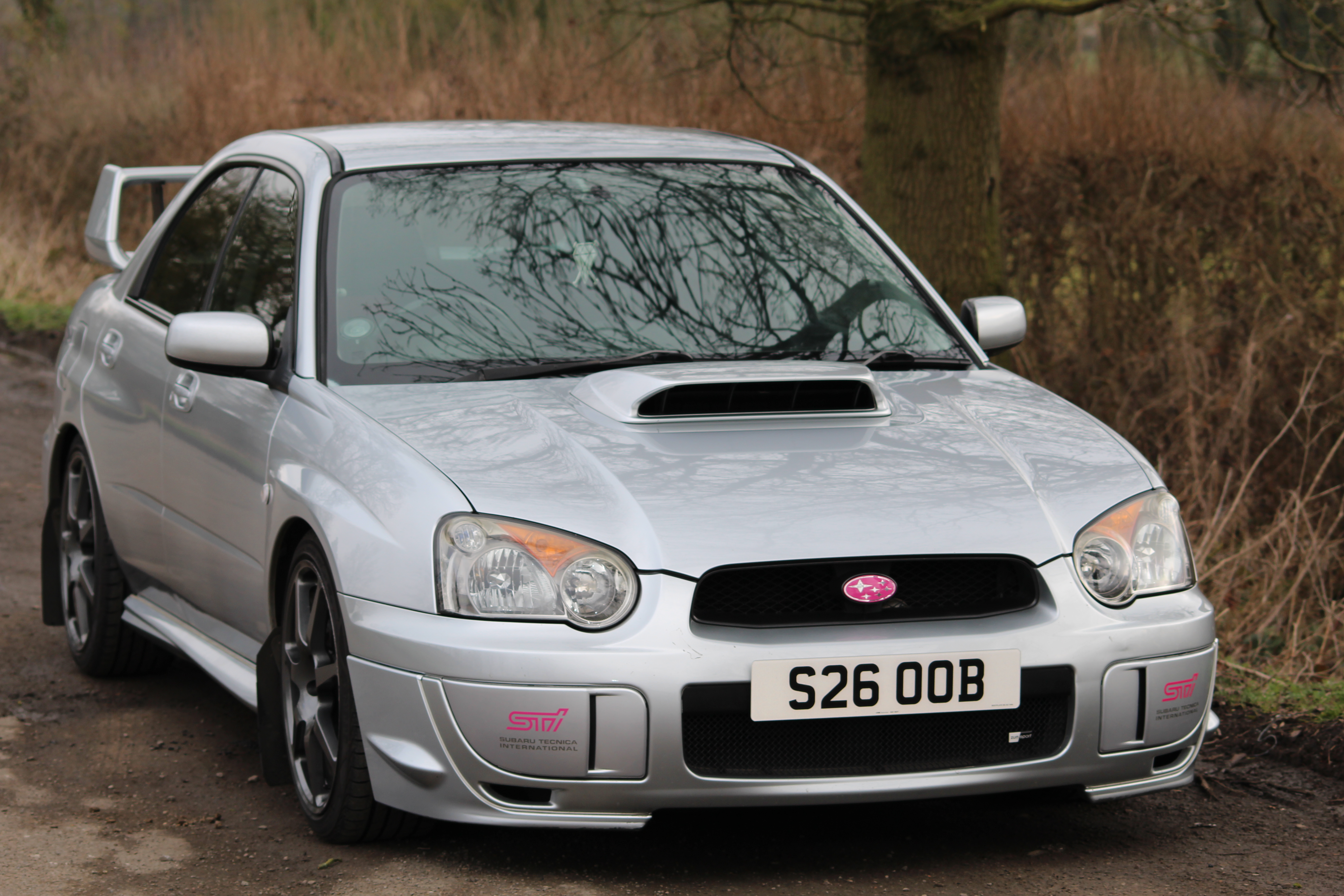
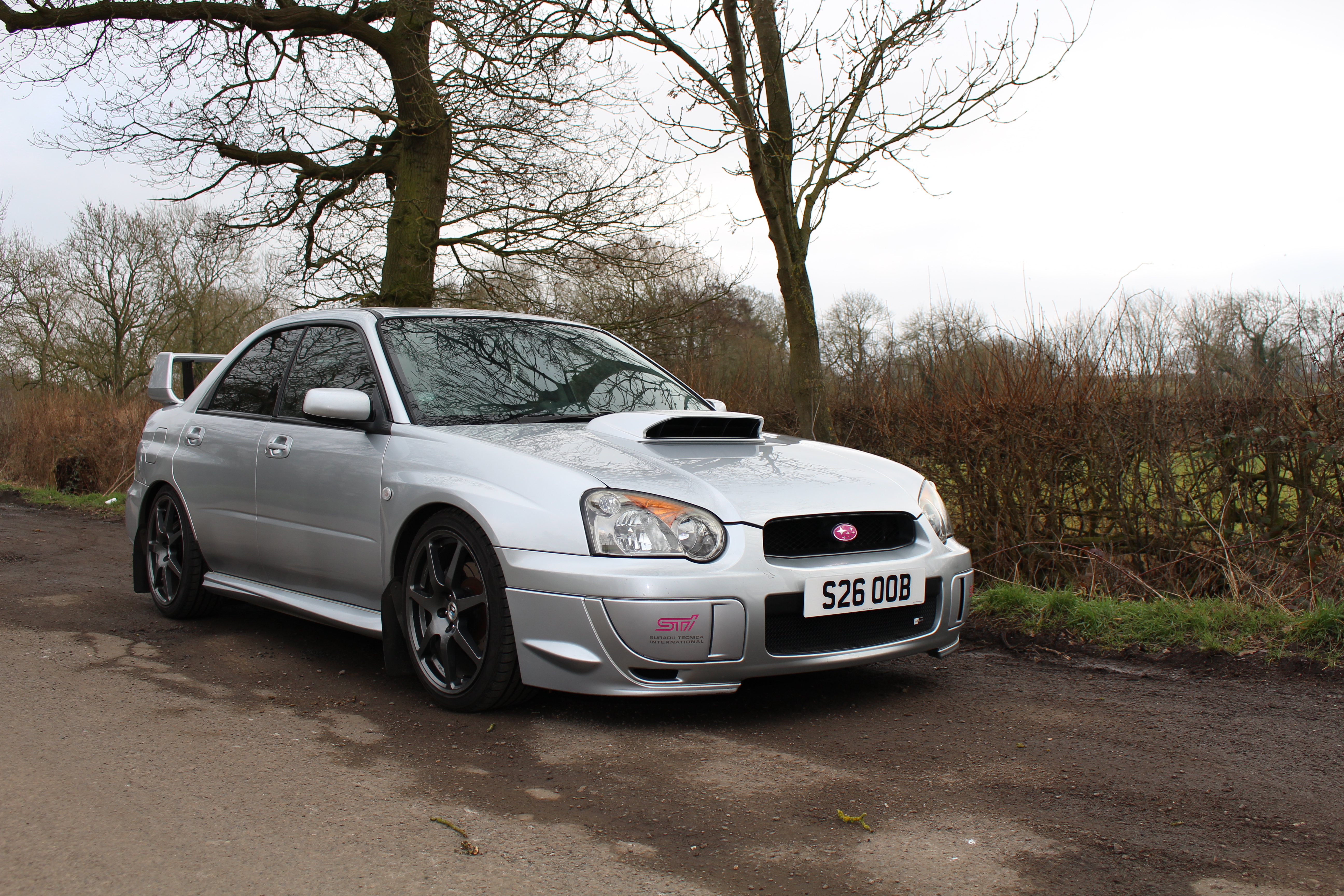
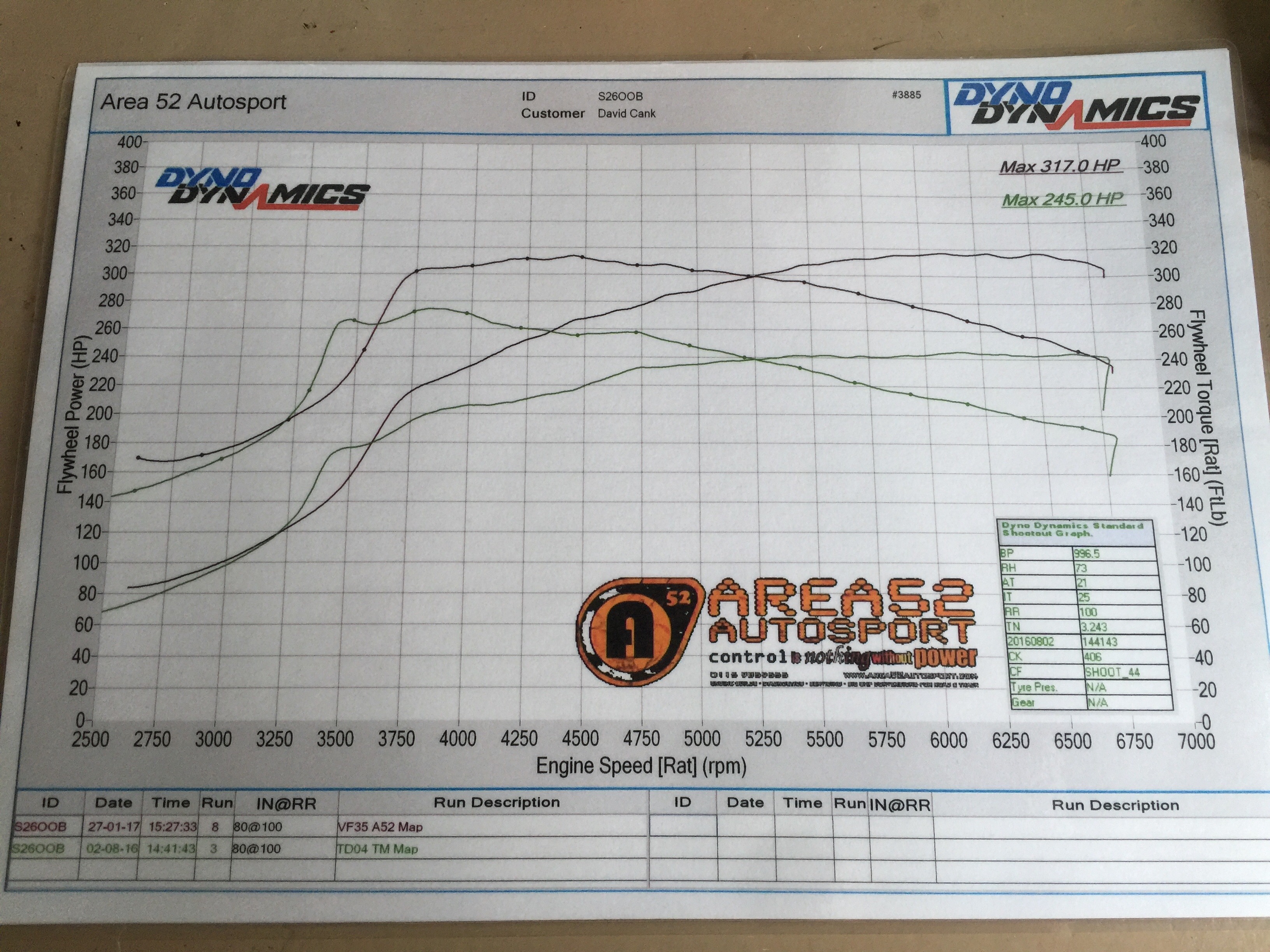
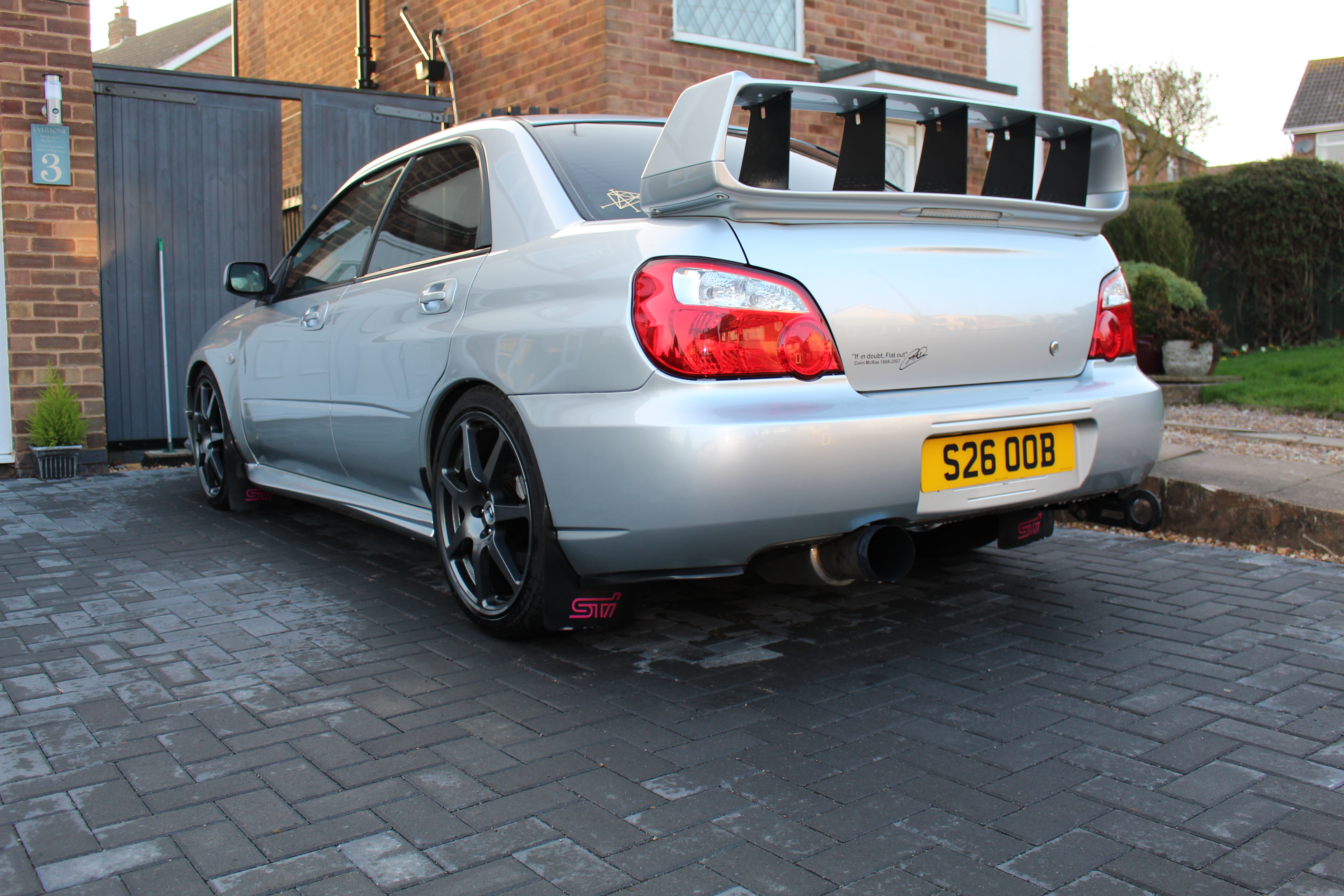
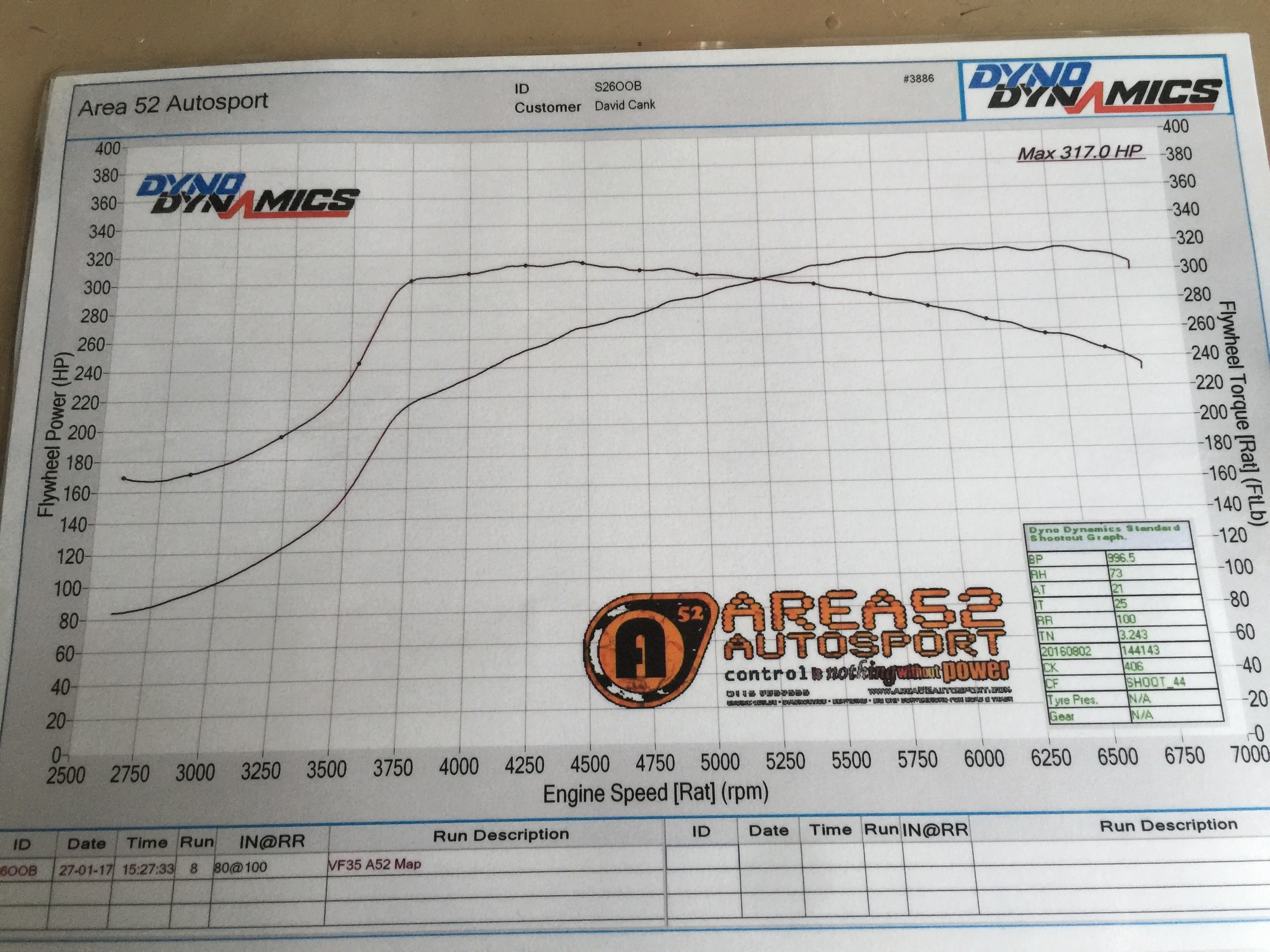
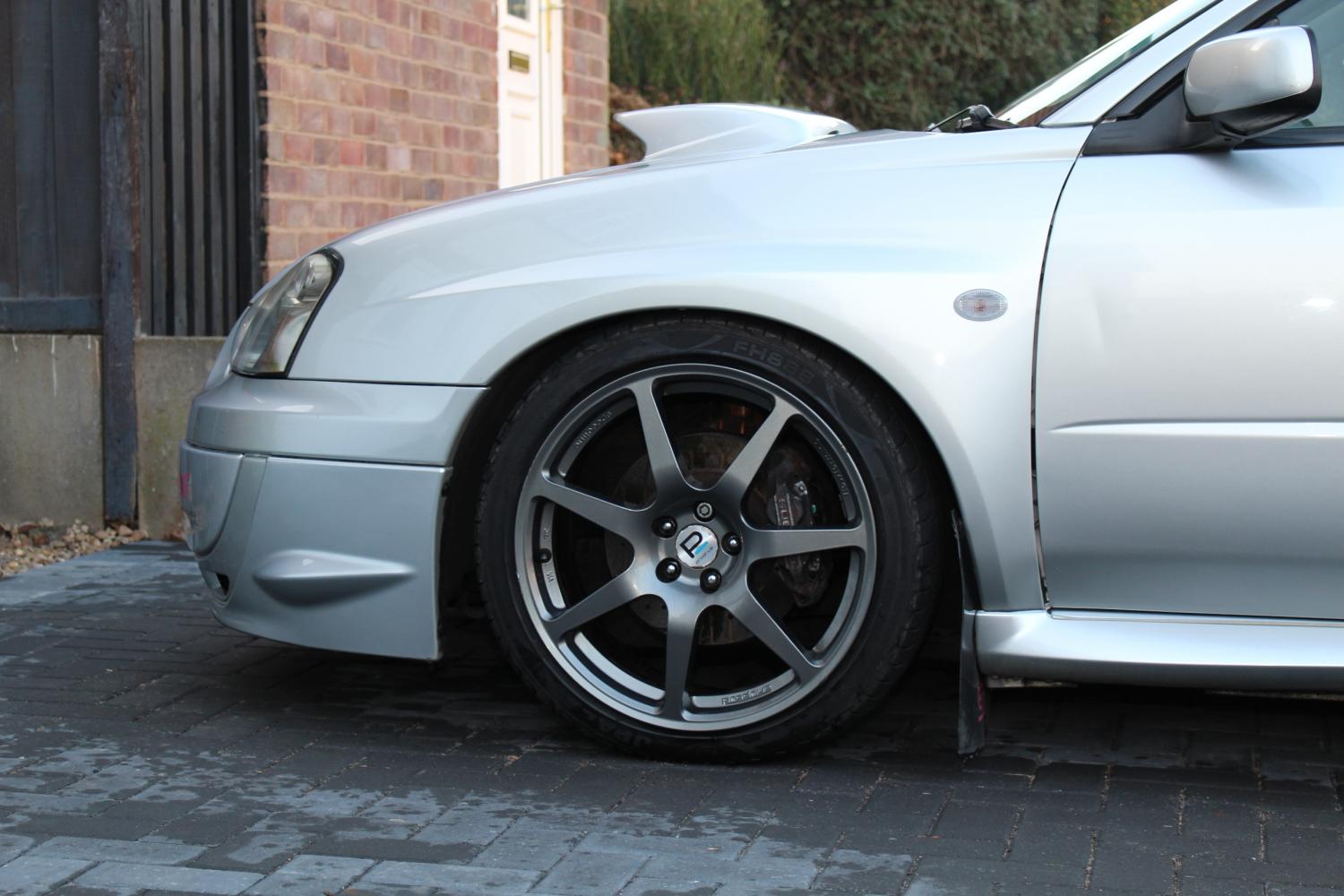
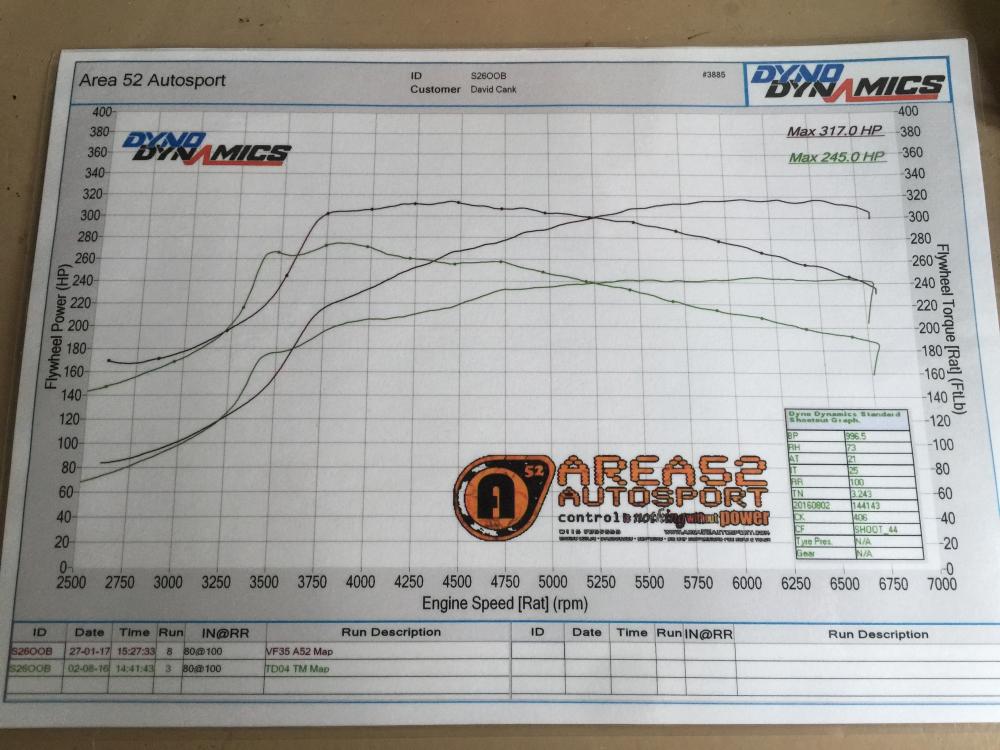
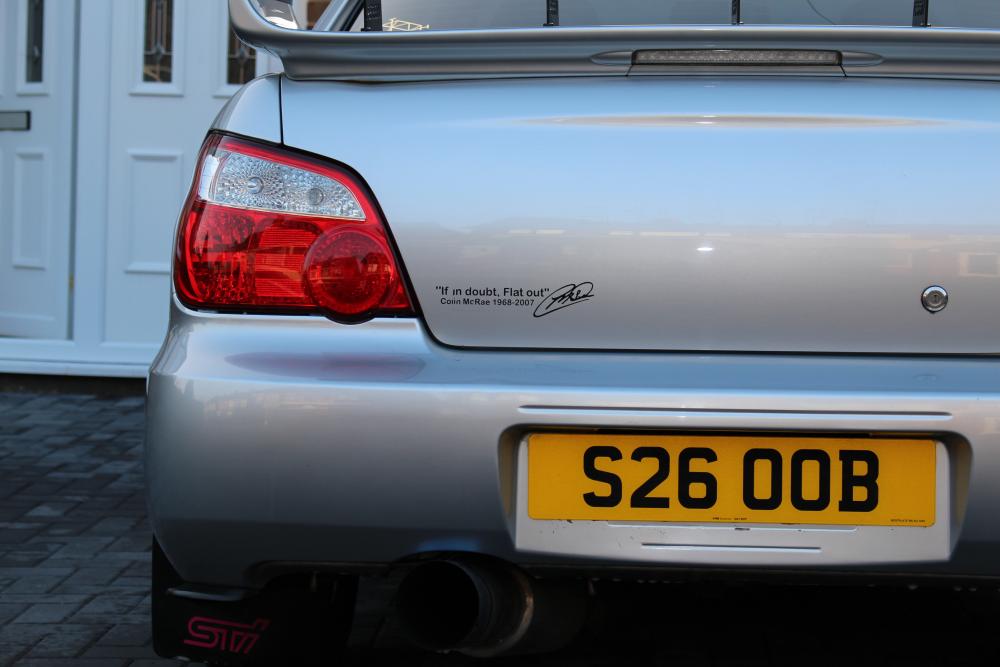
Haha sounds mint that matelol no worries, i do take facebook with caution as i normally prefer forums as they can get a bit what shall we say chavwe created a group on facebook blobsquad for blobeye owners. have a look? Were thinking of doing meets, video reviews and stuff in the future.yes decat straight through pops and bangs loads hahaBit of night time driving going to a meet. excuse the sound qualityyep i know what your saying as it doesnt fit flushI do like them i wanted the WRC spoiler you see so this kind of gives it that kind of look.Thanks :) Which parts? The rear spats were from an ebay seller, front winglets were already on the car when i bought itBlobeye 2003 WRX VF35 Turbo Heatwrapped Decat Uppipe/Decat Downpipe/Straight Through Centre To Vortex Afterburner Backbox (2.5 inch exhaust size) STI Top Mount Intercooler Pink 550c Injectors Forge Recirc Valve Cosworth Panel Filter Walbro 255 Fuel Pump Made 317BHP at 1.4bar Remapped By Area 52 and pops and bangs on the overun.
 Wheels are standard no spacers on them. I got rid of the HKS bov as it made my car very laggy and i wasnt a fan, replaced with a Forge Recirc.Thought I would add a few more pics.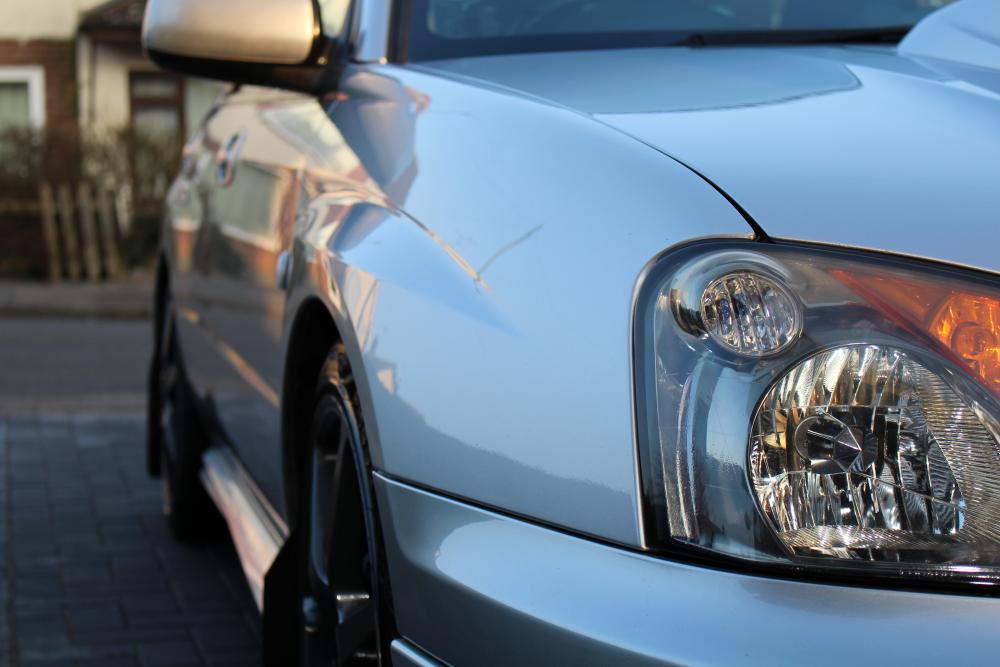
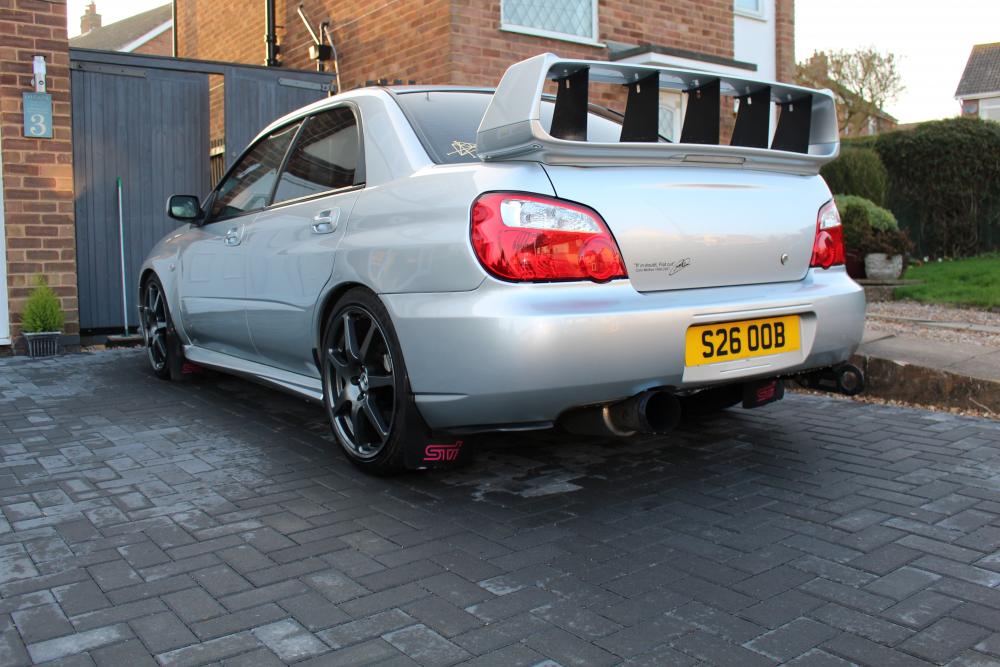
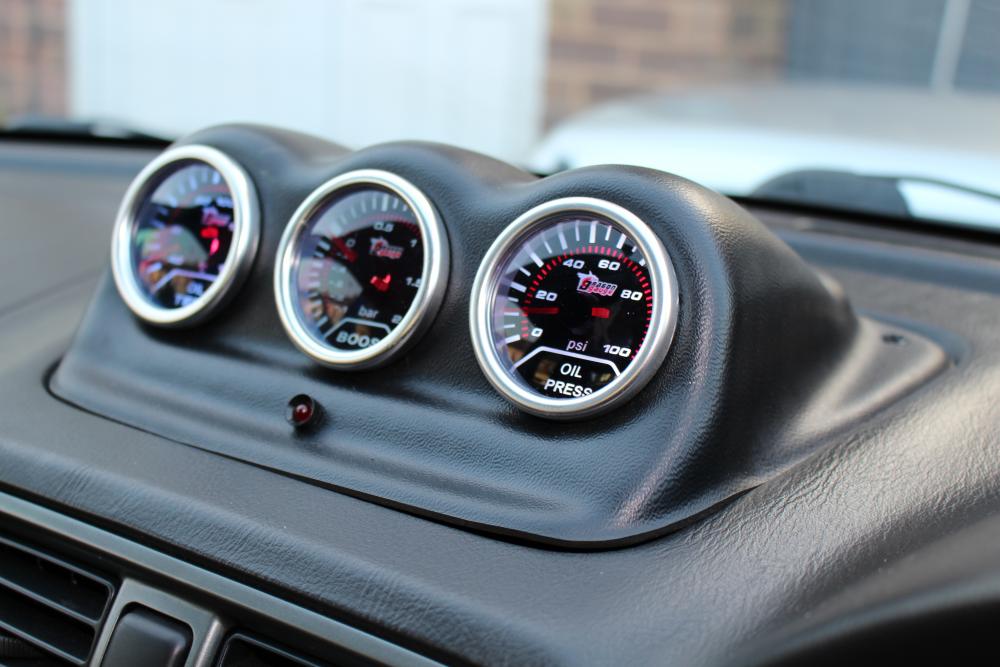
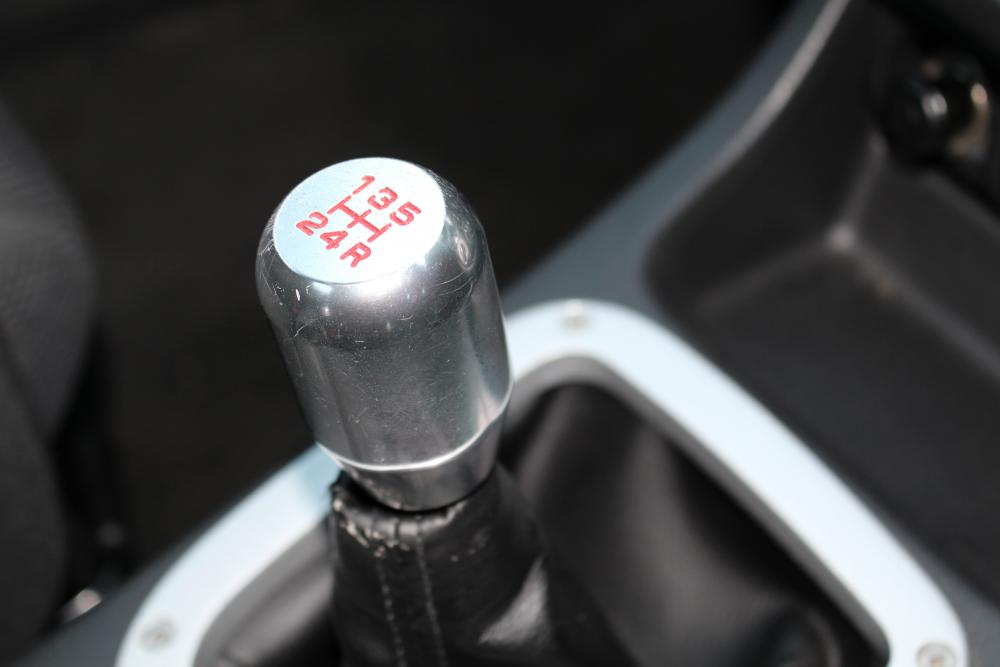
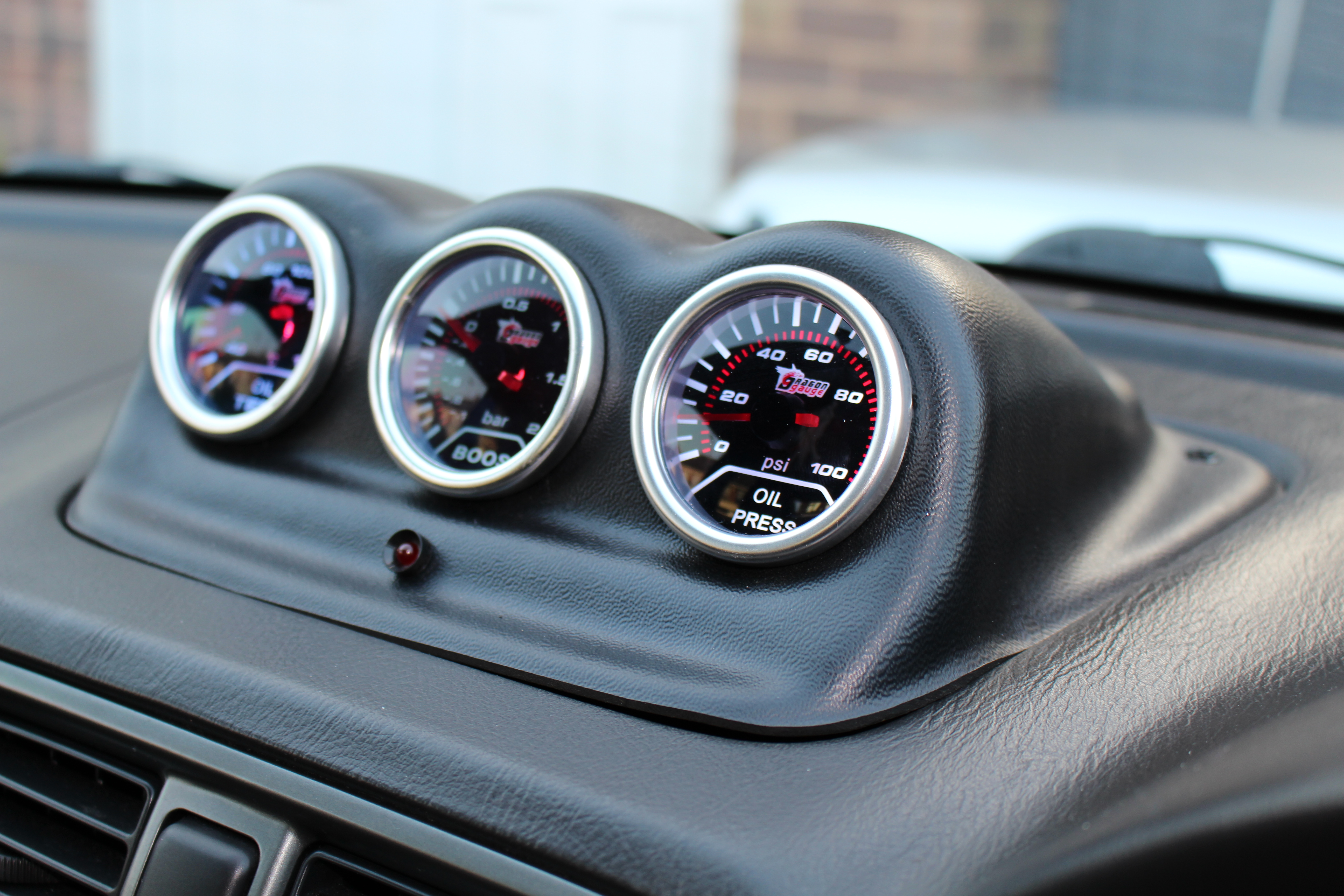
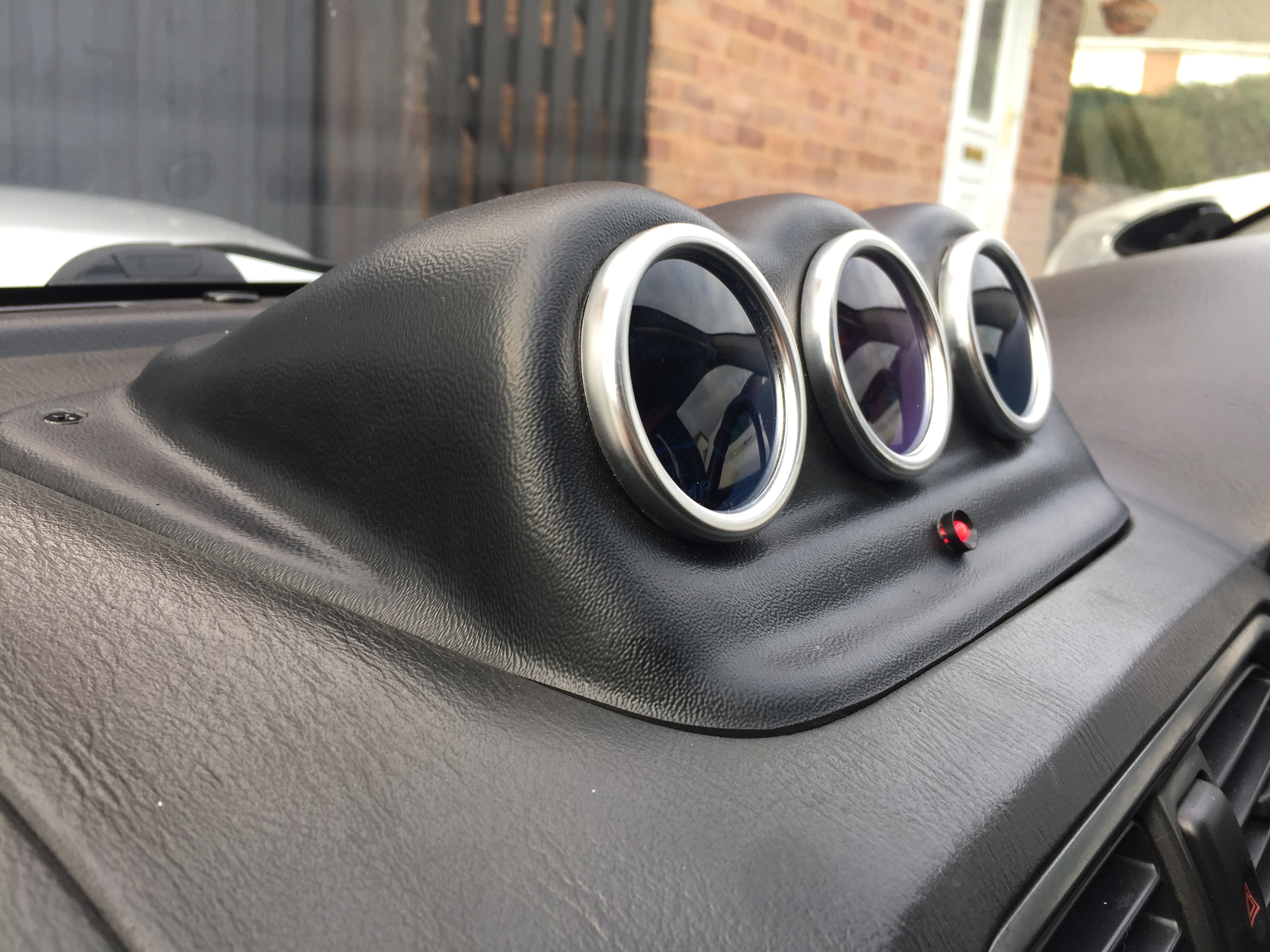
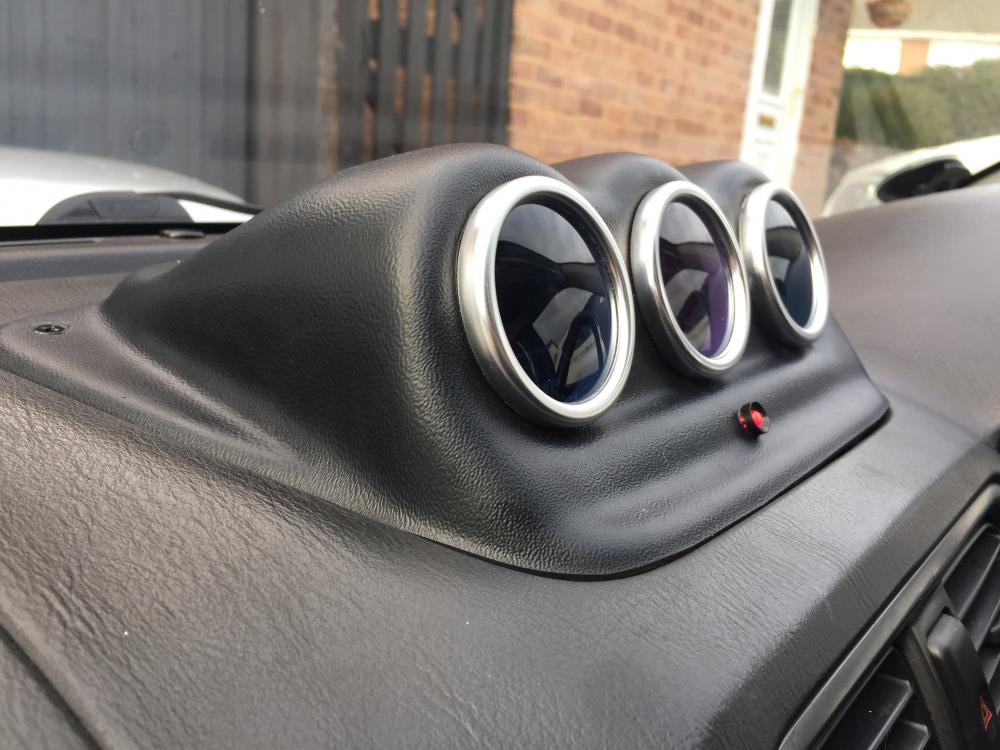
 DaveyC changed their profile photoFew updates: decat upipe heatwrapped vf35 turbo pink injectors walbro fuel pump gauge install remap made 317hp and similar torque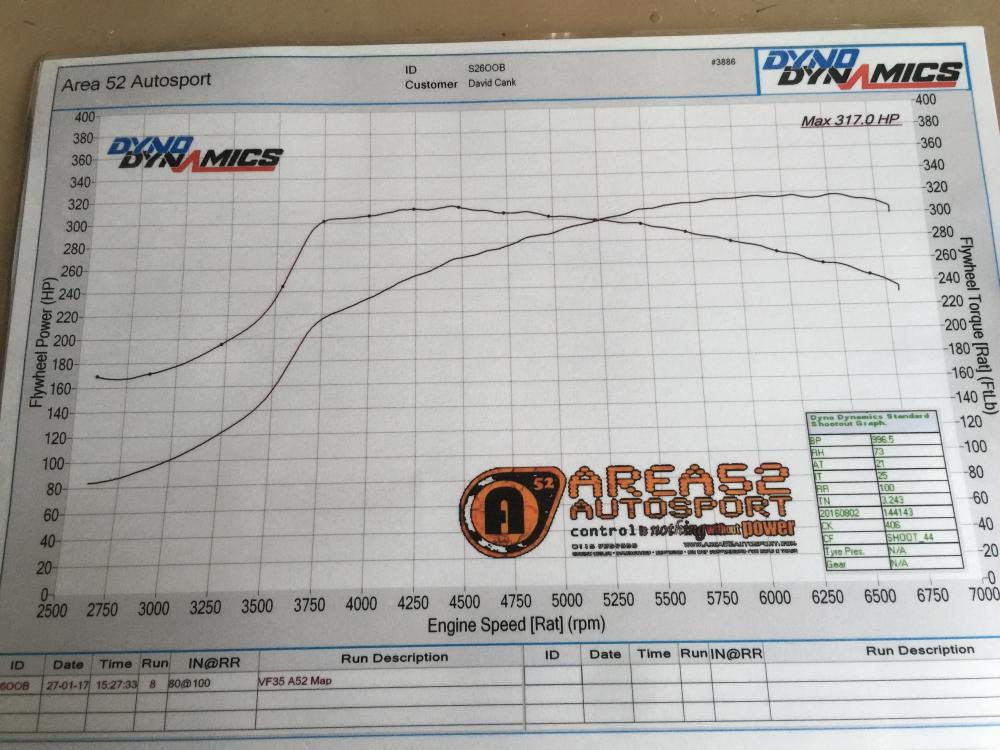
 Thanks mate ill check the clamps next time i take it to the garage