Do Not Sell My Personal Information Jump to content
View in the app

A better way to browse. Learn more.

Subaru Owners Club UK | Subaru Forums

A full-screen app on your home screen with push notifications, badges and more.

To install this app on iOS and iPadOS
  1. Tap the Share icon in Safari
  2. Scroll the menu and tap Add to Home Screen.
  3. Tap Add in the top-right corner.
To install this app on Android
  1. Tap the 3-dot menu (⋮) in the top-right corner of the browser.
  2. Tap Add to Home screen or Install app.
  3. Confirm by tapping Install.

Ash008

Members
  • Joined

  • Last visited

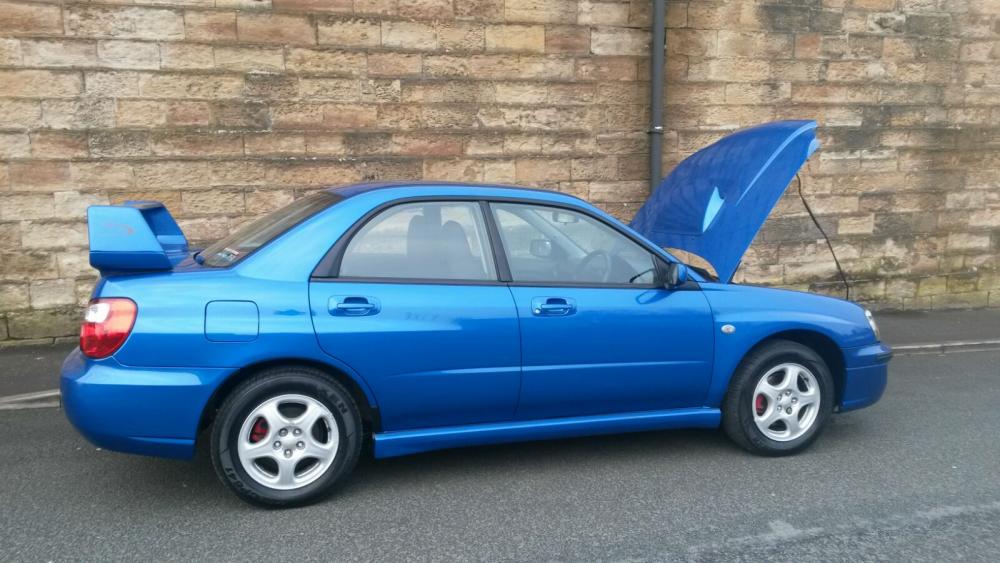
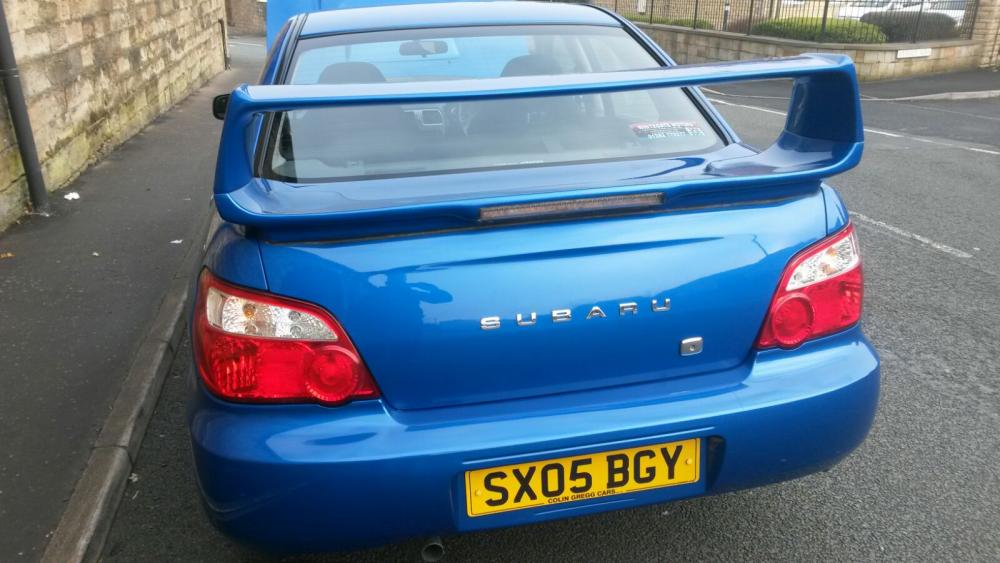
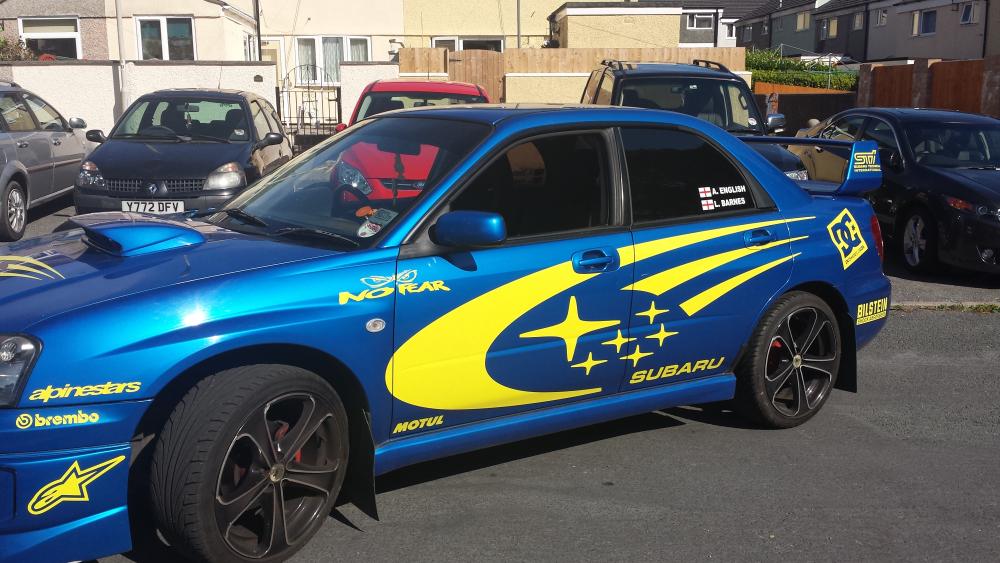
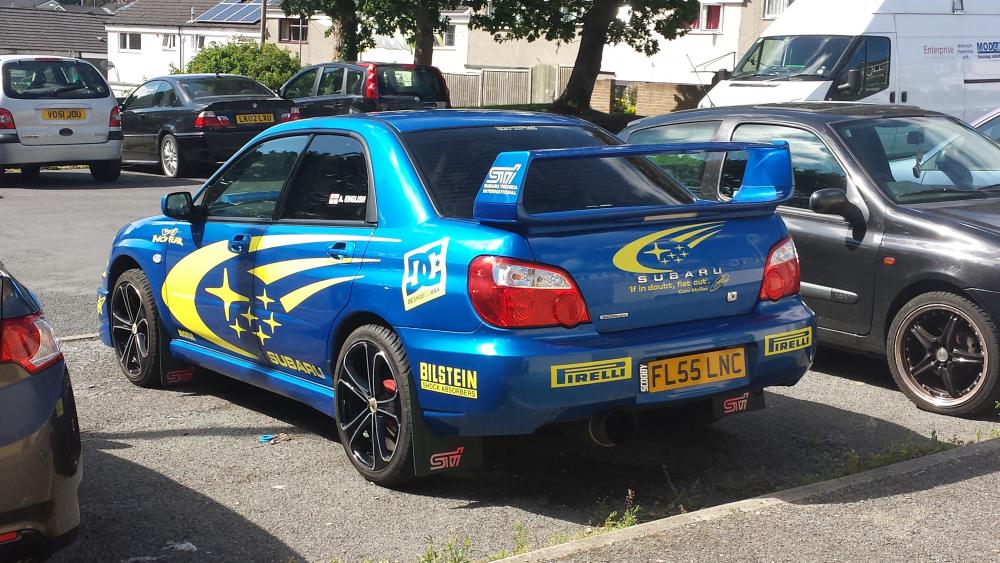
  1. Hi all, just want to say hi to all these fellow scooby lovers! This is my 2nd Scooby, 1st one wished I never sold, so now here I am, I've only convinced the misses to let me buy a new Impreza. Due to buying a house too at age 24 I've settled for a GX (I know, I'm ready for the abuse) as it is all within the price range I can sensibly go while at the same time owning a new house (without the missis cracking my head in XD) So here a pic of my old Scooby, Which nobody new was a GX XD And my new one, which I'm in the process of starting to change, to be "similar" but better (as my mate had my old one before me and did most of the stuff to it) as it will be my own mark on my car. Got a nice shopping list already =) So yeah, Hey guys & gals Ash Devon
Background Picker
Customize Layout

Account

Navigation

Search

Configure browser push notifications

Chrome (Android)
  1. Tap the lock icon next to the address bar.
  2. Tap Permissions → Notifications.
  3. Adjust your preference.
Chrome (Desktop)
  1. Click the padlock icon in the address bar.
  2. Select Site settings.
  3. Find Notifications and adjust your preference.