Do Not Sell My Personal Information Jump to content
View in the app

A better way to browse. Learn more.

Subaru Owners Club UK | Subaru Forums

A full-screen app on your home screen with push notifications, badges and more.

To install this app on iOS and iPadOS
  1. Tap the Share icon in Safari
  2. Scroll the menu and tap Add to Home Screen.
  3. Tap Add in the top-right corner.
To install this app on Android
  1. Tap the 3-dot menu (⋮) in the top-right corner of the browser.
  2. Tap Add to Home screen or Install app.
  3. Confirm by tapping Install.

S666evn

Members
  • Joined

  • Last visited

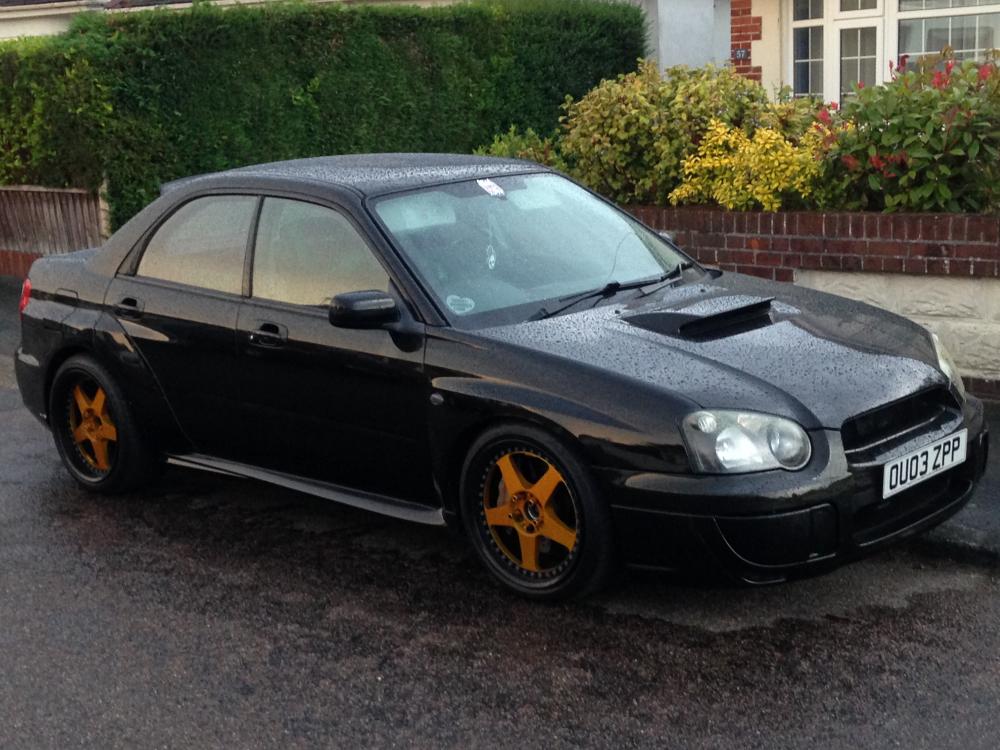
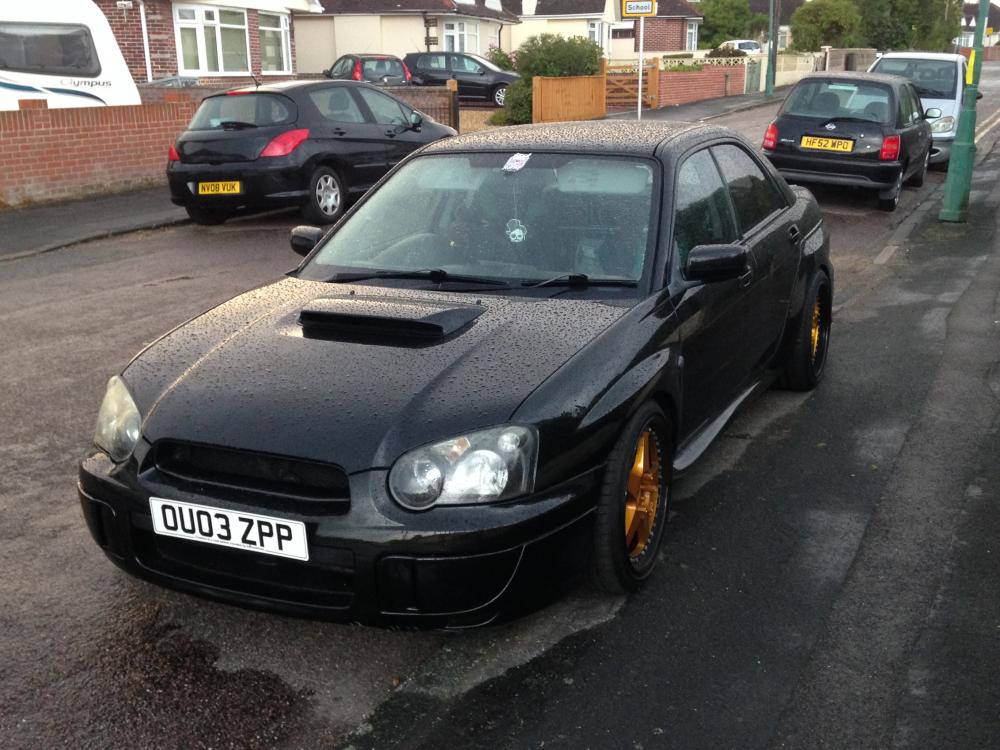
  1. I have not had it long but will be putting my stamp on it I have had some quick ones in the past so looking to get this one up to around 320 -330 I will be happy
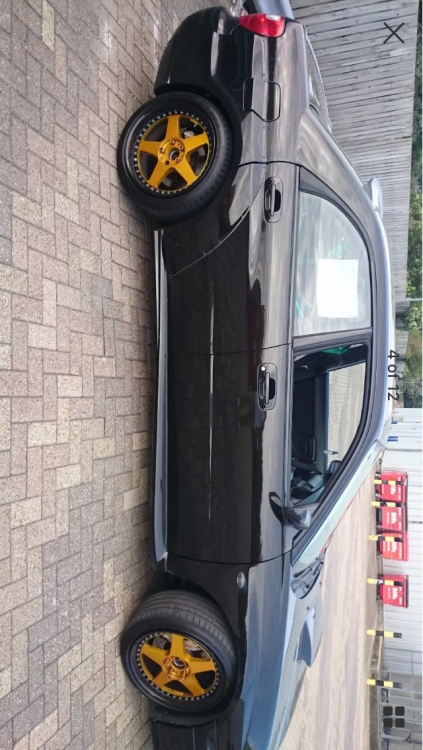
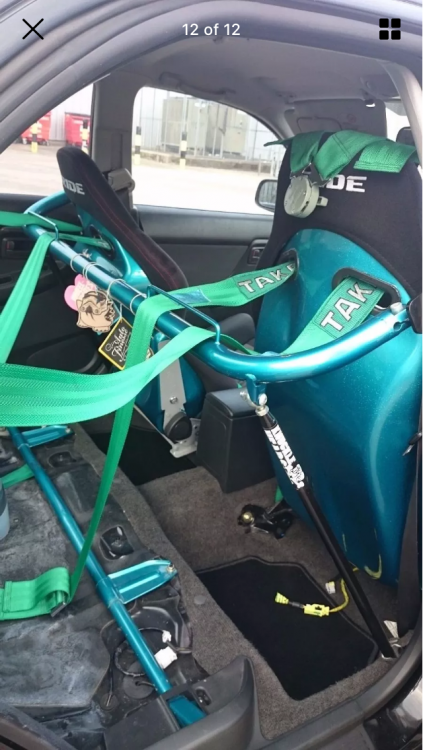
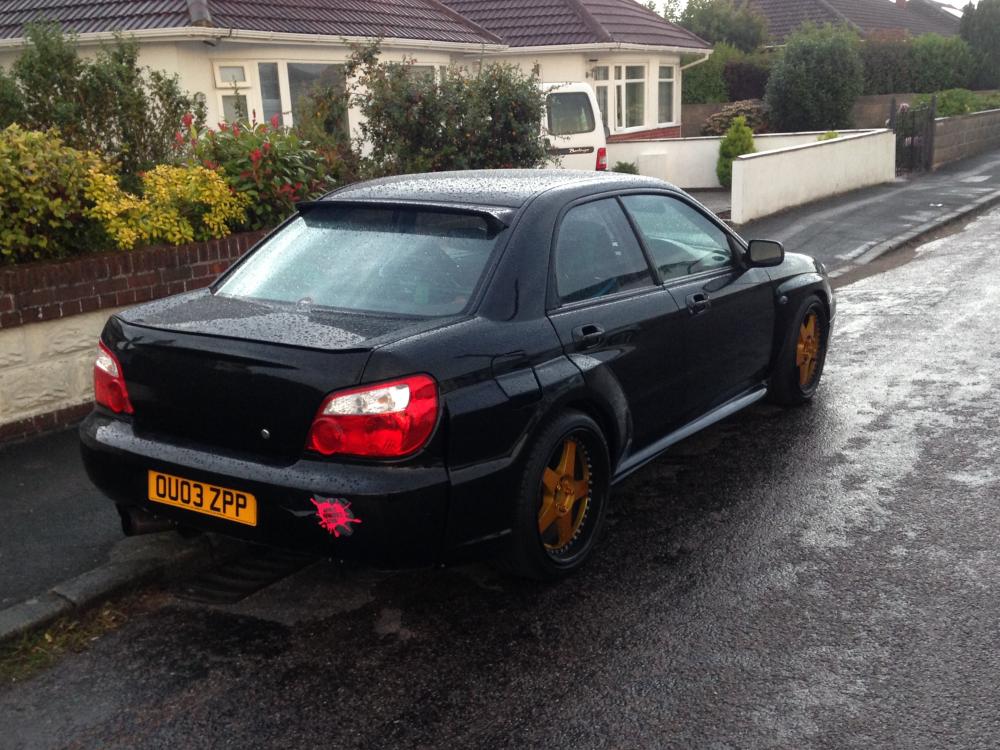
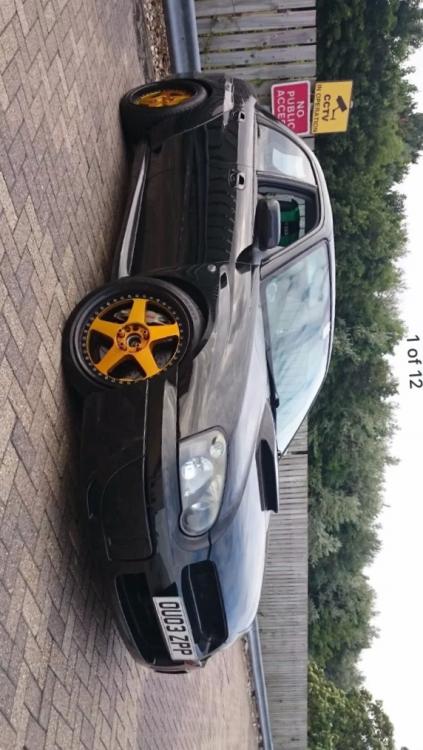
  2. Engine stock at mo has ppp so around 260 at the mo but will be boosting that in the near future car is track ready from shocks to drop links roll bars poly bushes and rubber ever thing thing needed to keep it on the Tarmac lol as I mentioned it has had rear arch kit to get those big shoes on sticks like glue
  3. 255's on the rear
  4. Cheers mate there veilside
  5. Hello fellow Scooby owners just thought I would drop a quick hello and show my ride
Background Picker
Customize Layout

Configure browser push notifications

Chrome (Android)
  1. Tap the lock icon next to the address bar.
  2. Tap Permissions → Notifications.
  3. Adjust your preference.
Chrome (Desktop)
  1. Click the padlock icon in the address bar.
  2. Select Site settings.
  3. Find Notifications and adjust your preference.