Do Not Sell My Personal Information Jump to content
View in the app

A better way to browse. Learn more.

Subaru Owners Club UK | Subaru Forums

A full-screen app on your home screen with push notifications, badges and more.

To install this app on iOS and iPadOS
  1. Tap the Share icon in Safari
  2. Scroll the menu and tap Add to Home Screen.
  3. Tap Add in the top-right corner.
To install this app on Android
  1. Tap the 3-dot menu (⋮) in the top-right corner of the browser.
  2. Tap Add to Home screen or Install app.
  3. Confirm by tapping Install.

Mark-WRX

Members
  • Joined

  • Last visited

  1. Yes it's lowered on adjustable so am going try and lift it a little see if that helps lol
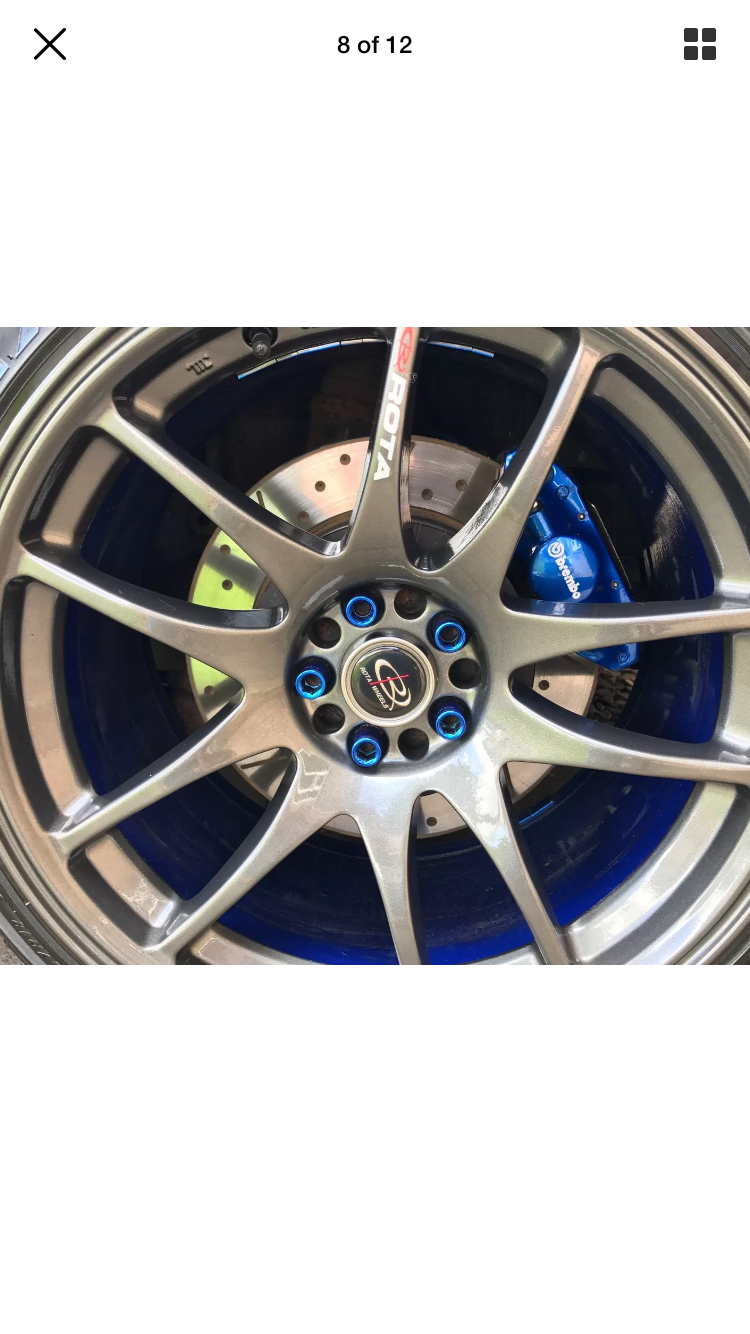
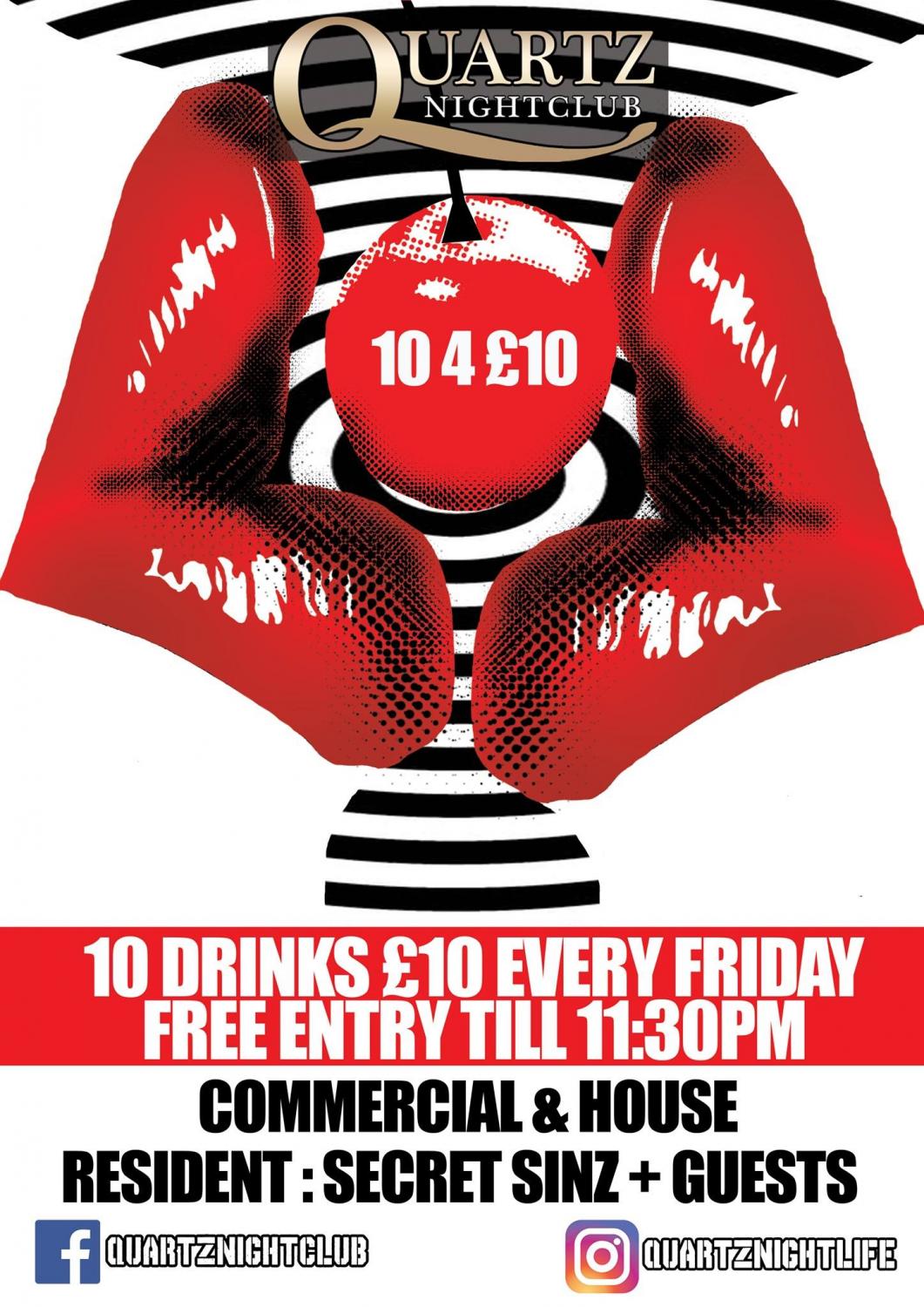
  2. Yes they look amazing the size is 18 9.5 so if I look for some 18 8.5 you think that will help.. I need carry some weight in the car i.e. Beer as I own a night club! Well gutted I need to change them!
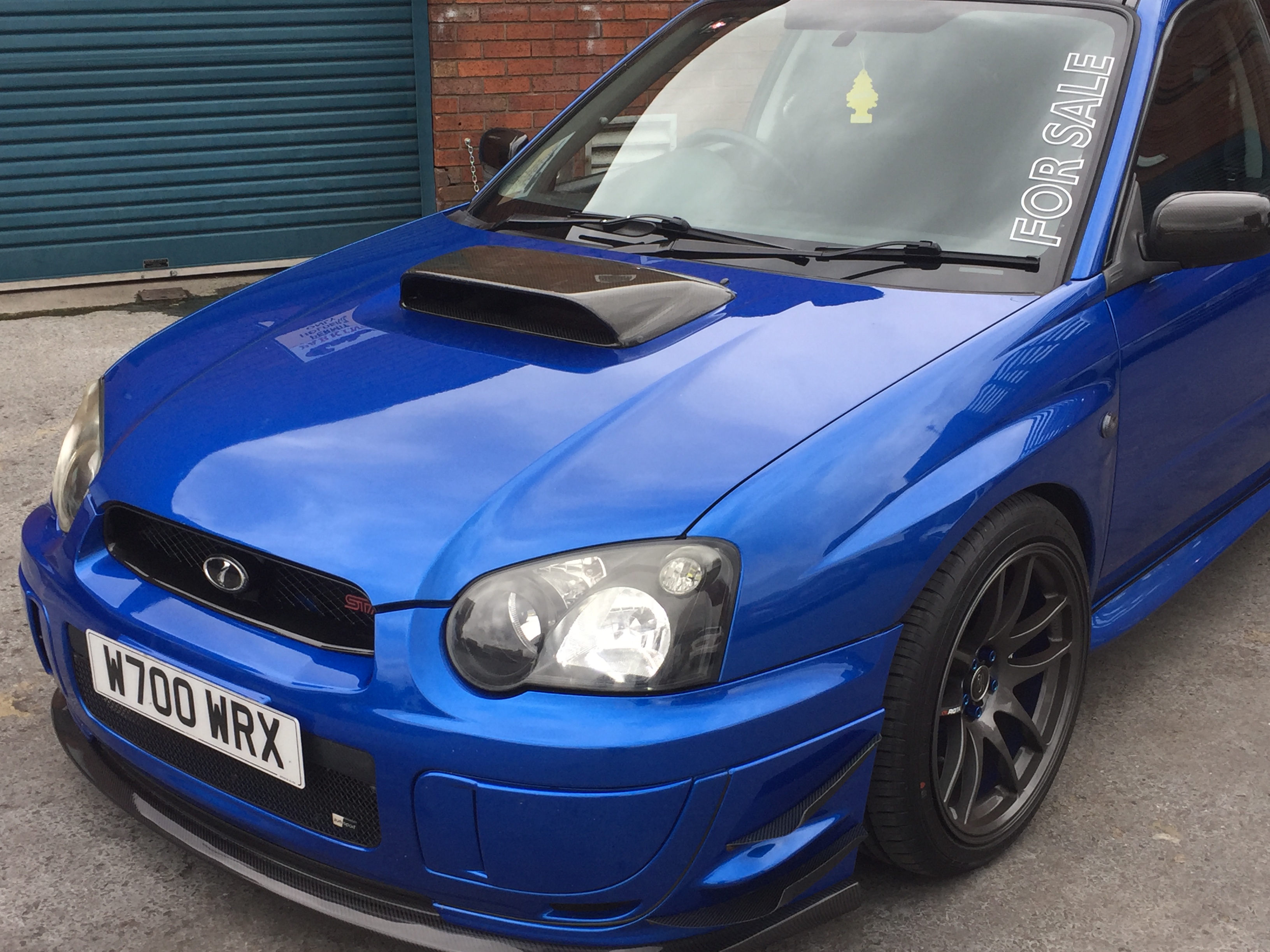
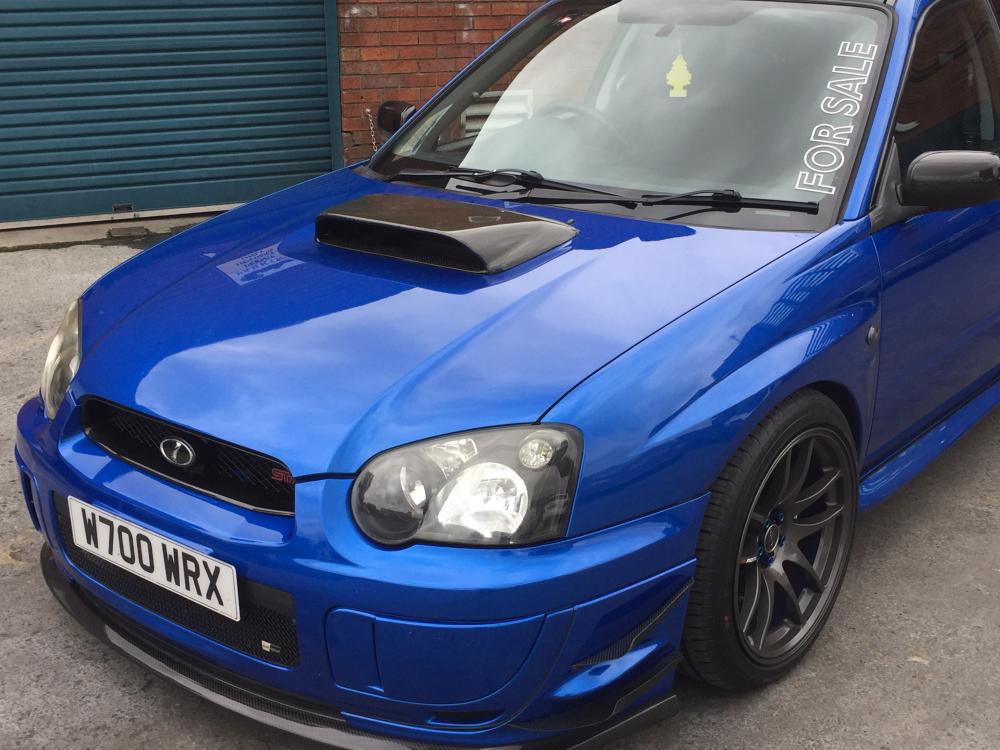
  3. Hi peeps I am new so just wanted say hello and get some advice... I have never had a Subaru before but just fancied something different this time than my normal BMW.. So after Weeks of looking I found this one lots of history and well looked after with lots of mods, Which leads to this.. as you can see in the picture it is sat on some sexy big fat 19s and looks sweet drives nice.. all the arches have been moded but with two people in the back I get tyre rub still.. what is is the best size rims to put on her to keep the looks but also stop this problem
Background Picker
Customize Layout

Configure browser push notifications

Chrome (Android)
  1. Tap the lock icon next to the address bar.
  2. Tap Permissions → Notifications.
  3. Adjust your preference.
Chrome (Desktop)
  1. Click the padlock icon in the address bar.
  2. Select Site settings.
  3. Find Notifications and adjust your preference.