Meezer217
Members
-
Joined
-
Last visited
-
 Meezer217 changed their profile photo
 -
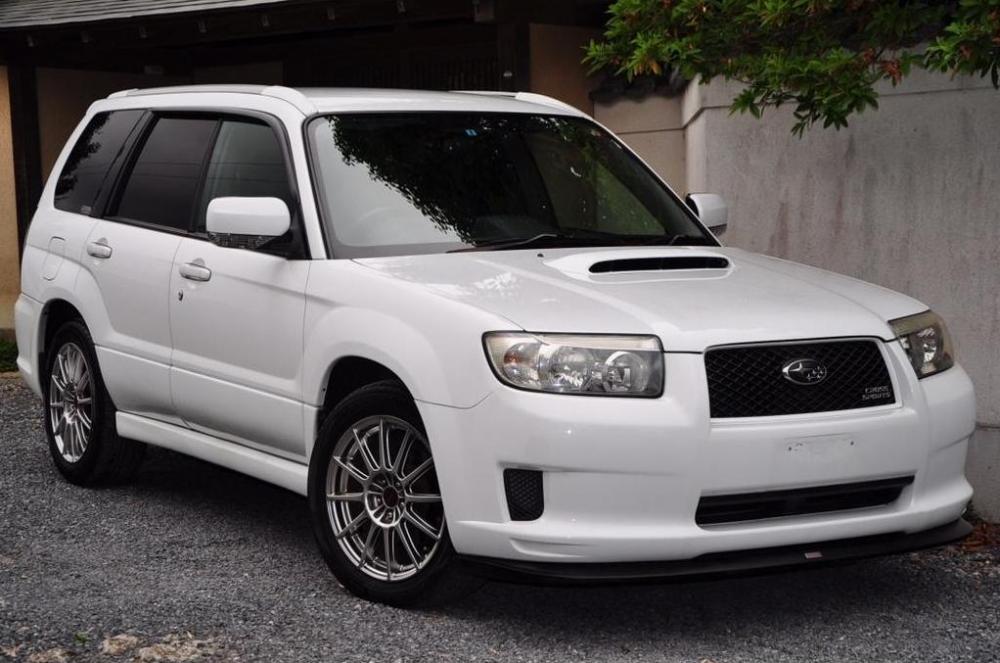
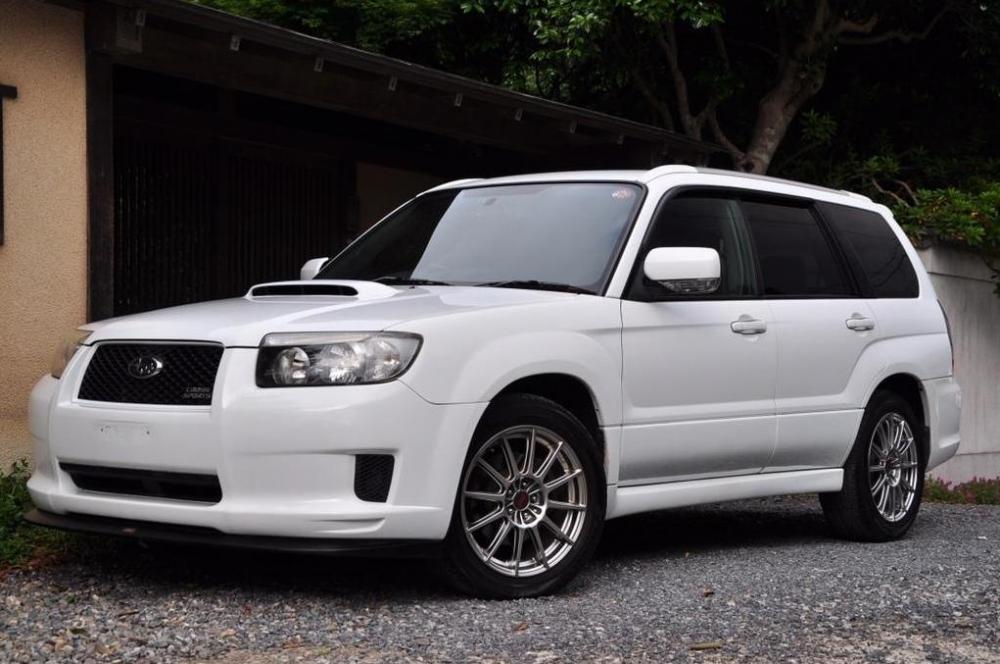
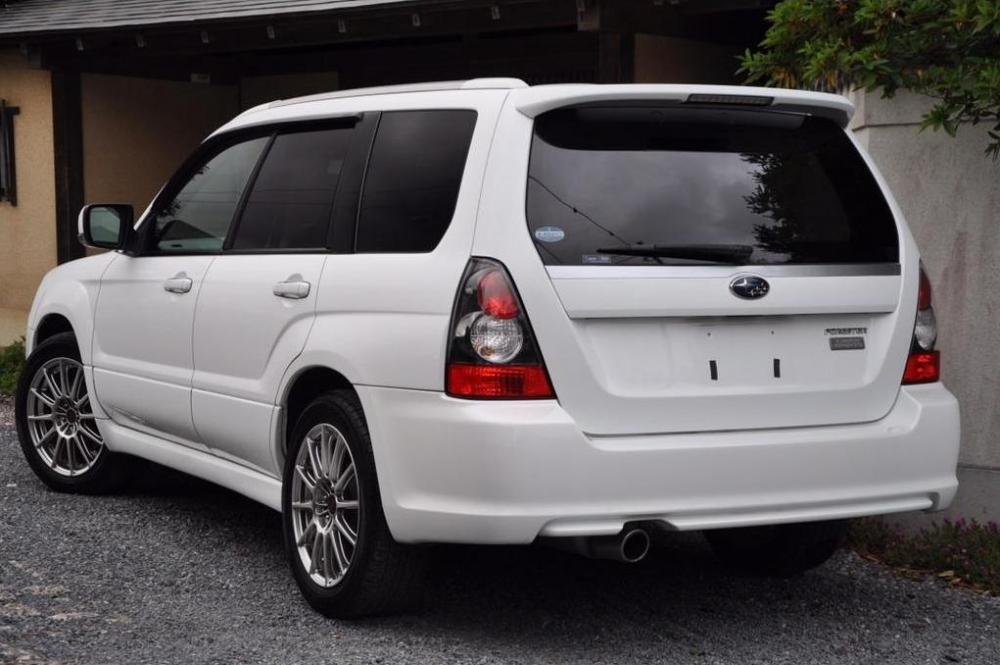
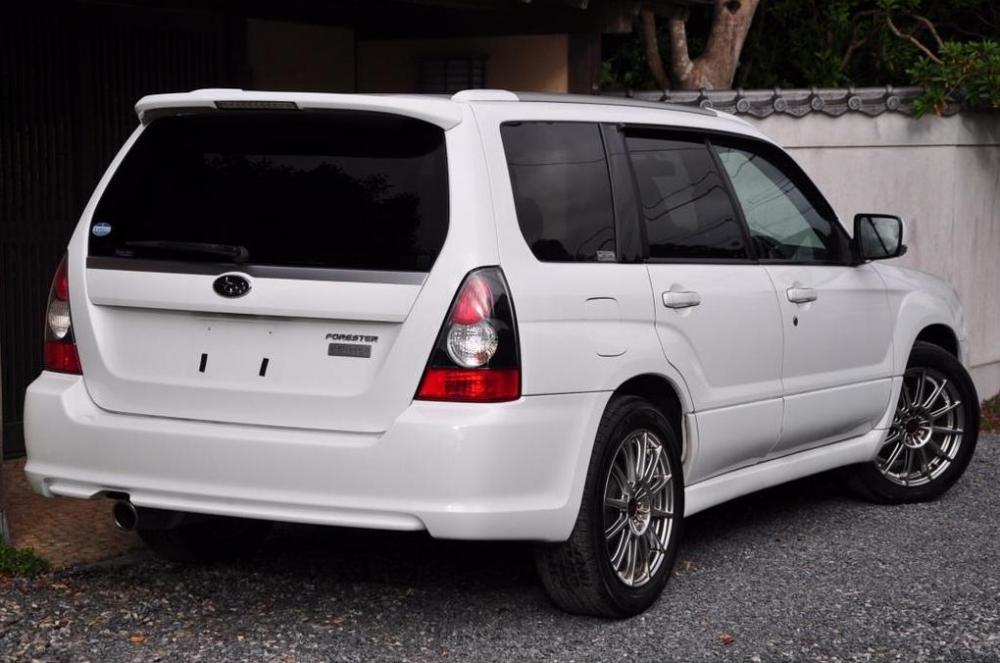
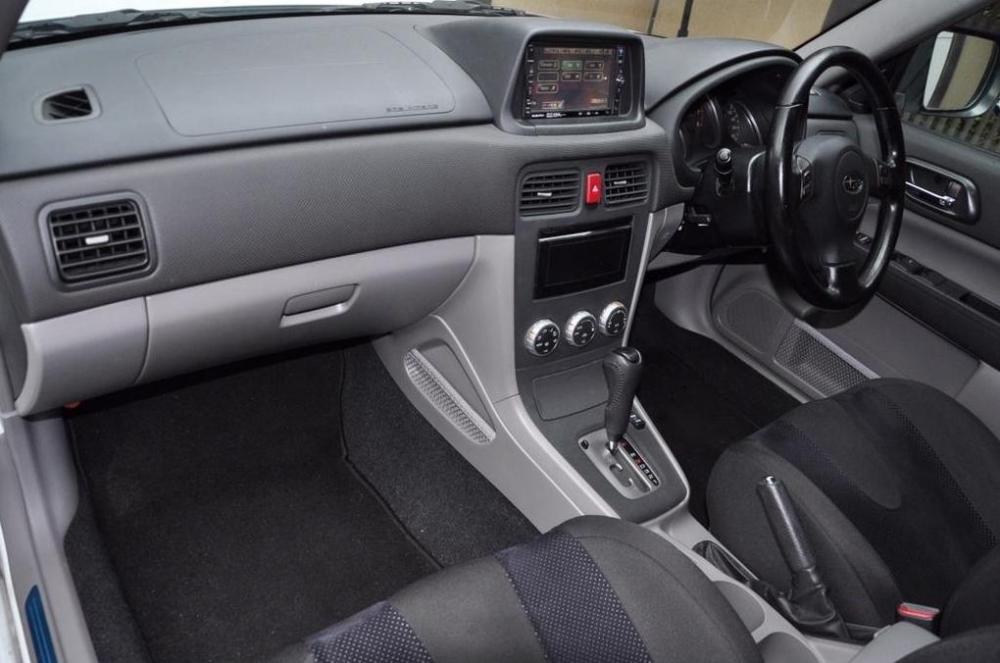
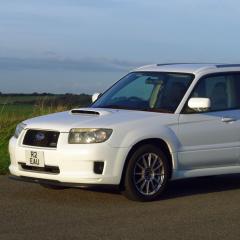
Having owned six Subarus over the years, a Legacy 2.5 4-cam, Forester S Turbo, Legacy GT-B, B4 RSK, Forester St/b and now a Forester Cross Sports, which I have had for a week now, I am about to swap (at some additional expense) for my seventh and what I hope will be the ultimate Scooby (for me), a Forester Cross Sports S edition automatic (pics below). I love everything about my manual Cross Sports apart from one thing - it is not great to drive in slow moving traffic; always straining at the leash, constantly egging me on to find a dual carriageway or winding country road where I can open the throttle and drive it like the sure-footed go kart it is. It simply won't behave itself when driven slowly which is the reality of a lot of today's motoring. I hope that the automatic version will be the compromise I am looking for between pure, unbridled Scooby joy and a more composed ride when in traffic. I really believe that cars influence the way I drive and I am definitely more aggressive when behind the wheel of my manual Cross Sports. I am praying the automatic will persuade me to drive more in a more composed fashion when sedate driving is dictated by the prevailing traffic conditions. I am 62 years old and should have grown up by now! If anyone has experience of this model I would love to hear their opinions. In the meantime I look forward to being able to contribute to these forums.