Eloise
Members
-
Joined
-
Last visited
Everything posted by Eloise
-
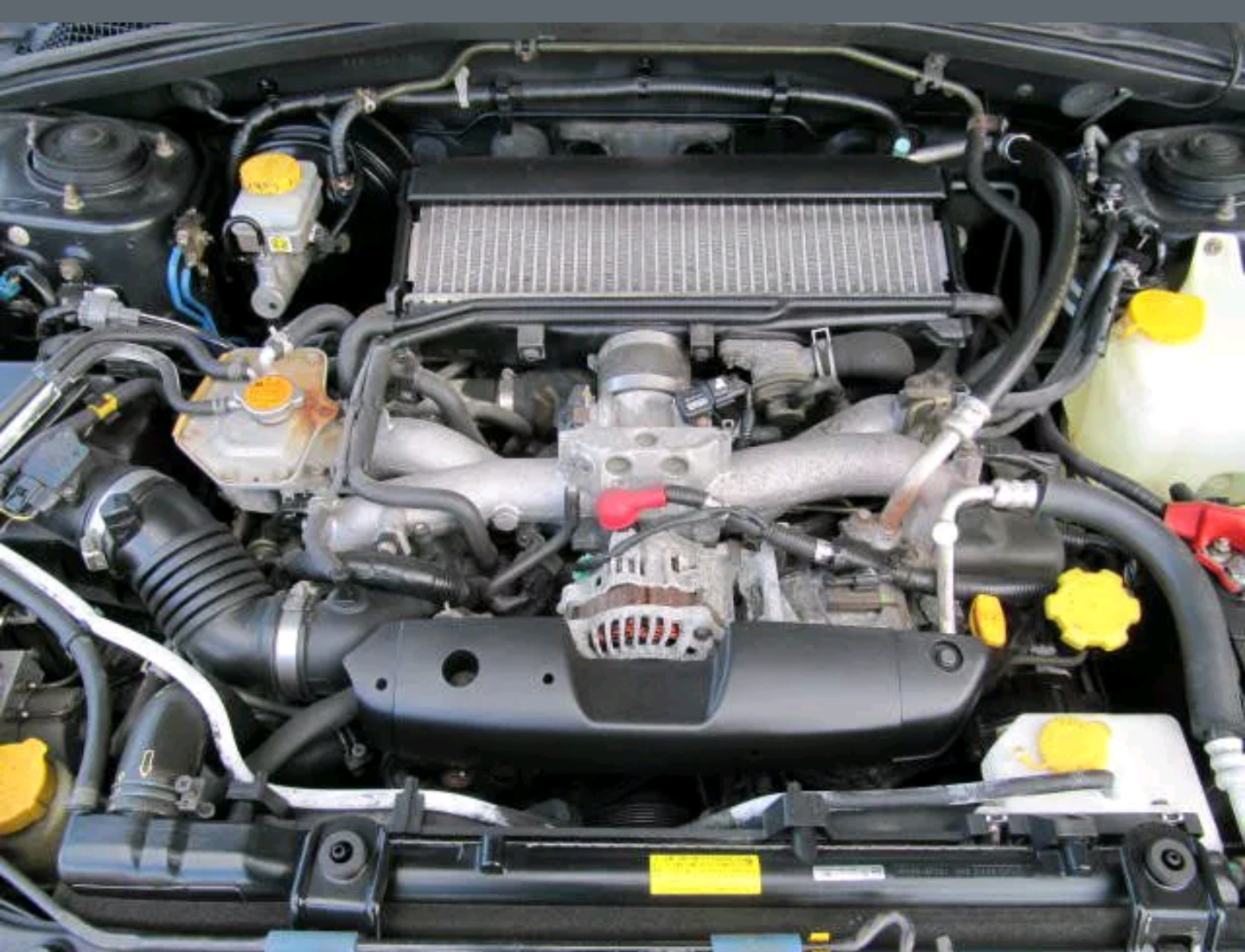
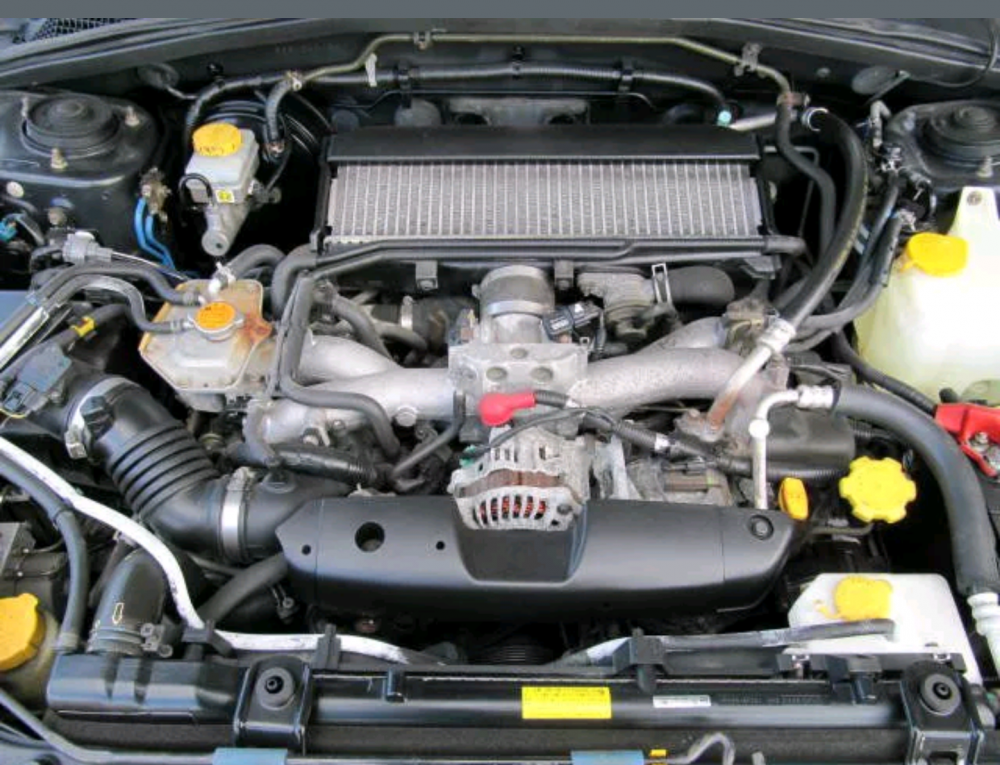
Ah! Understood. TD04 15g Thanks Matt! You're right it is very clean and tidy thanks to previous owner XD Hope I can keep it going that way!
-
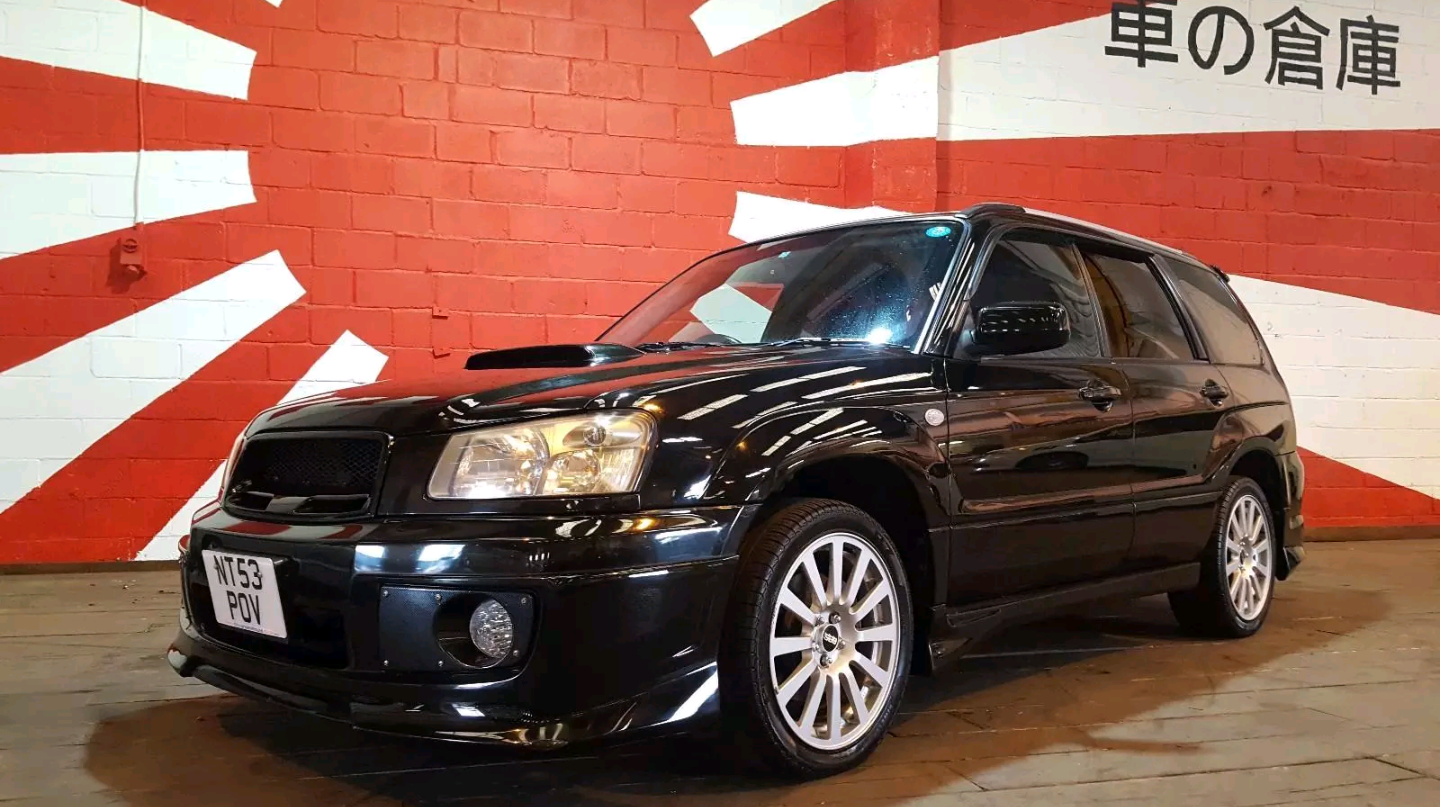
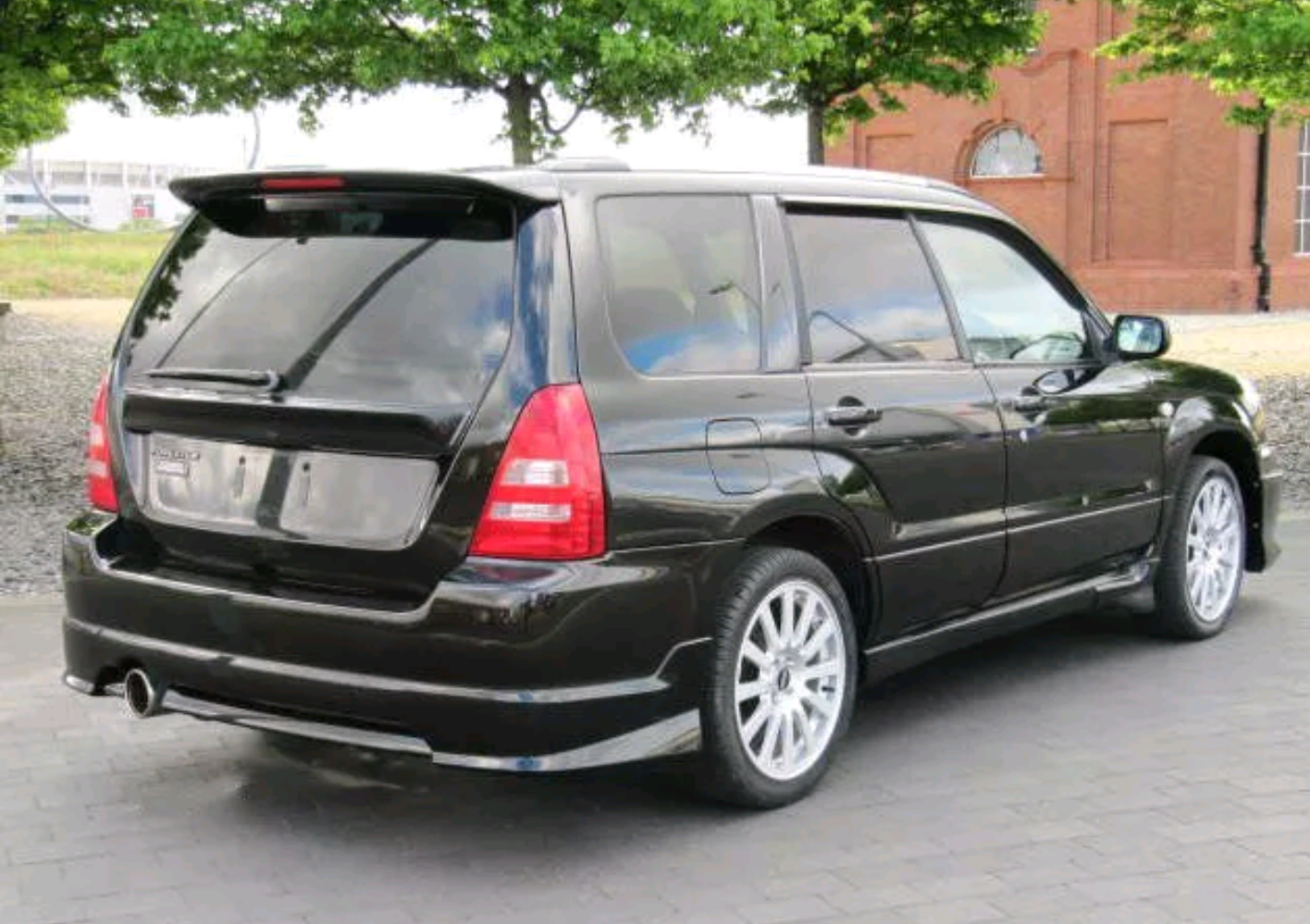
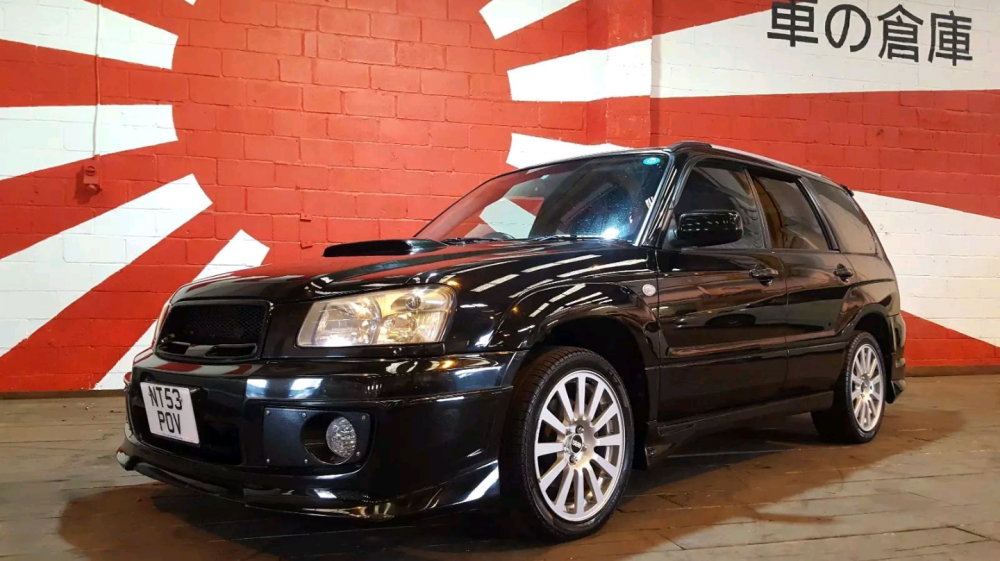
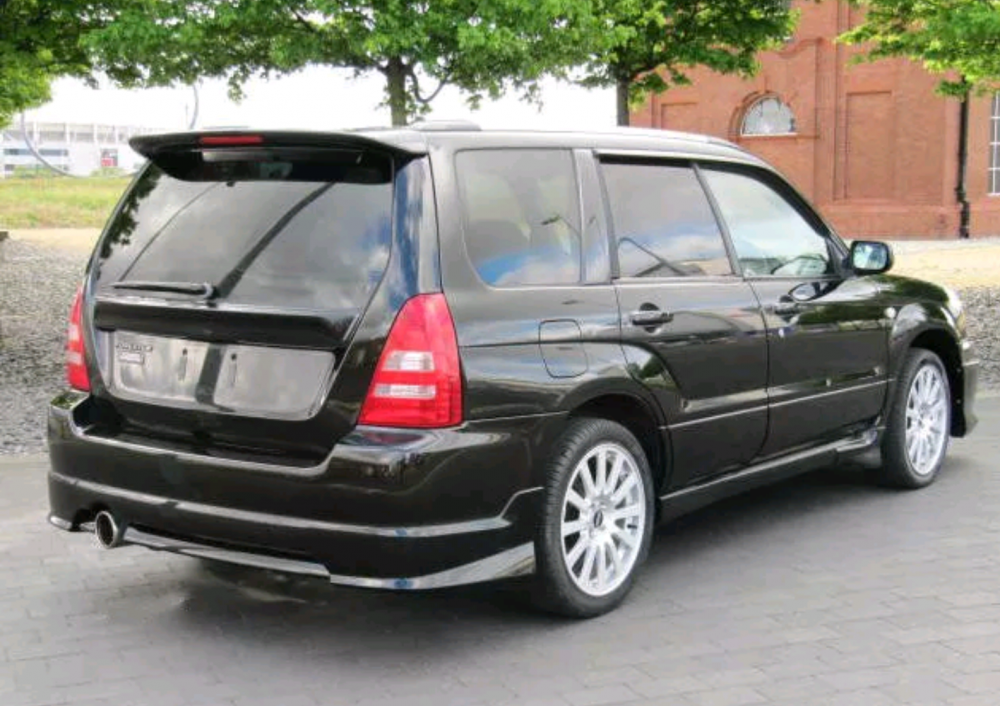
Hi, 23 years old newbie. Attached pics of my first ever subaru bought yesterday :D Excited to navigate this site and learn new things :) Just bought 2003 2.0T but dont know what turbo is in it could anybody tell me please? For now I'm assuming a TD04 15g? Someone said TD04 19T but I don't think it is? Completely new to Subarus though so I could be way off. Thanks
-
New to scoobies. 23 years old. No no claims discount. Insurance companies hate me. Hoping to find some good advice from wise subaru lovers to guide me through my first subaru journey. Picked up 03 Forester 2.0T import today, intend to love it more than my own family and build it up every so slowly. Thanks for creating such an interesting helpful forum! See you out there.