walkersteve2005
Members
-
Joined
-
Last visited
Everything posted by walkersteve2005
-
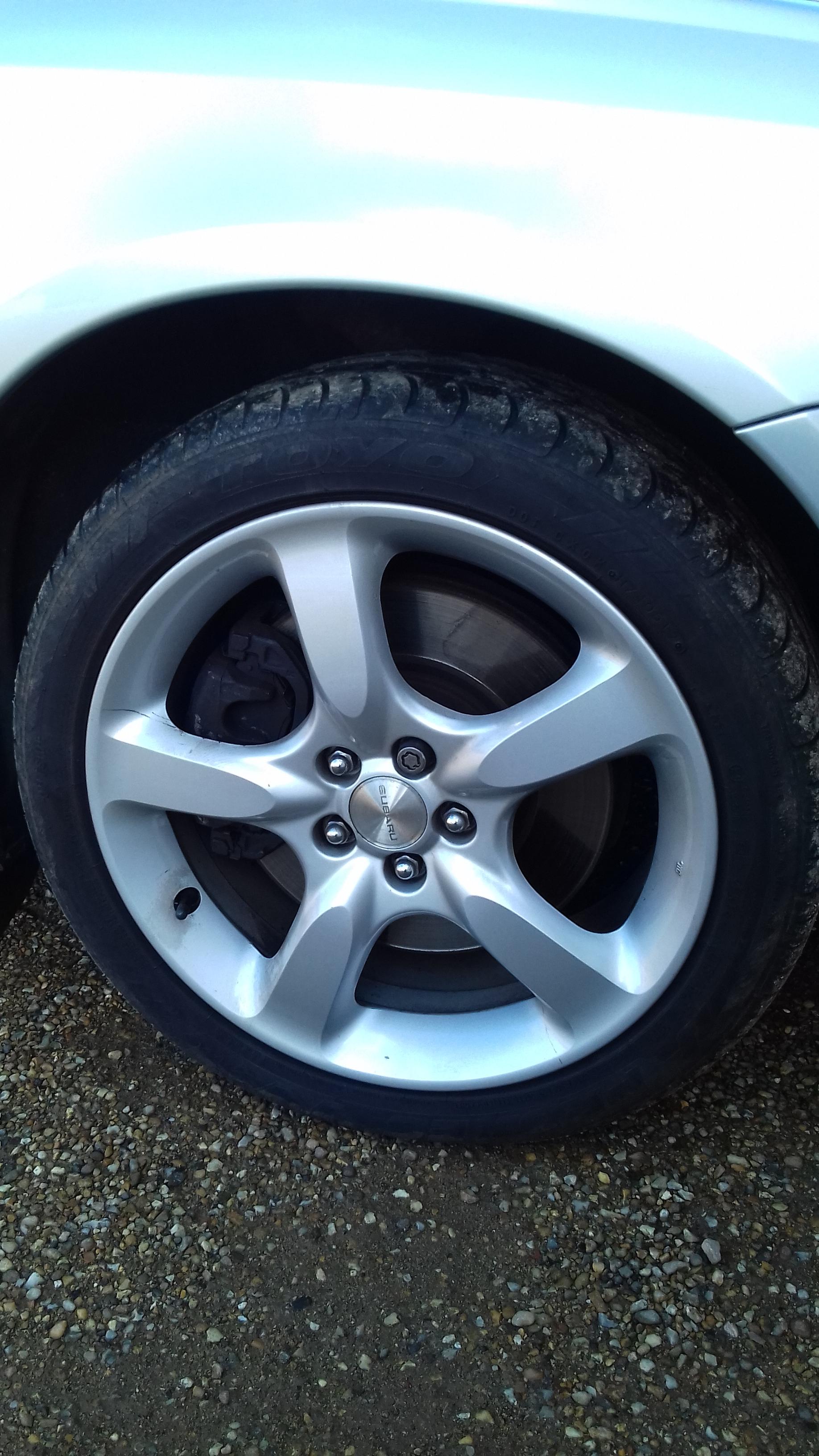
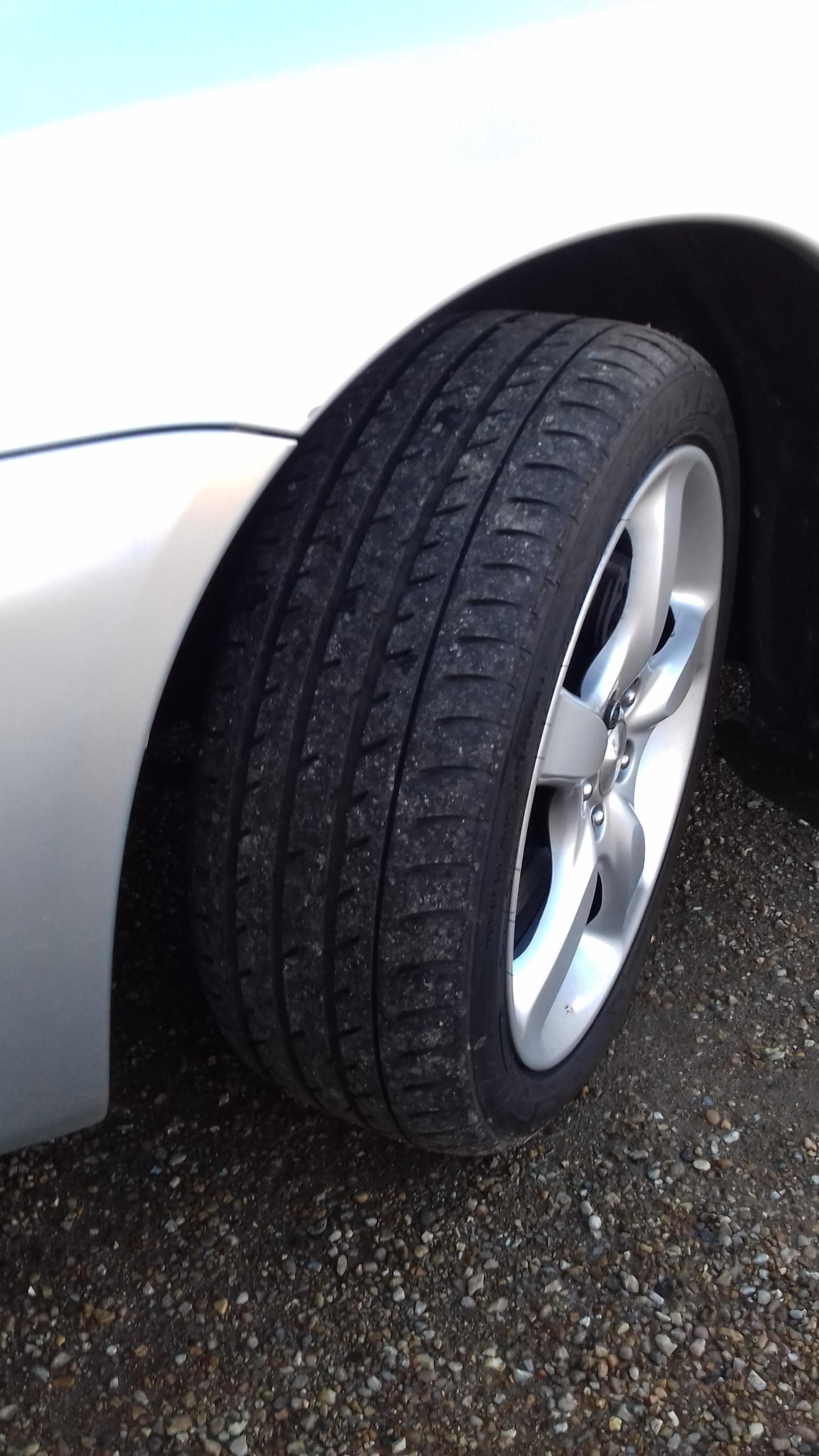
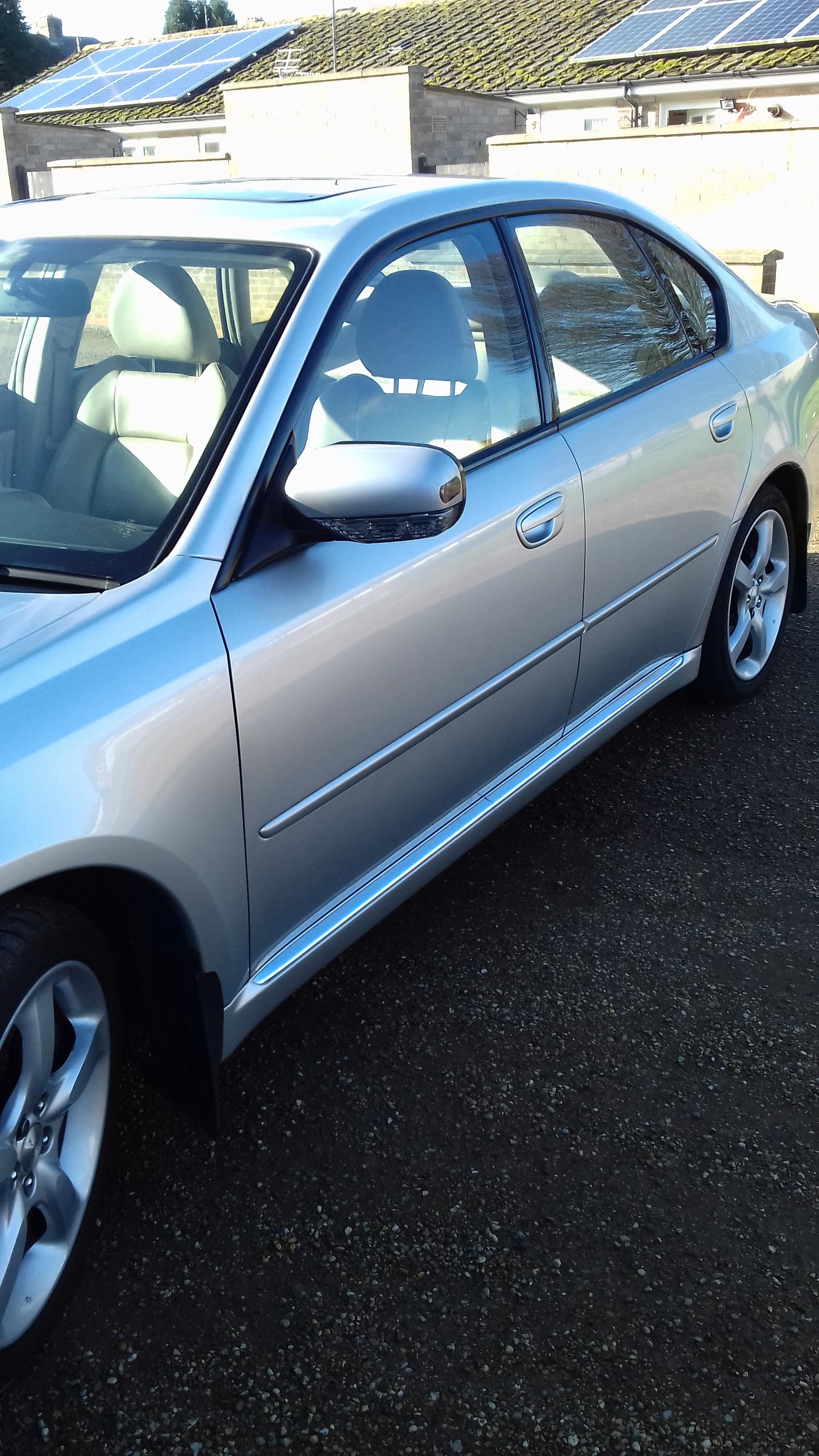
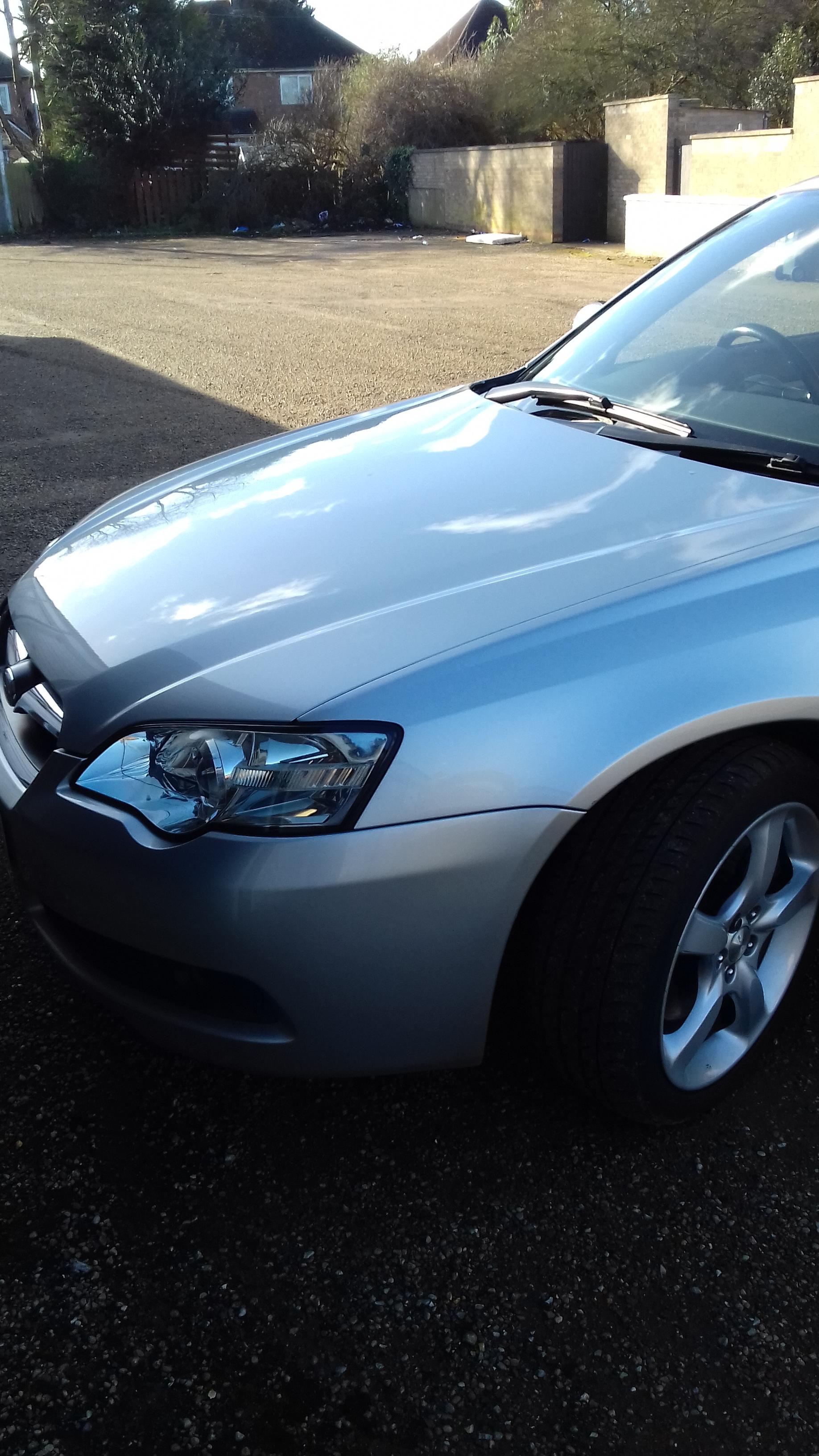
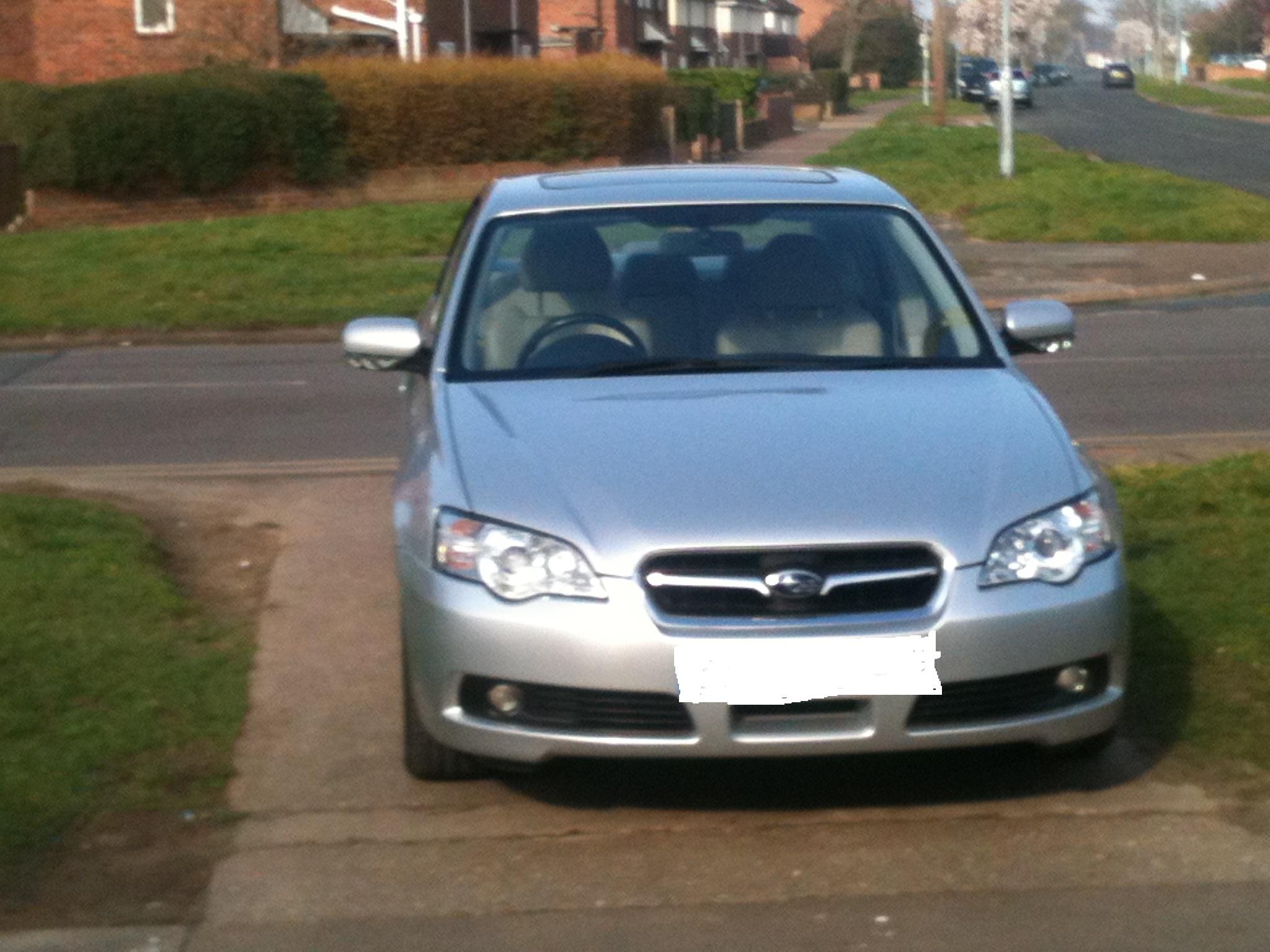
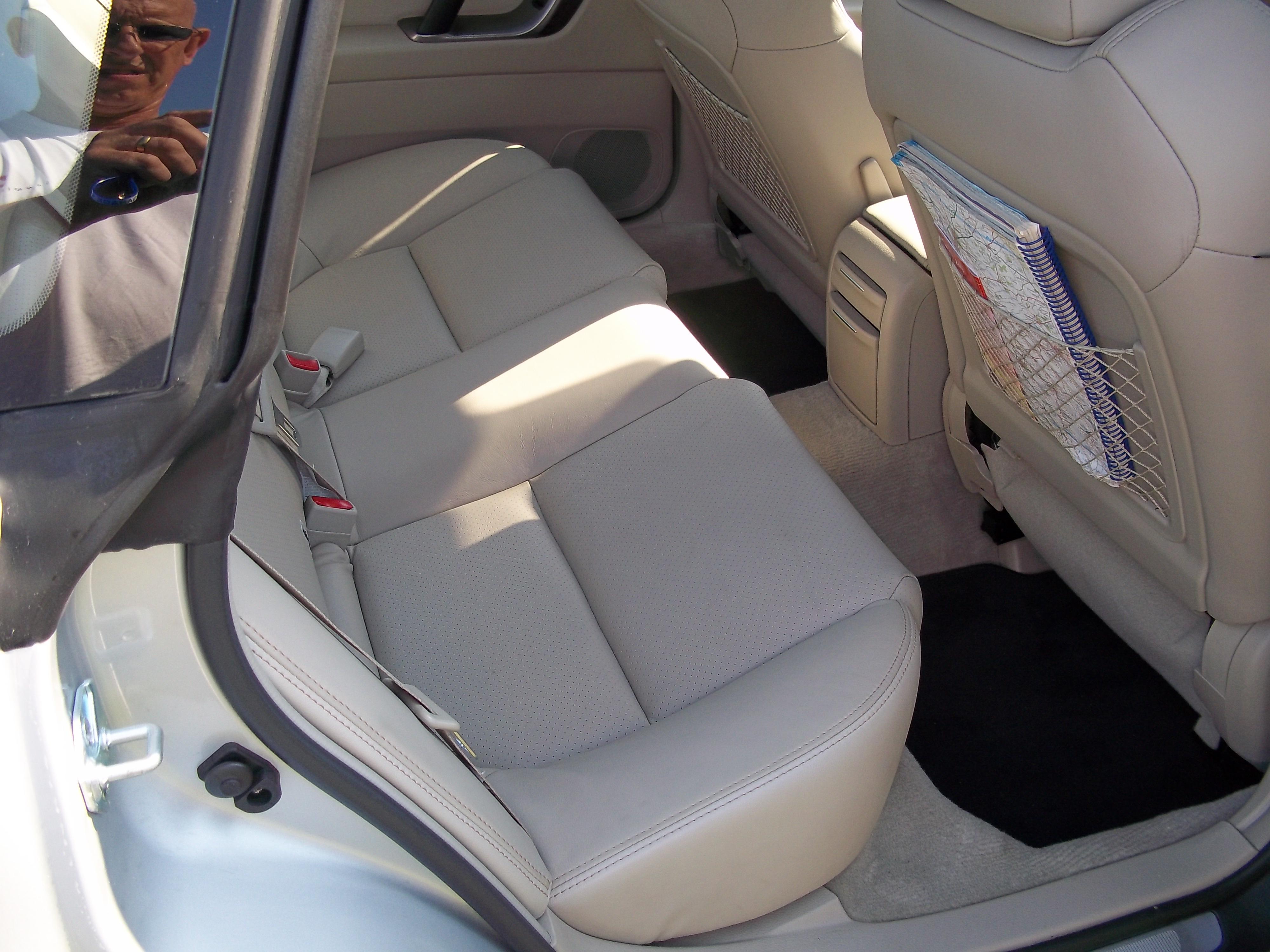
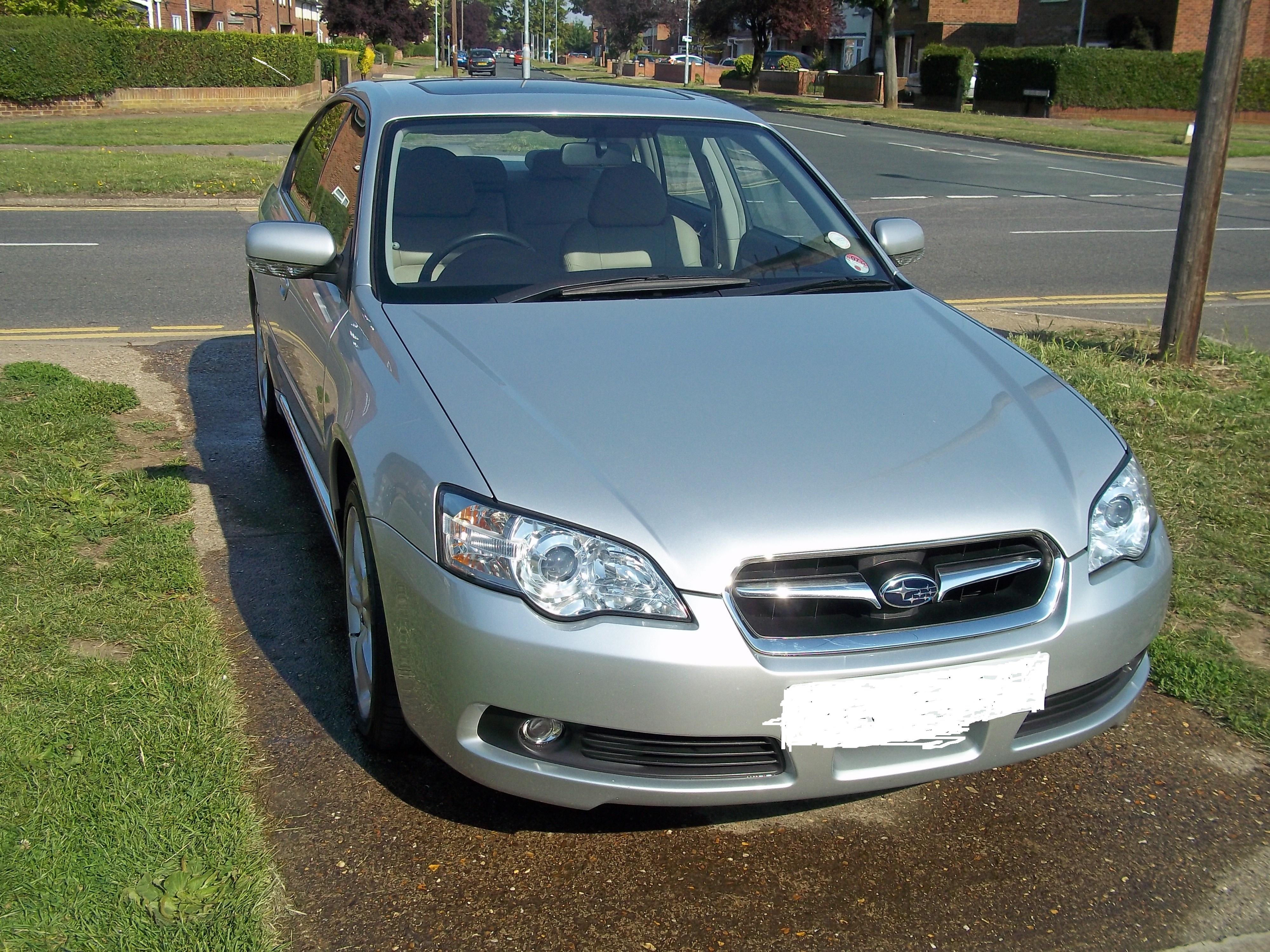
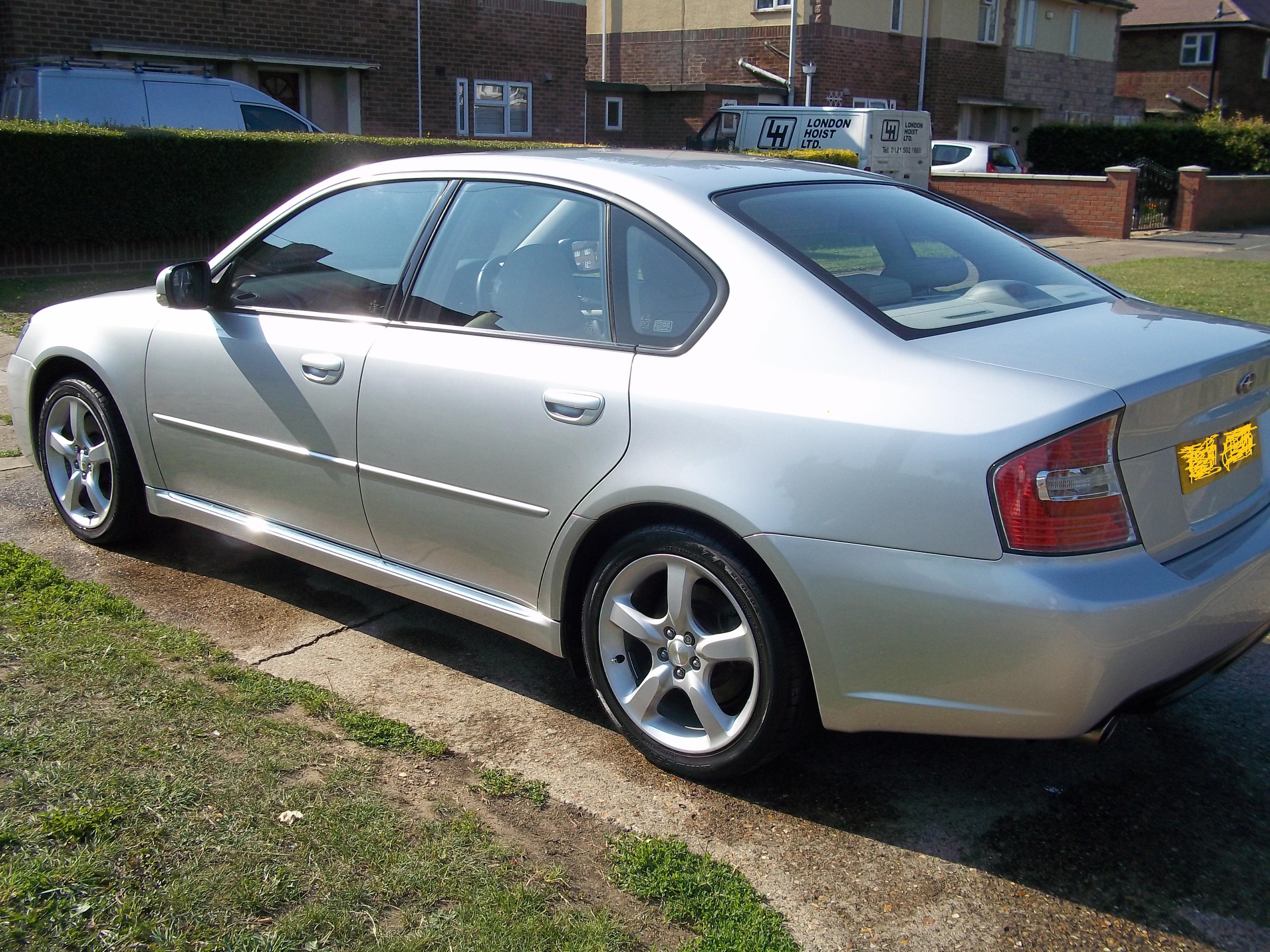
49750 miles. Mot jan 2020. Well maintained. £315 tax. Good bodywork/paint. Pics in my profile £ 3995
-
 2005 H6
 -
2005 H6
-
-
-
-
Hi Not sure if relevant to your Impreza but had the exact same symptoms on my Legacy R, It was a faulty EGR valve. Regards Steve
-
Hi Had this recall done in the summer at a main dealer, they told me the pipe in question is not visible at an MOT( hidden under a panel) hence the recall. Hope this helps. Steve
-
Hi Andy Have a nose @ walkersteve 2005
-
Hi Andy Have a look @ walkersteve2005 05 H6 Saloon Under 49k
-
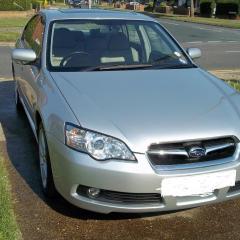
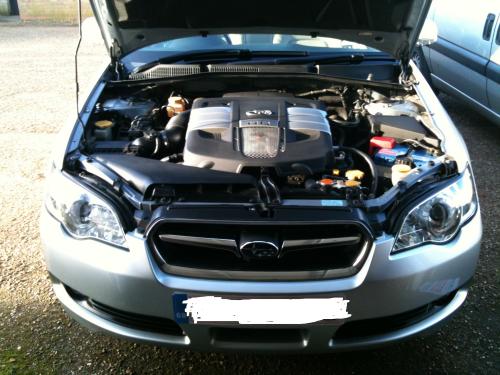
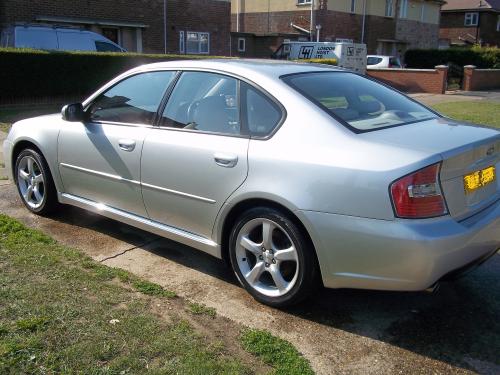
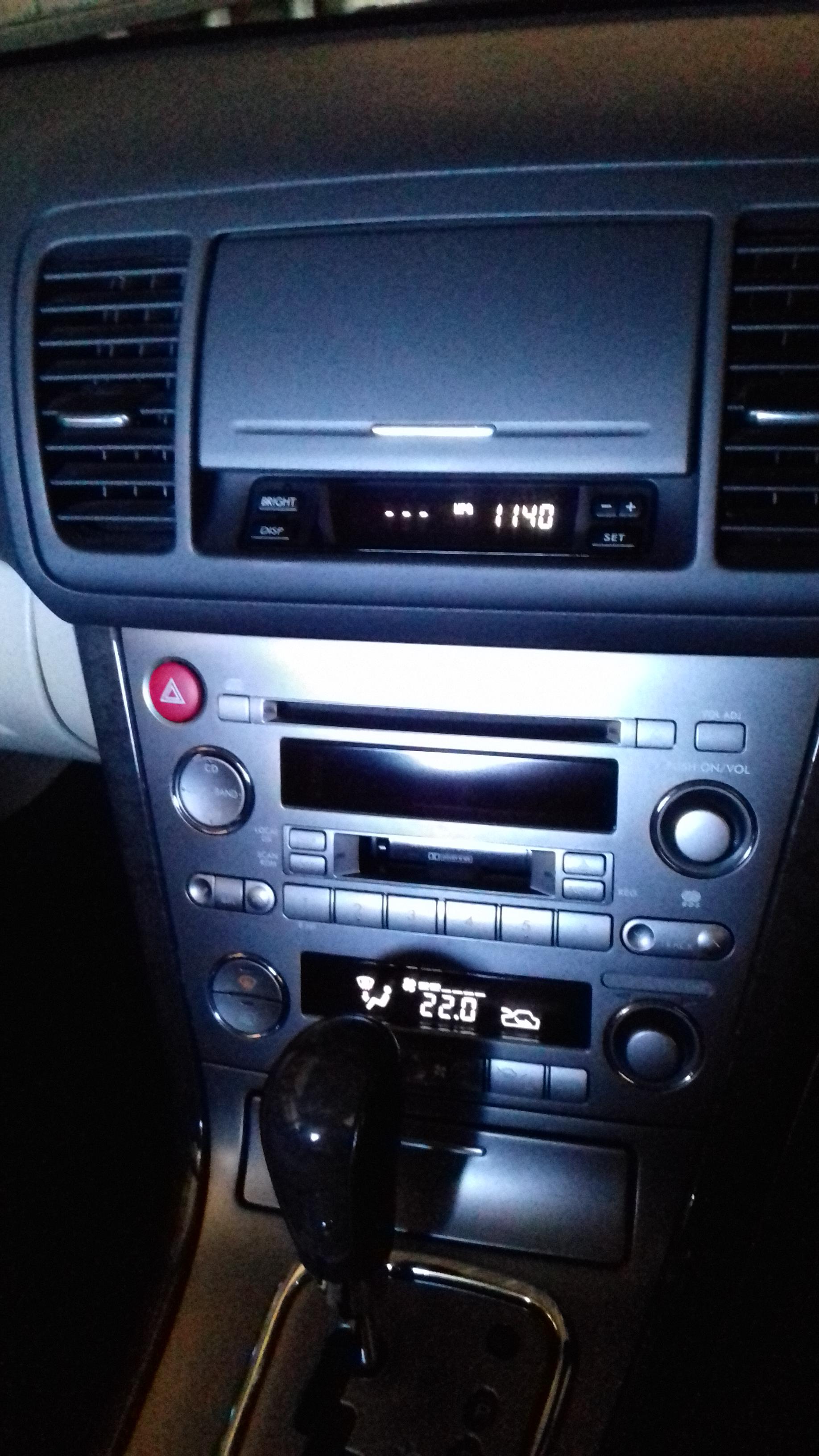
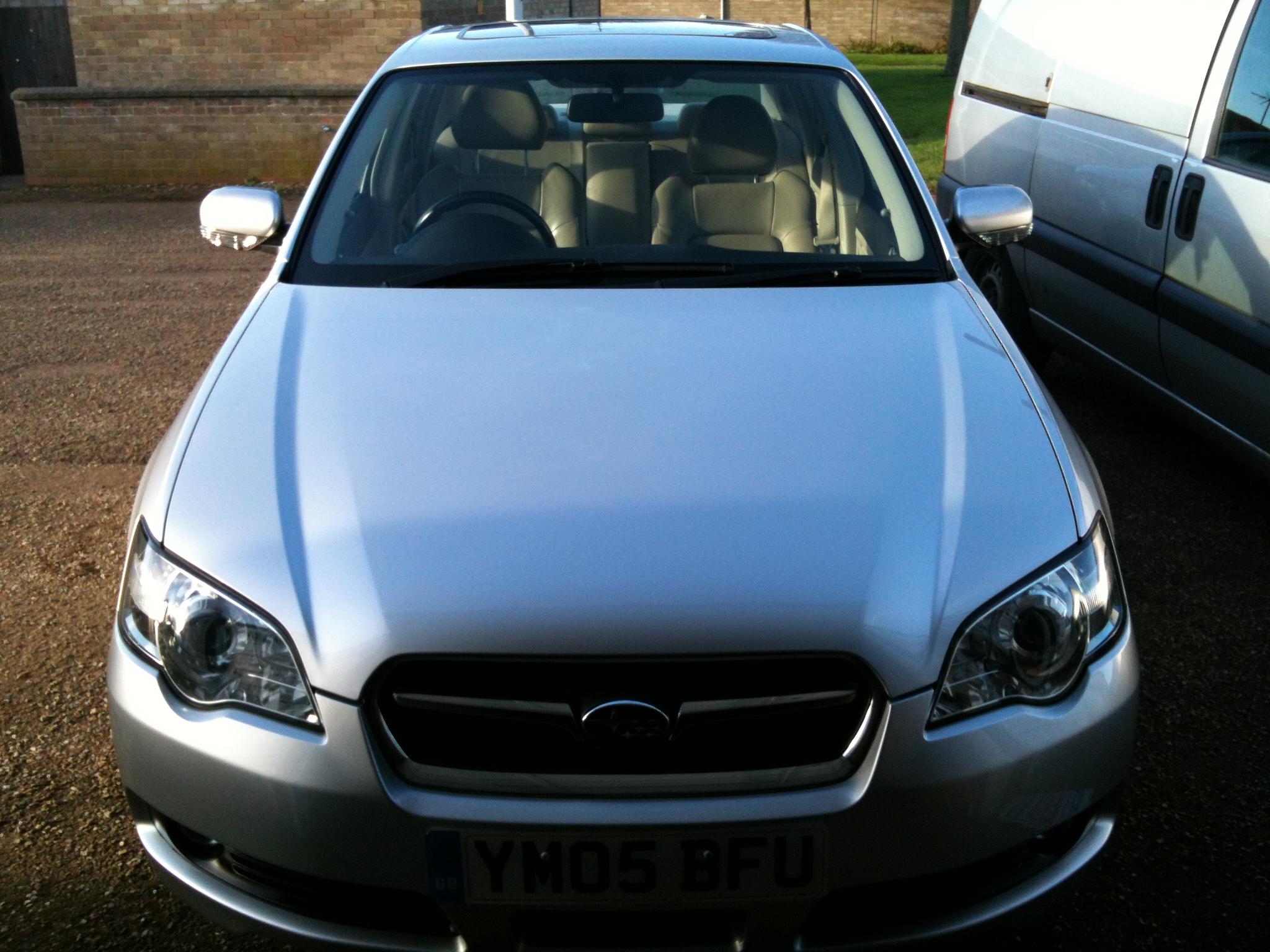
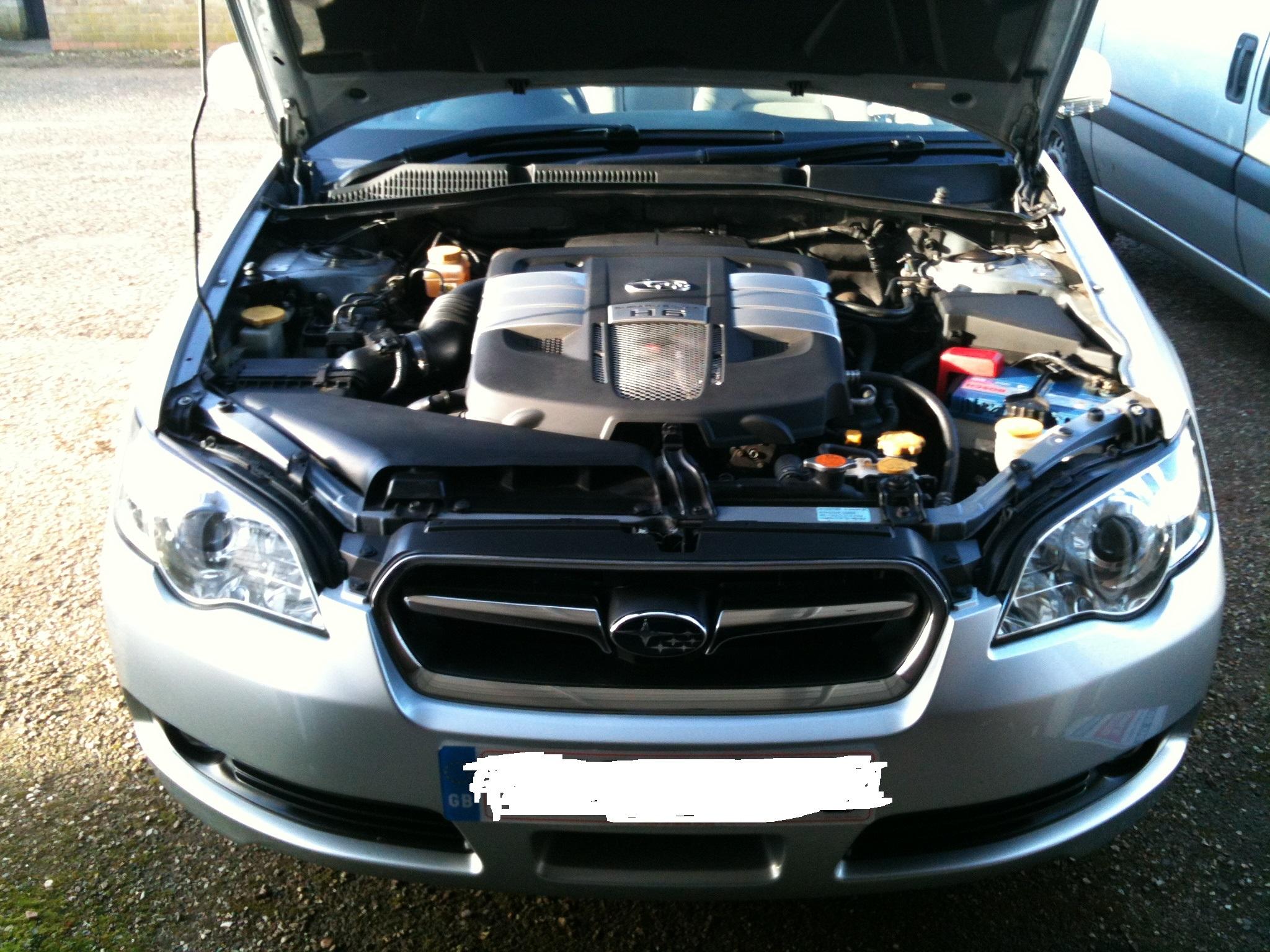
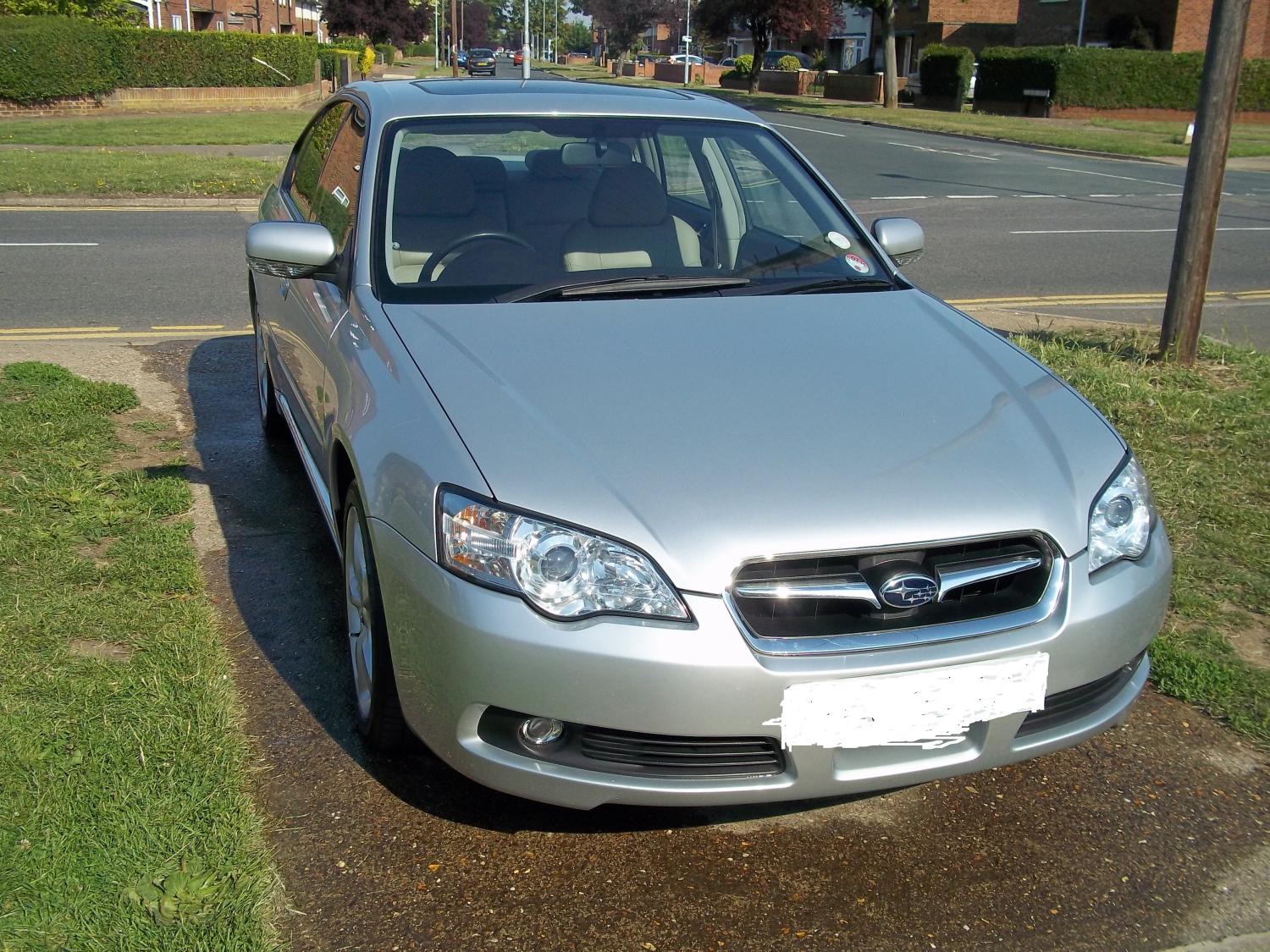
For sale 2005 3.0 R Legacy, low low miles @ under 49k. Silver with Champagne full leather interior. Standard car, full service history, plus invoices for work that I have had done. Work includes new cams and lifters to eradicate a slight `tapping` noise on right hand bank. Works carried out at MTC. Peterborough. Over £ 4000.00 Also new front hub assembly and a new washer motor and battery. Mot Dec 2018. Great clean car, tyres good, well maintained. 2 previous mature owners before myself. £ 4295.00 pics to follow when I get to my pc.