


nigxl
Members
-
Joined
-
Last visited
-
-
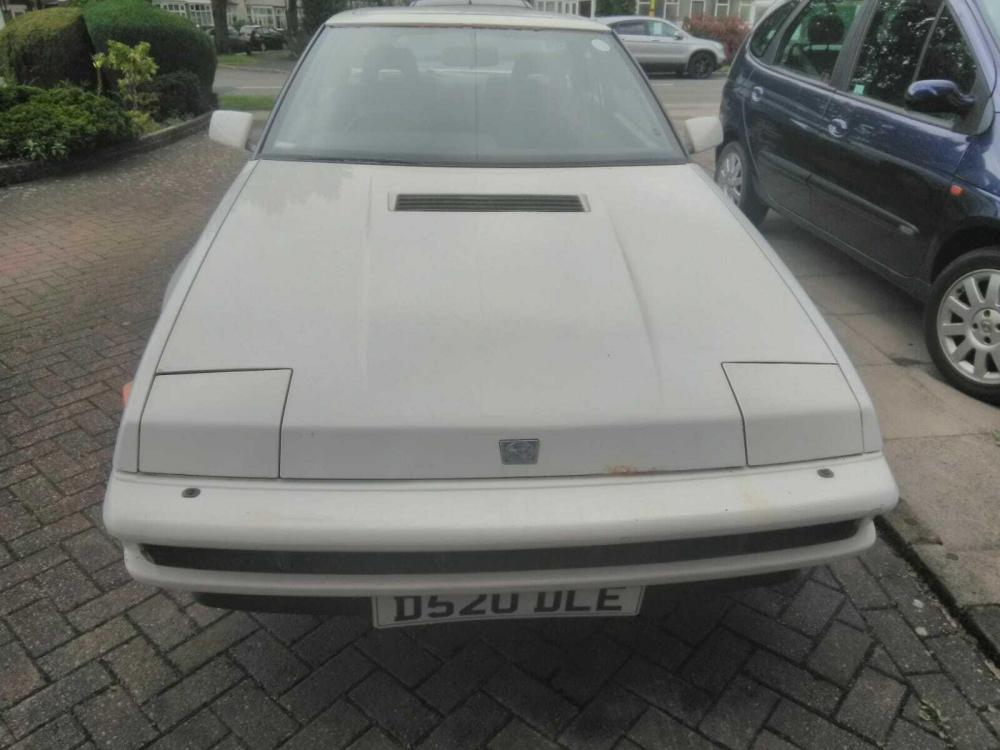
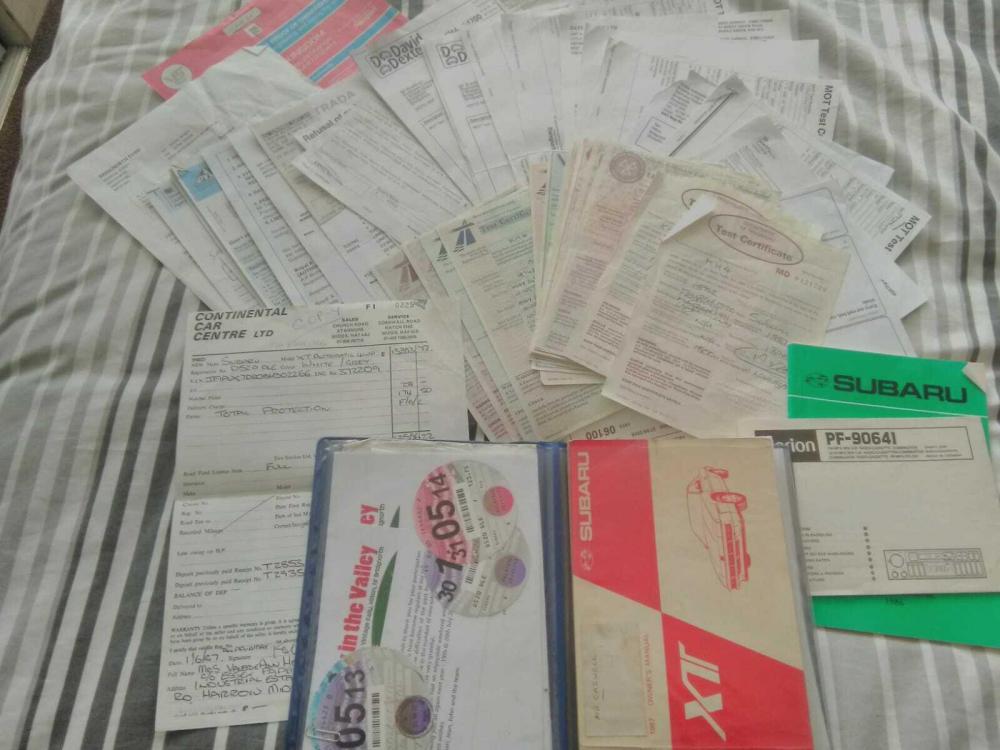
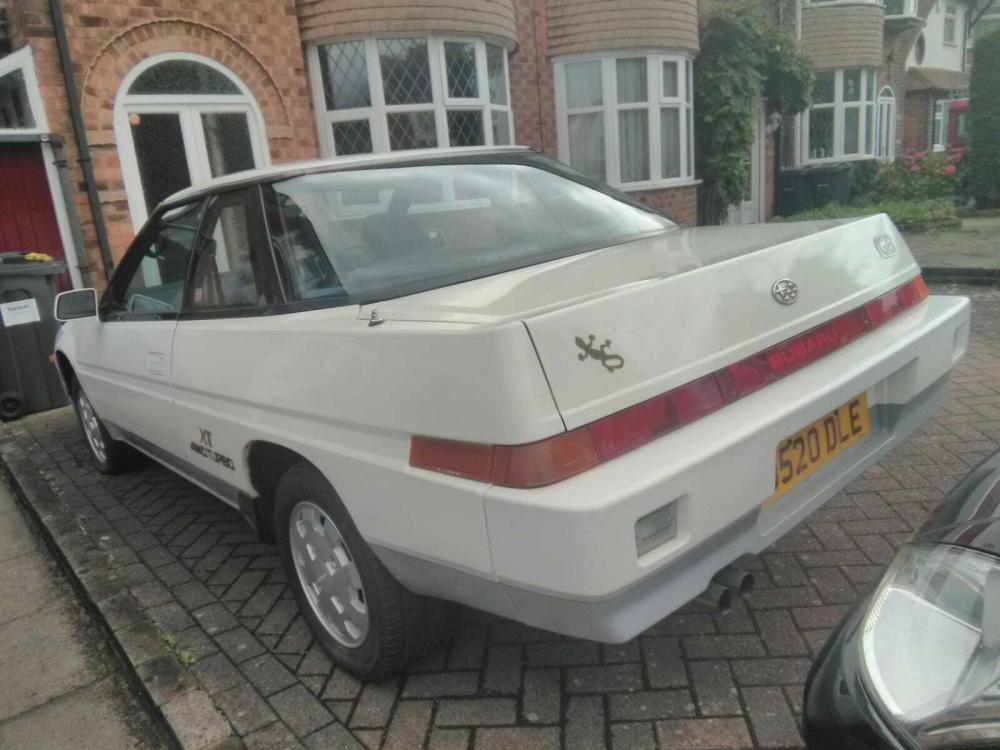
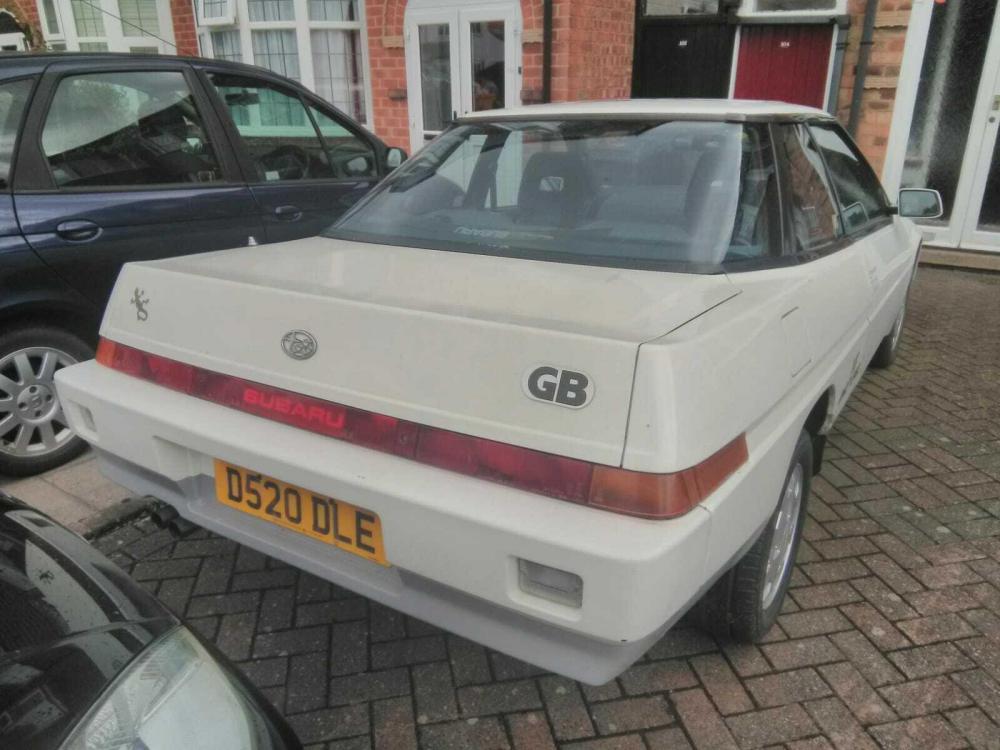
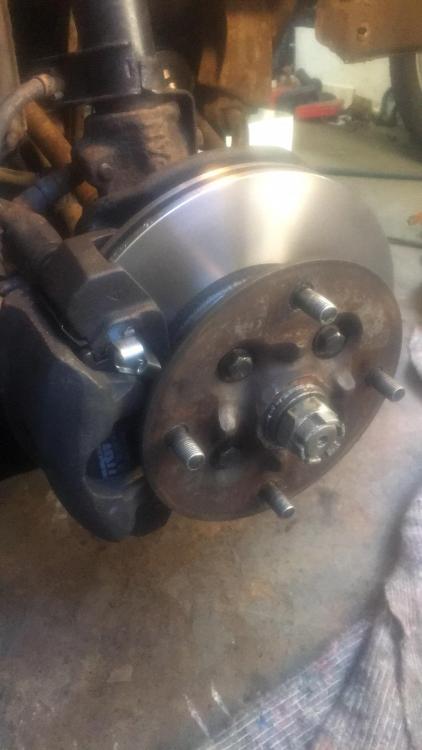
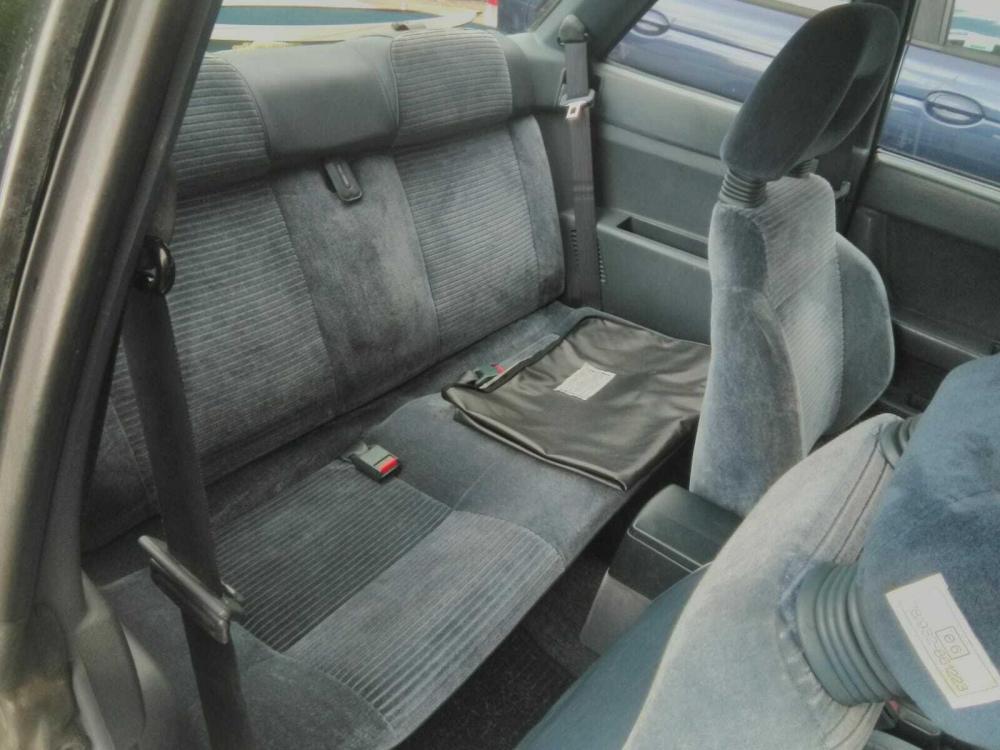
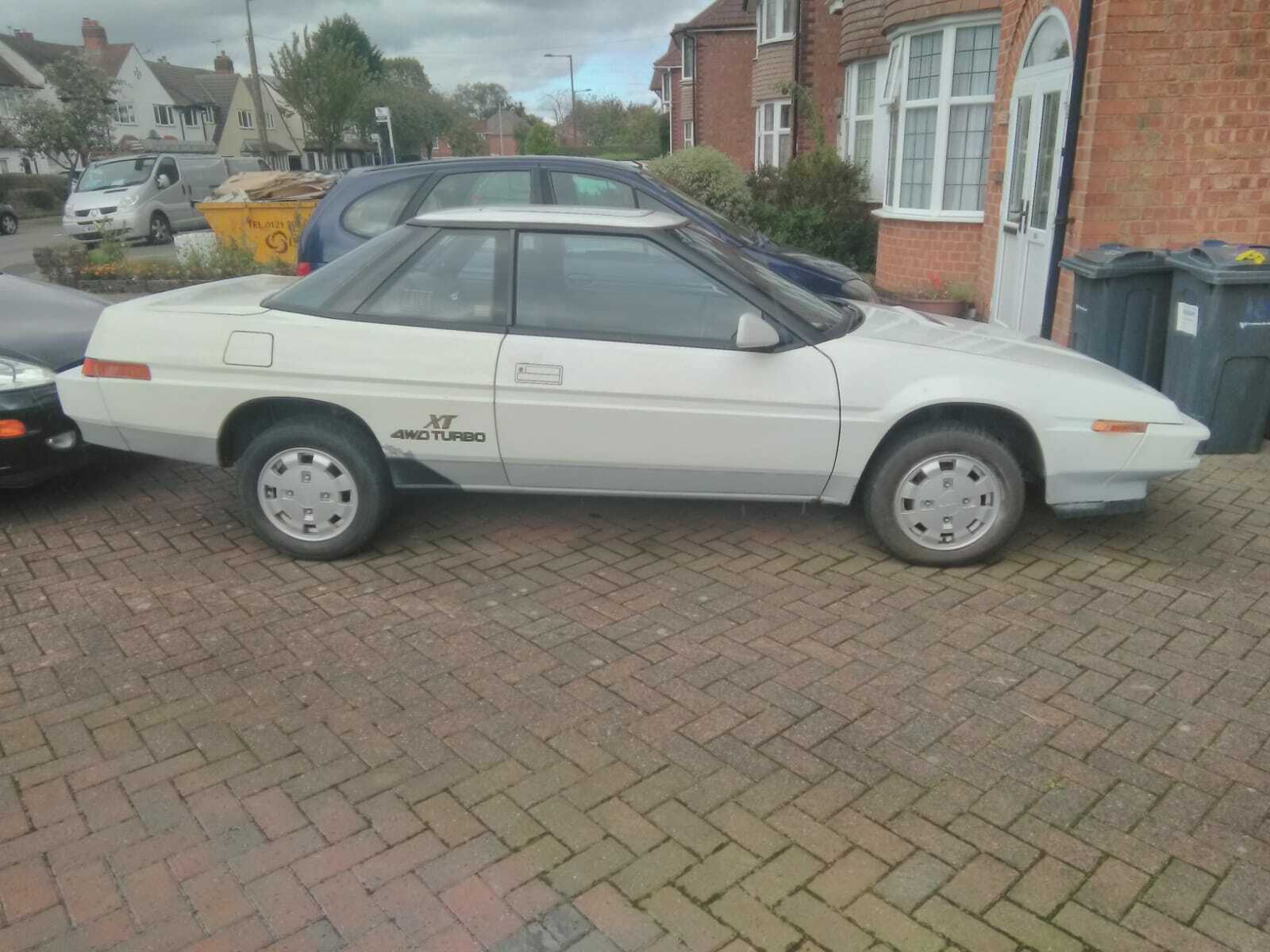
Regrettable sale as this was going to be my retirement project. All the mechanics have been done on this car, brakes, suspension, engine etc. Will require welding for the MOT which is beyond my abilities both technically and physically.
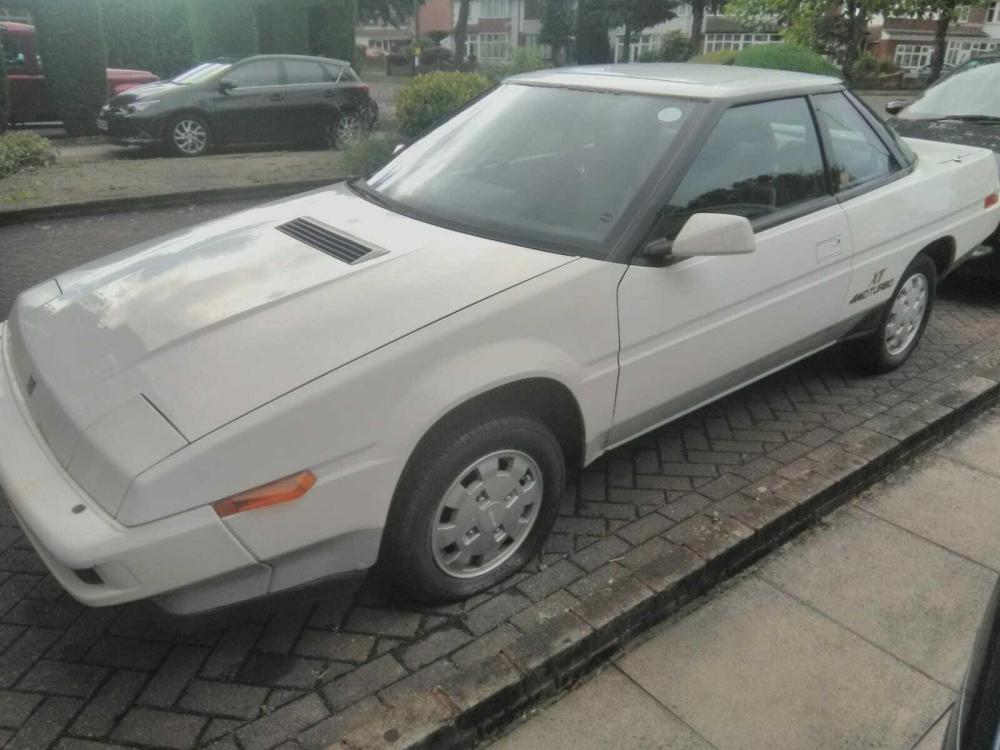
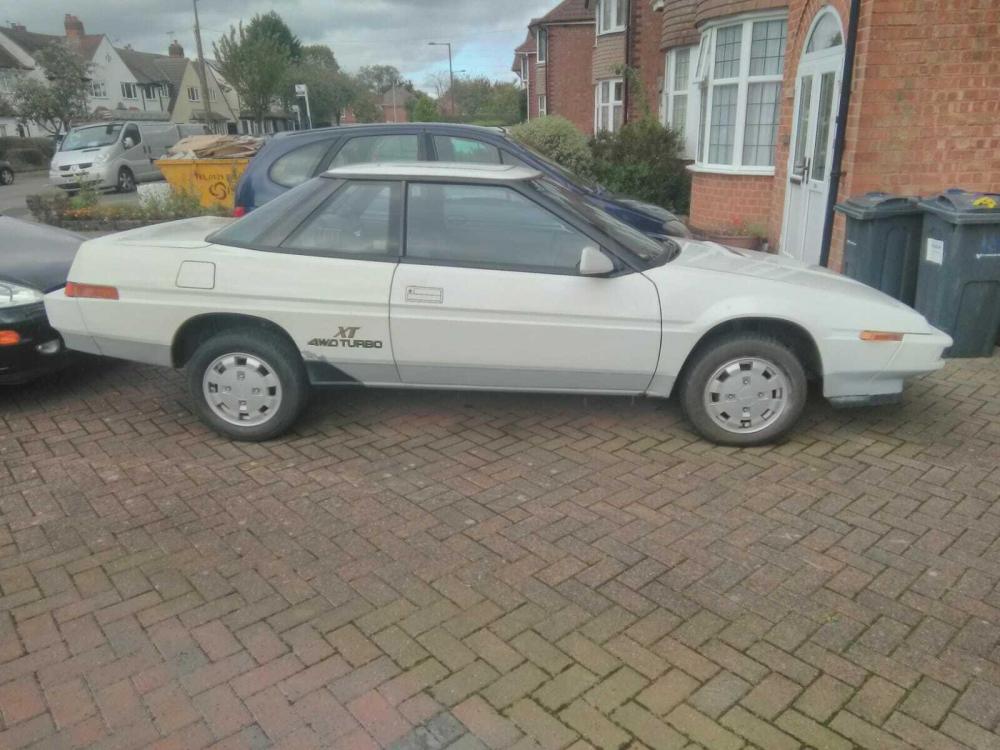
.thumb.jpg.9e37dd3bae40a62cf0bbaa4f5aefbfe2.jpg)
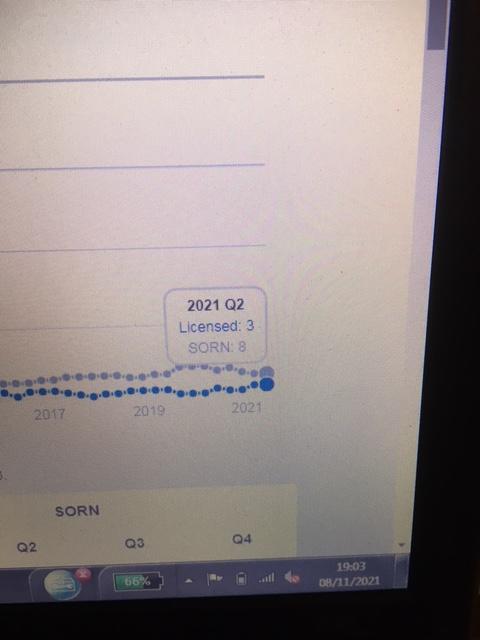
-
I'm considering buying a 2018 2.0 impreza and was wondering if the cars are actually any good? Reviews I've seen on them don't fill me with a lot of interest to be honest, slating the lethargic engine and whiny gearbox. So what are the opinions of the people who actually own them? Thanks
-
So new battery, fuel filter, plugs, oil and filter I turned the key. But I wasn't getting any joy from the fuel pump as it wasn't getting sufficient voltage. So I connected a battery charger to it and voila
-
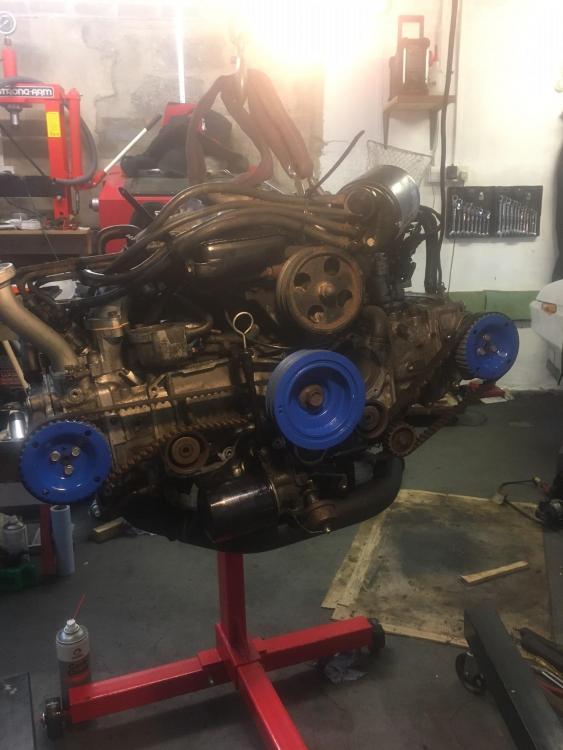
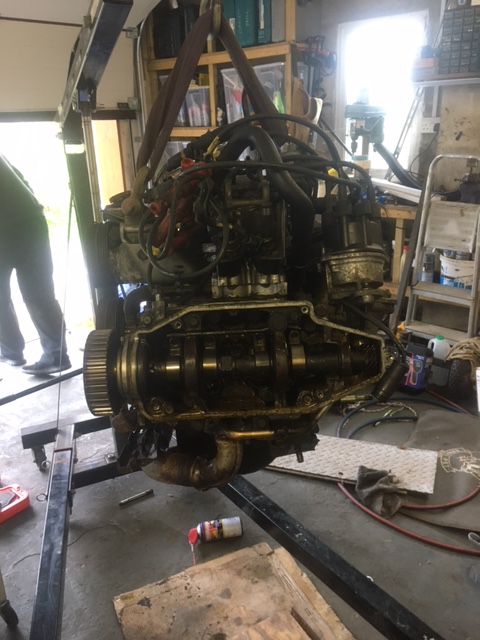
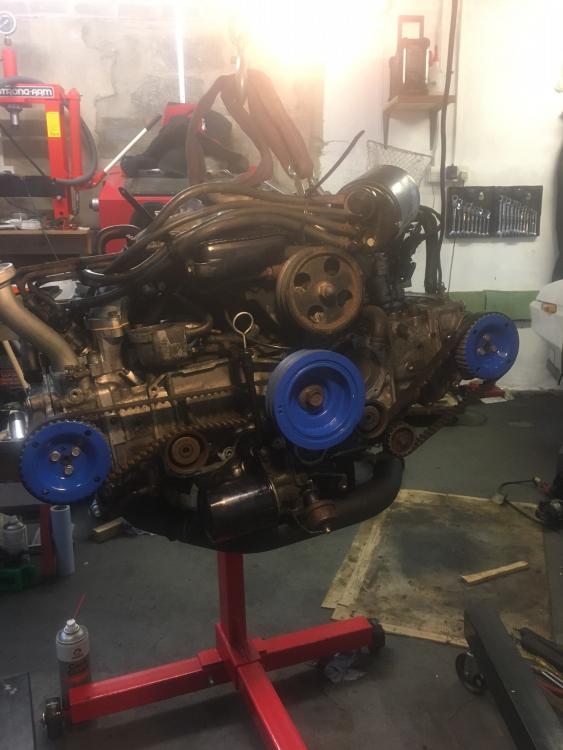
Decided that I'd reuse it with sealant and do a pressure test of the cooling system but the waterpump seal had gone and I'm still waiting for a new pump to arrive from Japan. So after replacing the cam, crank, sump, exhaust, turbo seals and gaskets and a little bit of tarting up I decided to put it back in a fire it up.
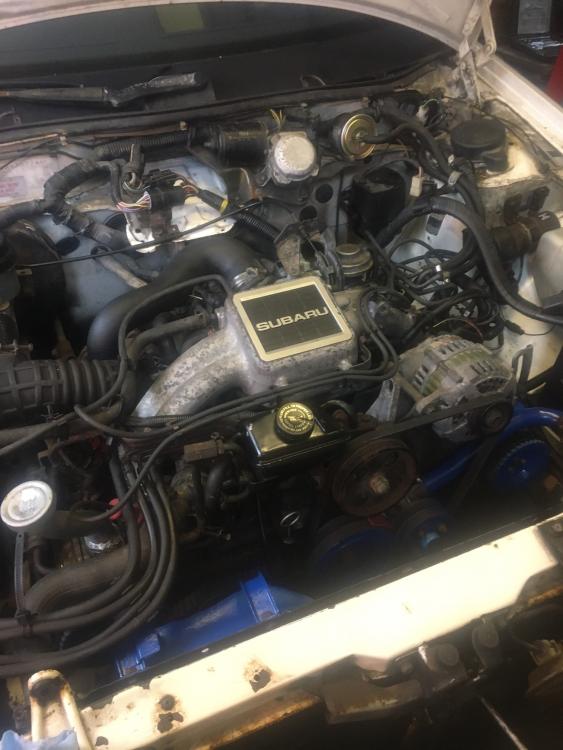
-
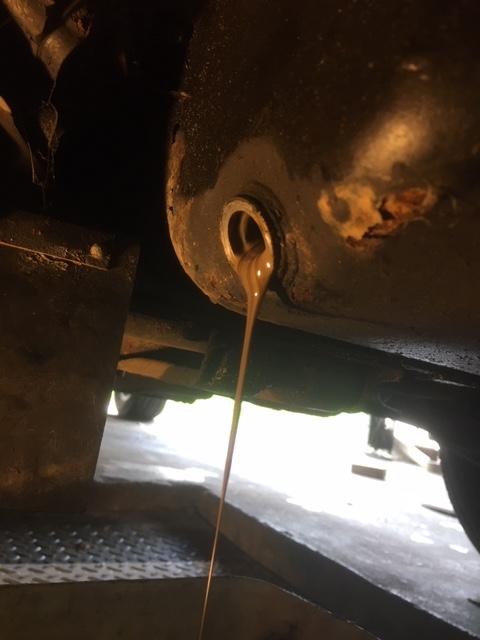
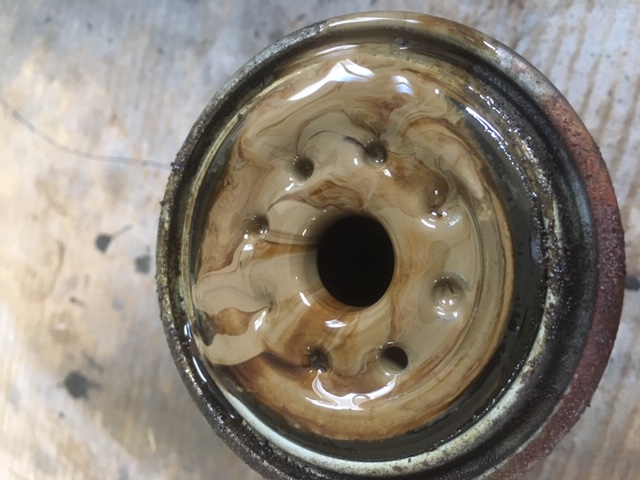
So out came the engine and found the issue, a freeze plug had popped.
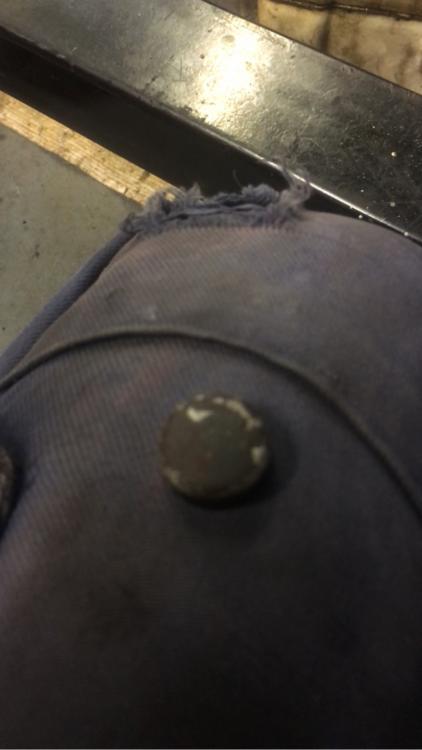
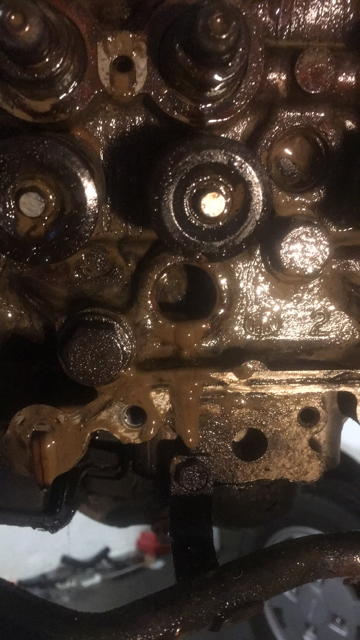
-
Well I bought this a couple of months ago having not been run for around 3 years. Soon found out why it hadn't been run.
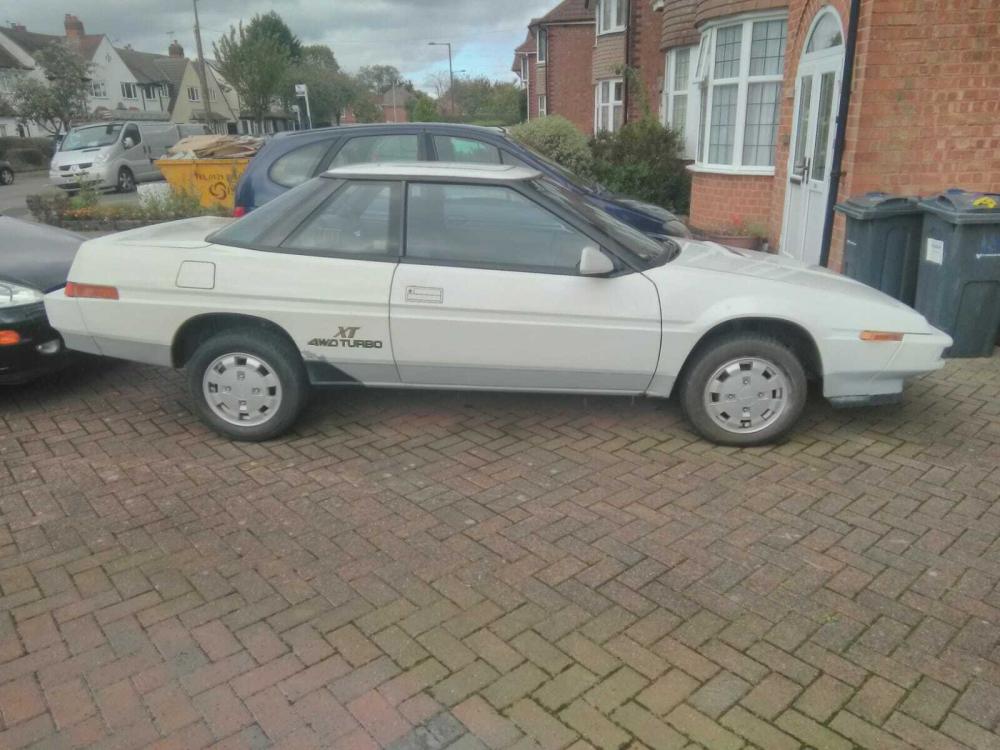
.jpg.b78ccdbd183462429f0c370303b7c3b5.jpg)
.thumb.jpg.ce99d038f87c0bdfe91cf9bff08a6a55.jpg)


.jpg.e7907f918493f757ccbe9eea79caf297.jpg)





.jpg.b78ccdbd183462429f0c370303b7c3b5.jpg)
.jpg.9ece555e96c5a9afa78296ec29d158d7.jpg)
