


savage bulldogs
Moderators
-
Joined
-
Last visited
Everything posted by savage bulldogs
-
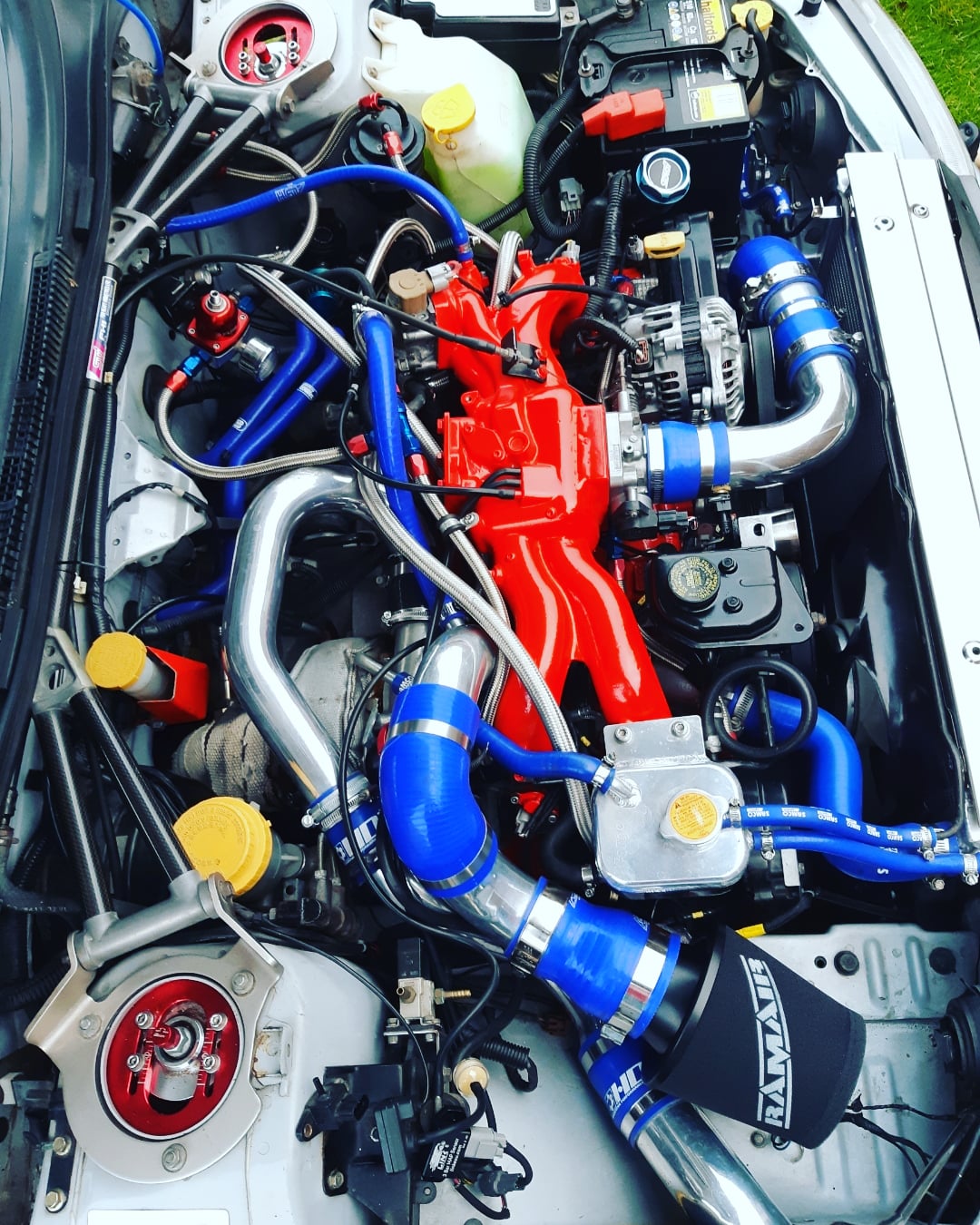
 Cheers chaps for the warm welcome/ comments . I haven't done much to the exterior of the car (other than the front splitter) most of the mods are mechanical which range from simple handling tweeks to a forged self build . I'll pop a few more pics up once I prize the laptop of my daughter ;-)
 -
hi all I bought my first scoob (bog standard) about 2 yrs ago and have spent most of my ownership bolting shiney bits on to her :D im fairly active on a few other forums but, prefer the smaller sites due to their friendliness .I've had a good look around on here and recognise a few scoobs /usernames so thought id join up and introduce myself and my scoob a few pics of the outside cheers clive
