Newfozzy
Members
-
Joined
-
Last visited
-
This was a really good tip and it’s now not leaking , thanks very much!!
-
Ah brilliant,thanks !!!
-
Hi Andy,thanks for that.Do you know where to find a diagram to loacate the pipe inlet ????Will have a general scout as well Kate
-
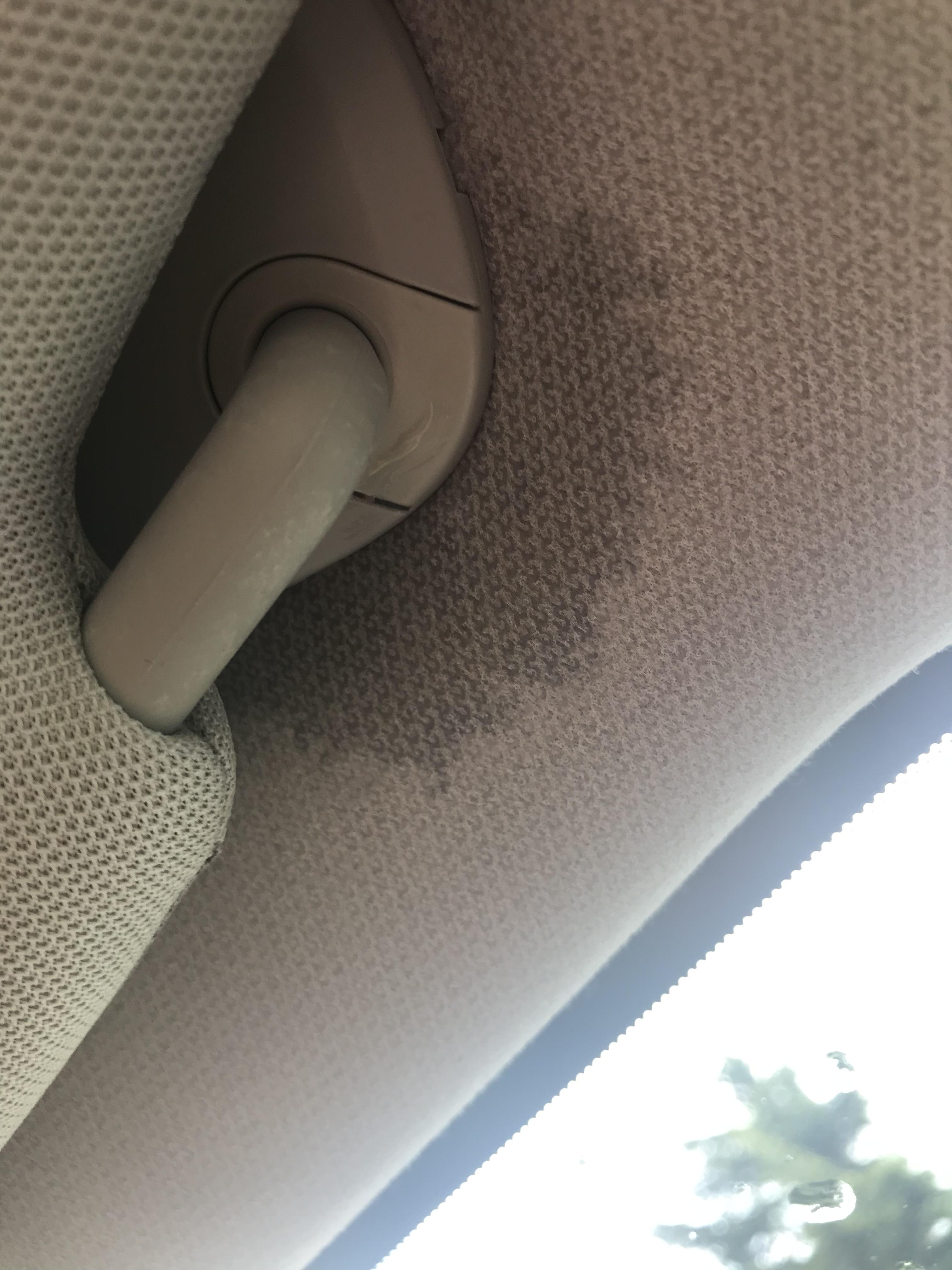
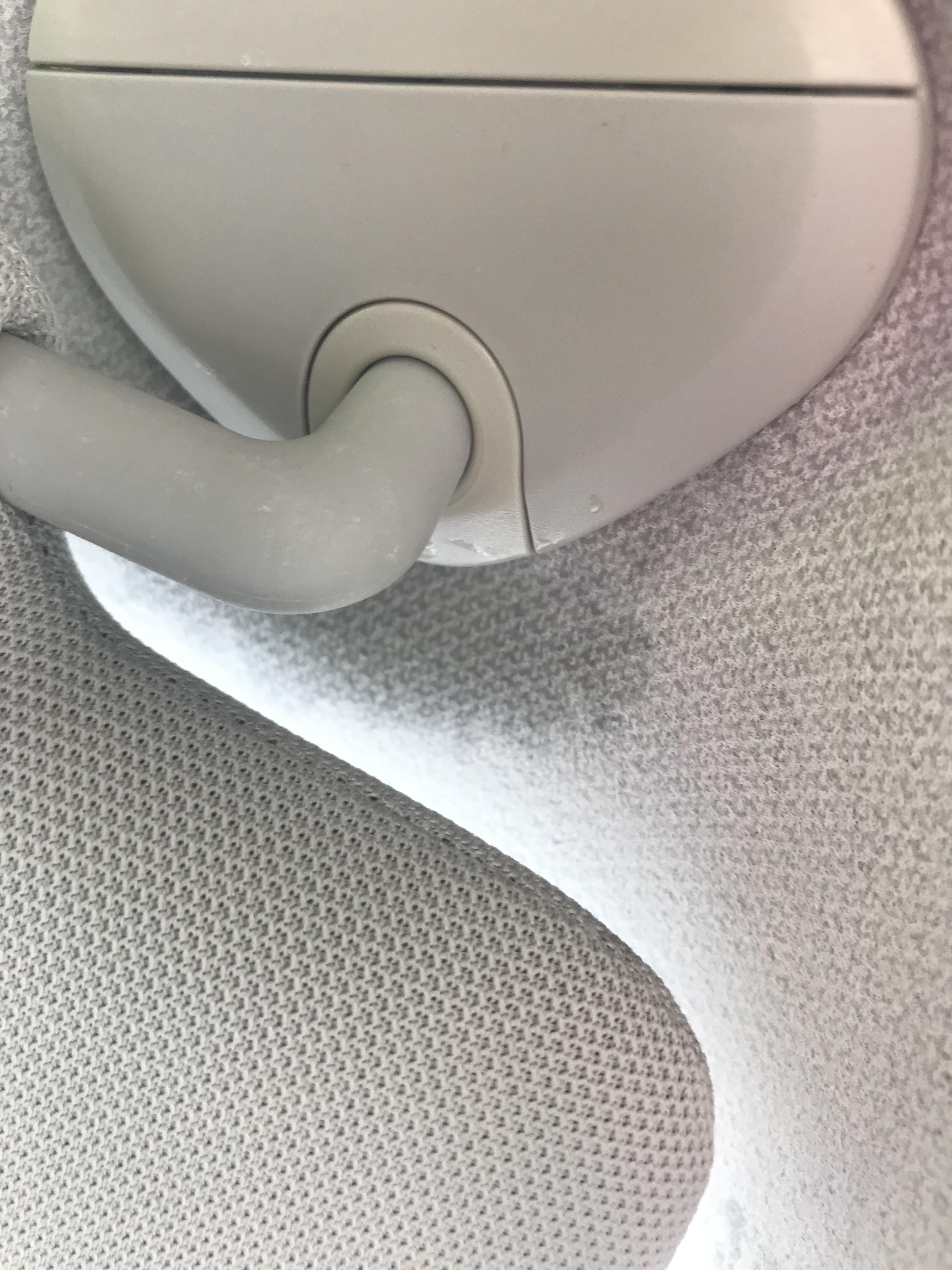
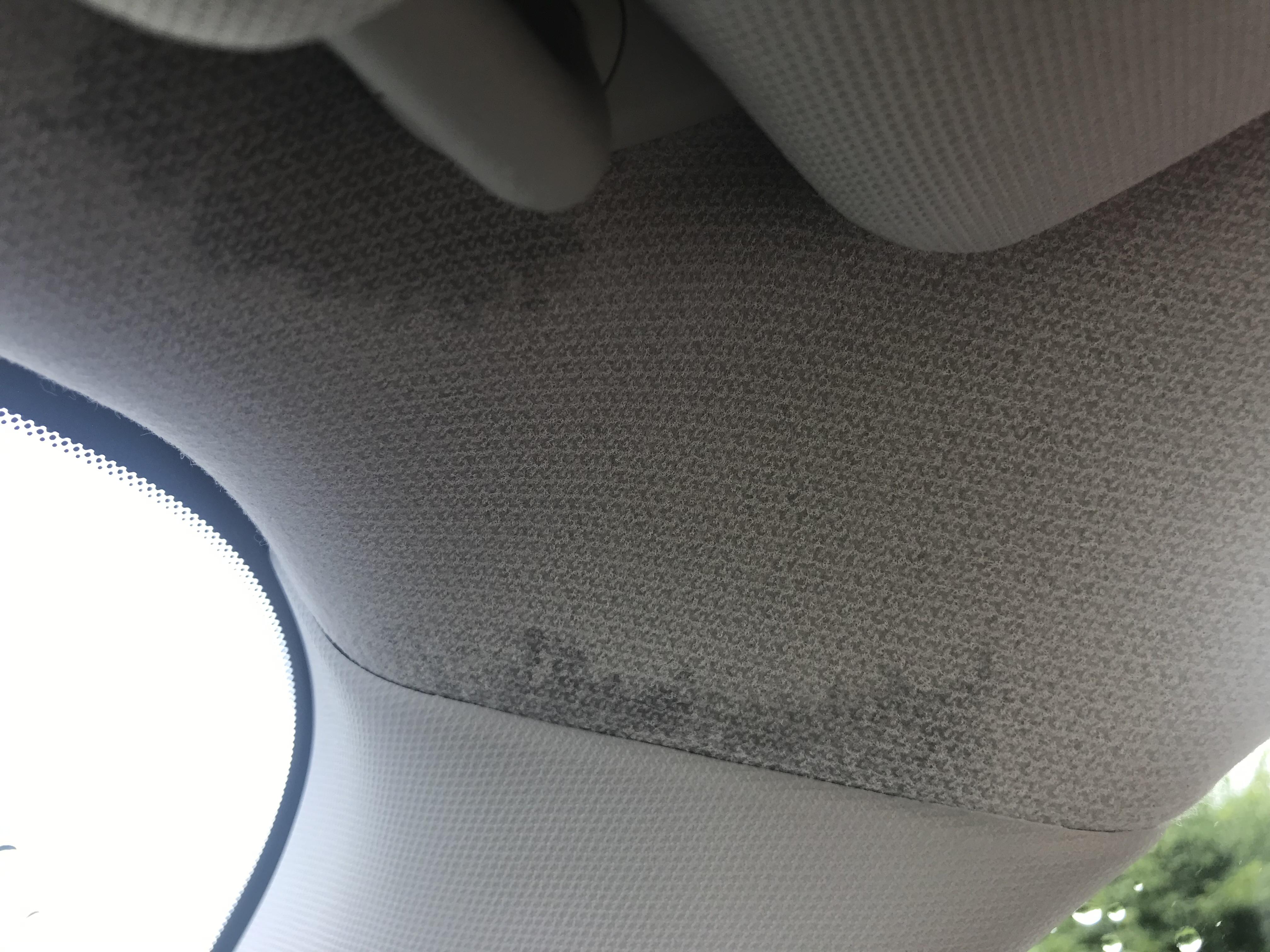
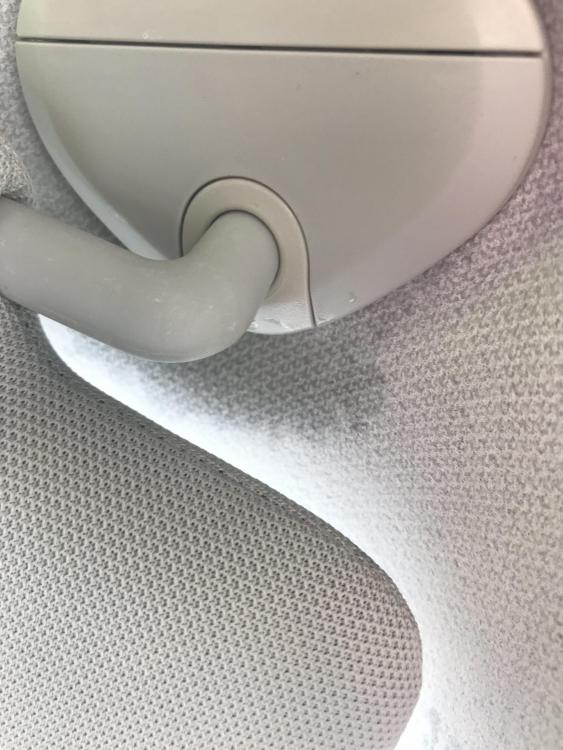
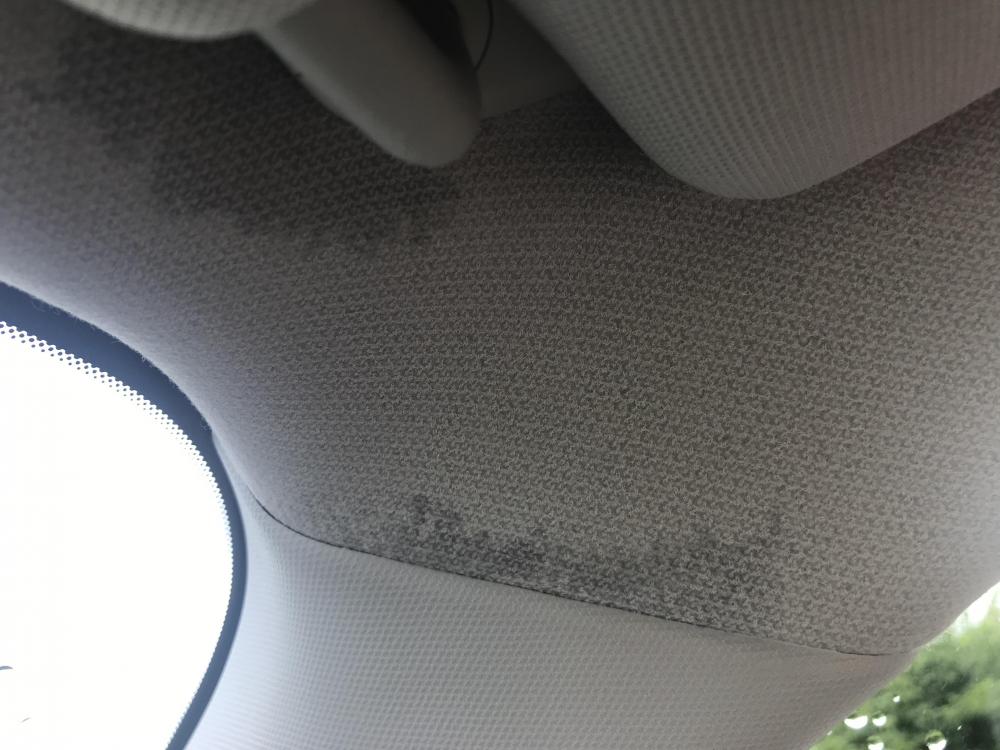
Hi folks i have had my 2016 Forester since April and have to say on the whole I have absolutely loved it, beautiful car to drive and puts a smile on my face every day .Today slightly less so, there was a tremendous downpour this afternoon and when I got back to the car there were some drips on the floor, and damp areas around the visor on the right.I’m thinking maybe moonroof issue so can check at weekend and put some silicone on the seal, but would be good to hear if anyone else has had this issue, and if so what the solution is.The car is still under warranty but not sure it would cover this (it’s a standard RAC warranty ) thanks in advance ! Kate
-
Newfozzy joined the community
-
Hi folks I’m about to become the proud owner of a 2016 Forester and am looking for a Subaru friendly garage near St Albans (the nearest official garage is a 40 mile round trip so not ideal!) Also, am thinking about getting some ceramic paint protection as it will be leading a fairly agricultural life, so does anyone know of somewhere in Herts that does a good job with this? thanks a lot! Mike