




Skip to content
View in the app

A better way to browse. Learn more.

Subaru Owners Club UK | Subaru Forums

A full-screen app on your home screen with push notifications, badges and more.

To install this app on iOS and iPadOS
  1. Tap the Share icon in Safari
  2. Scroll the menu and tap Add to Home Screen.
  3. Tap Add in the top-right corner.
To install this app on Android
  1. Tap the 3-dot menu (⋮) in the top-right corner of the browser.
  2. Tap Add to Home screen or Install app.
  3. Confirm by tapping Install.

tom_gr7

Members
  • Joined

  • Last visited

Everything posted by tom_gr7

  1. yeah screw off and pull it flipping hard haha. i need to give the car a good clean inside... looks like the previous owners had mucky kids in the back.
  2. got it sorted thanks gents ;)
  3. ok thanks chaps, will give that a go in the morning :)
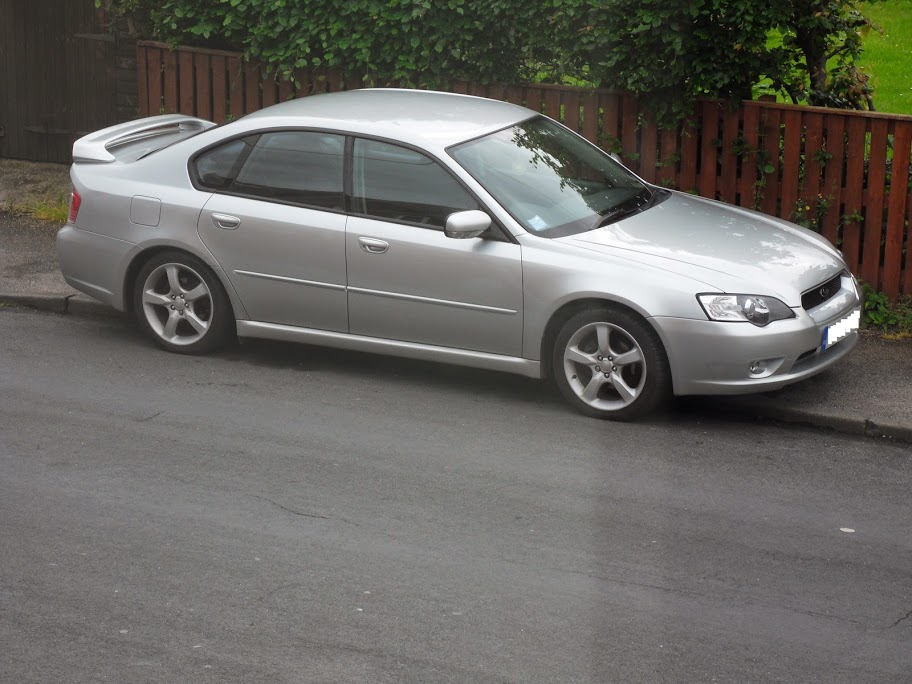
  4. Hi guys Got my legacy yesterday. Does anyone have any idea how to remove the gear knob? I fancy putting an aftermarket one on, but can't figure out how the stock one comes off. thanks in advance.

Background Picker
Customize Layout

Account

Navigation

Search

Search

Configure browser push notifications

Chrome (Android)
  1. Tap the lock icon next to the address bar.
  2. Tap Permissions → Notifications.
  3. Adjust your preference.
Chrome (Desktop)
  1. Click the padlock icon in the address bar.
  2. Select Site settings.
  3. Find Notifications and adjust your preference.