
Skip to content
View in the app

A better way to browse. Learn more.

Subaru Owners Club UK | Subaru Forums

A full-screen app on your home screen with push notifications, badges and more.

To install this app on iOS and iPadOS
  1. Tap the Share icon in Safari
  2. Scroll the menu and tap Add to Home Screen.
  3. Tap Add in the top-right corner.
To install this app on Android
  1. Tap the 3-dot menu (⋮) in the top-right corner of the browser.
  2. Tap Add to Home screen or Install app.
  3. Confirm by tapping Install.

RADICALATTACK

Members
  • Joined

  • Last visited

Everything posted by RADICALATTACK

  1. I live in Ebbw Vale mate, not far from where they're building the new track! I'm interested in coming yeah, just getting the time off from work is a ****** haha! Thanks for the offer though mate and I'll try my best!
  2. Cheers guys, will check out 5th gear for that then definitely! Will get some pictures of it and chuck them up very soon, looking forward to being part of the club and scooby experience! No doubt I'll post soon! Thanks!
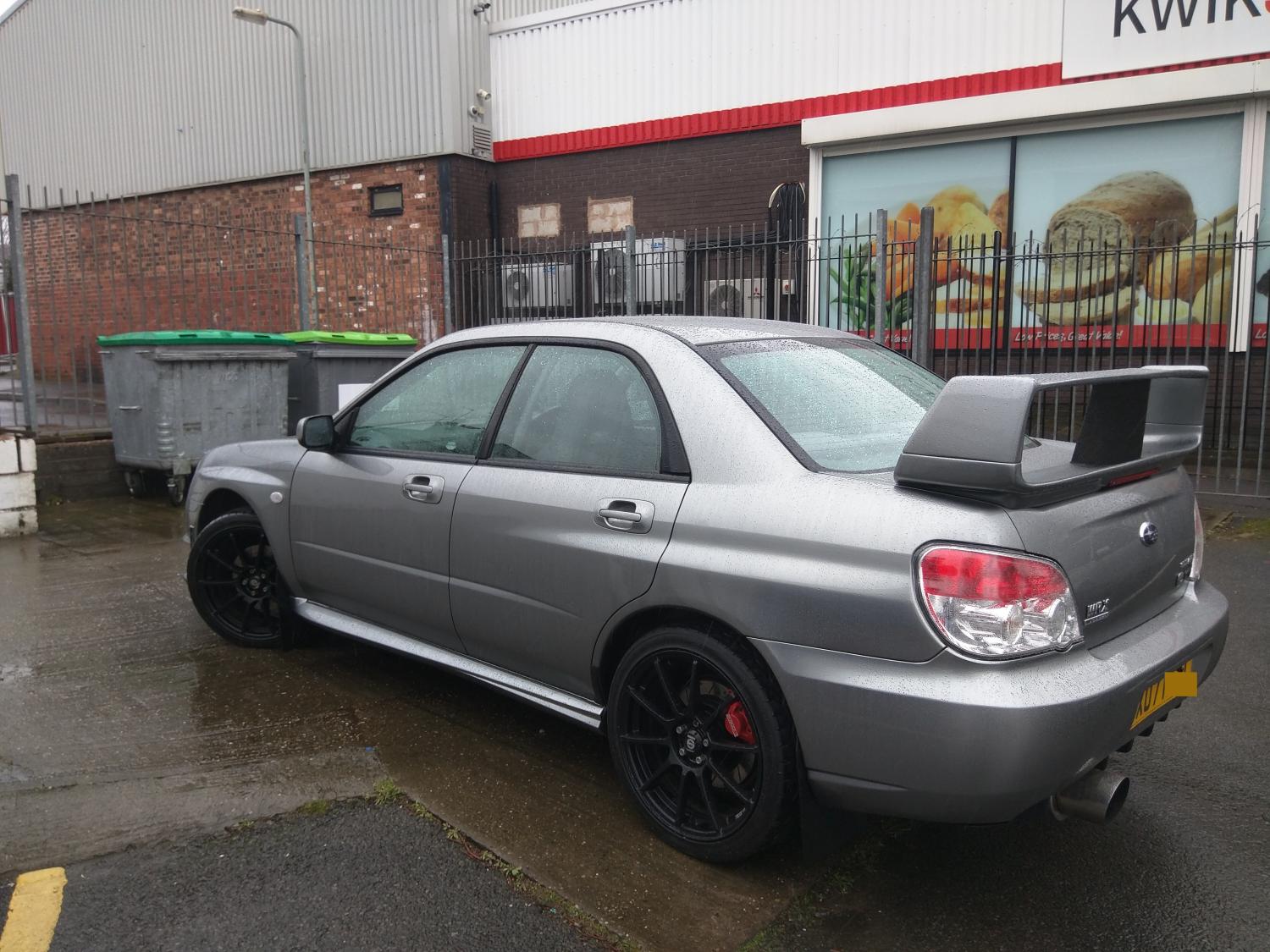
  3. Just introducing myself, new to the website and in fact the whole Subaru world! Bought my very first one three weeks ago now and have never loved a car so much! ​Looking forward to the whole Scooby experience and will definitely join any meets need me! I'm from Wales btw! aha!
Background Picker
Customize Layout

Account

Navigation

Search

Search

Configure browser push notifications

Chrome (Android)
  1. Tap the lock icon next to the address bar.
  2. Tap Permissions → Notifications.
  3. Adjust your preference.
Chrome (Desktop)
  1. Click the padlock icon in the address bar.
  2. Select Site settings.
  3. Find Notifications and adjust your preference.
