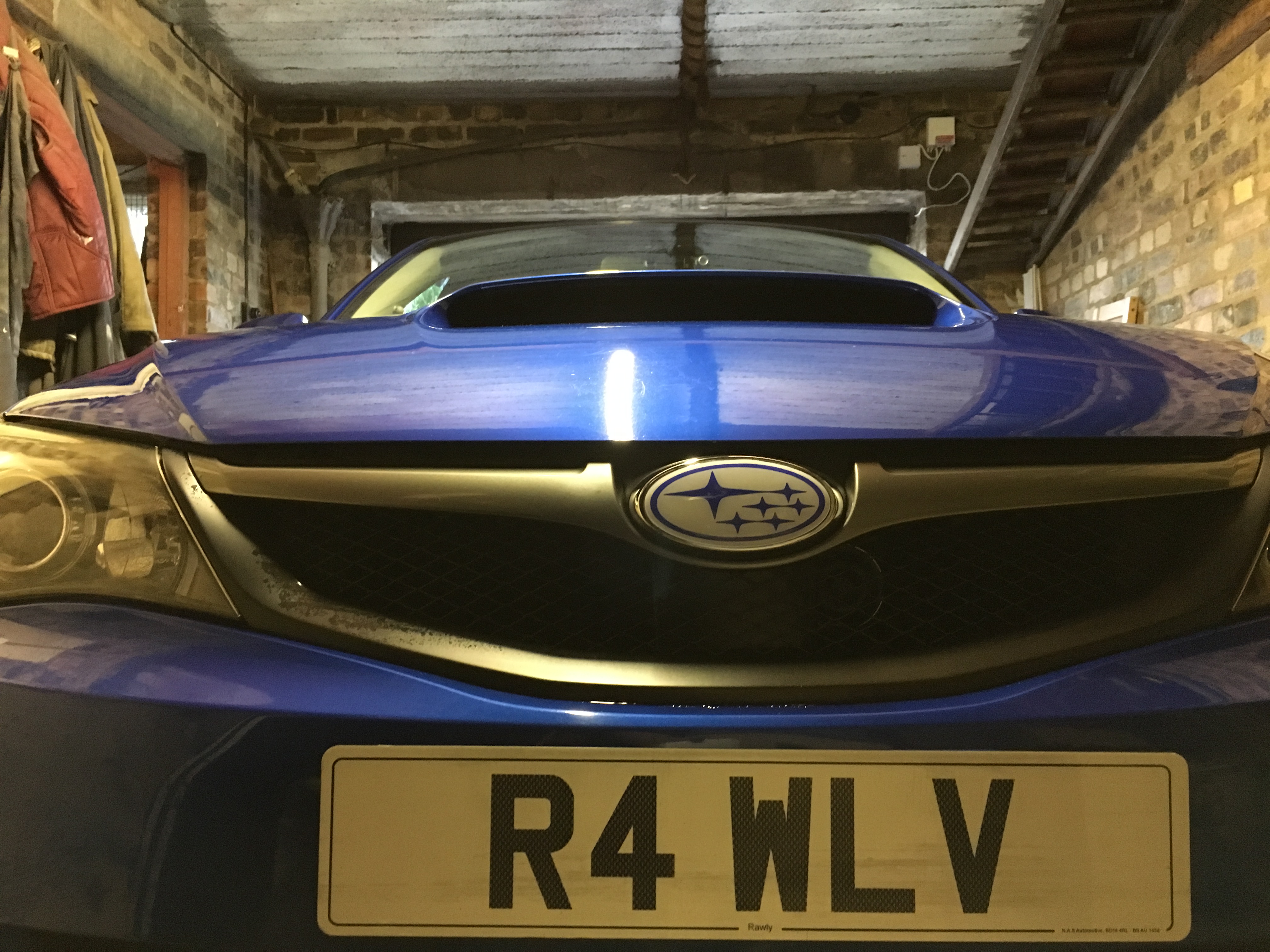
R4WLV
Members
-
Joined
-
Last visited
-
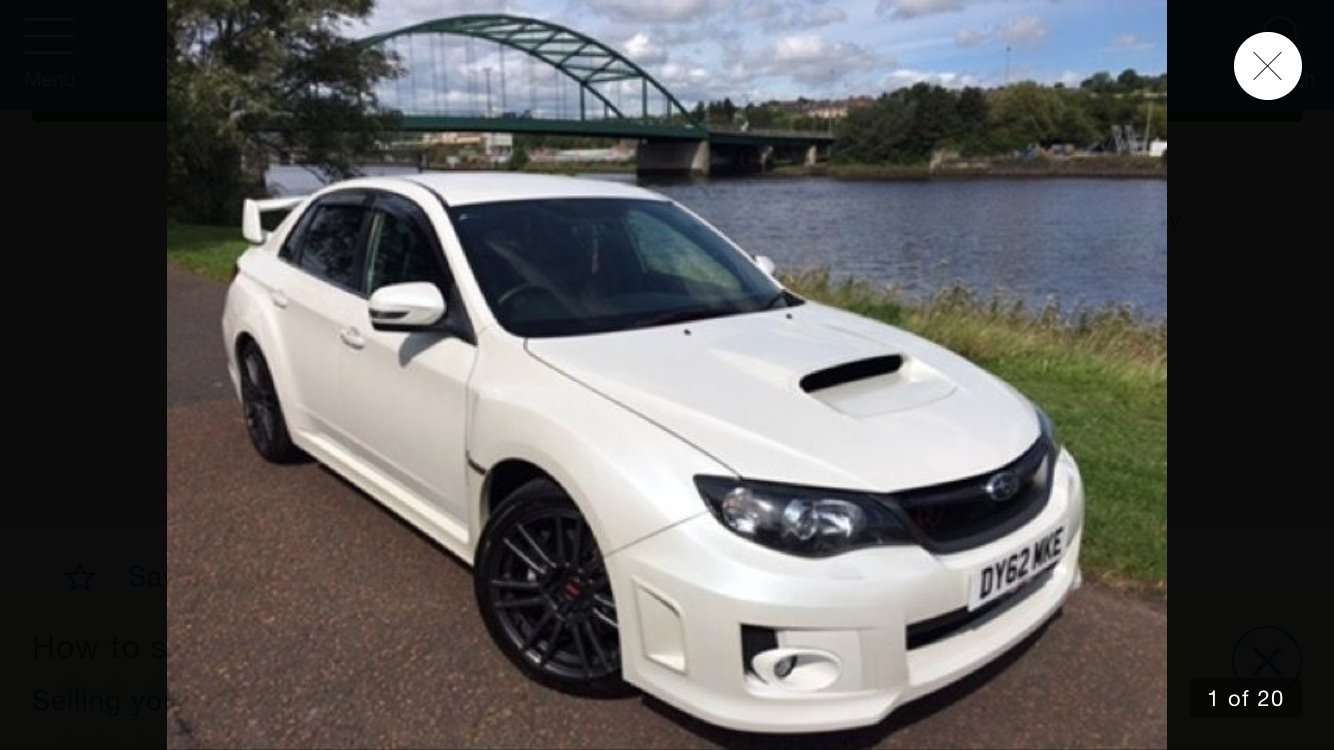
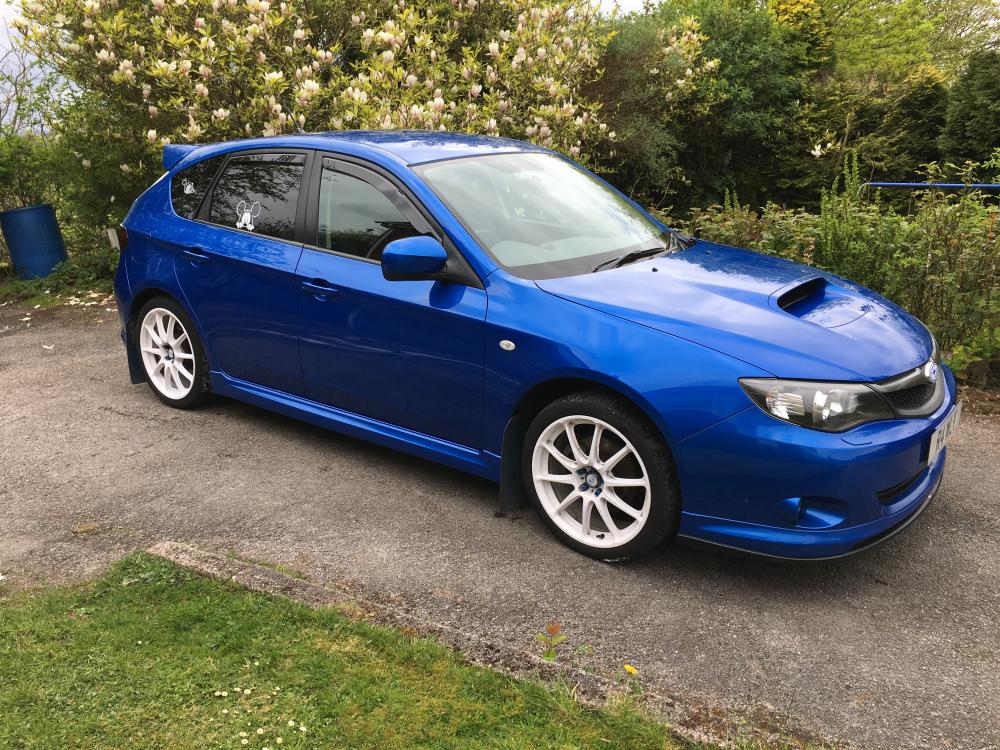
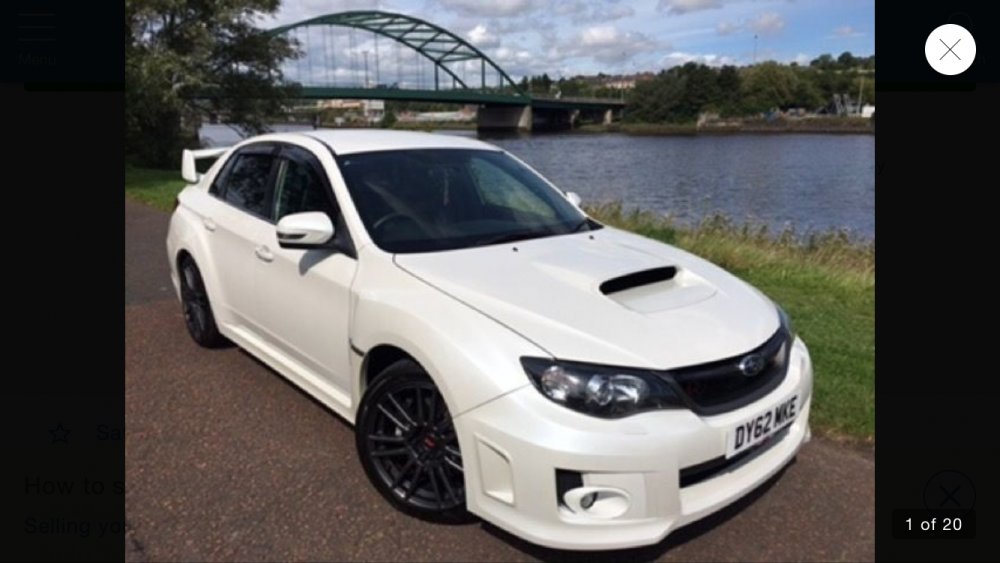
Well yesterday now but chopped it in for a new (newer) one. Did you see what I done? Came in a blue Scoob, left in a white one
-
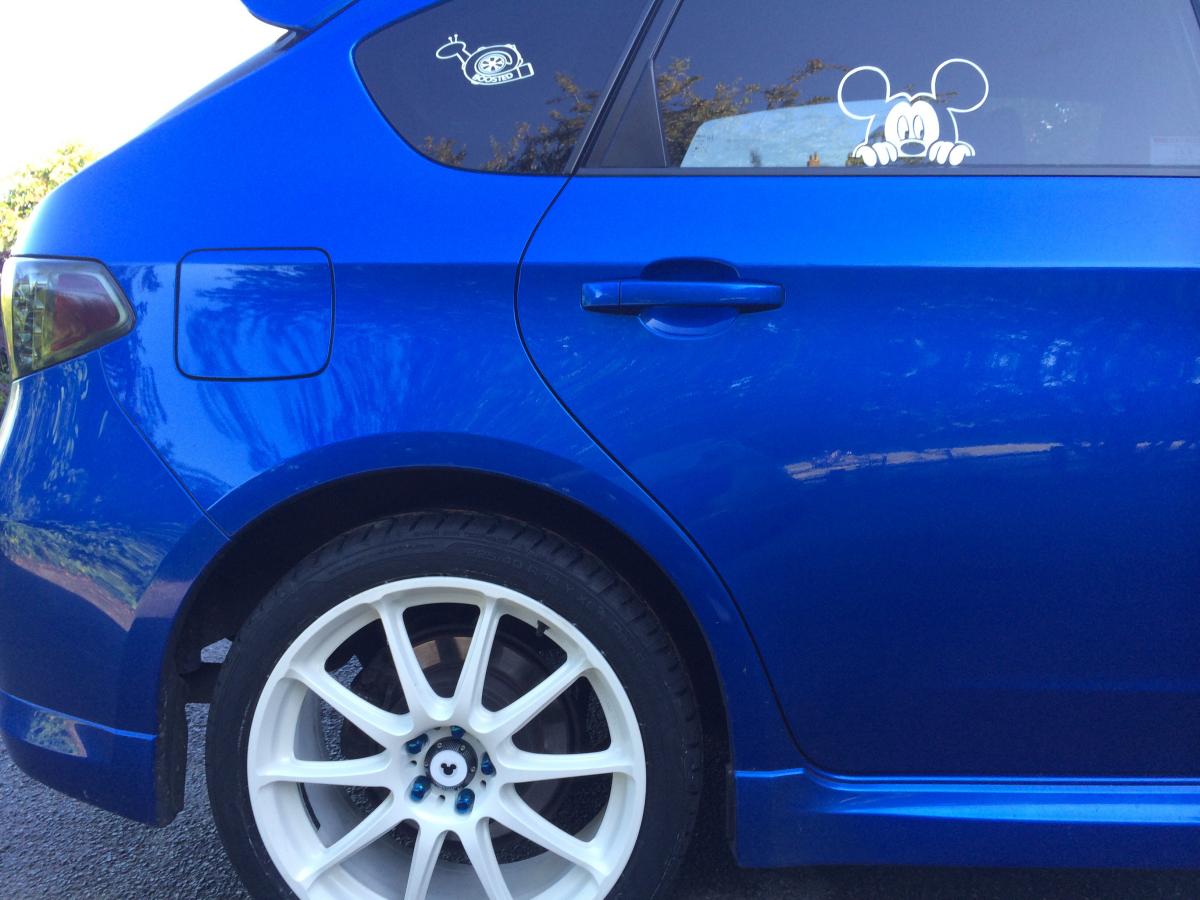
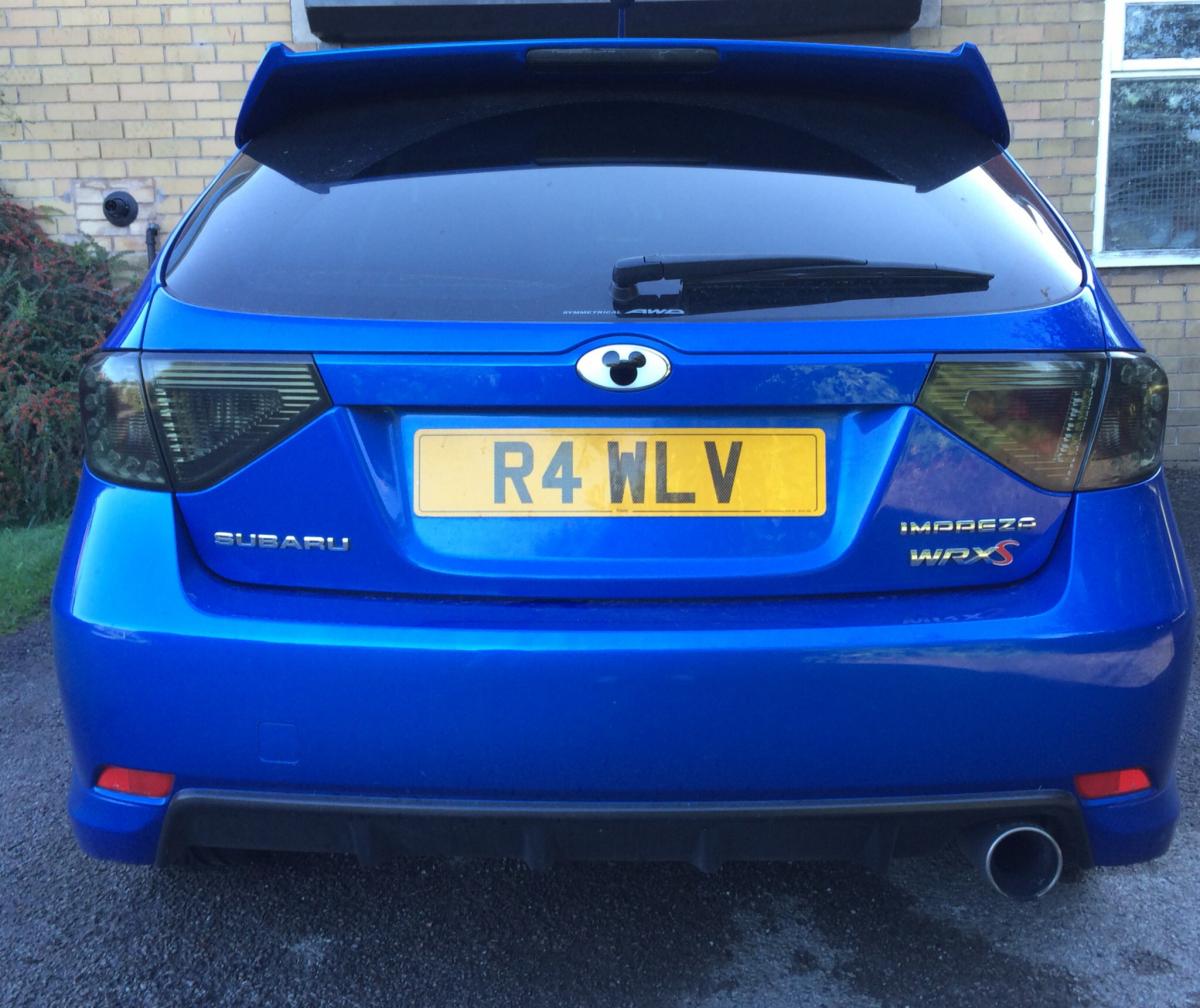
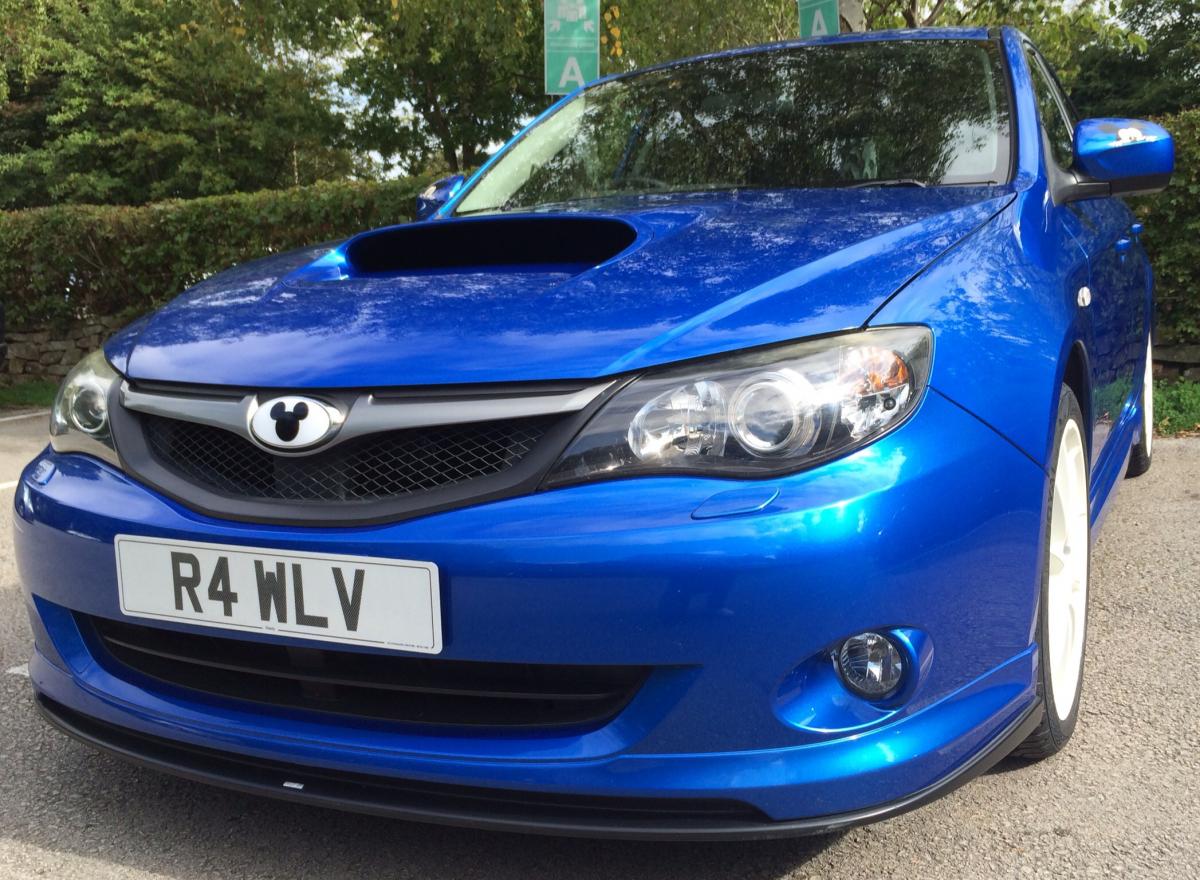
Scott Degg mate? He did mine, they're really good. I got front, rear and wheel centres to match

-
Which mud flaps did you go with?
-
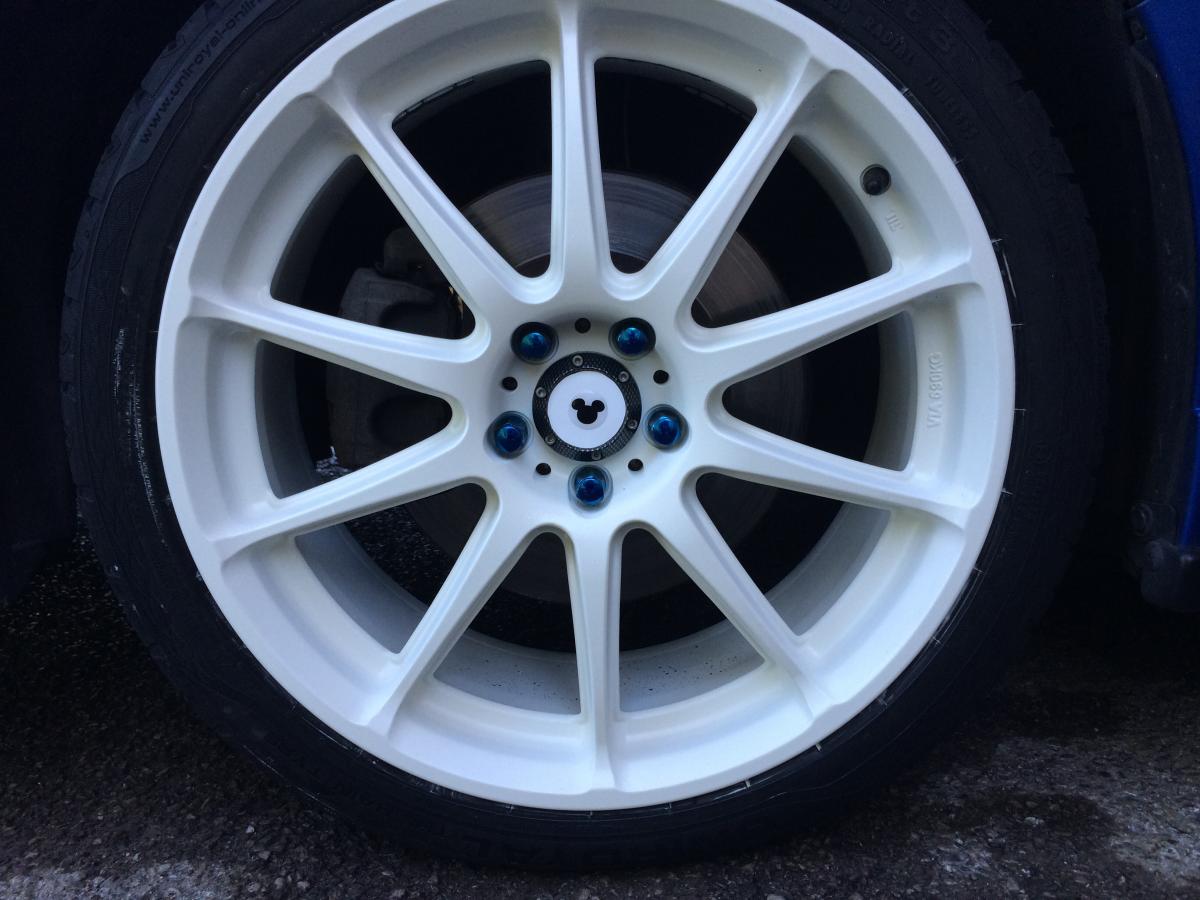
Had my Rota GRAs powder coated gloss white. Just need to seal them now before they go back on. Being white, I might leave them off til after Christmas though!
-
After replacing my rear arb bushes & drop links 6 weeks ago, I've found my knock. It was my right hand rear seat back
-
Yes I've used them for a few spares. The lad (think it was Wayne) on the spares desk was pretty helpful but since he left, that girls crap. I asked for a written quote for a new wheel due to pothole damage, she said we can't do that! Where've they had this new bunch of proper techies all of a sudden? Is it the old holdcroft team from Leek Road?
-
It took them 3 attempts to get me the correct wheel centre in! I'd have been telling them I wanted that stickered up Wrx Sti that's in the showroom, for the day lol
-
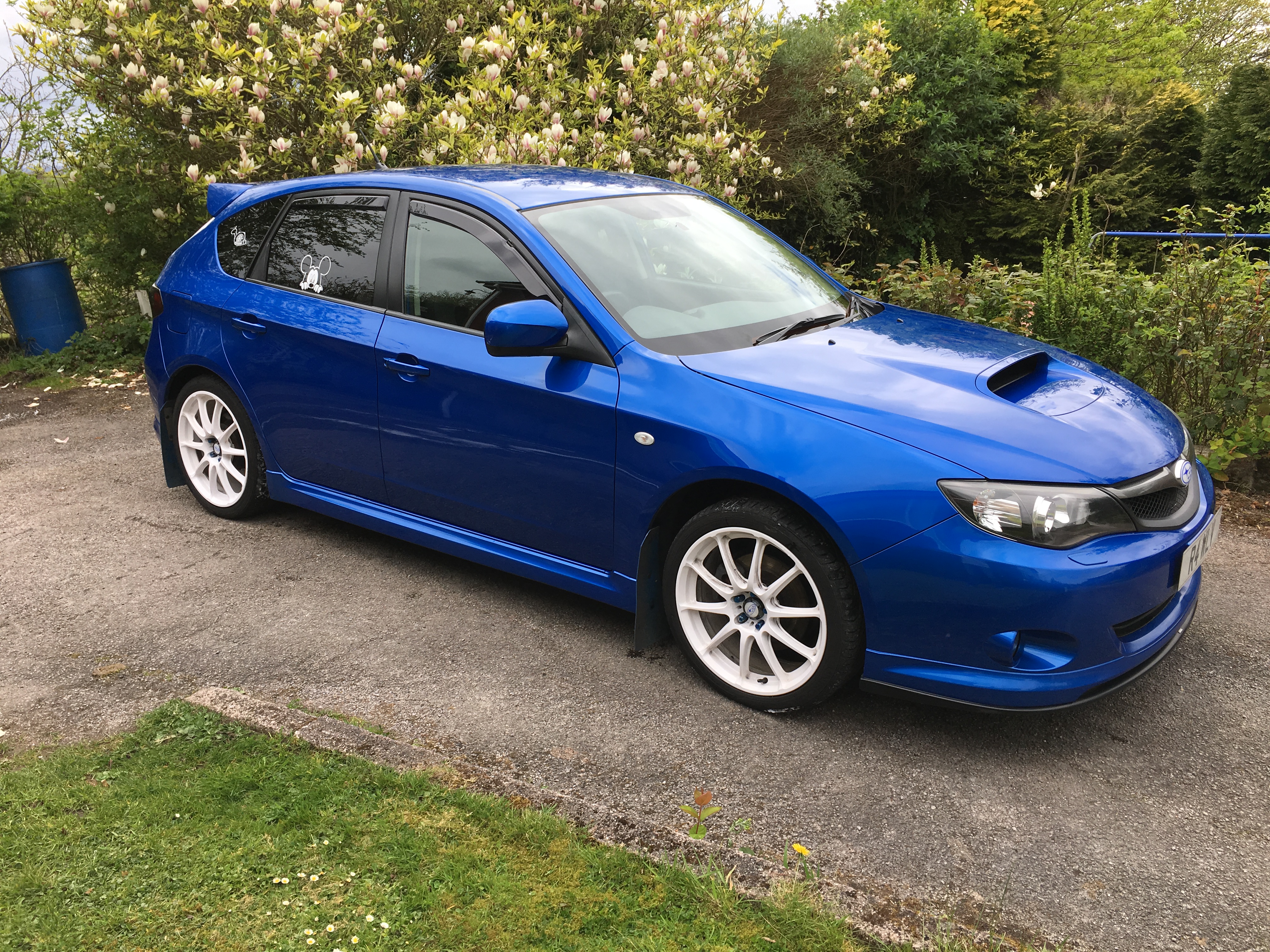
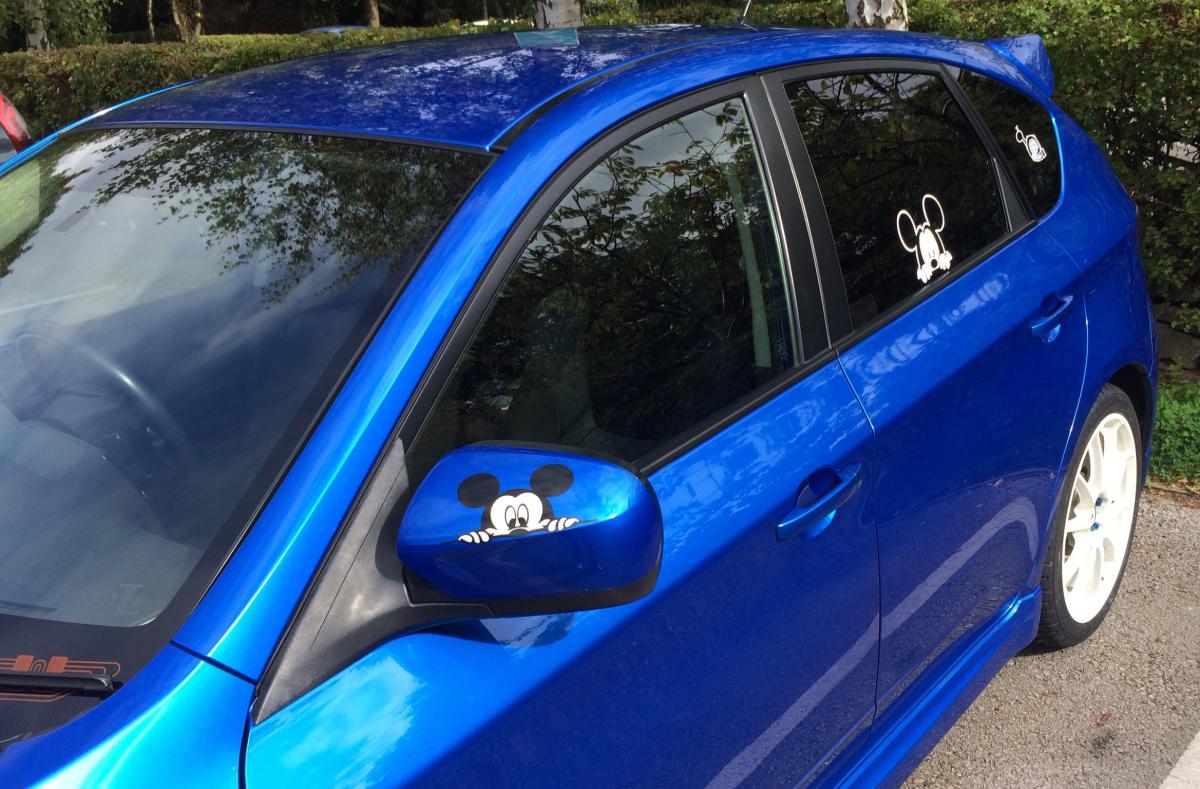
Stickered up my car for a show today, oh and fitted my white Rota GRAs!


 Picked car up from mappers. Wow it's brutal now. Boosting to 16psi. He said it was running really rich on the standard prodrive map, so I should get better mpg too. Though there's too much temptation to use the loud pedal at the mo lol.And my Blue wrx-s I'm on my way Up Hanley DuckWhat you coming to Stoke for?Got a fresh MOT hooray !!!Yep Salsa king. That's where I had mine from