Do Not Sell My Personal Information Jump to content
View in the app

A better way to browse. Learn more.

Subaru Owners Club UK | Subaru Forums

A full-screen app on your home screen with push notifications, badges and more.

To install this app on iOS and iPadOS
  1. Tap the Share icon in Safari
  2. Scroll the menu and tap Add to Home Screen.
  3. Tap Add in the top-right corner.
To install this app on Android
  1. Tap the 3-dot menu (⋮) in the top-right corner of the browser.
  2. Tap Add to Home screen or Install app.
  3. Confirm by tapping Install.

Kevgy

Members
  • Joined

  • Last visited

  1. Kevgy changed their profile photo
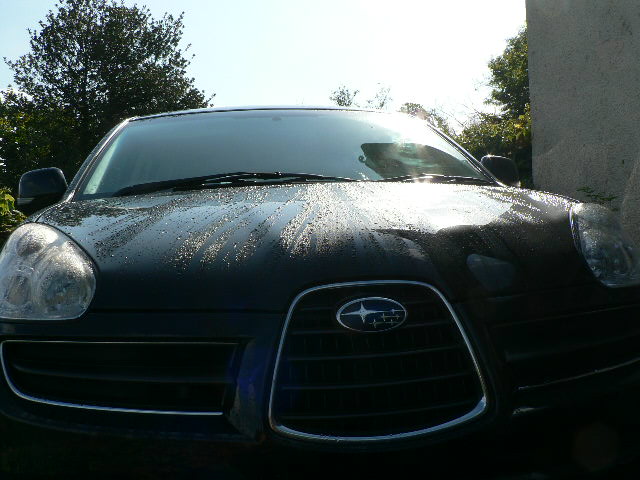
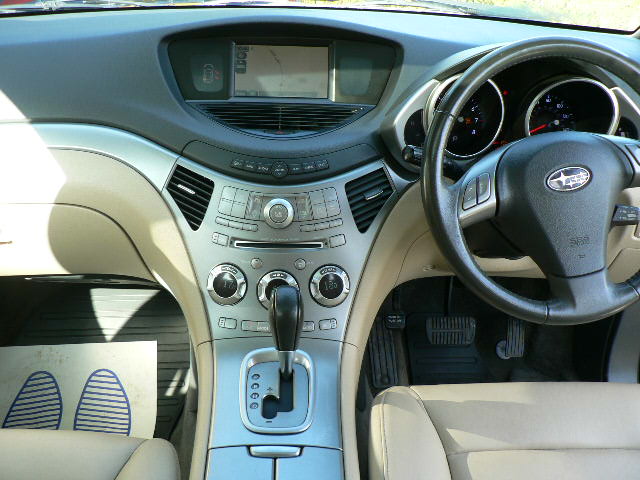
  2. Bought a black one a week ago. Was looking to replace my 20 year old Outback as MoT time loomed and stumbled across this Tribeca at around the same price as I'd budgeted for an equivalent age/miles Outback. No contest. Love at first sight. Question: does anybody know where the security override keypad is, please? Otherwise I'm totally reliant upon the keyfob battery (and we all know S*d's law will strike on a wet & windy night in some isolated place when one's cell phone battery has also run out).
Background Picker
Customize Layout

Account

Navigation

Search

Configure browser push notifications

Chrome (Android)
  1. Tap the lock icon next to the address bar.
  2. Tap Permissions → Notifications.
  3. Adjust your preference.
Chrome (Desktop)
  1. Click the padlock icon in the address bar.
  2. Select Site settings.
  3. Find Notifications and adjust your preference.