Do Not Sell My Personal Information Jump to content
View in the app

A better way to browse. Learn more.

Subaru Owners Club UK | Subaru Forums

A full-screen app on your home screen with push notifications, badges and more.

To install this app on iOS and iPadOS
  1. Tap the Share icon in Safari
  2. Scroll the menu and tap Add to Home Screen.
  3. Tap Add in the top-right corner.
To install this app on Android
  1. Tap the 3-dot menu (⋮) in the top-right corner of the browser.
  2. Tap Add to Home screen or Install app.
  3. Confirm by tapping Install.

marcothio

Members
  • Joined

  • Last visited

Everything posted by marcothio

  1. Thanks Dogconker! I agree with the tires as they have about 3-4mm left at this time (original Geolanders) and brakes too.
  2. Hi, i had a bad experience with my XV, just bought it and after 1 month the clutch was gone. Didn't notice any slip when test driving. Fortunately, the dealer was very, very embarrassed and fixed in in 48h. Now, I am new to subaru's but clutches shouldn't die after 45K miles??? I just hope no further problems...
  3. Hi Dug, really weird, mine has 47K and no alignment issues so far. The only thing I can think off is that the tires were misaligned way before they were fitted. Hope the new tires are great!
  4. 2012 diesel, no oil issues so far. But I do keep a close eye on it as I drive 150m a day.
  5. Hi, My Subaru XV's Geolander tires may be up for replacement. Anybody suggestions on a different brand? I think the Geolanders are a bit noisy.
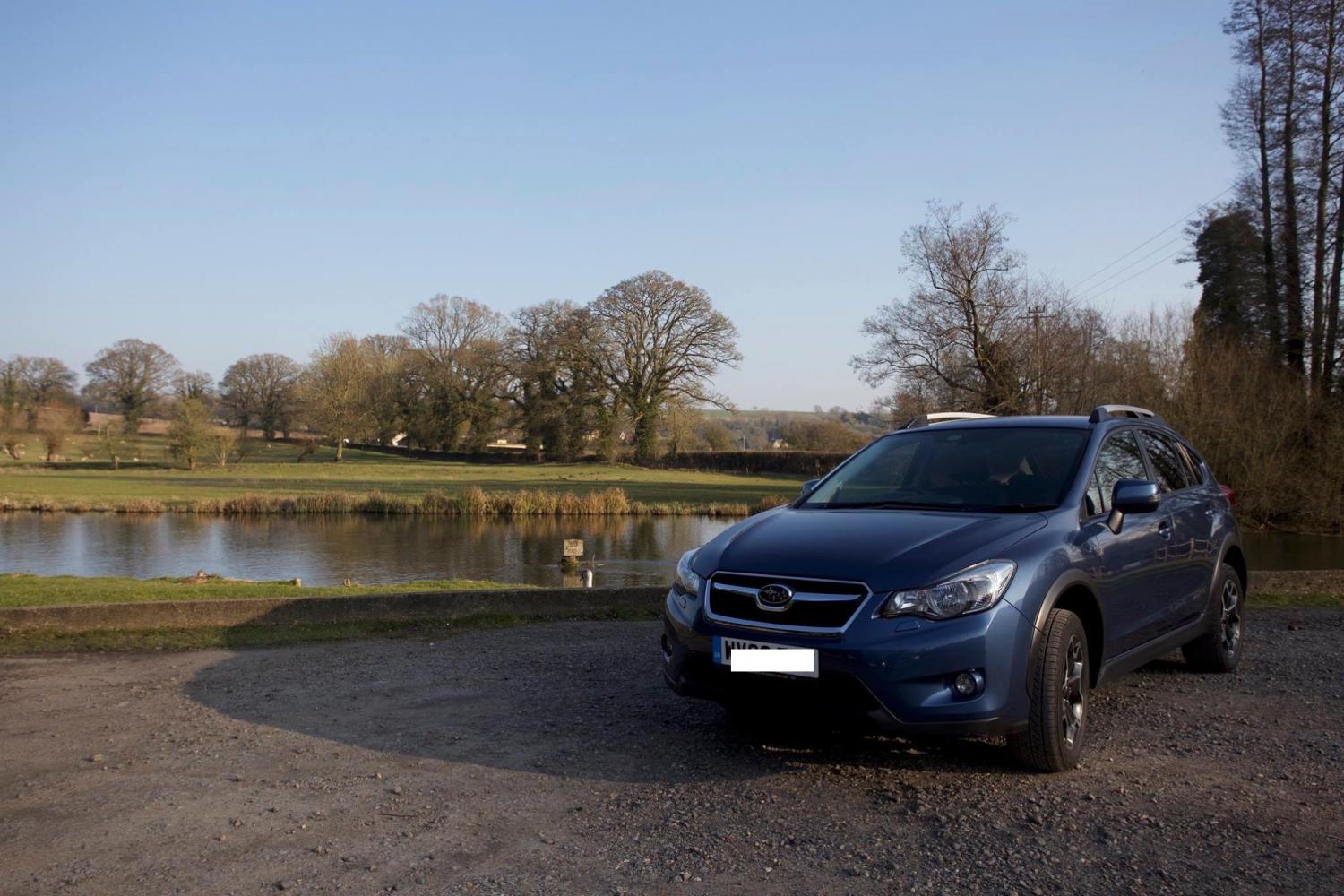
  6. Hi everybody, I have my eye on an XV with almost 50K miles (diesel, 2012 model). I was wondering which repairs might become necessary in due time (say 1-2 years, I drive about 20K p year). Any help is appreciated!
  7. Hi everybody, Just saying hi and hope I can learn a lot about Subaru's. I am seriously looking to buy a used Subaru XV diesel, all tips and tricks are welcome btw. Cheers, Marco
Background Picker
Customize Layout

Account

Navigation

Search

Configure browser push notifications

Chrome (Android)
  1. Tap the lock icon next to the address bar.
  2. Tap Permissions → Notifications.
  3. Adjust your preference.
Chrome (Desktop)
  1. Click the padlock icon in the address bar.
  2. Select Site settings.
  3. Find Notifications and adjust your preference.