
Do Not Sell My Personal Information Jump to content
View in the app

A better way to browse. Learn more.

Subaru Owners Club UK | Subaru Forums

A full-screen app on your home screen with push notifications, badges and more.

To install this app on iOS and iPadOS
  1. Tap the Share icon in Safari
  2. Scroll the menu and tap Add to Home Screen.
  3. Tap Add in the top-right corner.
To install this app on Android
  1. Tap the 3-dot menu (⋮) in the top-right corner of the browser.
  2. Tap Add to Home screen or Install app.
  3. Confirm by tapping Install.

The Bongos

Members
  • Joined

  • Last visited

  1. Welcome from a fellow newbie ;) Get some pics up bud
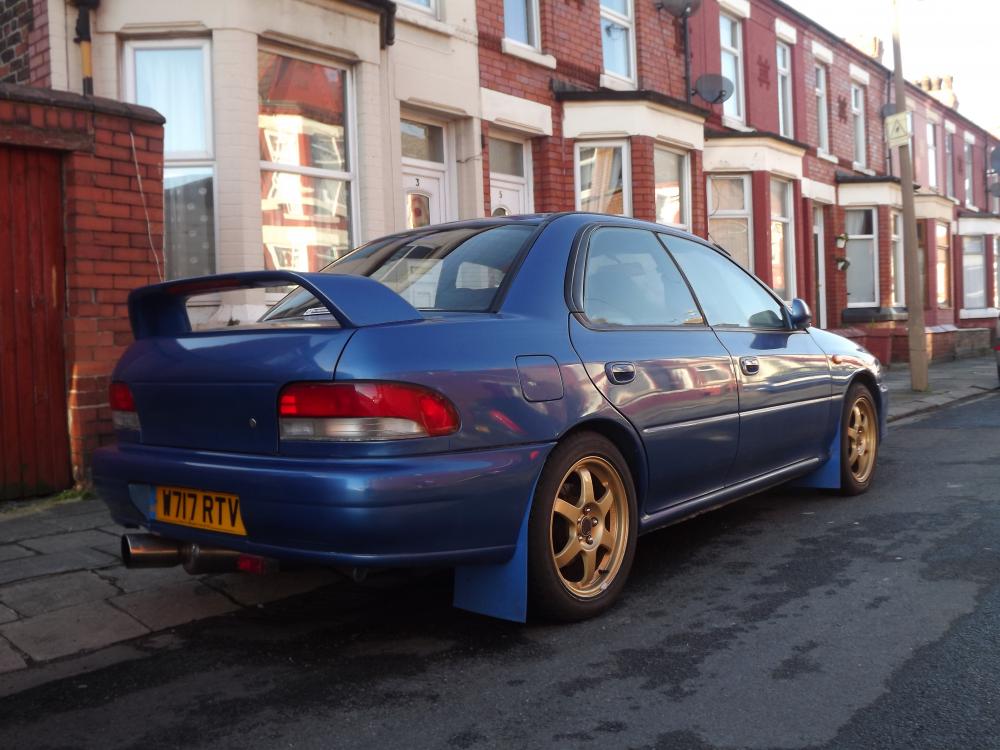
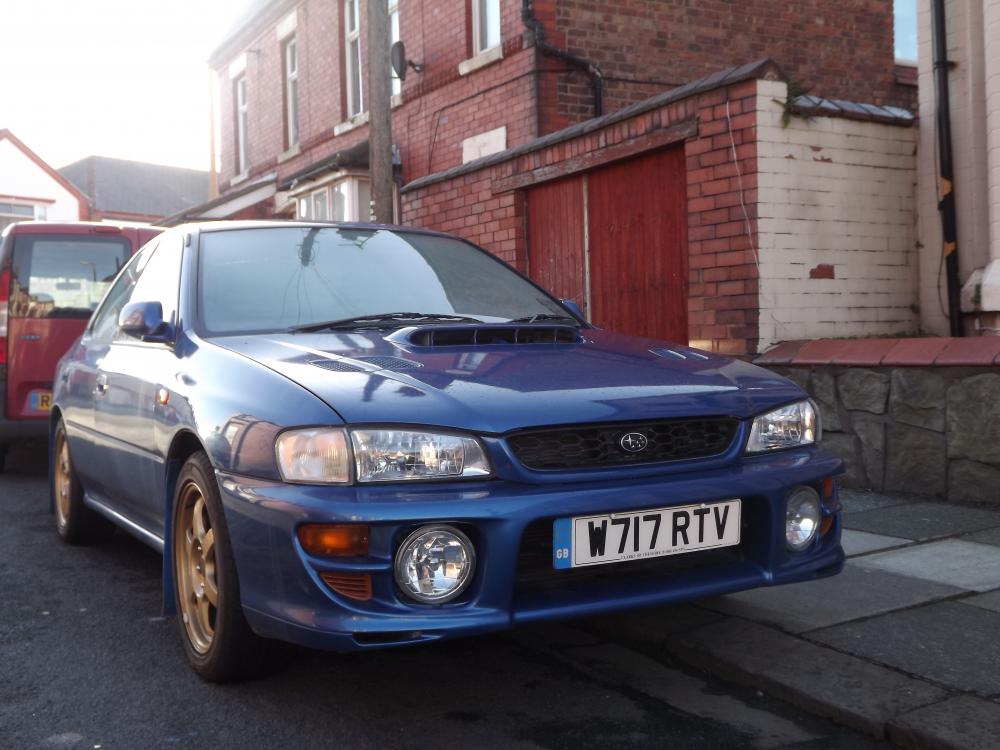
  2. Hi to all. Been playing with Vauxhalls for the last 20 years but have always wanted a Scooby and last month I got one. It's a MY00 WRX Type RA V-Limited (Number 428) and loving it. It's solid with low miles but just needs some TLC. That's enough from me, off to have a good look around! Looking forward to getting involved
Background Picker
Customize Layout

Configure browser push notifications

Chrome (Android)
  1. Tap the lock icon next to the address bar.
  2. Tap Permissions → Notifications.
  3. Adjust your preference.
Chrome (Desktop)
  1. Click the padlock icon in the address bar.
  2. Select Site settings.
  3. Find Notifications and adjust your preference.
