Do Not Sell My Personal Information Jump to content
View in the app

A better way to browse. Learn more.

Subaru Owners Club UK | Subaru Forums

A full-screen app on your home screen with push notifications, badges and more.

To install this app on iOS and iPadOS
  1. Tap the Share icon in Safari
  2. Scroll the menu and tap Add to Home Screen.
  3. Tap Add in the top-right corner.
To install this app on Android
  1. Tap the 3-dot menu (⋮) in the top-right corner of the browser.
  2. Tap Add to Home screen or Install app.
  3. Confirm by tapping Install.

Charlietreble5

Members
  • Joined

  • Last visited

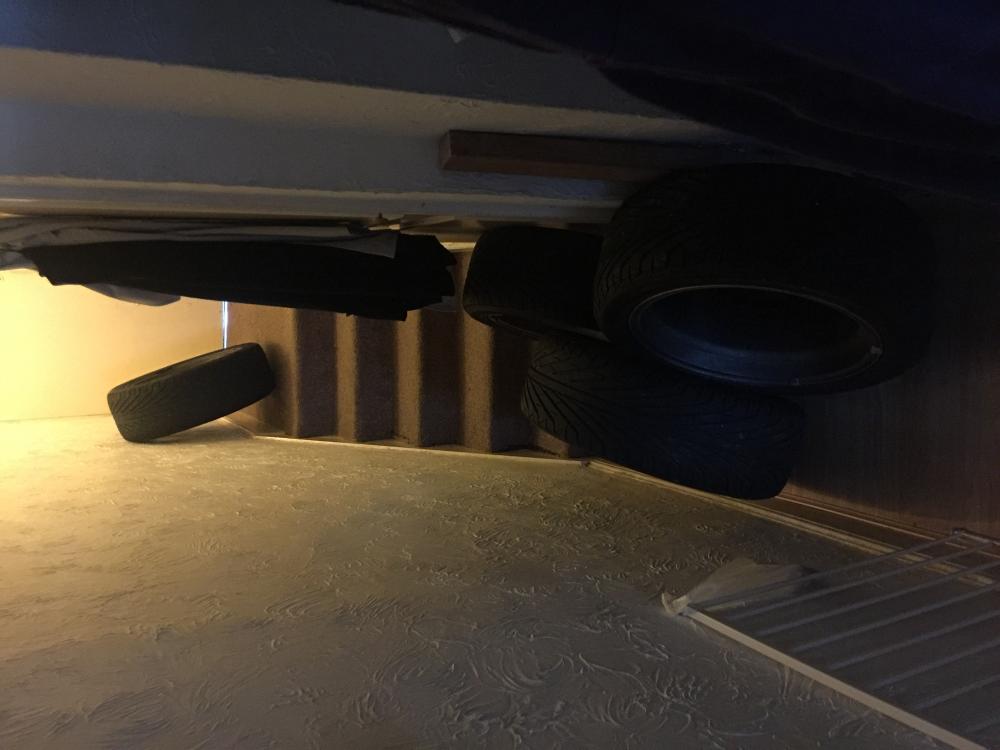
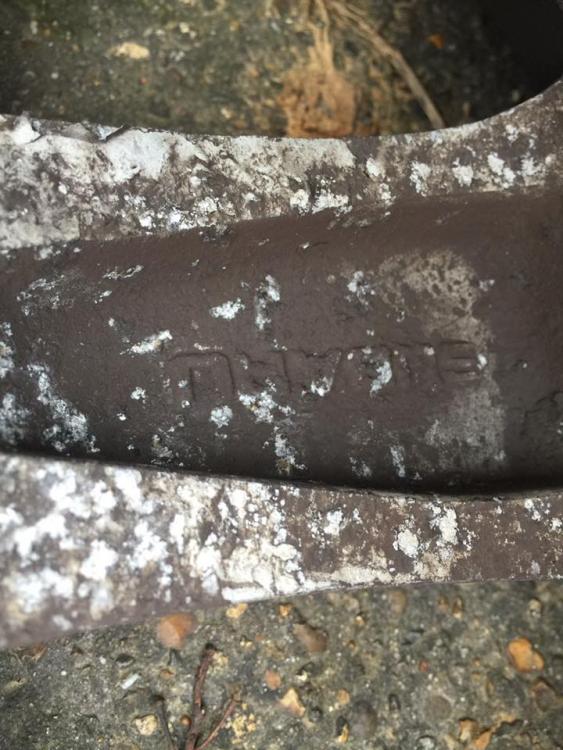
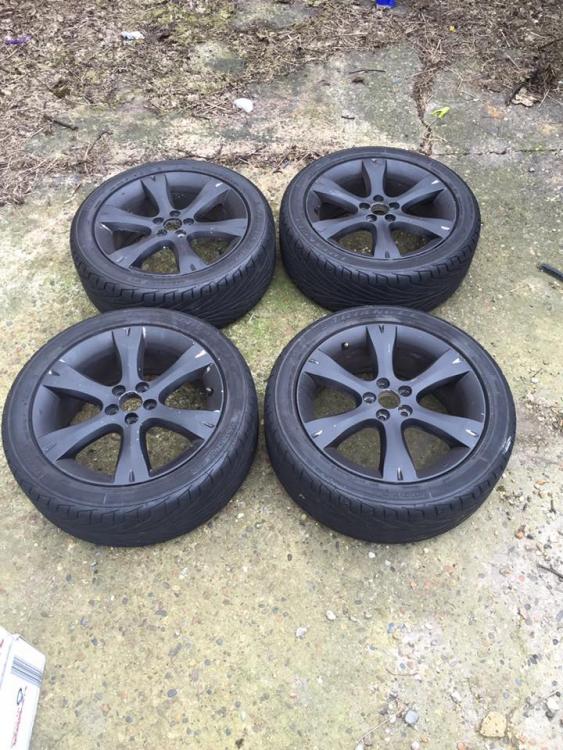
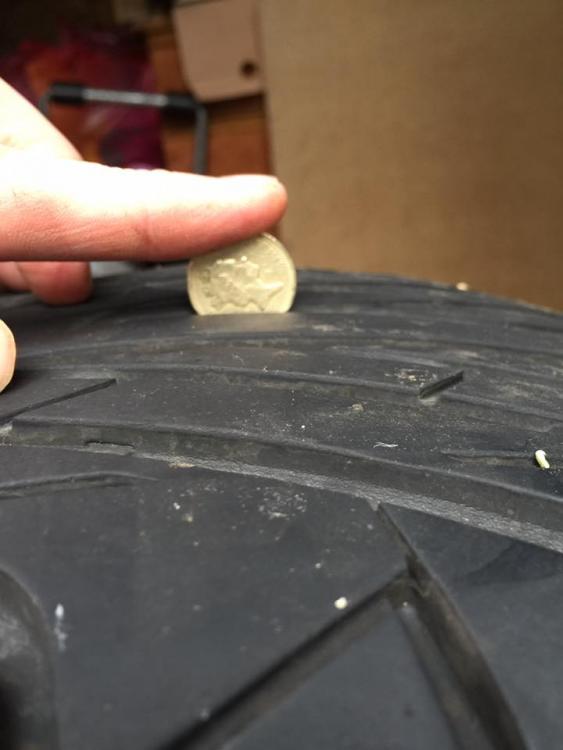
  1. ive got a set of 17" wheels with virtually new tyres that took me from derby to southend on sea, 225x45 17 5x100 as ive just had an op, dragged them from my shed to the front door and really dont want to take them back out, he was going to pay me £100 for them but asking £80, im in southend on sea
  2. Yep this is my first one, would like to add a 2009 sti to the collection at some point
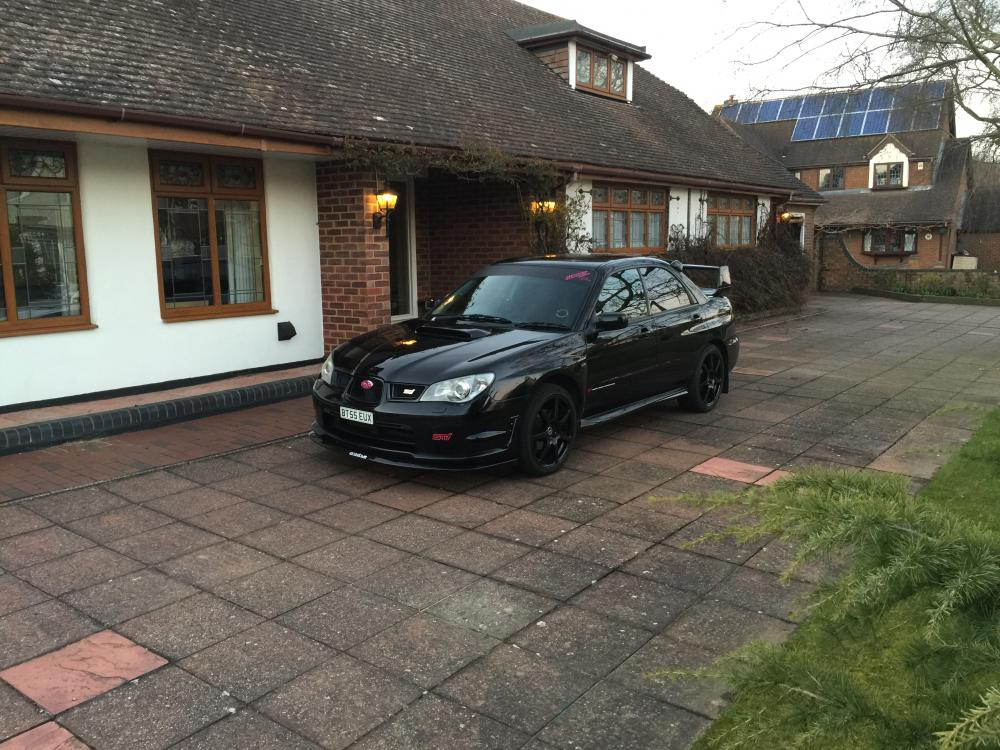
  3. Hi guys not long had my Hawkeye, brought it down from a well known guy in Bradford and I'm loving it
Background Picker
Customize Layout

Account

Navigation

Search

Configure browser push notifications

Chrome (Android)
  1. Tap the lock icon next to the address bar.
  2. Tap Permissions → Notifications.
  3. Adjust your preference.
Chrome (Desktop)
  1. Click the padlock icon in the address bar.
  2. Select Site settings.
  3. Find Notifications and adjust your preference.