mattiekane
Members
-
Joined
-
Last visited
Everything posted by mattiekane
-
Filled it up....again lol Sent from my HTC One M9 using Tapatalk
-
I'm in Thirsk mate, quite happy to have a look with you, admittedly don't know a great deal about Impreza's but specifically but I am a mechanic lol Sent from my HTC One M9 using Tapatalk
-
Where abouts are you? Sent from my HTC One M9 using Tapatalk
-
Dunno about the forsale section but where abouts are you based? Sent from my HTC One M9 using Tapatalk
-
Don't get me wrong, safety is priority 1! Just wondered if anyone has come across a good looking SAFE seat that doesn't cost a small fortune! Lol I'd heard the same about the Recaro kids seats. I'm not aware of a kiddicare near by, however there is a good chance I'm wrong, apparently it happens from time to time Sent from my HTC One M9 using Tapatalk
-
I'm in a blobeye so yeah isofix is all there :-) any information is good information buddy, thanks :-) Sent from my HTC One M9 using Tapatalk
-
Seen as I have my first born due in April I really need to at least start thinking about car seats an such like, any one found one that's safe that compliments the STi interior? Sent from my HTC One M9 using Tapatalk
-
Power steering refilled, steering wheel straightened(ish) lol back to annoying the neighbours 😁 Sent from my HTC One M9 using Tapatalk
-
The 2 poster definitely makes life alot easier!! Would be even better if I could of got the car all the way up!! Lol Sent from my HTC One M9 using Tapatalk
-
Sent from my HTC One M9 using Tapatalk
-
It's not the C frame but it's done now any way, not a bad job, couple of hours work :-) Sent from my HTC One M9 using Tapatalk
-
Well. It's in :-) Sent from my HTC One M9 using Tapatalk
-
Sent from my HTC One M9 using Tapatalk
-
Fitted my much less rotten subframe to the blobeye, not a bad job really, just need to refill ps fluid an bleed an we are back on the road again :-) Sent from my HTC One M9 using Tapatalk
-
Supporting engine too I assume, gonna start this, this afternoon Sent from my HTC One M9 using Tapatalk
-
That's the way I was thinking, I will update when I give it a go Sent from my HTC One M9 using Tapatalk
-
I got one for £100 off a spec c :-) Sent from my HTC One M9 using Tapatalk
-
Cheers bud Sent from my HTC One M9 using Tapatalk
-
I assume it's not an engine out job then? I'm fearing doing it lol Any chance of a brief right up/idea on how to tackle it Sent from my HTC One M9 using Tapatalk
-
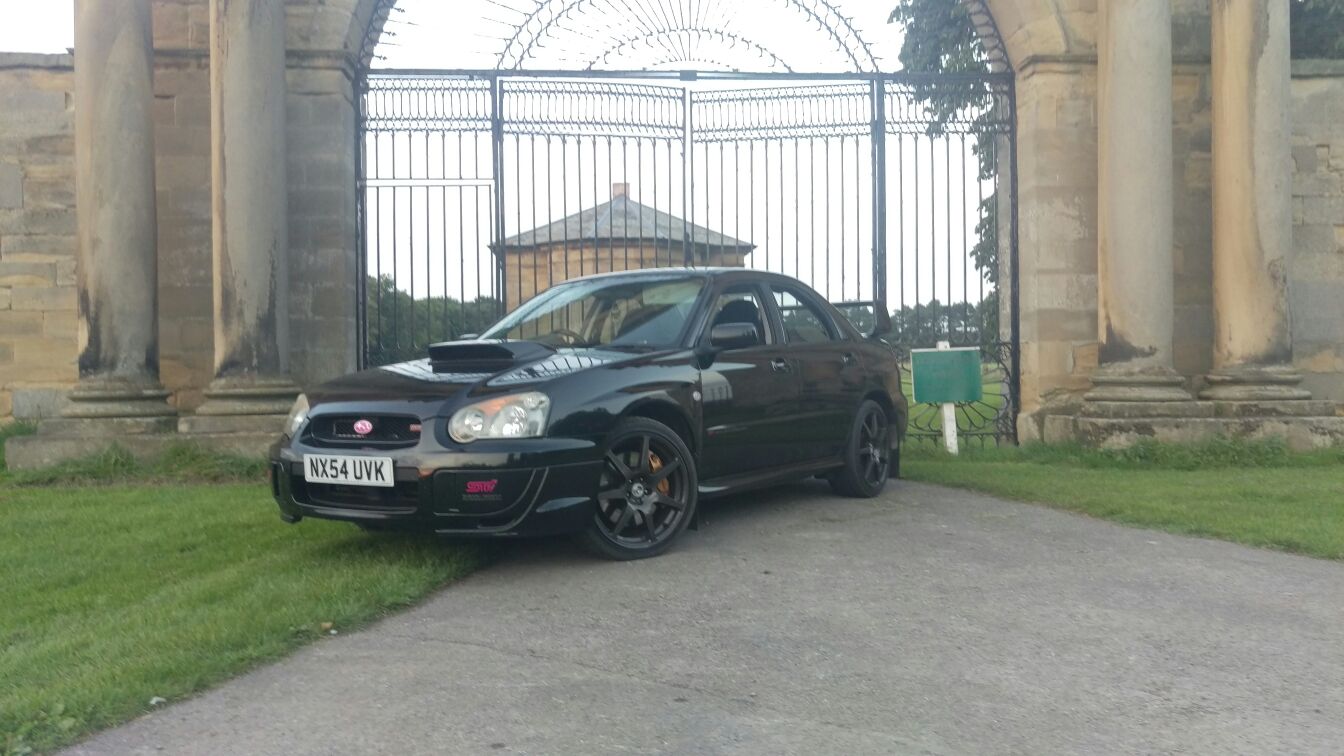
I own a 2004(54) blobeye with 91k on, got the engine covers off on the weekend whilst servicing it and I was met with this..... Might be worth having a look as you can't see it with covers on, thus mot is not going to pick it up [emoji106] Sent from my HTC One M9 using Tapatalk
-
They do improve the look of the low level to (imo) an acceptable spoiler haha Sent from my HTC One M9 using Tapatalk
-
And the tester missed it cos of the engine covers 🙈 Sent from my HTC One M9 using Tapatalk
-
That's on a 54 plate!! The main engine carrying part with the rack through! Picked up one off a spec c import today that's mint to go on tho, just gotta put my big boy pants on and get it fitted Sent from my HTC One M9 using Tapatalk
-
Yey, rotten subframe!! Sent from my HTC One M9 using Tapatalk
-
Paid £7k for mine back in June, they are out there 😁 Sent from my HTC One M9 using Tapatalk