FruitarianAthl
Members
-
Joined
-
Last visited
-
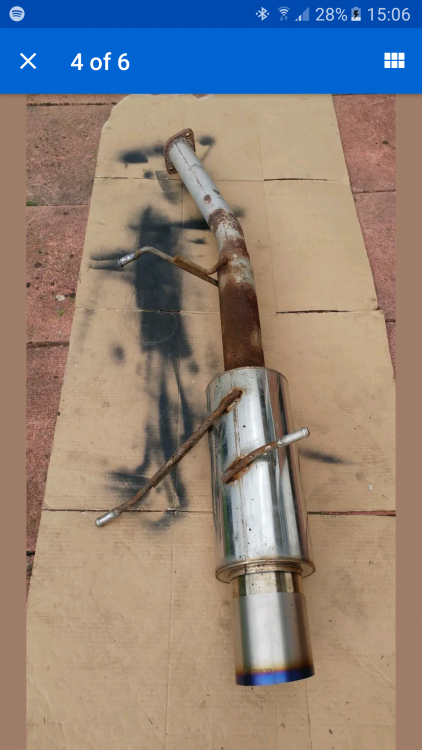
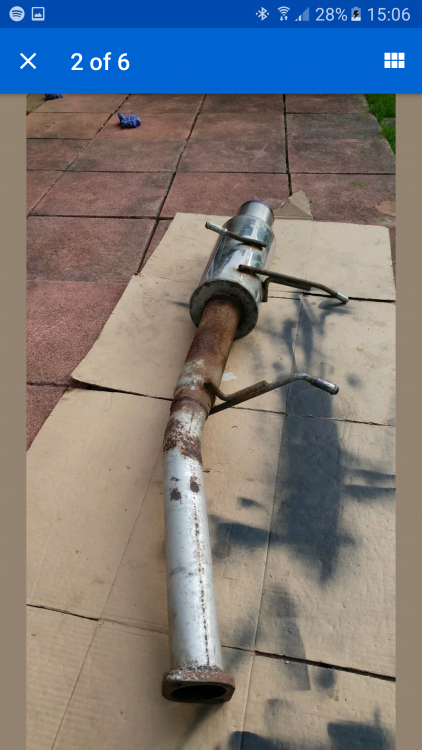
Hi all, I have this exhaust. apparently it came off a Japanese improve forester sti (sf5). I going to put it on my UK 2002 S turbo forester. I've quickly checked underneath and the hangers do not line up the same way at all and also my current exhaust has a obvious bend in the pipe. What I will say is my exhaust is not original, it was replaced with an unknown aftermarket one at some point by a previous owner. If anyone hm can recognise what this exhaust was probably for that would. each great. Either way I'm going to just modify it to fit. Thanks all!
-
thanks a lot for this info. I'll check out thone sites!
-
Hi guys I have a 2002 forester s turbo. Im looking for a few parts to add to the exterior. Just wanted to know of any other places I could also possibly search online. Currently using eBay and the "parts for sale" section in here. Also just doing a general Google search. Parts I'm looking for: -Rear spoiler -Front and rear bumper splitter/lips Thanks!
-
Thanks for the reply. Appreciated!
-
Hi All, I've literally just purchased a stock 2002 S-Turbo Forester Automatic which I collect on Thursday. I've been doing some research on them and one thing I cant seem to get a solid answer for is the performance spec. I can't seem to find the bhp, 0-60 and top speed. I found some places saying 125bhp while others saying 174bhp. Anyone here no what the correct figures are? Thanks