Skip to content
View in the app

A better way to browse. Learn more.

Subaru Owners Club UK | Subaru Forums

A full-screen app on your home screen with push notifications, badges and more.

To install this app on iOS and iPadOS
  1. Tap the Share icon in Safari
  2. Scroll the menu and tap Add to Home Screen.
  3. Tap Add in the top-right corner.
To install this app on Android
  1. Tap the 3-dot menu (⋮) in the top-right corner of the browser.
  2. Tap Add to Home screen or Install app.
  3. Confirm by tapping Install.

Lora-x

Members
  • Joined

  • Last visited

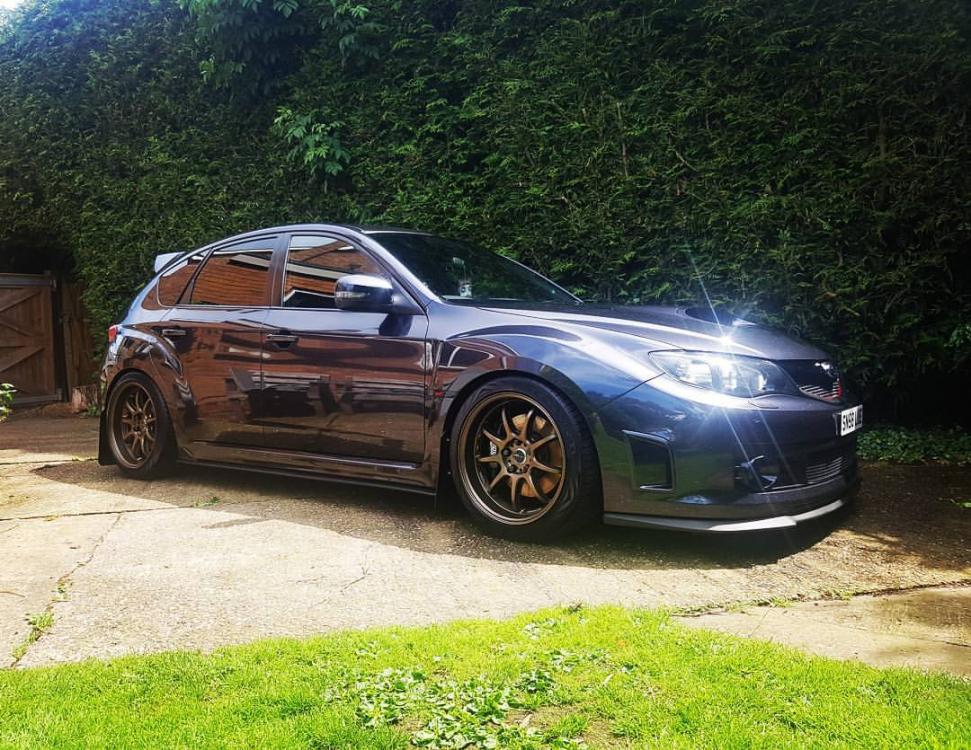
  1. Gave mine a quick clean
  2. Normally just use some all purpose cleaner/degreaser, but there's a fair bit of tar build up and the plastic liners are looking a bit faded, so ordered some AF oblitarate to tackle the tar and chemical guys bare bones to keep everything protected and make them easier to clean next time. Should have got the jet wash on them, but I have a couple of paint chips right on the arch and didn't want to make them worse, new stuff arrives Friday so will give them another go.
  3. Bit of early Japfest prep, wheels off and wheel arches cleaned. Although not 100% happy with them, could do with getting some sort of dressing for the arches to help keep them clean and make it easy to wash them down! Might have another go later this week, too cold now to do anymore

Background Picker
Customize Layout

Account

Navigation

Search

Search

Configure browser push notifications

Chrome (Android)
  1. Tap the lock icon next to the address bar.
  2. Tap Permissions → Notifications.
  3. Adjust your preference.
Chrome (Desktop)
  1. Click the padlock icon in the address bar.
  2. Select Site settings.
  3. Find Notifications and adjust your preference.