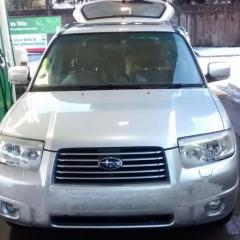
February 26, 201610 yr Greetings all I acquired a Forester in December and whilst I do currently have a slight issue, I'm loving the car. I live in the Lake District Just trailed a path to the North of Scotland through some heavy snow, hence the blotted out number plate in my profile pic :-)
February 26, 201610 yr Welcome :) you live in a great pry of the country :) went through the lakes briefly on the way to Dumfries. Keep an eye on the meet section as we sometimes have meets up your way Sent from my iPhone using Tapatalk
March 9, 201610 yr Wotcha and welcome - sounds like a proper trek out, great part of the world to test a scoob
March 9, 201610 yr Author 2 hours ago, Jay762 said: Wotcha and welcome - sounds like a proper trek out, great part of the world to test a scoob Agreed We had a great time, friends in a 147 Alfa tailing us through some thick snow in Perthshire



Create an account or sign in to comment