Do Not Sell My Personal Information Jump to content
View in the app

A better way to browse. Learn more.

Subaru Owners Club UK | Subaru Forums

A full-screen app on your home screen with push notifications, badges and more.

To install this app on iOS and iPadOS
  1. Tap the Share icon in Safari
  2. Scroll the menu and tap Add to Home Screen.
  3. Tap Add in the top-right corner.
To install this app on Android
  1. Tap the 3-dot menu (⋮) in the top-right corner of the browser.
  2. Tap Add to Home screen or Install app.
  3. Confirm by tapping Install.

Featured Replies

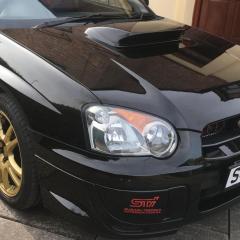
Hi. I've just bought a stock 03 sti ppp. 


Ive read in owners manual that I can deactivate the sweeping dials on start up.  Mine aren't activated. How can I activated them.  


Cheers


Try the same process as deactivating them - it may just be a logic toggle - on the 08+ models it is by use of ignition switch to lock or acc then press trip knob to show "S-on" or "S-off" on the odometer

  • Author

On the manual it's saying to switch on ignition but don't start car. Then turn Rev dial whilst pressing trip button.   


Tried about ten times and it didn't do squat. 😟

Create an account or sign in to comment


Background Picker
Customize Layout

Configure browser push notifications

Chrome (Android)
  1. Tap the lock icon next to the address bar.
  2. Tap Permissions → Notifications.
  3. Adjust your preference.
Chrome (Desktop)
  1. Click the padlock icon in the address bar.
  2. Select Site settings.
  3. Find Notifications and adjust your preference.