Skip to content
View in the app

A better way to browse. Learn more.

Subaru Owners Club UK | Subaru Forums

A full-screen app on your home screen with push notifications, badges and more.

To install this app on iOS and iPadOS
  1. Tap the Share icon in Safari
  2. Scroll the menu and tap Add to Home Screen.
  3. Tap Add in the top-right corner.
To install this app on Android
  1. Tap the 3-dot menu (⋮) in the top-right corner of the browser.
  2. Tap Add to Home screen or Install app.
  3. Confirm by tapping Install.

Dogconker

Moderators
  • Joined

  • Last visited

Everything posted by Dogconker

  1. I know this is probably a little out of date but we had same question with ours as we leave a dog in it. apparently the easy answer is to lock the drivers door with the key rather than the remote, this engages the dead locks but not the alarm, you can then unlock with the remote without the alarm activating. this works on the 2013 XV so imagine other will be the same. Just thought I'd throw this up in case anyone else needed this answer in the future Cheers Dog
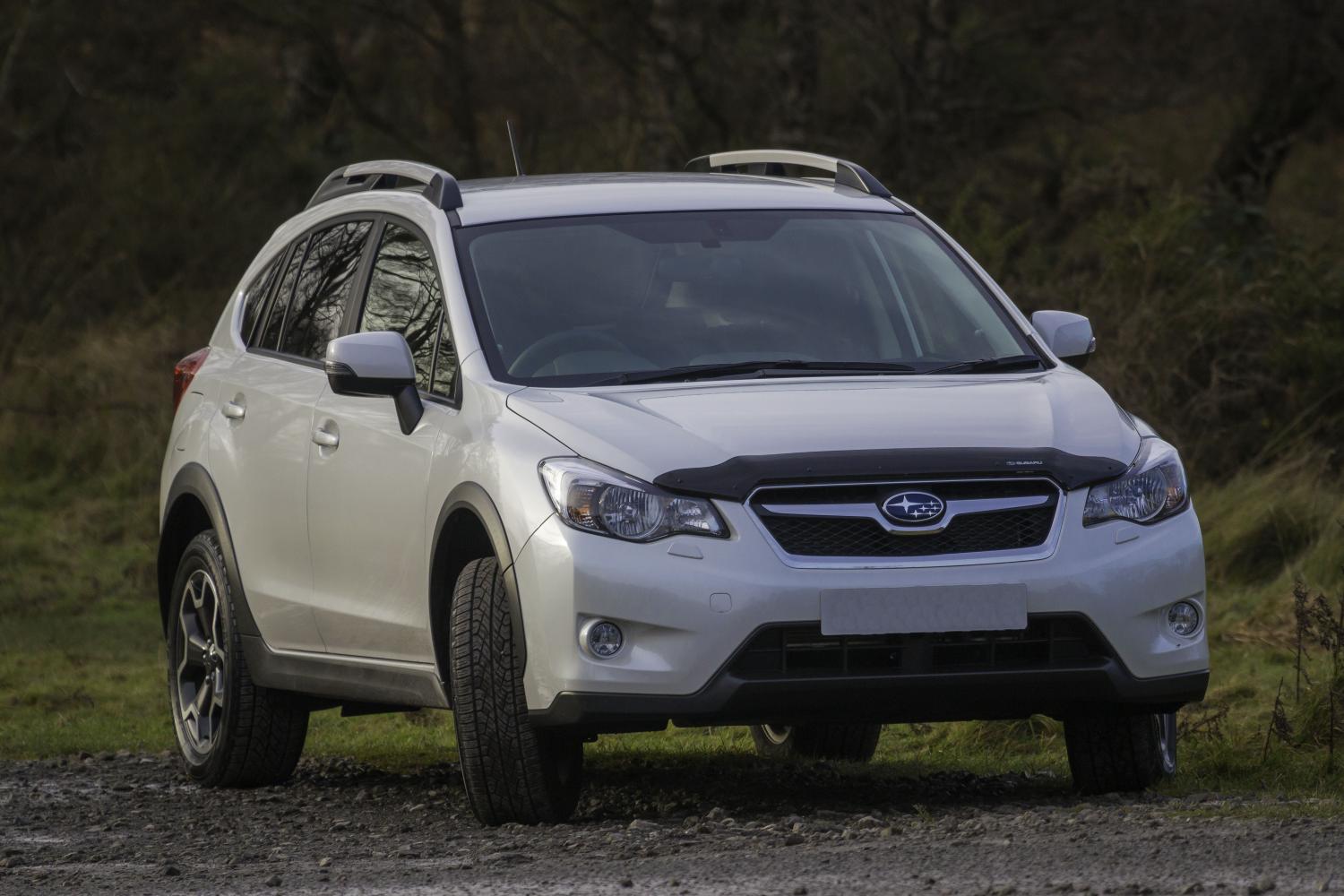
  2. Images added to a gallery album owned by Dogconker in Subaru Owners Gallery - Albums
    Photos of my XV

Background Picker
Customize Layout

Account

Navigation

Search

Search

Configure browser push notifications

Chrome (Android)
  1. Tap the lock icon next to the address bar.
  2. Tap Permissions → Notifications.
  3. Adjust your preference.
Chrome (Desktop)
  1. Click the padlock icon in the address bar.
  2. Select Site settings.
  3. Find Notifications and adjust your preference.