gary88ross
Members
-
Joined
-
Last visited
-
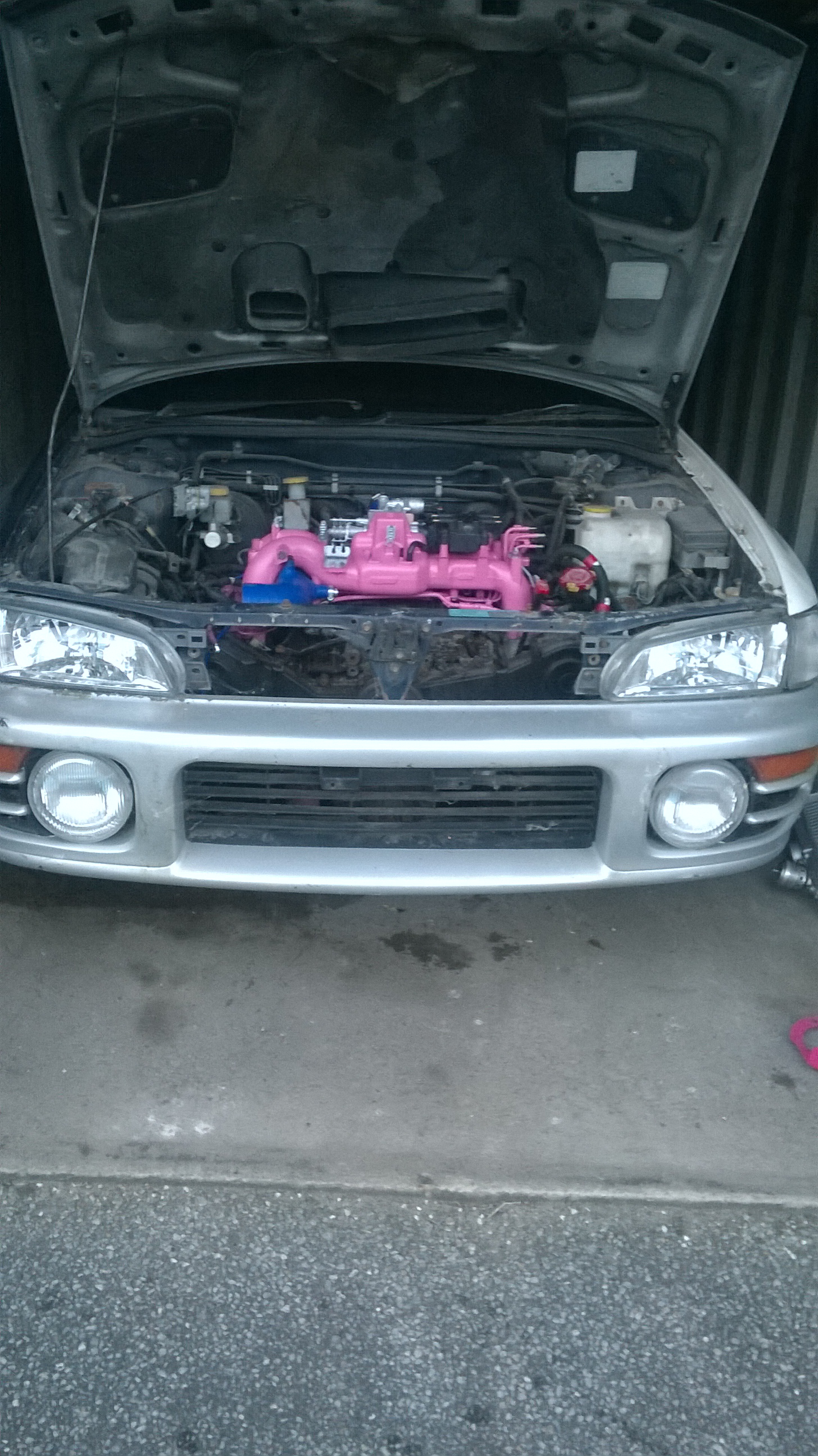
Looking good fair bit of work ive put in
-
Pics Sent from my RM-914_eu_euro1_327 using Tapatalk

-
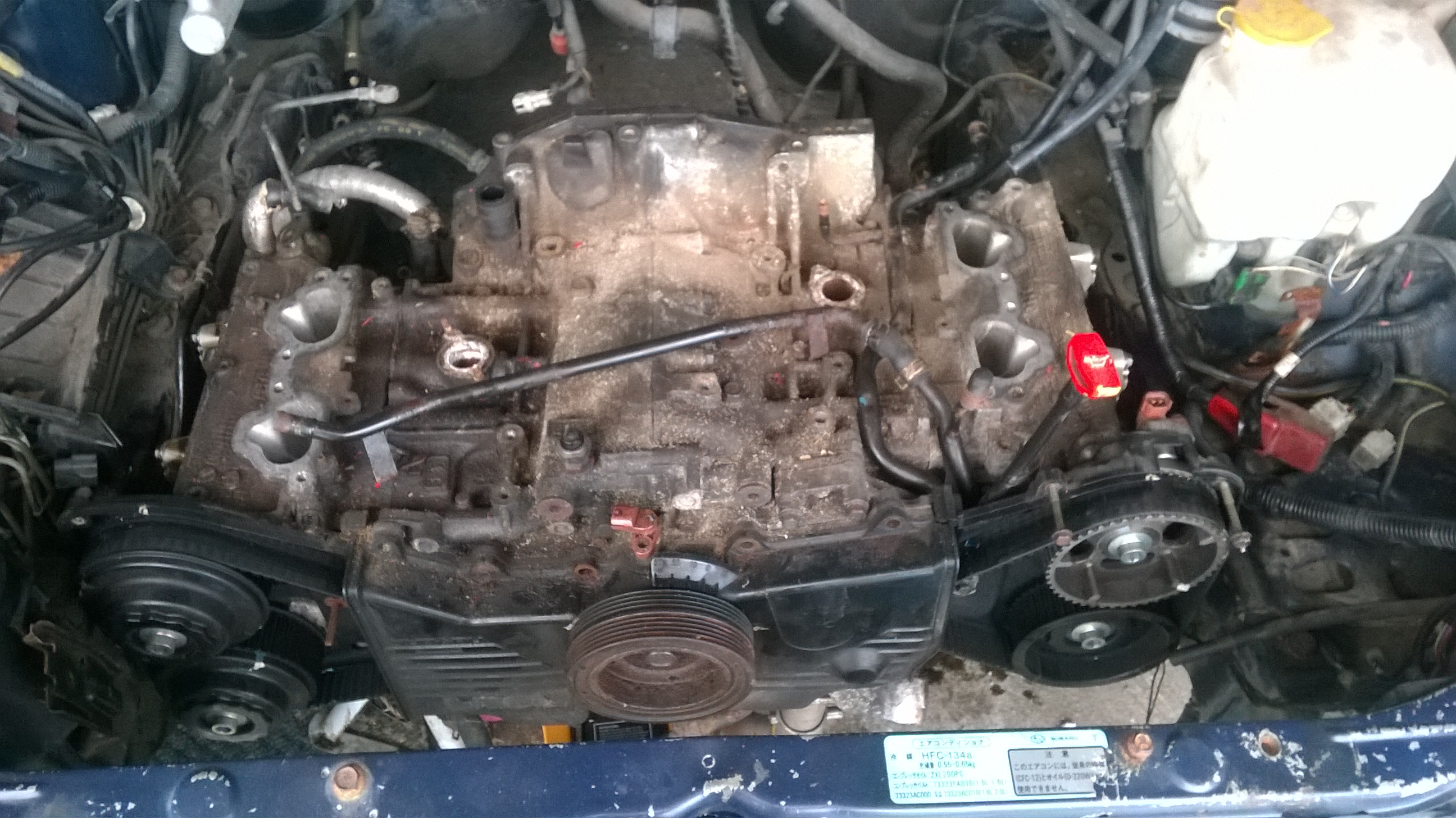
Been gone a while but have car at my lockup now so started stripping engine,the cam bolts got everyone off but 2 that are rounded what's best to get them off
-
-
Mean for The vf22
-
What sort of price u looking for it
-
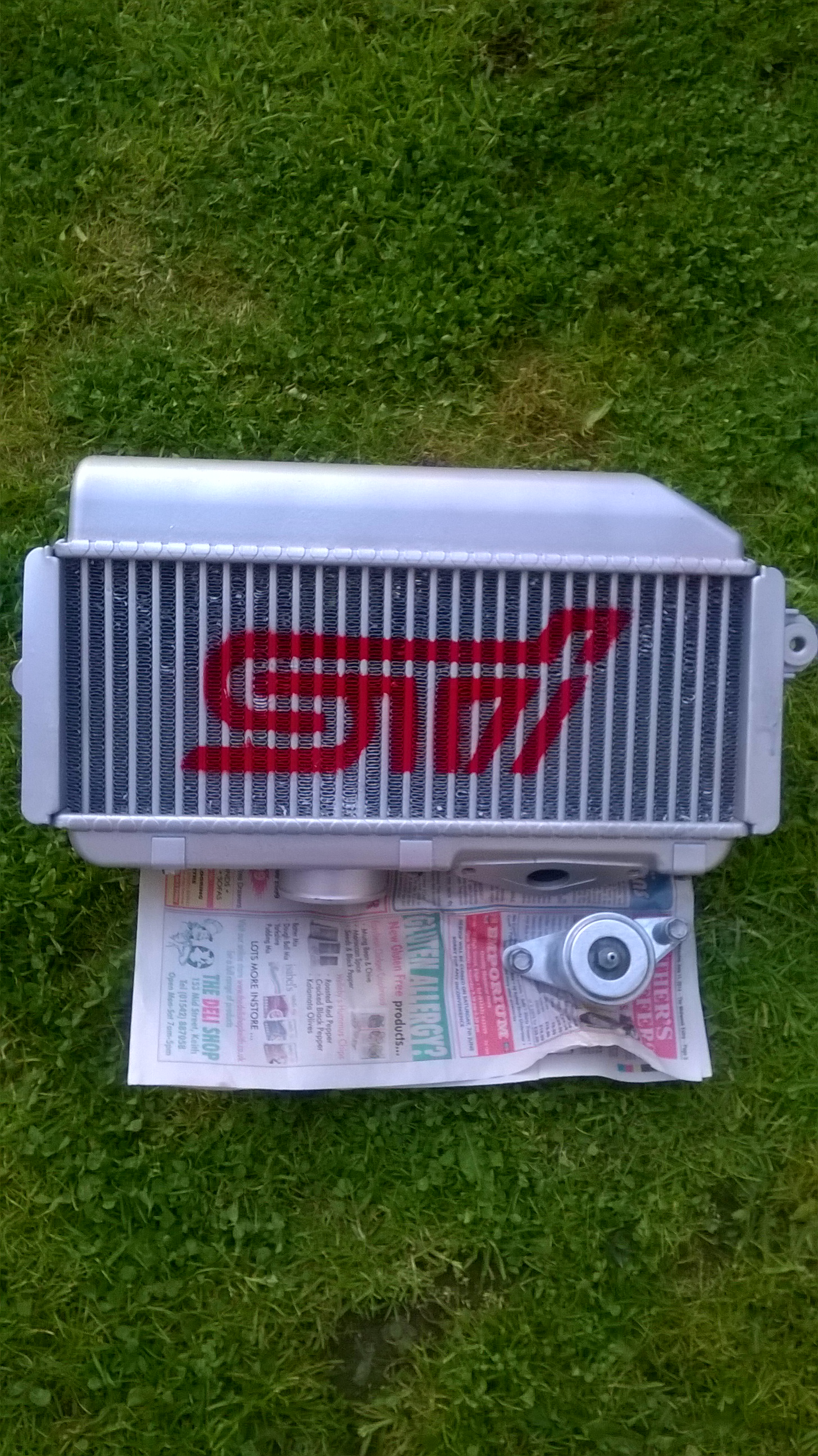
Intercooler finished looks good i think Sent from my RM-914_eu_euro1_327 using Tapatalk

-
Yeah sure has got it for the intercooler thought might aswell do them got a sti stencil for it aswell just need time to get round and do some more on car
-
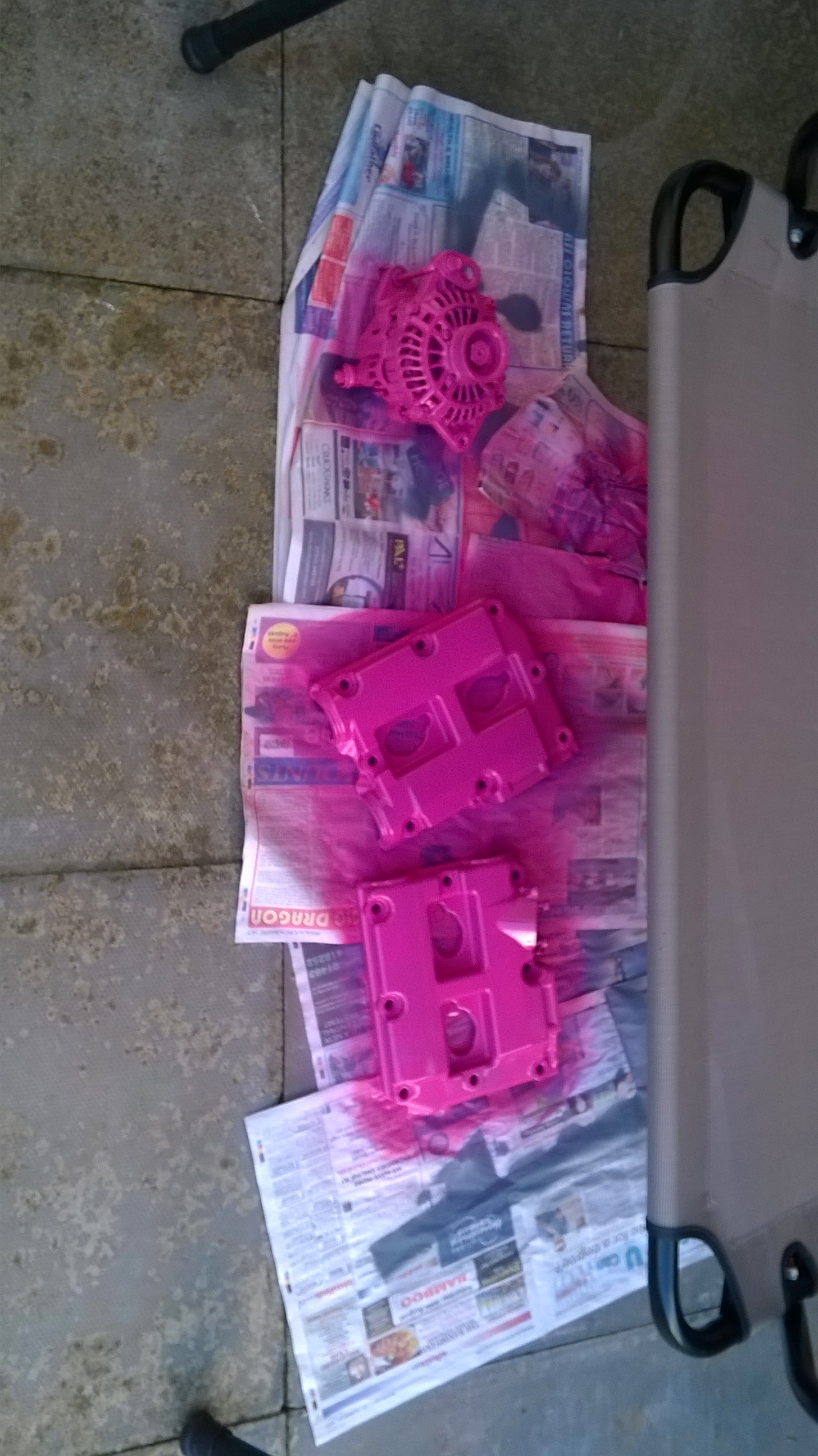
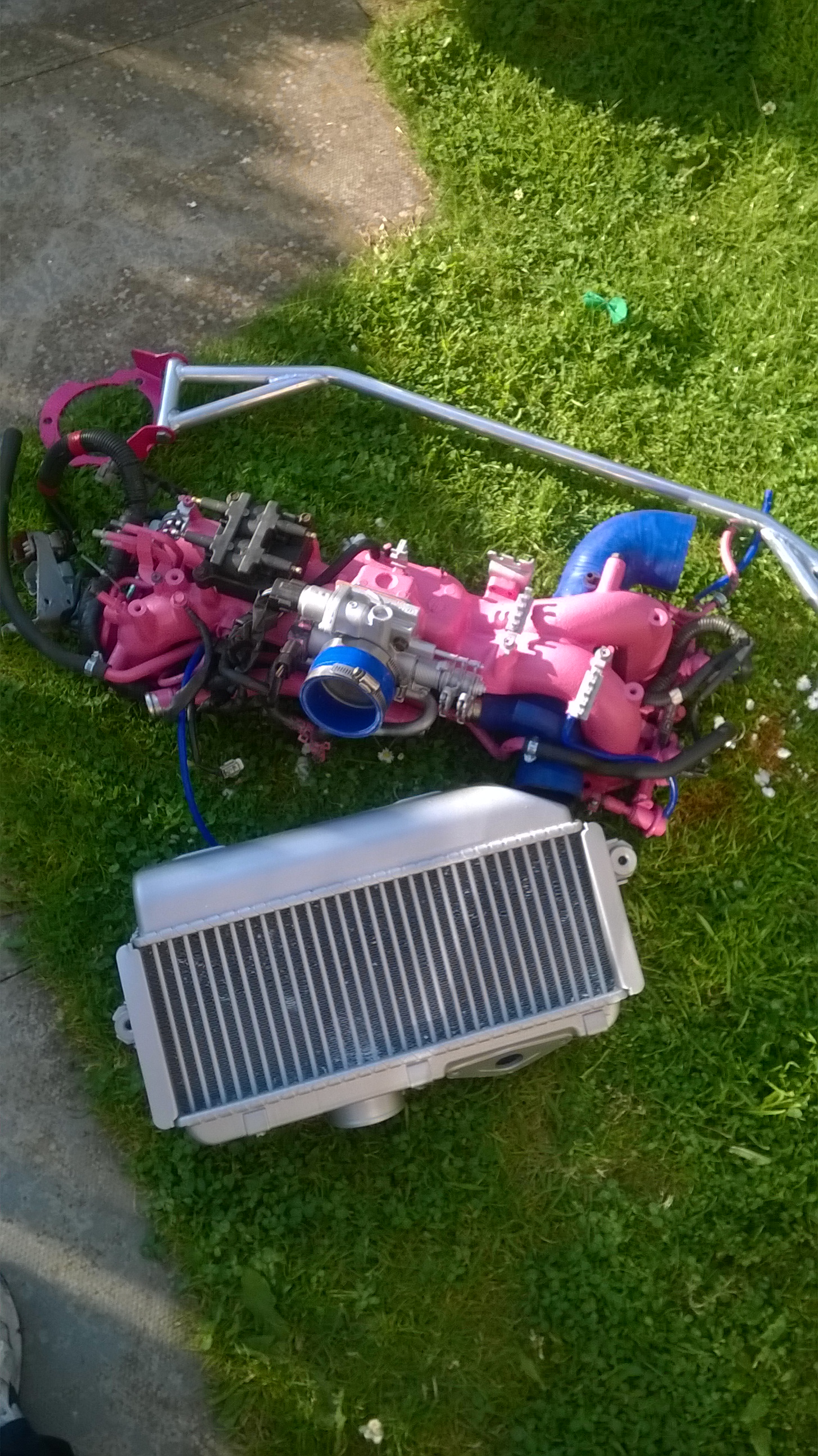
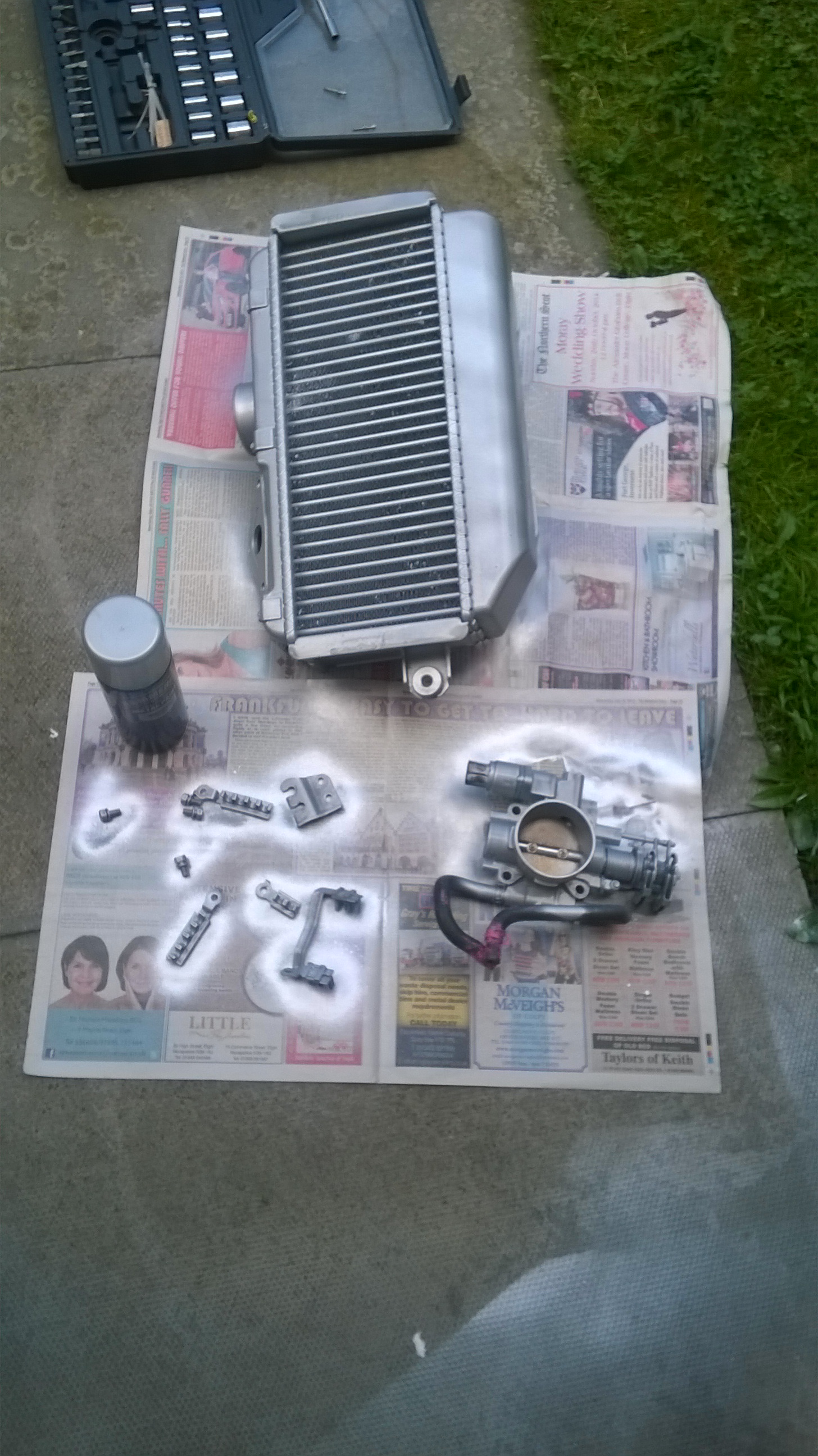
Been painting again hammerite smooth silver well good stuff heres my collection of bits ready to go on soon as head gaskets are done Sent from my RM-914_eu_euro1_327 using Tapatalk
-
Anyone no how to fit these or fitted one can only find guides for the newer lcd display ones ?
-
Welcome to site try scoobyworld or rallytech
-
Been offered one cheap so thought it would be good thing will look into that open map mines a ver5 import 280standard
-
Sounds good savage its a early greedy one was it easy enough to fit matt
-
Wouldn't be silly with it keep it low do u know how to fit them
-
Hi getting a greedy boost controller its a old type one just has dials are they good how do u fit them