Gaulson
Members
-
Joined
-
Last visited
Everything posted by Gaulson
-
I haven't attempted to launch it yet so when I get some quiet time on the roads I will give it a go. At least if I stall it no one will be around to mock me ;) . Okay, I will have a check to see if anything is going on. Might not mix in that well seeing as I do look a bit like a geek.... :)
-
Thanks for the advice, yeah I have found I am being more sensible in the Subaru, would prefer to be known as the "nice guy who owns the Subaru" rather than the opposite ;) . On my drive home from work today it started to feel a lot more natural to me so give me a couple of weeks and I should be settled in. Also, as I'm new to all this, what happens in the way of club meets and so on? Would be fun to mingle with fellow Subaru people. :)
-
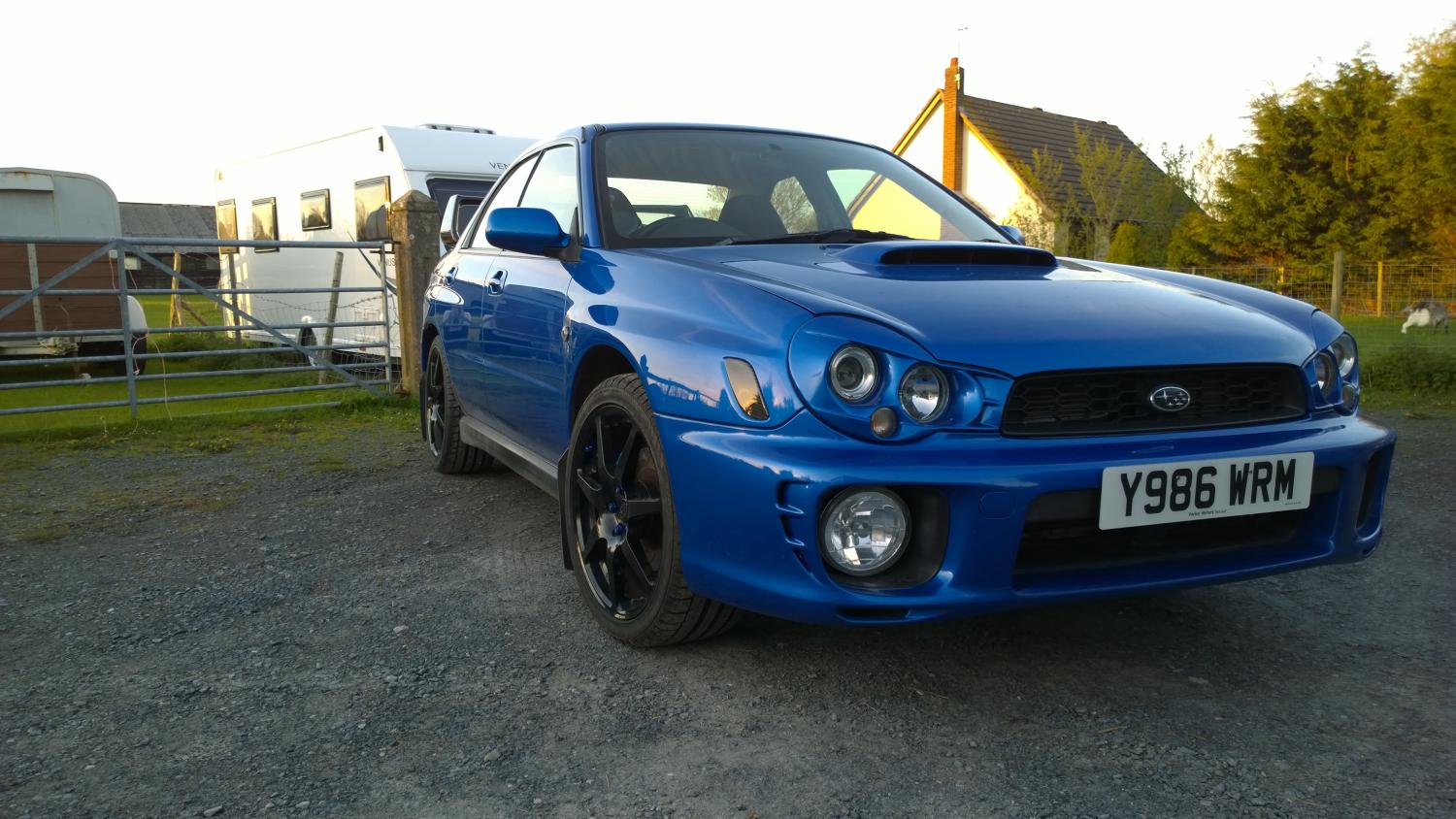
Well this weekend was my first weekend driving a Subaru and as I have only been driving around in small hatchbacks I must say it's a big change! Obviously the biggest change is the way the power is delivered... kind of like "coming... coming... coming... HERE" and it's certainly got it's charm. So basically seeing as I am new to the car, some tips would be welcome, such as how to set off in a hurry. At the moment it takes me a bit to get to 20mph as I don't want to do something wrong. So far I know: - Warm the car up before driving and warm it down before switching off - Run on Ultimate unleaded which I have so far put 1 full tank in Also is there anything that is frowned upon? Many thanks in advance!