nich090
Members
-
Joined
-
Last visited
-
-
She's my pride and joy haha
-
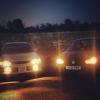
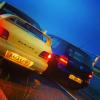
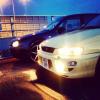
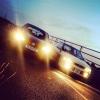
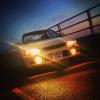
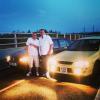
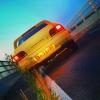
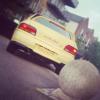
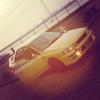
Hey all thought I'd put some more pictures of my yellow 98 non turbo :) for those of you who are going to ask that's me standing next to my subaru :)
-
Hey all im after a bonnet with vents for my classic and im also after the classic vinyl packs
-
Is this still on? ?
-
I am a gormless looking chav :/
-
Ohhh she'll get perfect I'm investing too much money not to be perfect!!
-
Yeah got a dent doctor coming out next pay packet and then she's perfect :) anyone recommend a perfect induction kit the geezer who had it before basically destroyed her so I'm doing some tlc work
-
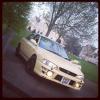
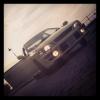
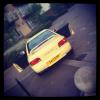
Me and my former girlfriend had a disagreement about me buying this you can tell what one I wanted more haha gradually getting her looking like new I've had a bit of help of others mainly myself :) if anyone's in kent just let me know :)
-
-
Yellow scooby imprezza (picture) kent il be all ober country if you see epp on the end its me gimmie a wave :)
-
Didnt work this time :( dis conned battery all night hoping after cleaned them tht ecu resets lool
-
Just the abs light constantly on :/ thats all thats wrong its a non turbo and wheel sensors are like 100 am I right?? Or looking at wrong thing??
-
Need help abs error code 56 or 59 and 45 1999 subaru impreza
-