Swissy
Members
-
Joined
-
Last visited
Everything posted by Swissy
-
absolutely gorgeous!!!
-
Thank you Gambit....I will try to contact Simon and tell him you recommended him and see what he says........Thanks again!
-
very nice car mate :)
-
Thanks Nigel......Best car I have ever bought......so much fun.....A wolf in sheep`s clothing!!!!!
-
Thanks for your reply......I have not had it re-mapped.....although thinking about it..........I run it on Shell V power only. Had a power run at Surrey Rolling Road 276.4 bhp........so the engine is ok. Do you think I need a re-map for fuel?
-
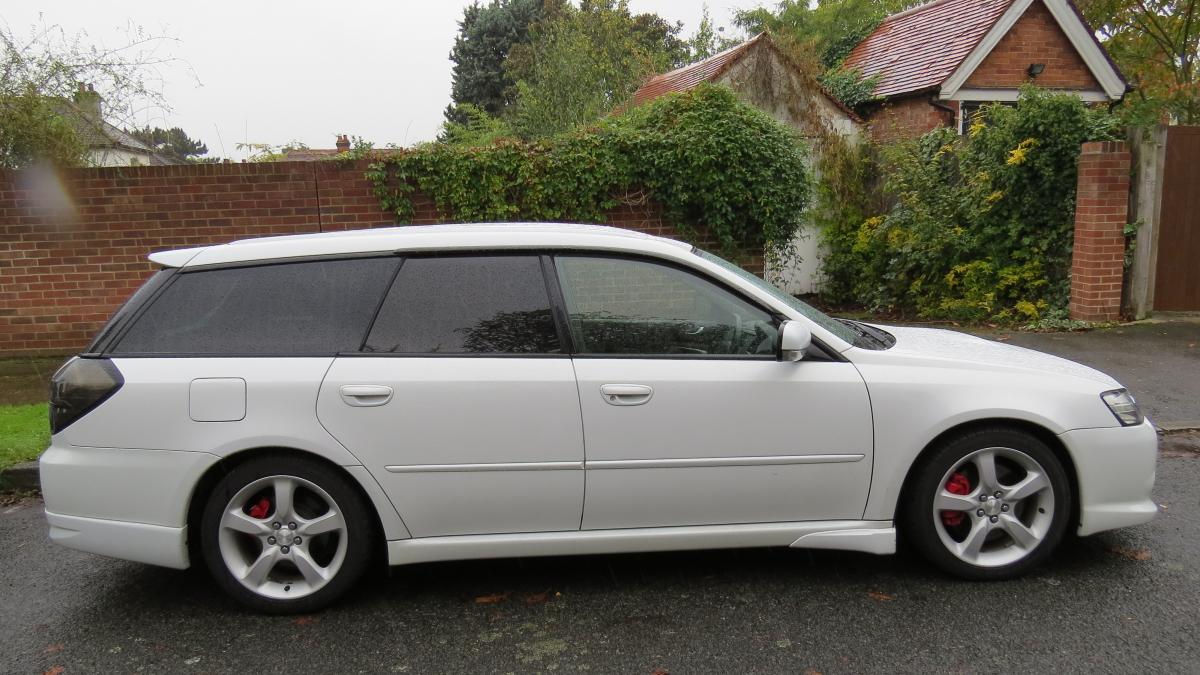
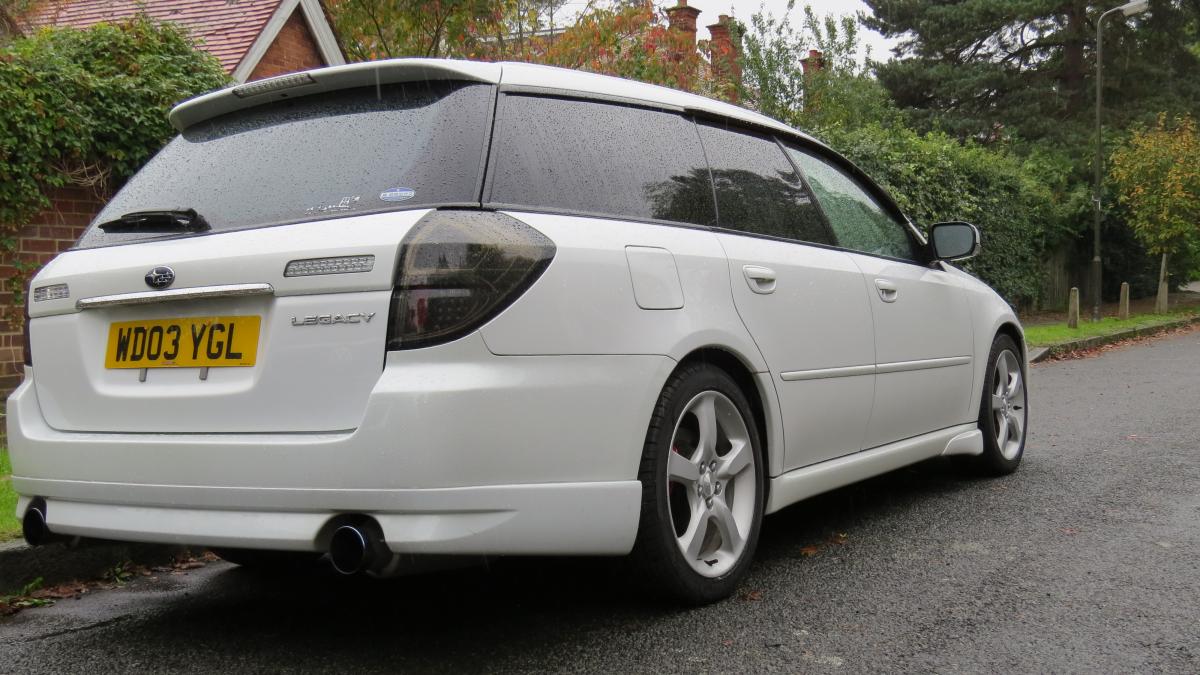
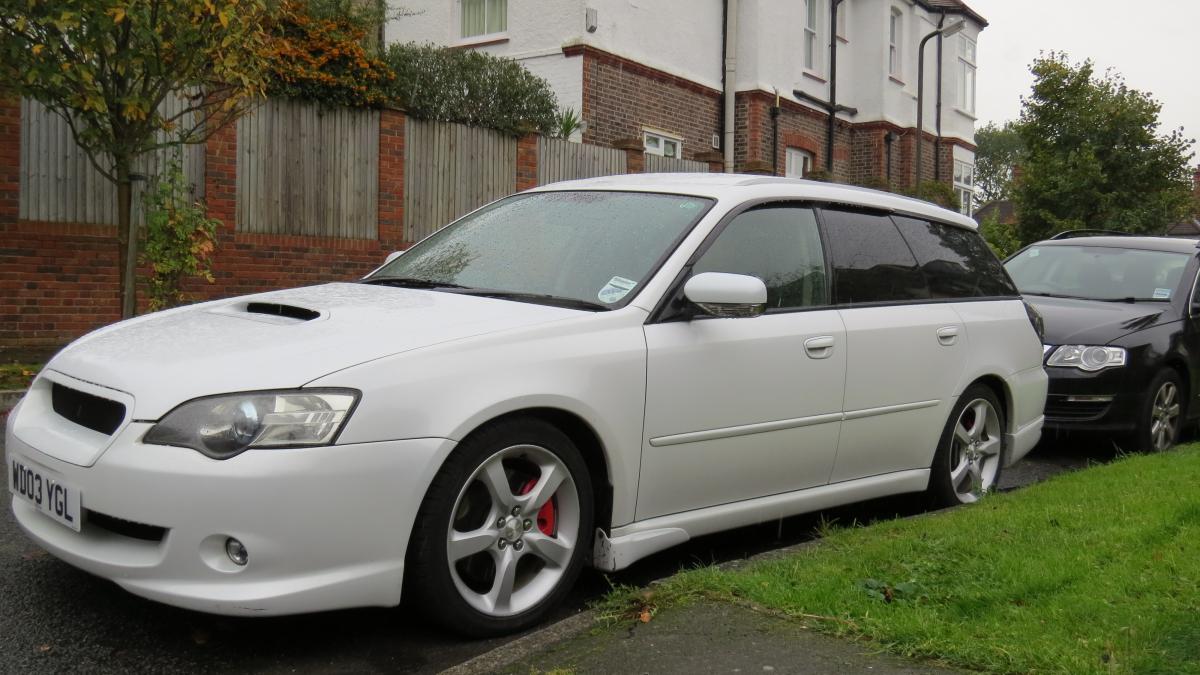
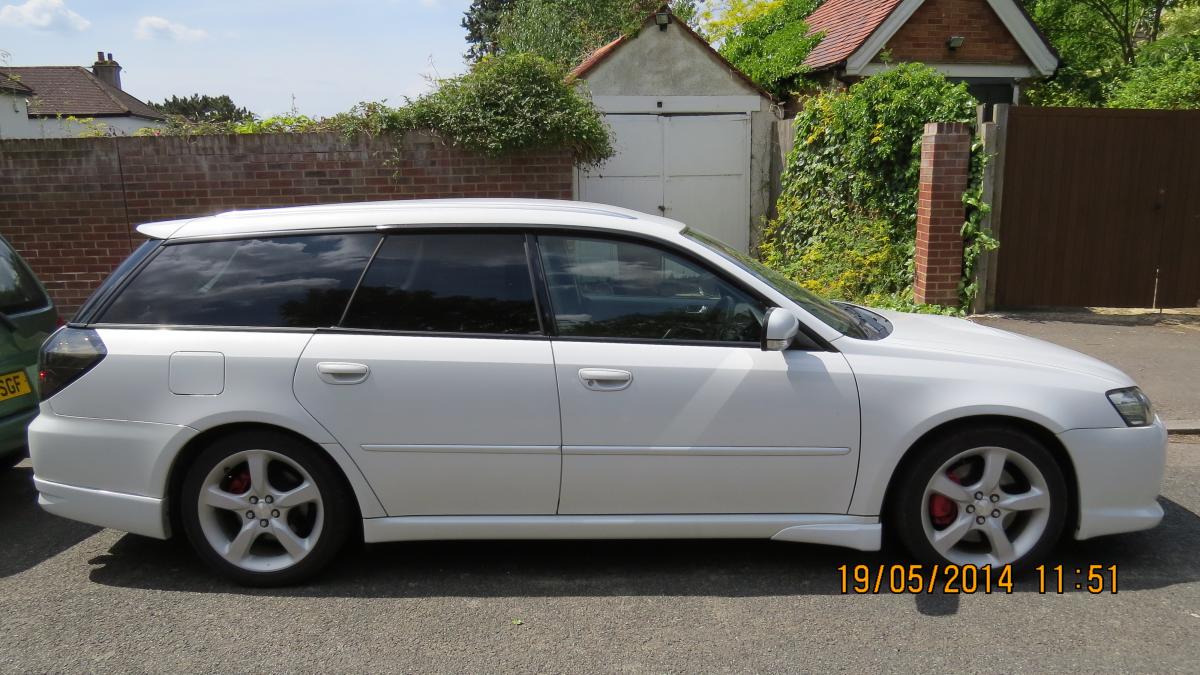
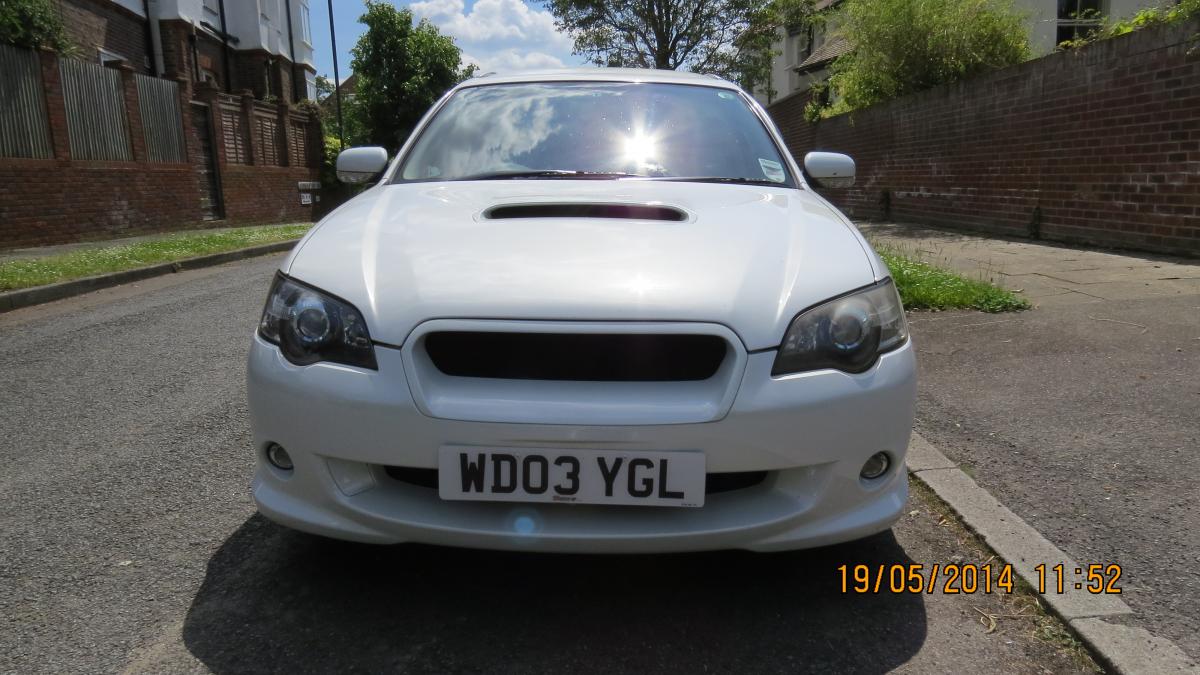
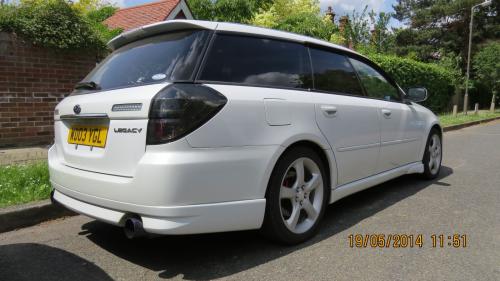
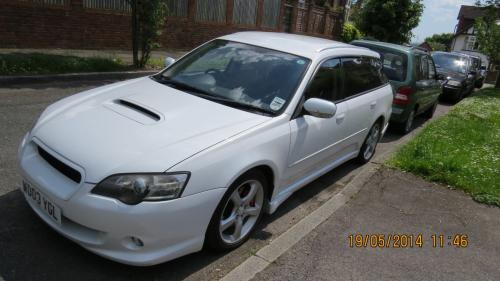
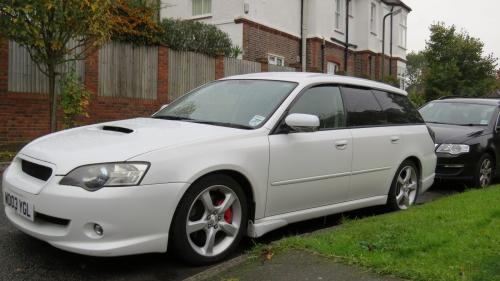
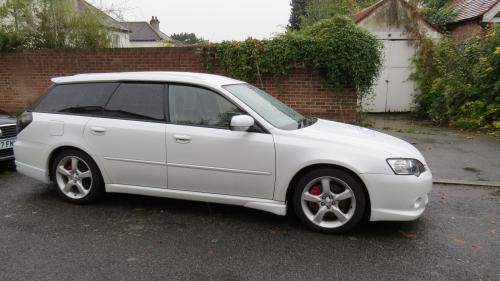
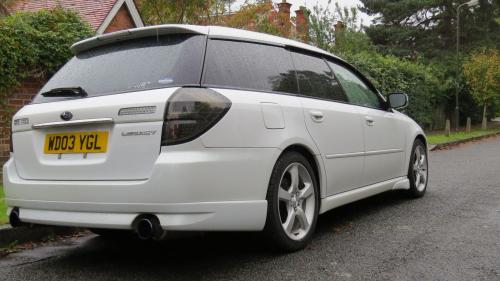
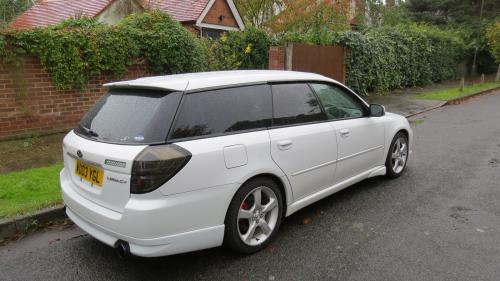
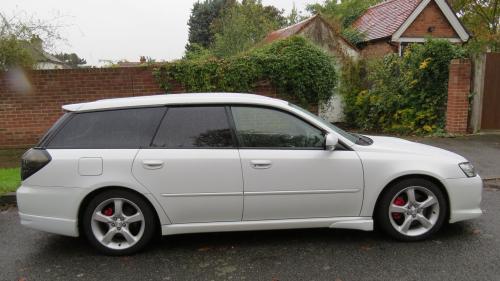
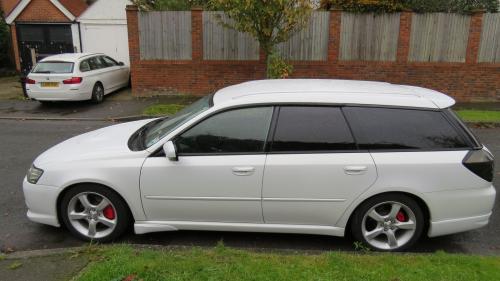
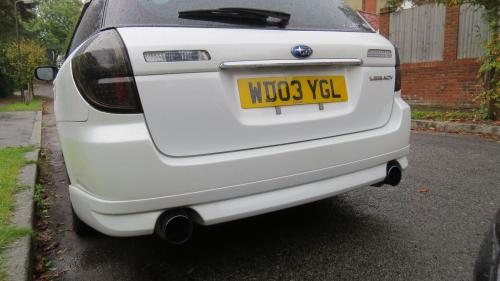
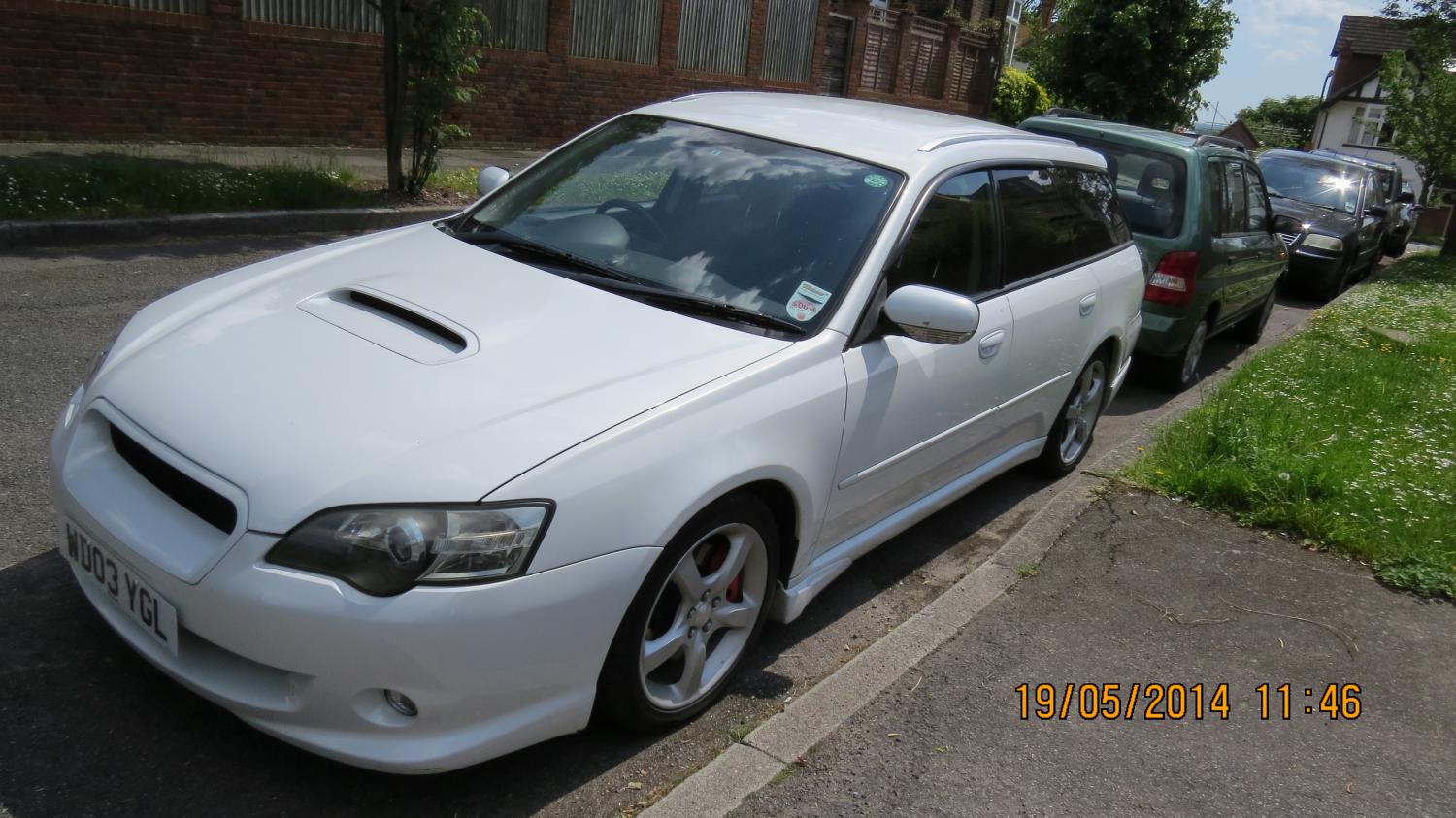
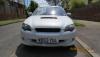
HI everyone, Just posting some pics of my 280 BHP Legacy GT........It was imported from Japan in 2013 by TORQUE GT. Can anyone let me know of a good Subaru tuner in the London area or a good mechanic as it has an occasional stumble under acceleration. Thanks in advance to any replies with helpful information.......... as I don't get to check my computer that often!


-
-
-
-
-
-
-
-
-
-
-