majik_thighs
Members
-
Joined
-
Last visited
Everything posted by majik_thighs
-
Not a problem.....drive safely! Sent from my Superior Galaxy S 5 using Tapatalk
-
No pressure....just wanted a look☺ Sent from my Superior Galaxy S 5 using Tapatalk
-
Well I'm 4 miles away.....We could meet Sent from my Superior Galaxy S 5 using Tapatalk
-
Your going to Blackburn lancs Dave? Sent from my Superior Galaxy S 5 using Tapatalk
-
Ill get up with you and cheer you off! :P
-
Hmmmmm! :P
-
Is that dipped carbon fibre? The interior looks great!
-
It's a fire spitting she devil but it's pronounced Bee are Zed not Zee you $hit kicker!! Sent from my Superior Galaxy S 5 using Tapatalk
-
My 1st outback a 98 model had a lovely burble...The last three didn't. ...I would like my burble back. ....an H6 burble....wonder if there is such a thing. Sent from my Superior Galaxy S 5 using Tapatalk
-
And mine just whispers, from inside you don`t hear it at all although ive been told it sounds very nice from the outside ive yet to hear it. The H6s have 2 downpipes, one from each bank of 3 cylinders which run into one where they meet the cat.
-
Serves me right for being a nice guy!
-
The subtitles are handy!
-
Ive just checked mine and that`s what I have....back section from the cat to the tail-pipes is stainless.
-
Not sure if you have a ss front section but cat back means from the cat, which is about front seat level back to the twin back boxes....including the boxes.
-
Yes.....take a look underneath and the cat is more or less under the front seats. And that's a very good price as long as they know it's a twin system. Sent from my Superior Galaxy S 5 using Tapatalk
-
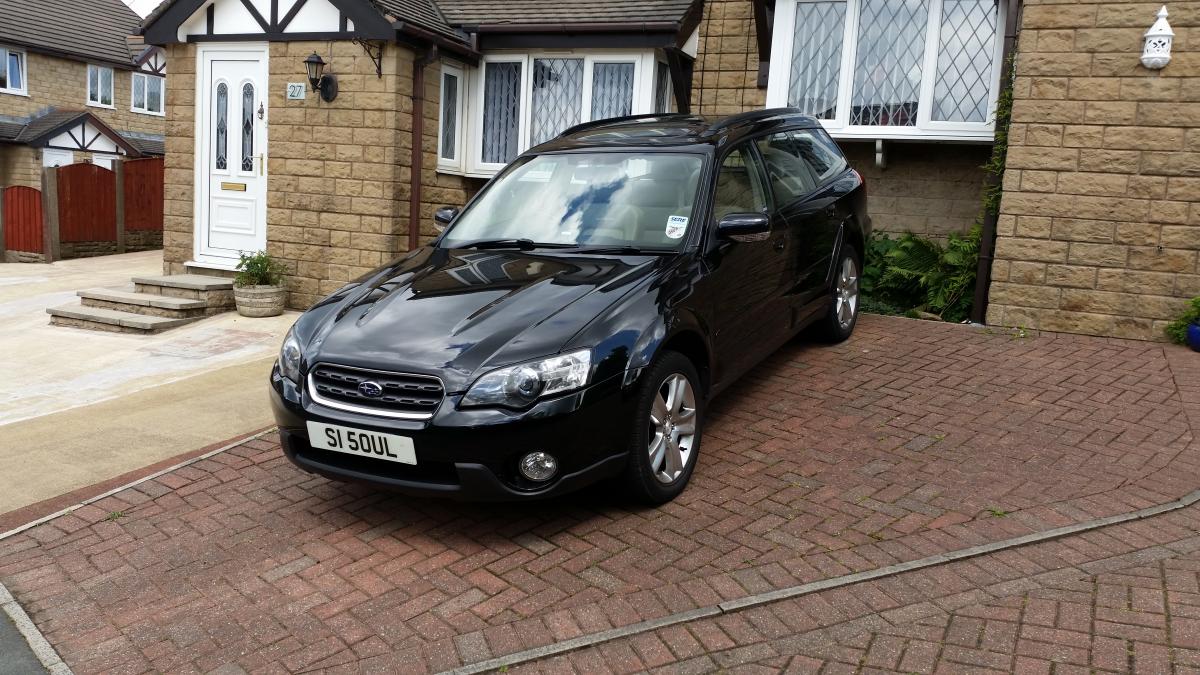
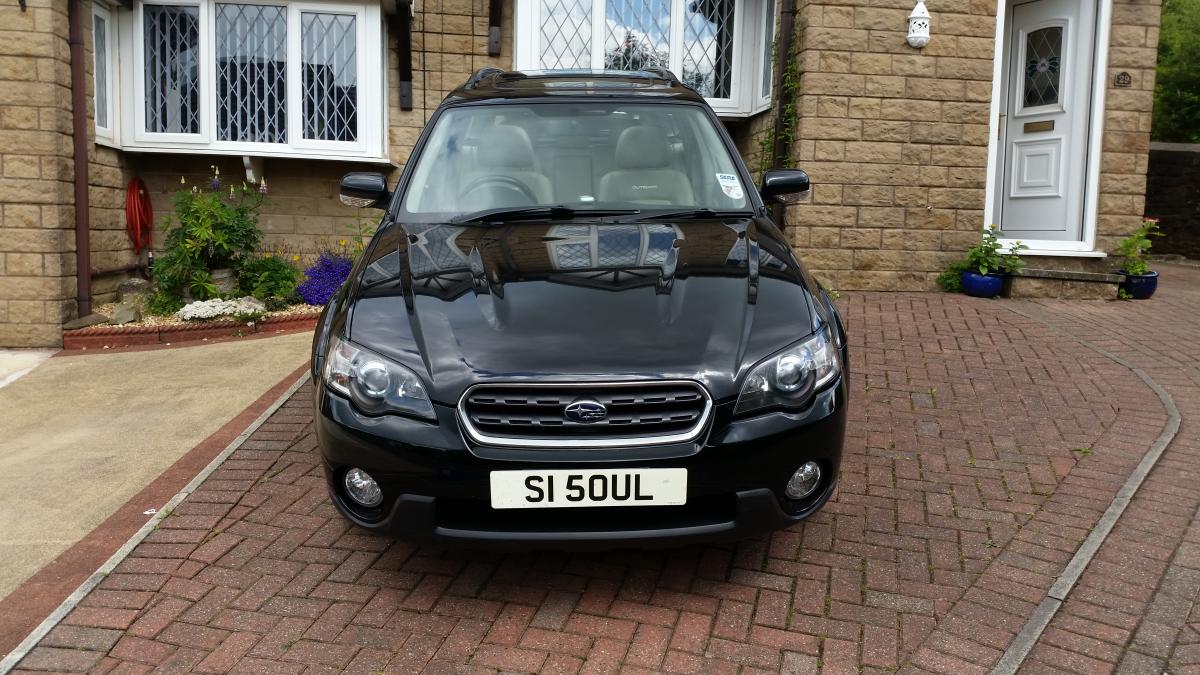
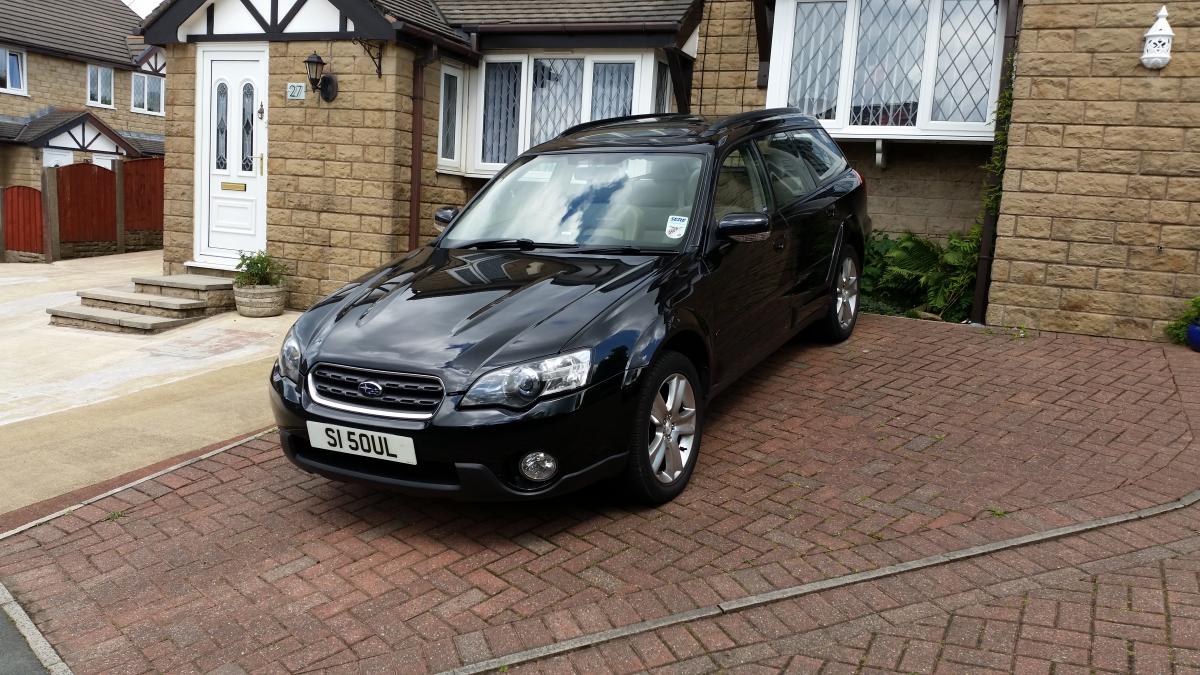
From the front it looks brilliant.......really menacing Its got that....."Move yer !Removed!!" look to it. How did you clean the headlights?
-
Looks really nice!
-
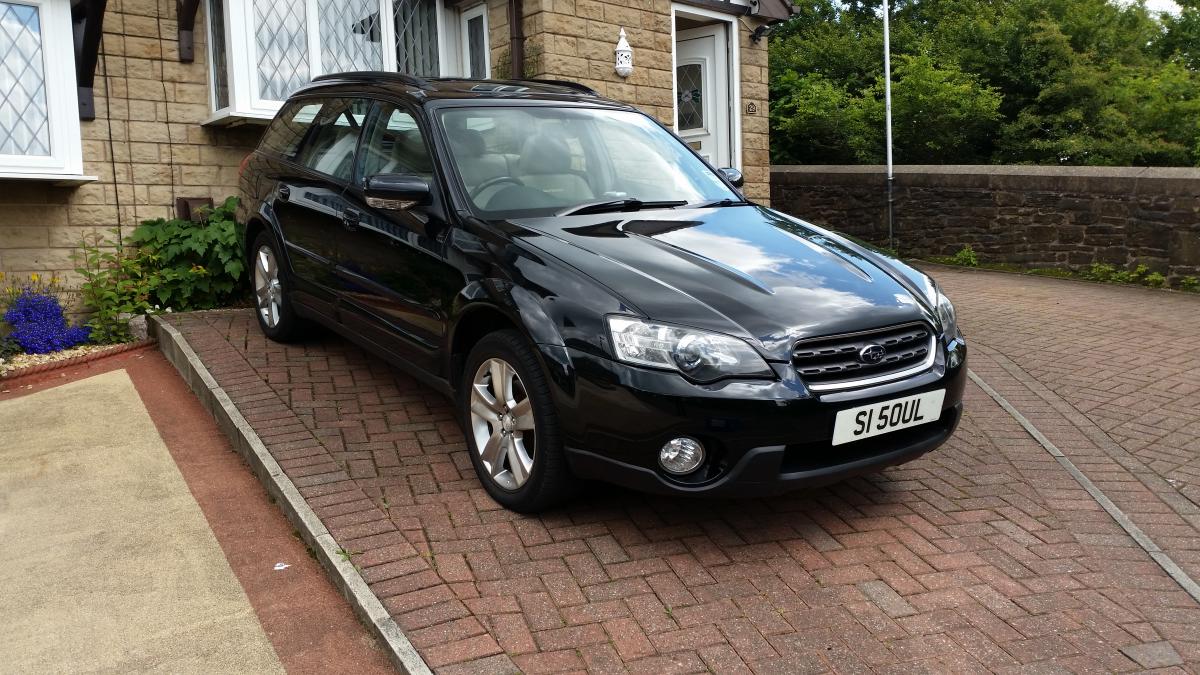
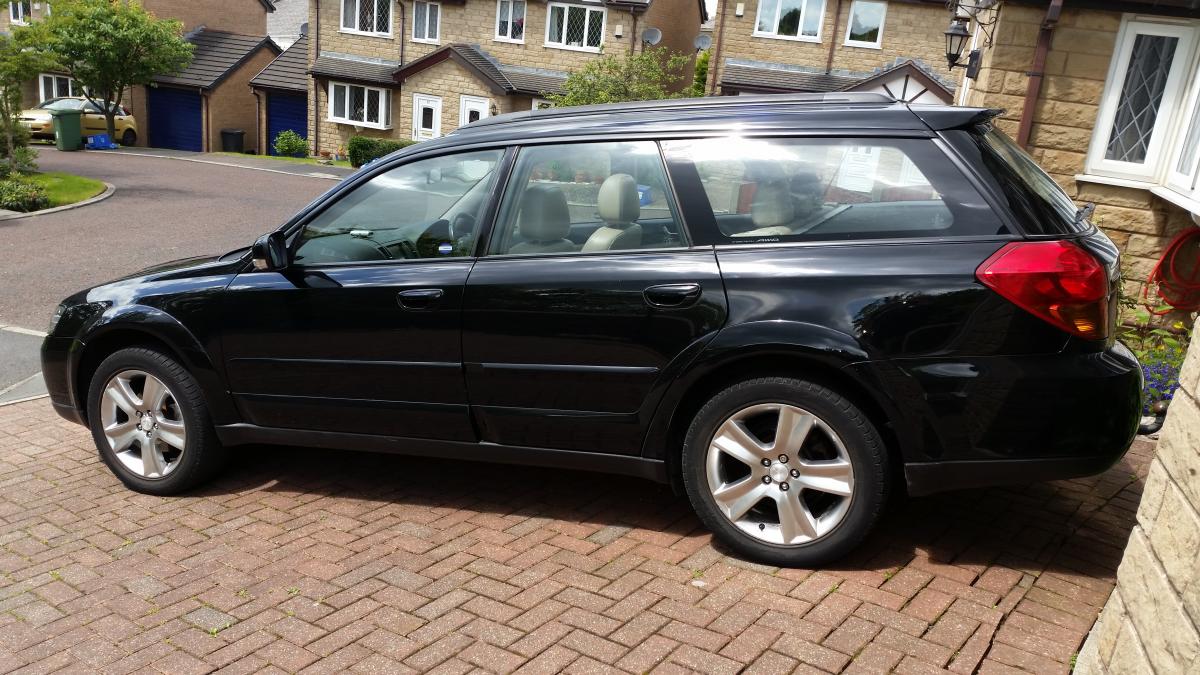
Looks great but I like it better without the whale-tale.....with it its about as subtle as Rod Stewarts leopard skin disco trousers. But that`s only my opinion based on me being a 58 year old young !Removed!
-
Unfortunately it was deaded on impact! :( I didn`t take the owners details either, as we were both in shock I just gave her my business card and said call me when you feel like it, after all I had just murdered her baby. 10 months later and still no call. Its just been gaffer-taped up ever since....professionally obviously Total cost to put right has been around £300.00
-
;) Cheers!
-
What is that by the way?
-
A dog ran out and collided with me believe it or not, a frigging big fat Airedale. I must have been doing 40 ish and had no time to even brake. Cracked the bumper and smashed the windscreen washer bottle which is under the wing, that cost me about 60 quid for the bottle and I got the bumper (used) from Ebay £75.00. and about £150 to spray and fit.
-
No idea exactly what he did, the same lad who sprayed the new bumper, I just asked him if he knew anyone who could get the paintwork looking mint, with it being black it shows all the wee scratches, and there was a fairly deep scratch on the bonnet where I caught it with the power-wash wand......that`s completely gone and all the swirly ones where it looks like flies have been ice-skating on it. Cost me £80.00.
-
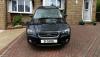
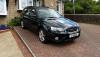
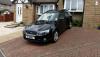
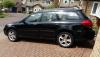
At the weekend I had the car compounded and minted up a tad......she looks the business now. 9 years old and counting! ;)
-
If you pay 6 monthly its actually £305.00.....what a joke!