Skip to content
View in the app

A better way to browse. Learn more.

Subaru Owners Club UK | Subaru Forums

A full-screen app on your home screen with push notifications, badges and more.

To install this app on iOS and iPadOS
  1. Tap the Share icon in Safari
  2. Scroll the menu and tap Add to Home Screen.
  3. Tap Add in the top-right corner.
To install this app on Android
  1. Tap the 3-dot menu (⋮) in the top-right corner of the browser.
  2. Tap Add to Home screen or Install app.
  3. Confirm by tapping Install.

J4Y

Members
  • Joined

  • Last visited

  1. J4Y changed their profile photo
  2. J4Y replied to J4Y's topic in General Subaru Chat
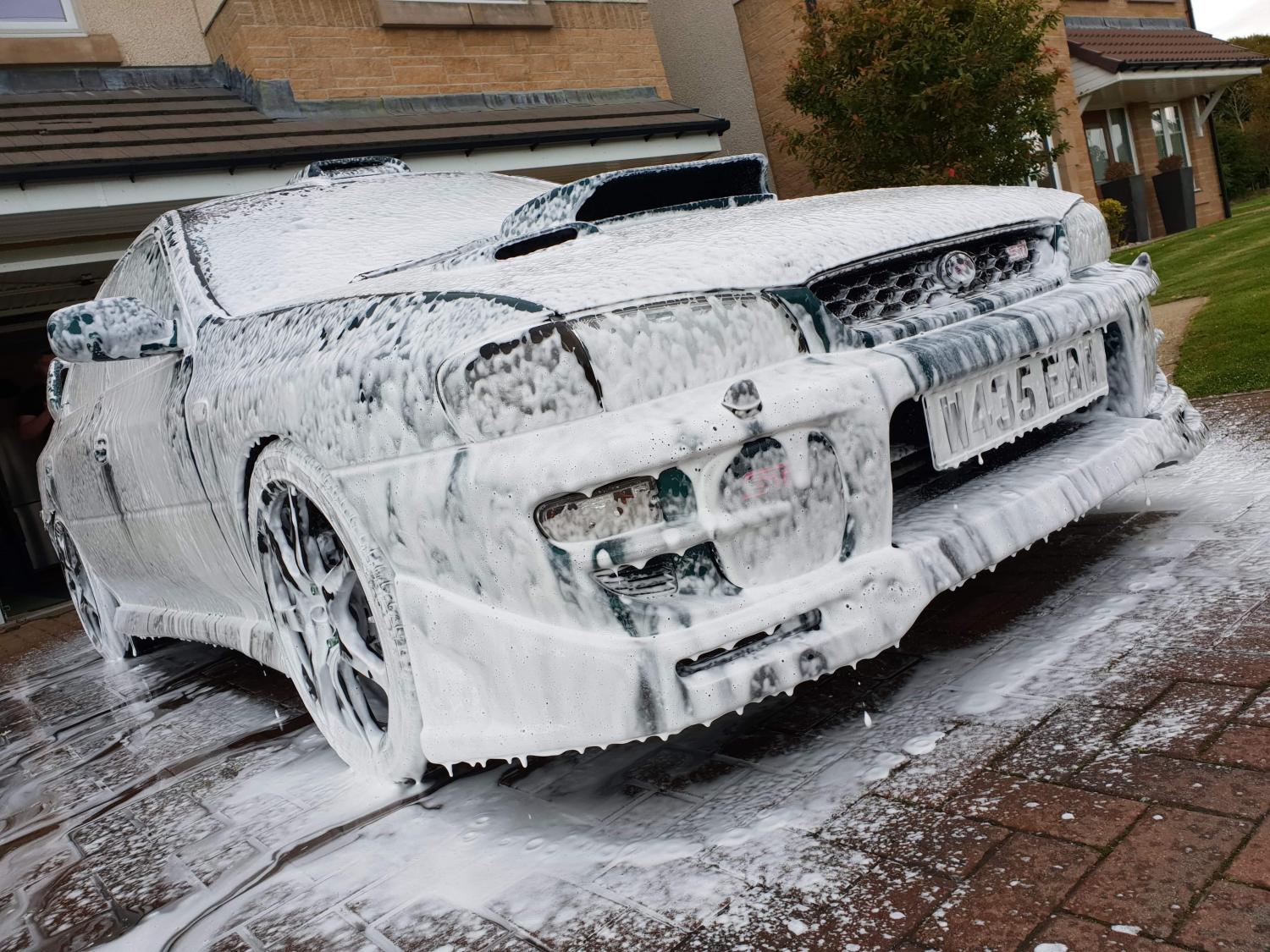
    It's not on the road at the minute but I want to make it a family rally car (that's what me and my mates call it) I want to leave the outside box standard but want to make it leave stuff as dots in the distance lol
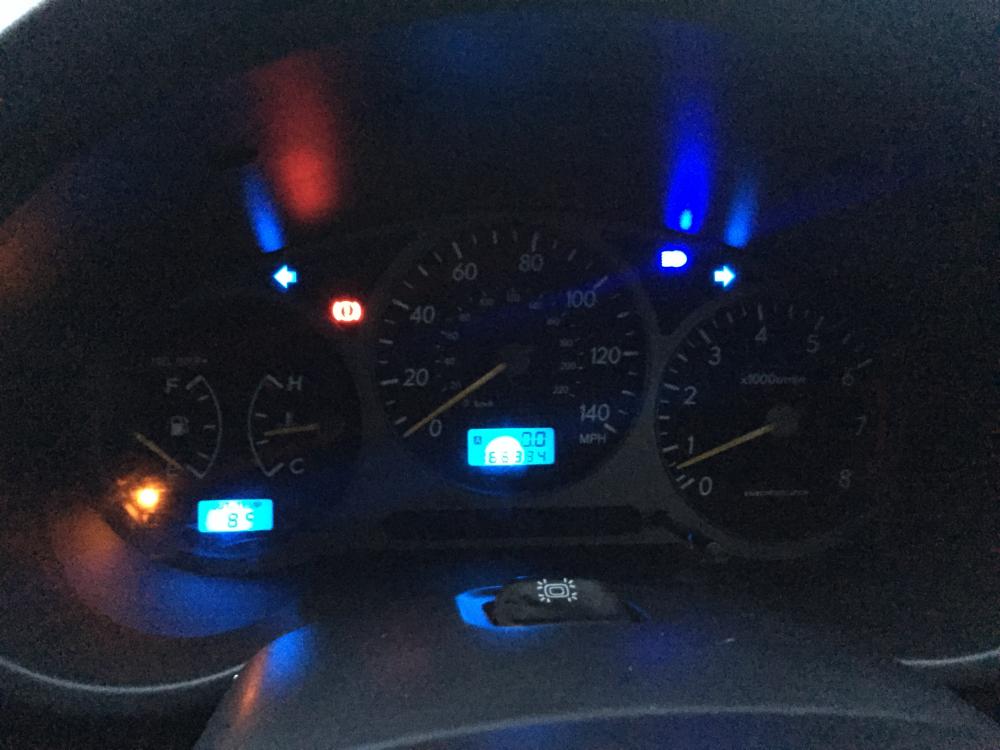
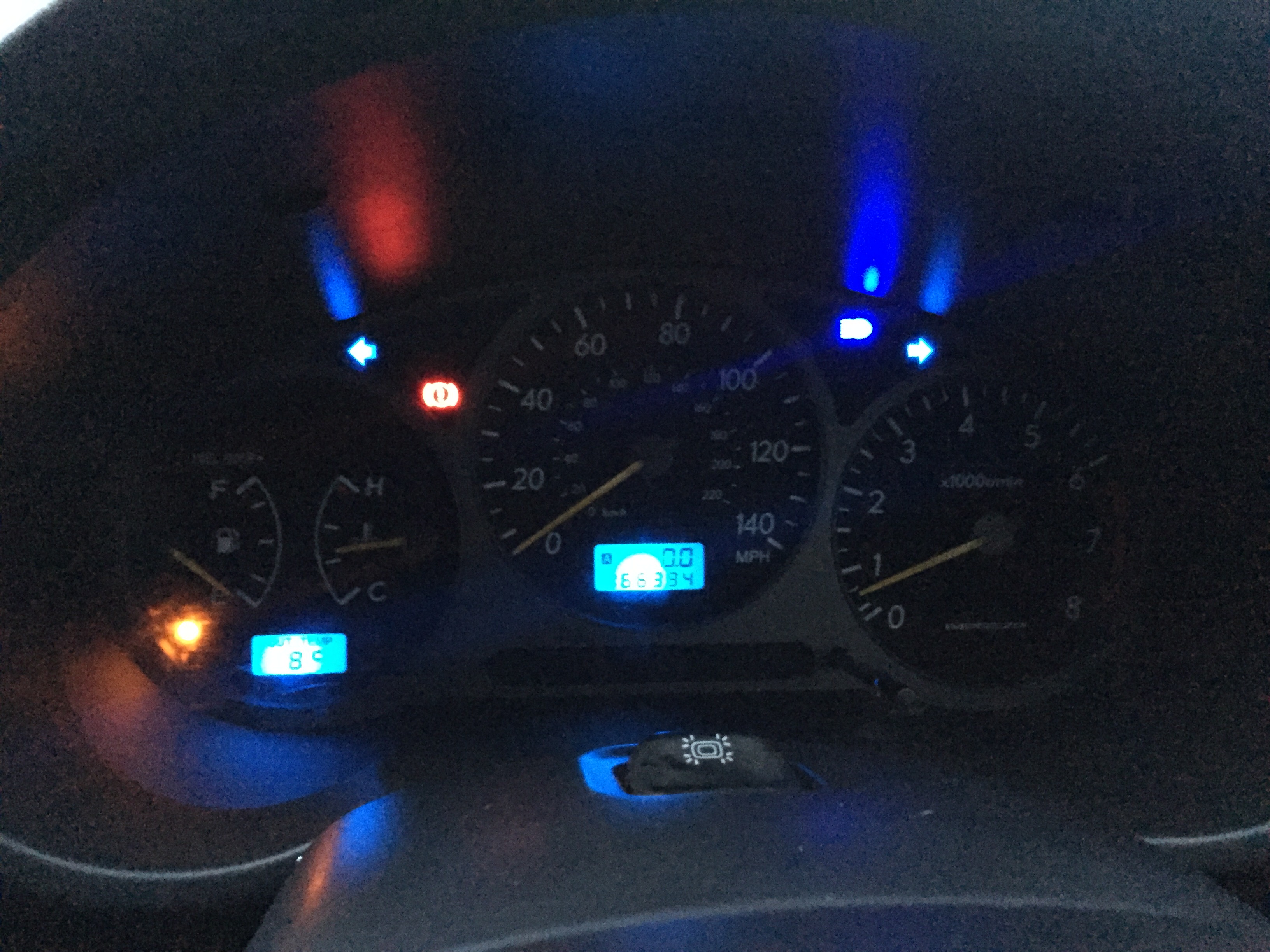
  3. Decided to put some new blue dash lights in (not all totally working) yay or nay?
  4. J4Y replied to J4Y's topic in General Subaru Chat
    So would just be totally pointless?
  5. J4Y posted a topic in General Subaru Chat
    Was just wondering if it would be worth mapping a non turbo and if it would make much of a difference?
Background Picker
Customize Layout

Account

Navigation

Search

Search

Configure browser push notifications

Chrome (Android)
  1. Tap the lock icon next to the address bar.
  2. Tap Permissions → Notifications.
  3. Adjust your preference.
Chrome (Desktop)
  1. Click the padlock icon in the address bar.
  2. Select Site settings.
  3. Find Notifications and adjust your preference.