SRMXEX
Members
-
Joined
-
Last visited
-
Not sure what he has tried tbh but he is what people rave about round here with a great reputation 👍🏻 I'm now looking at a HKS fcon to do the trick
-
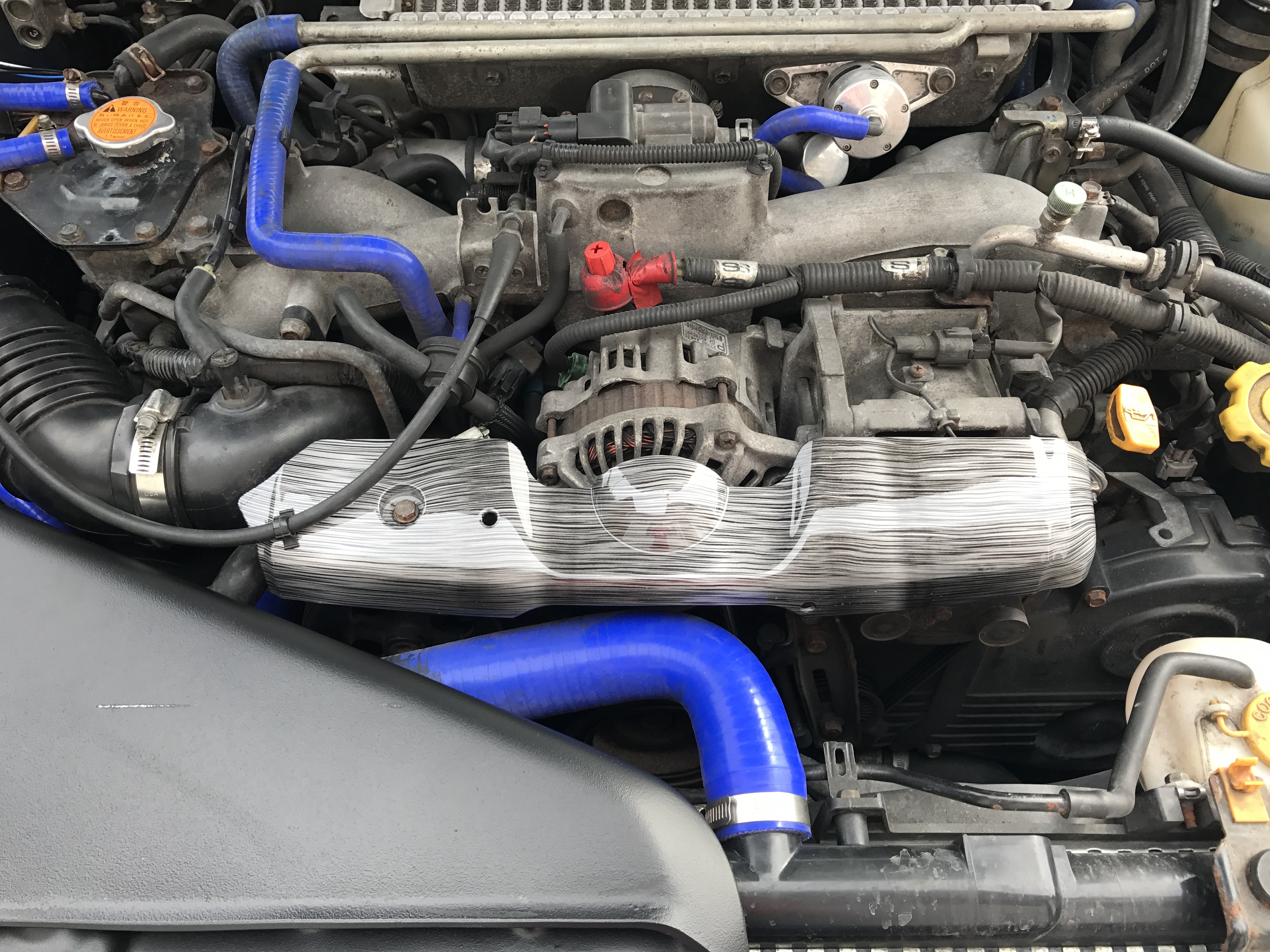
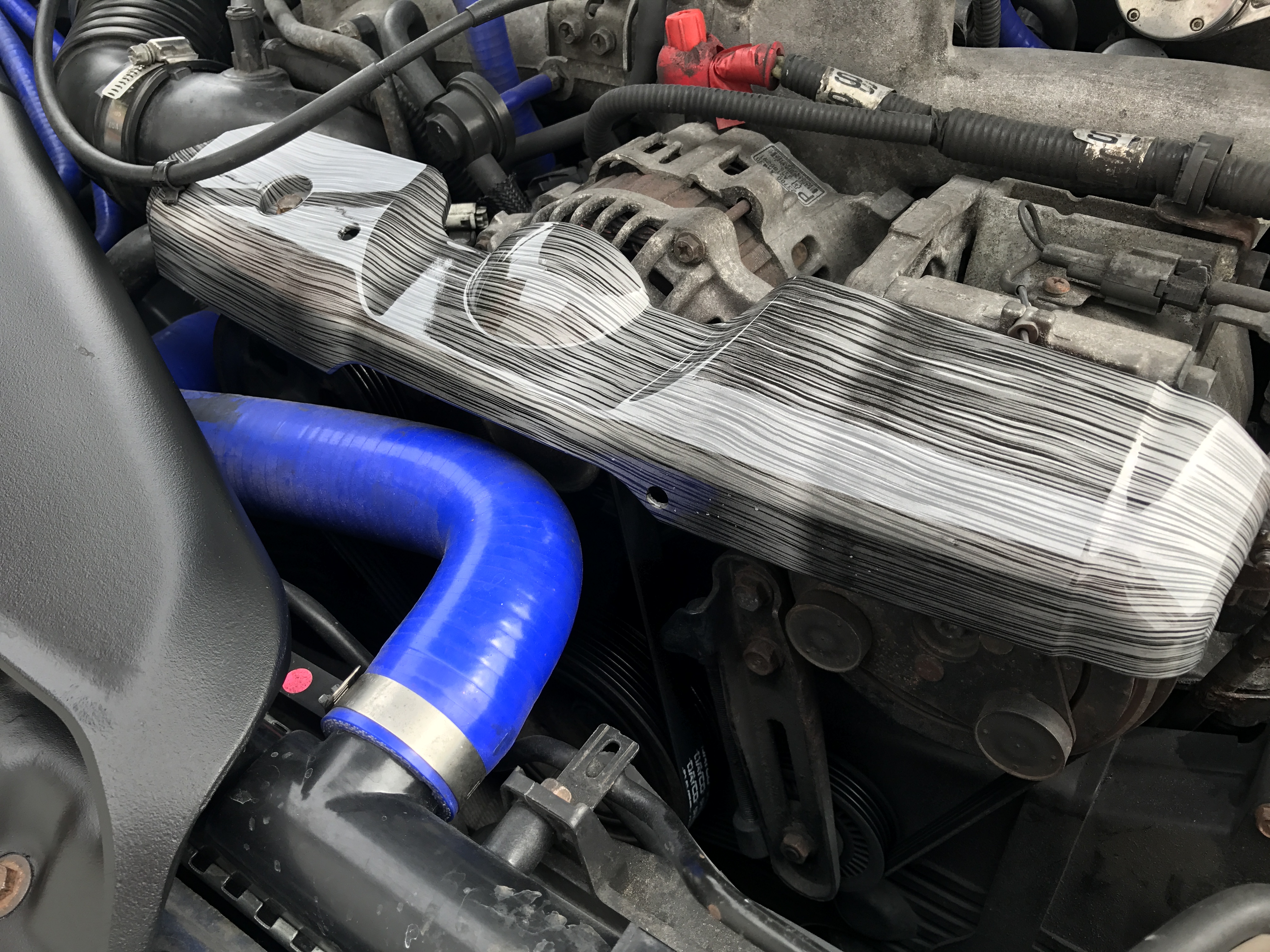
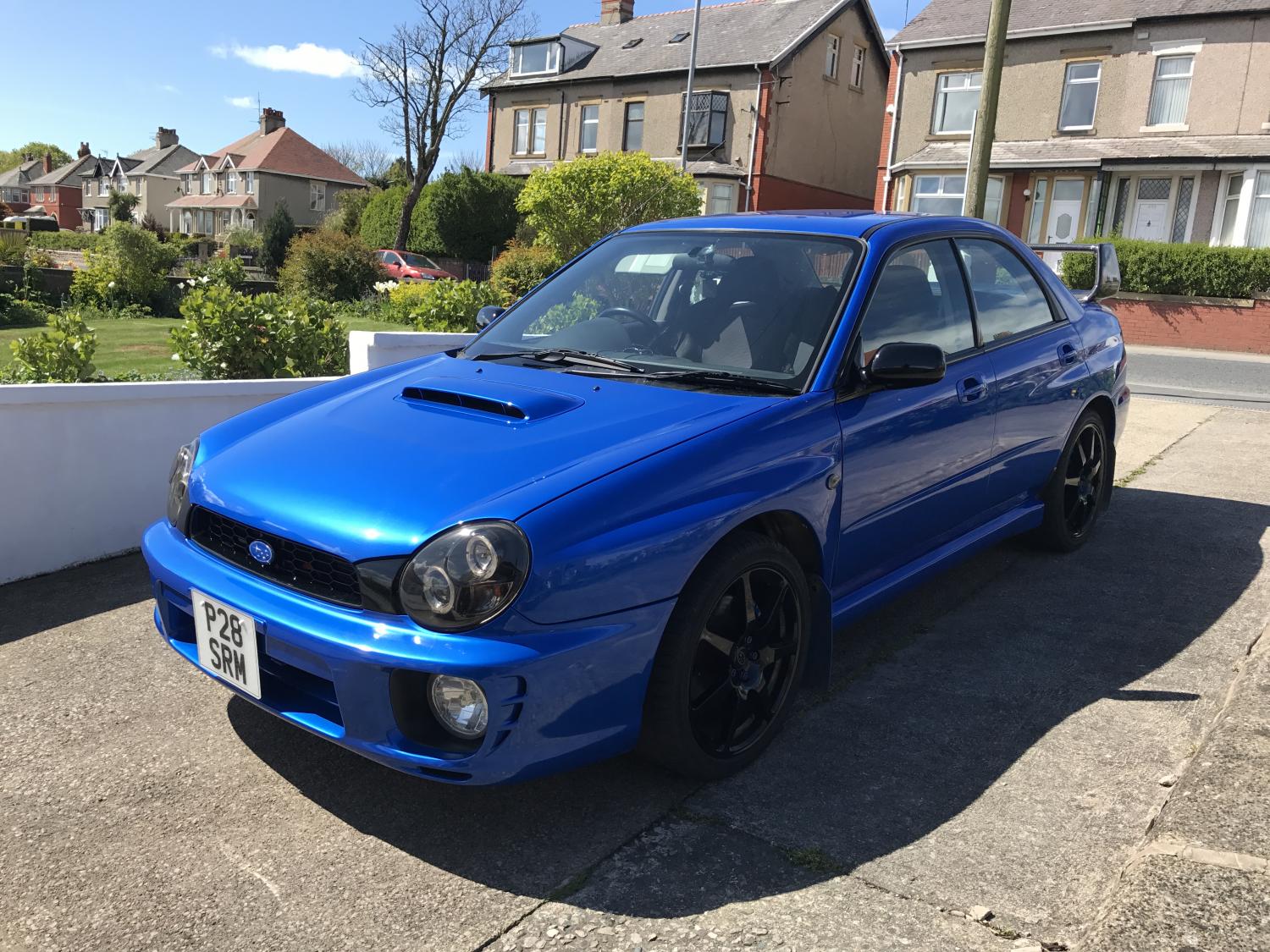
Hi all I'm trying to map my 2001 wrx but with no success. My local mapper had tried twice now and can't get into my ECU. He telling my to piggy back it. Is it worth it ? And what have you all done to yours? Thanks in advance 👍🏻👍🏻
-
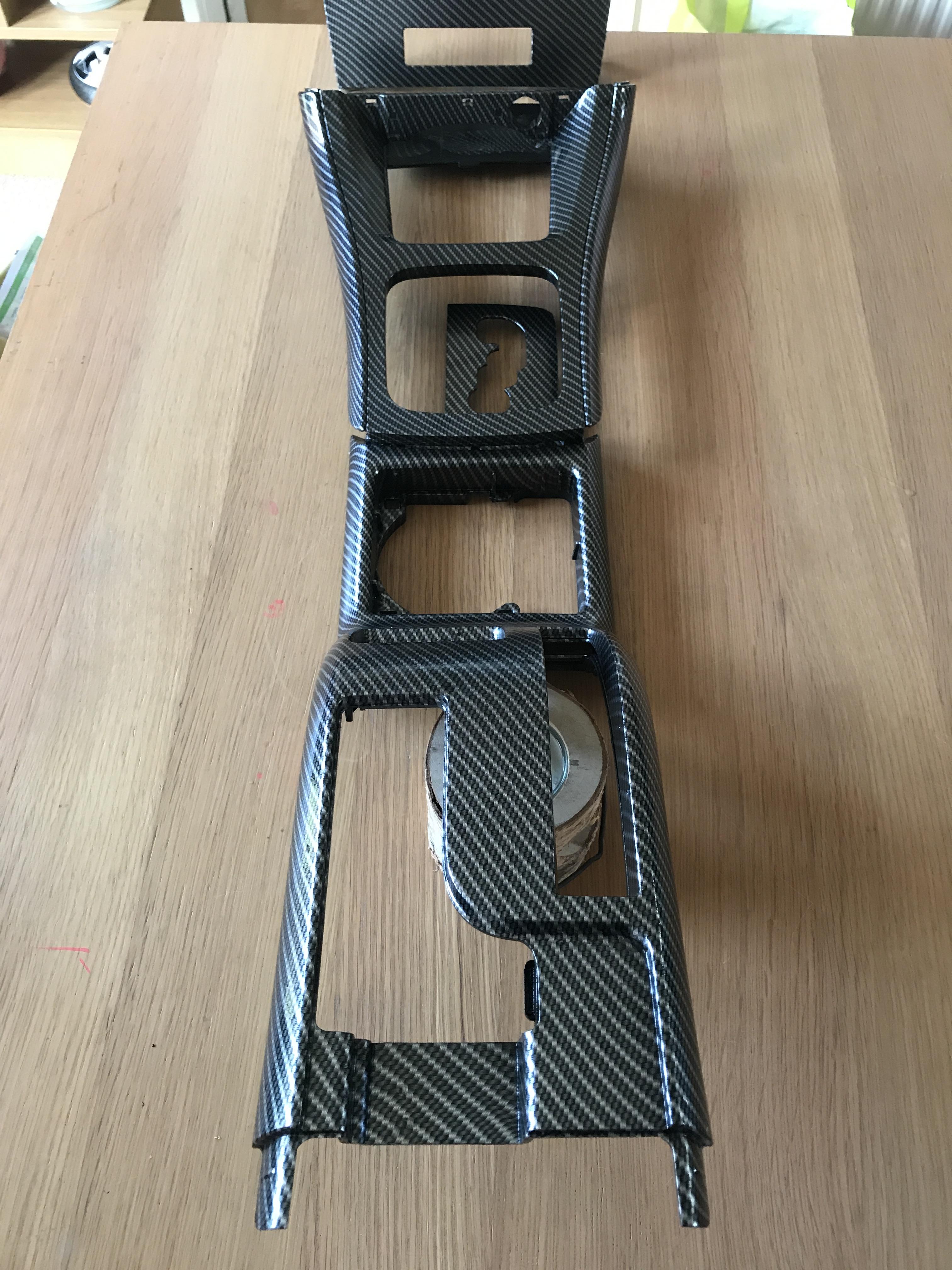
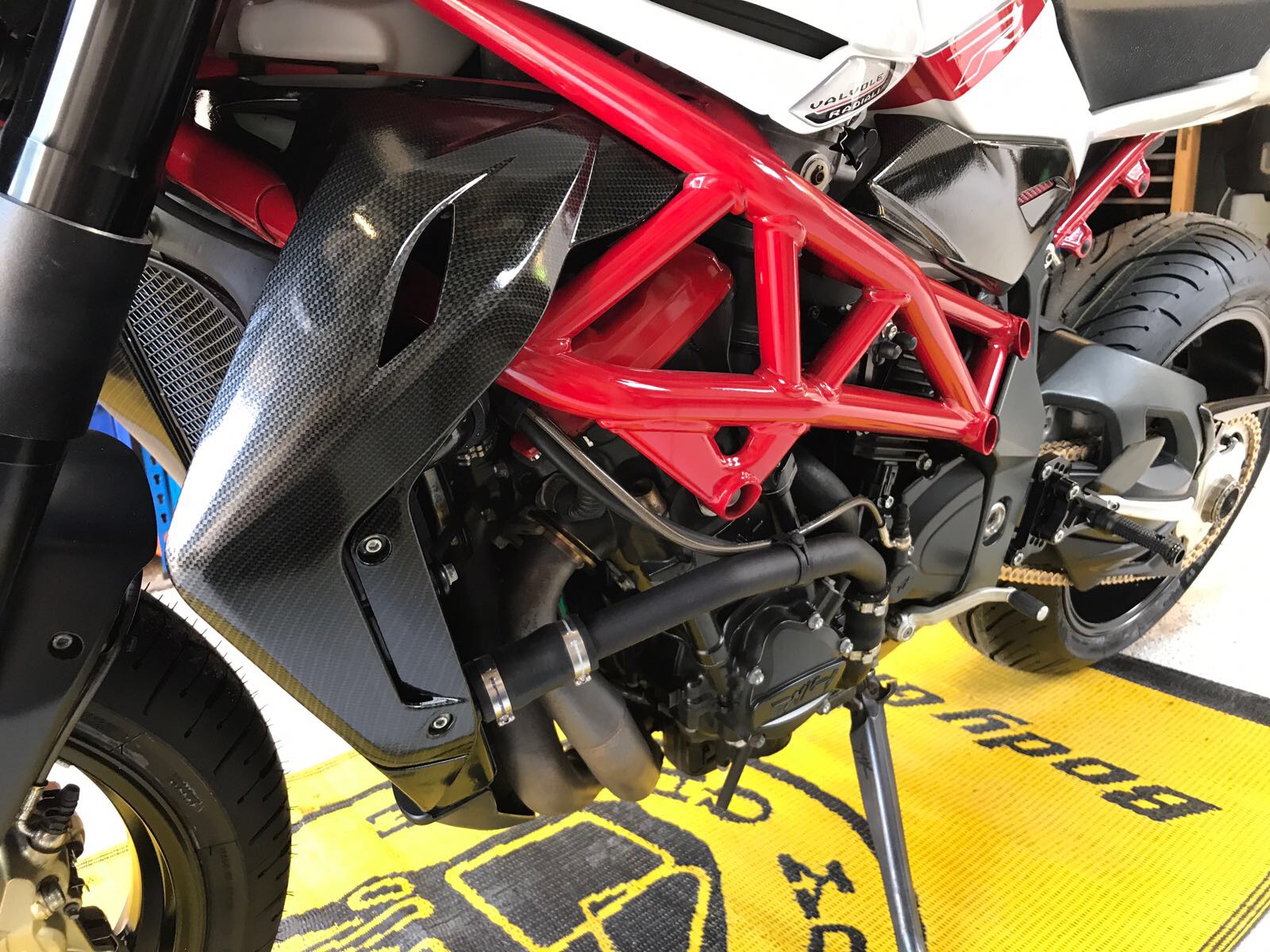
Get a large vat. Heat it to 20c Loads of vids on YouTube 👍🏻
-
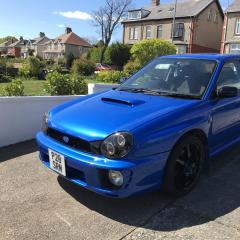
SRMXEX changed their profile photo
-
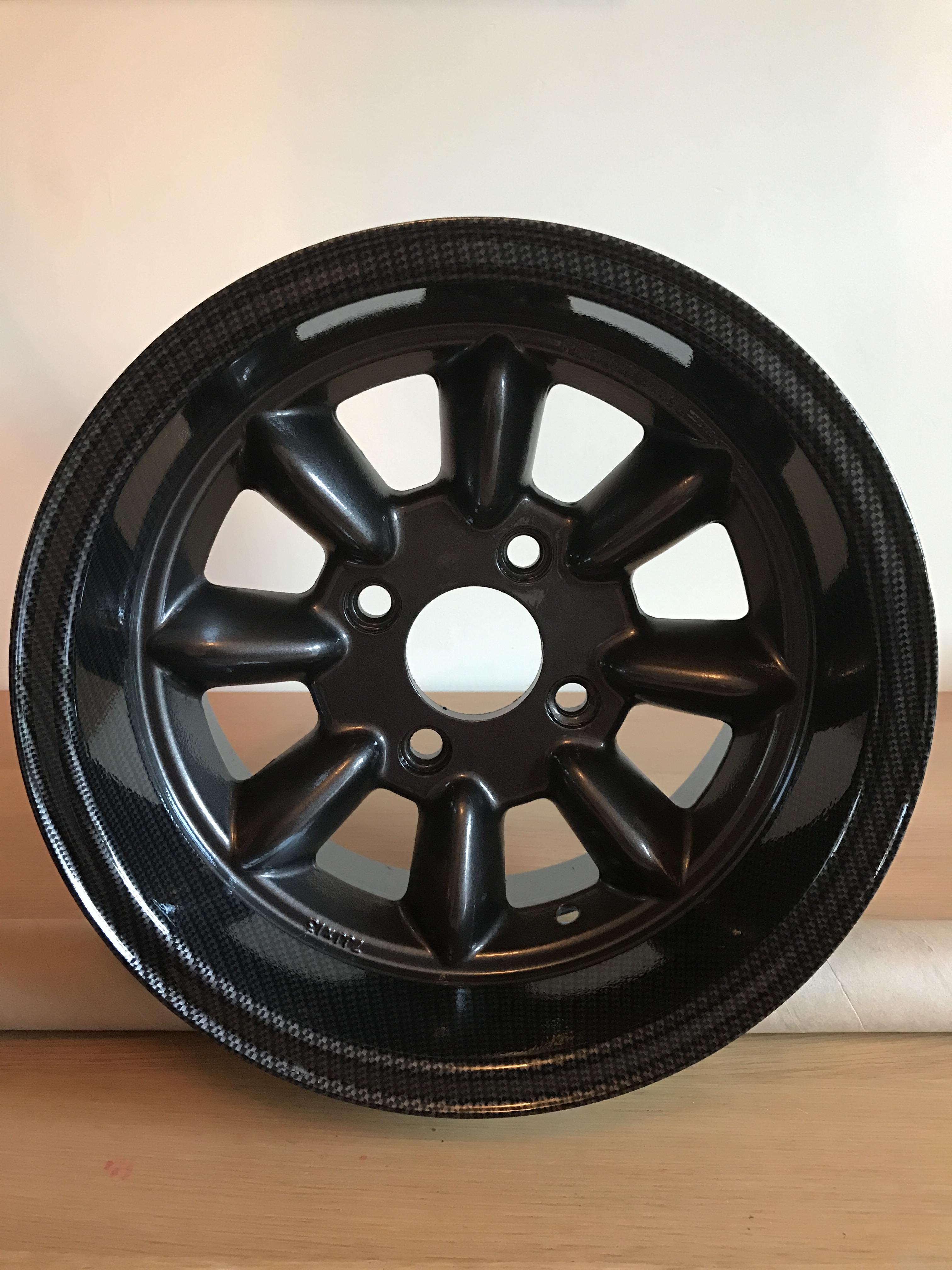
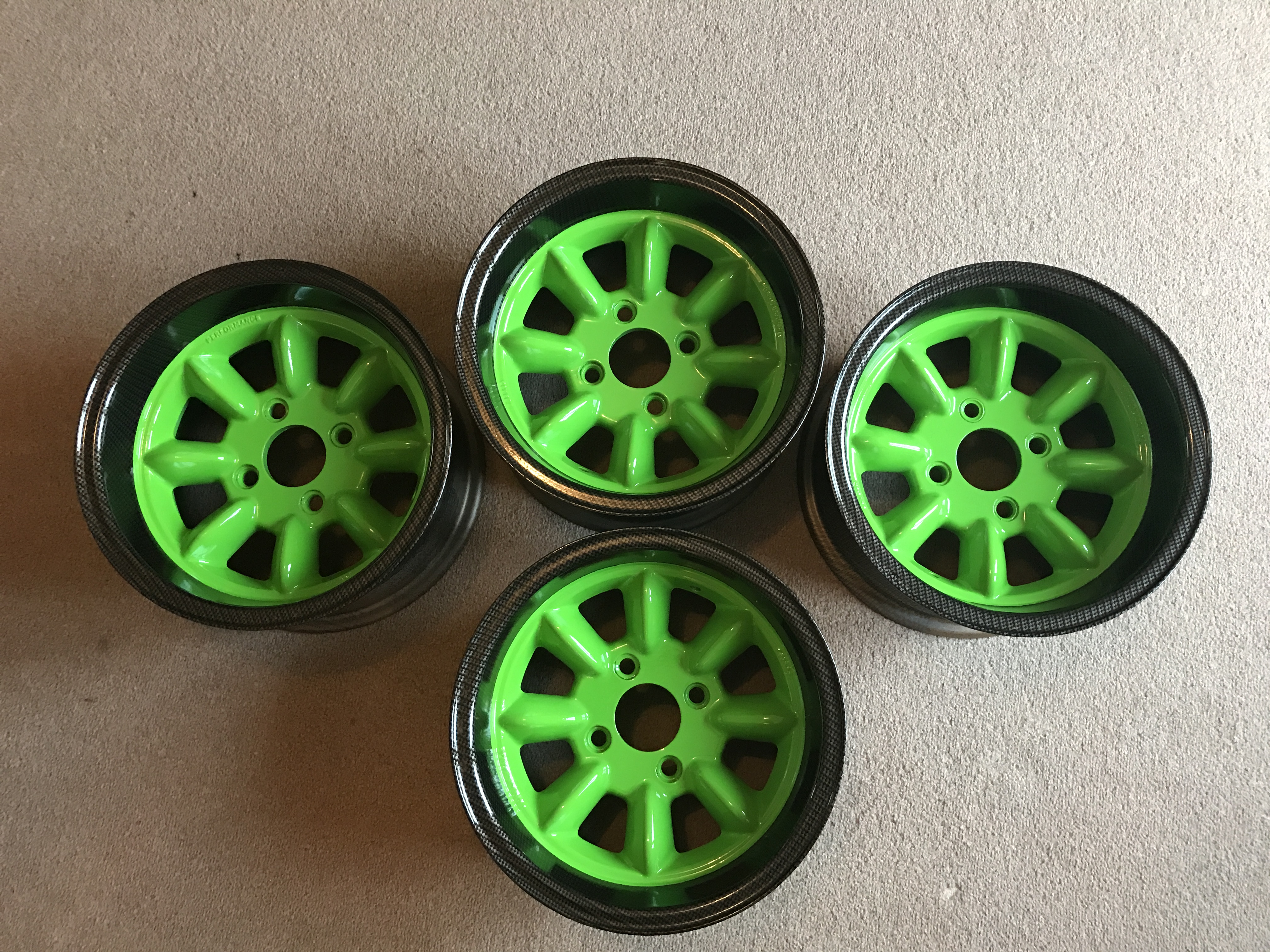
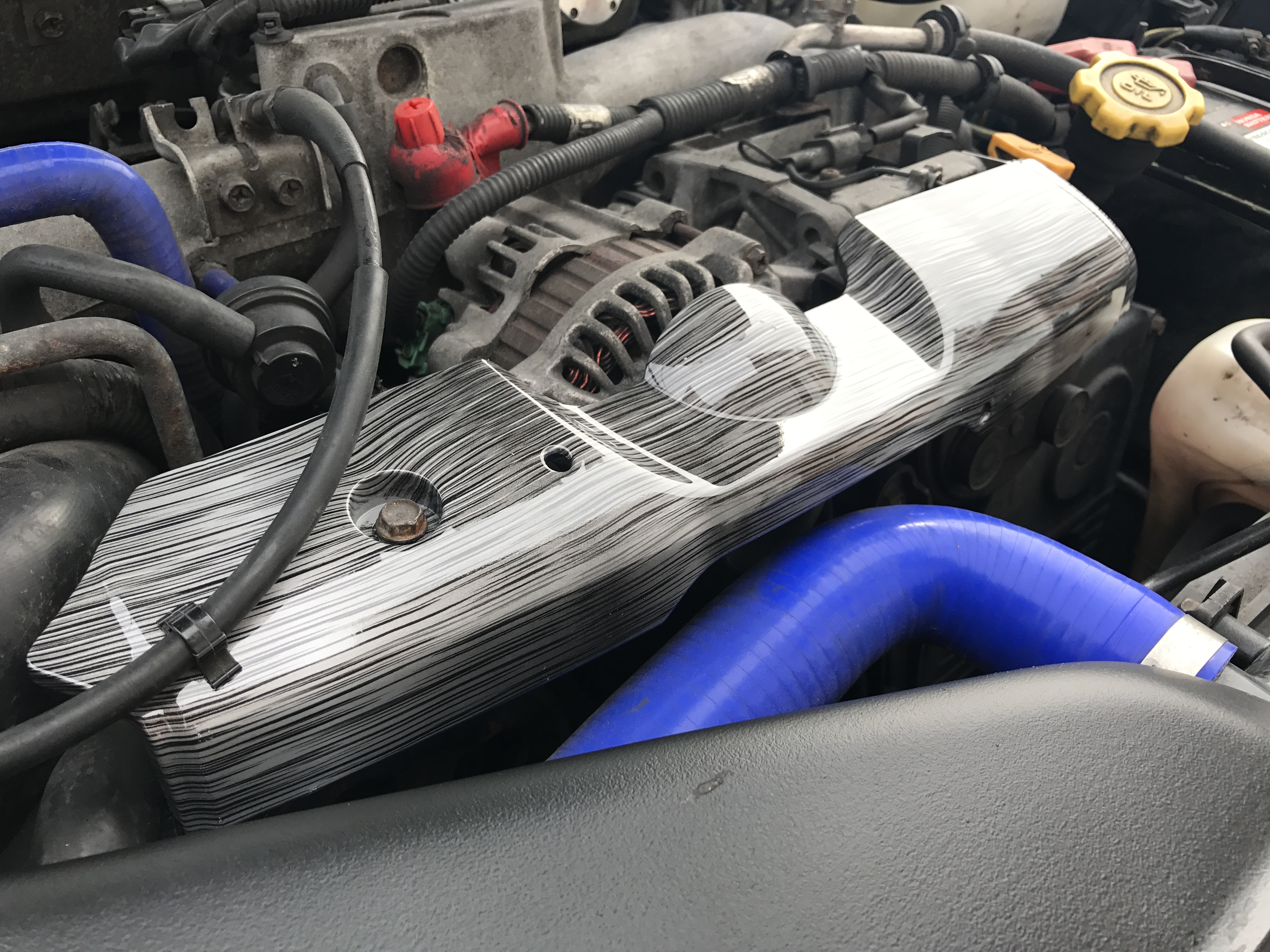
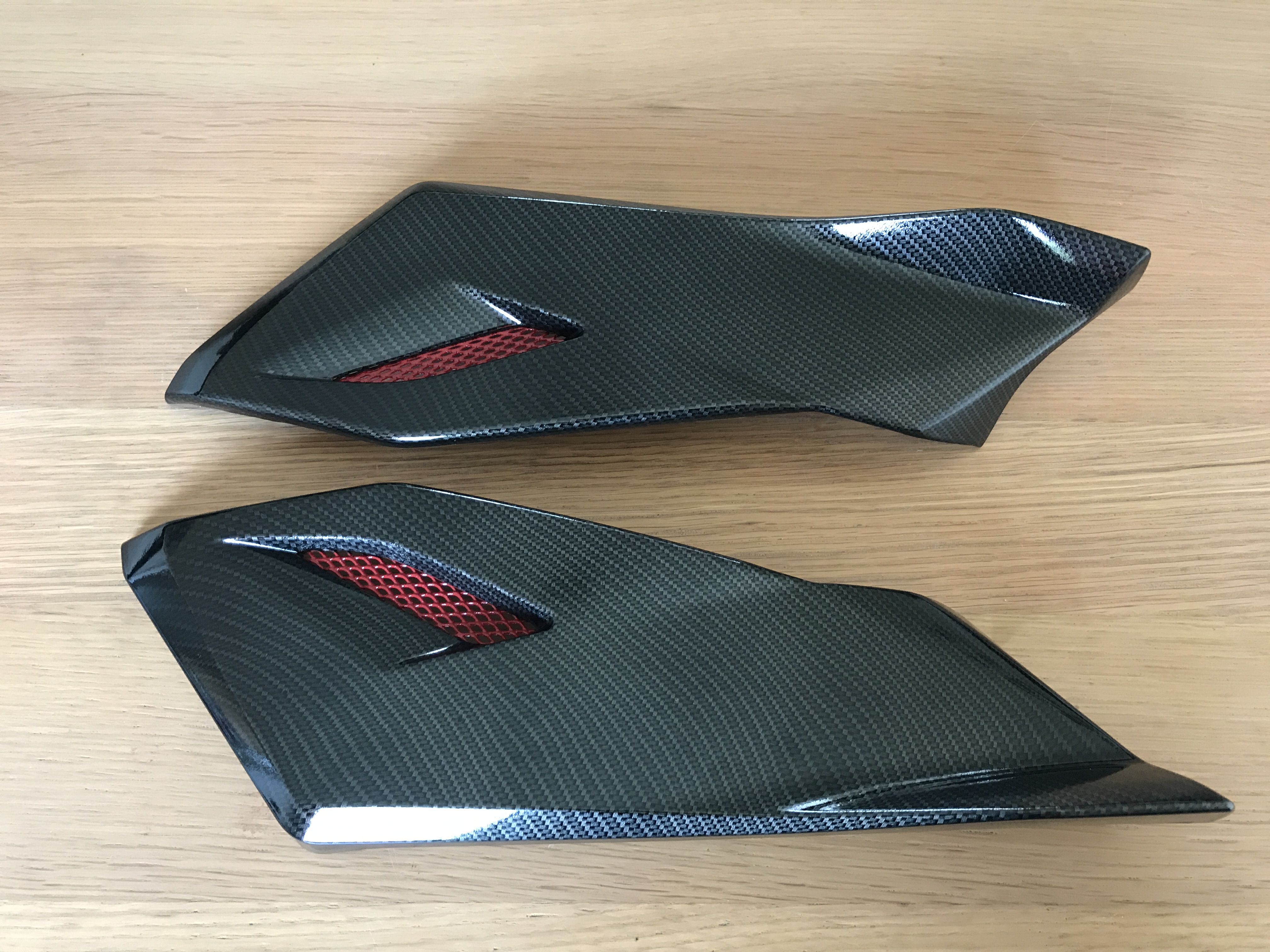
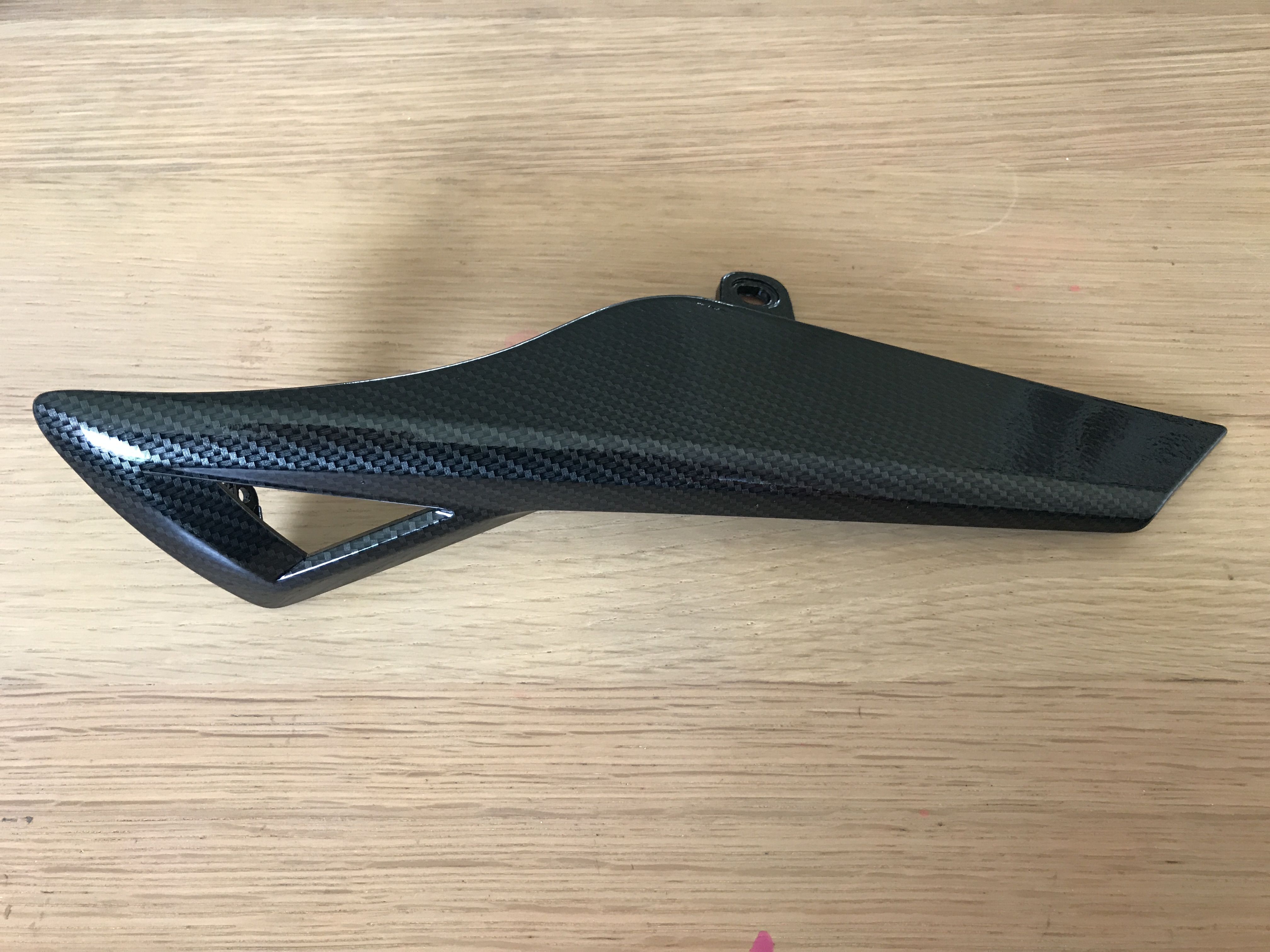
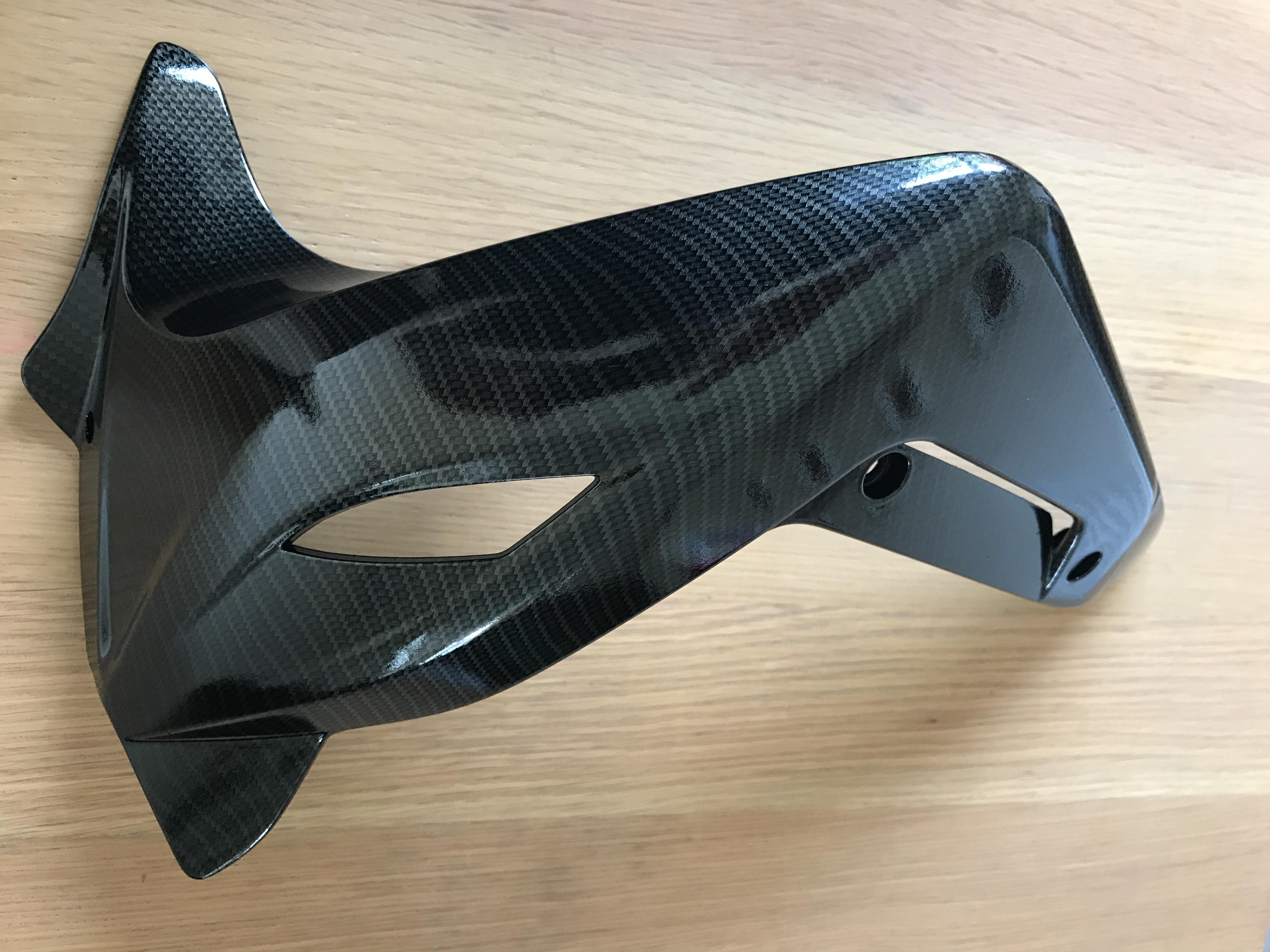
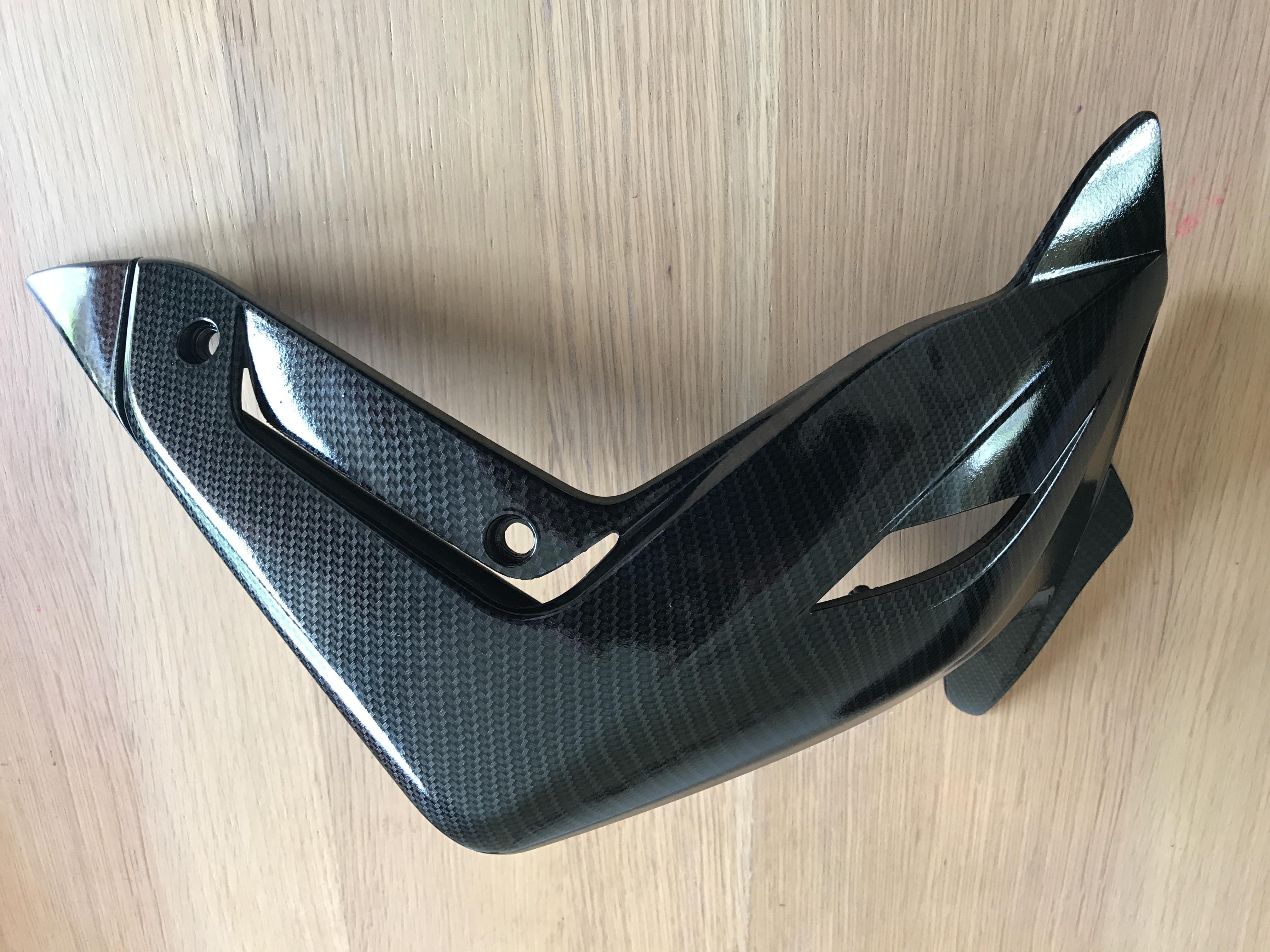
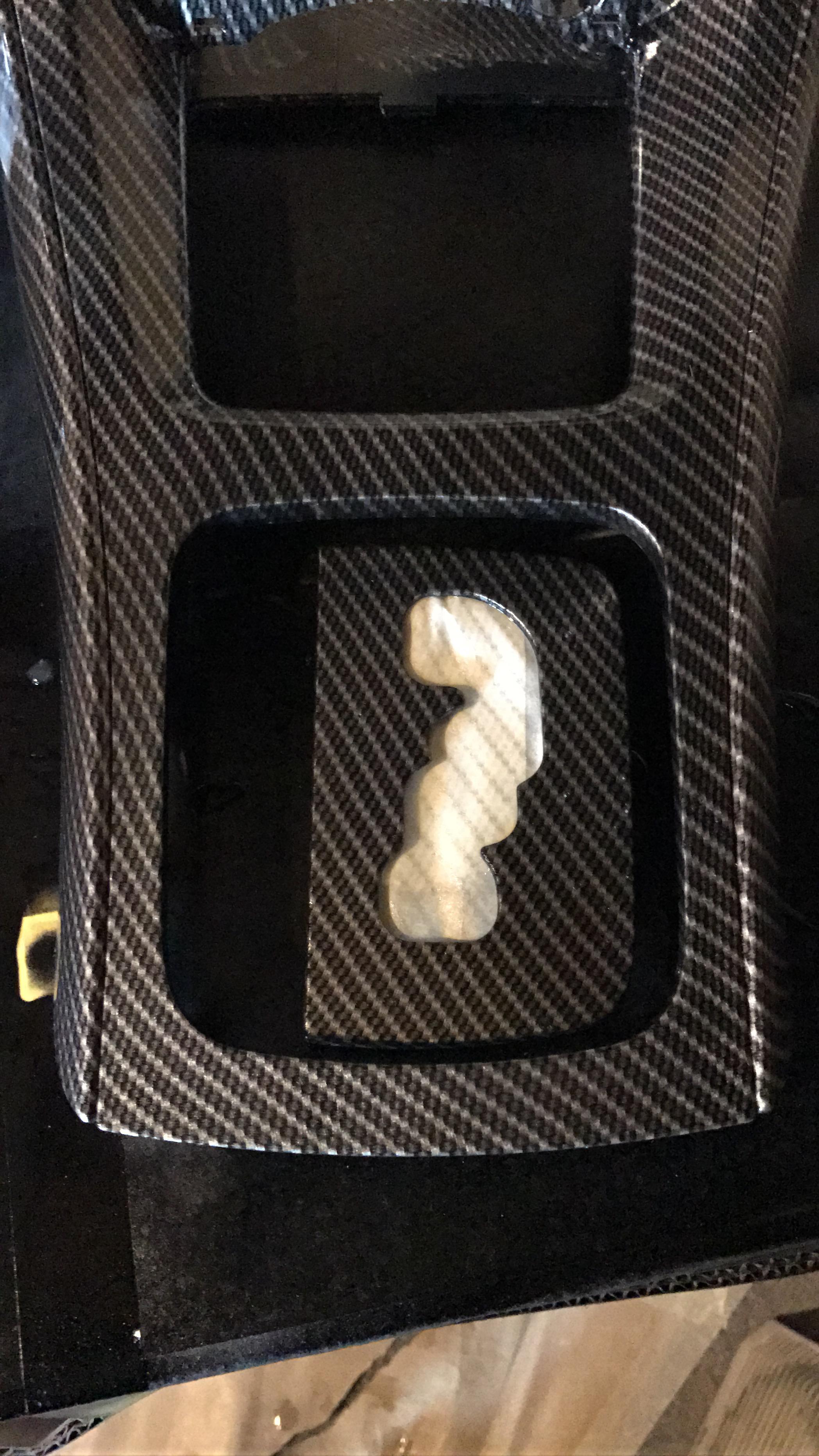
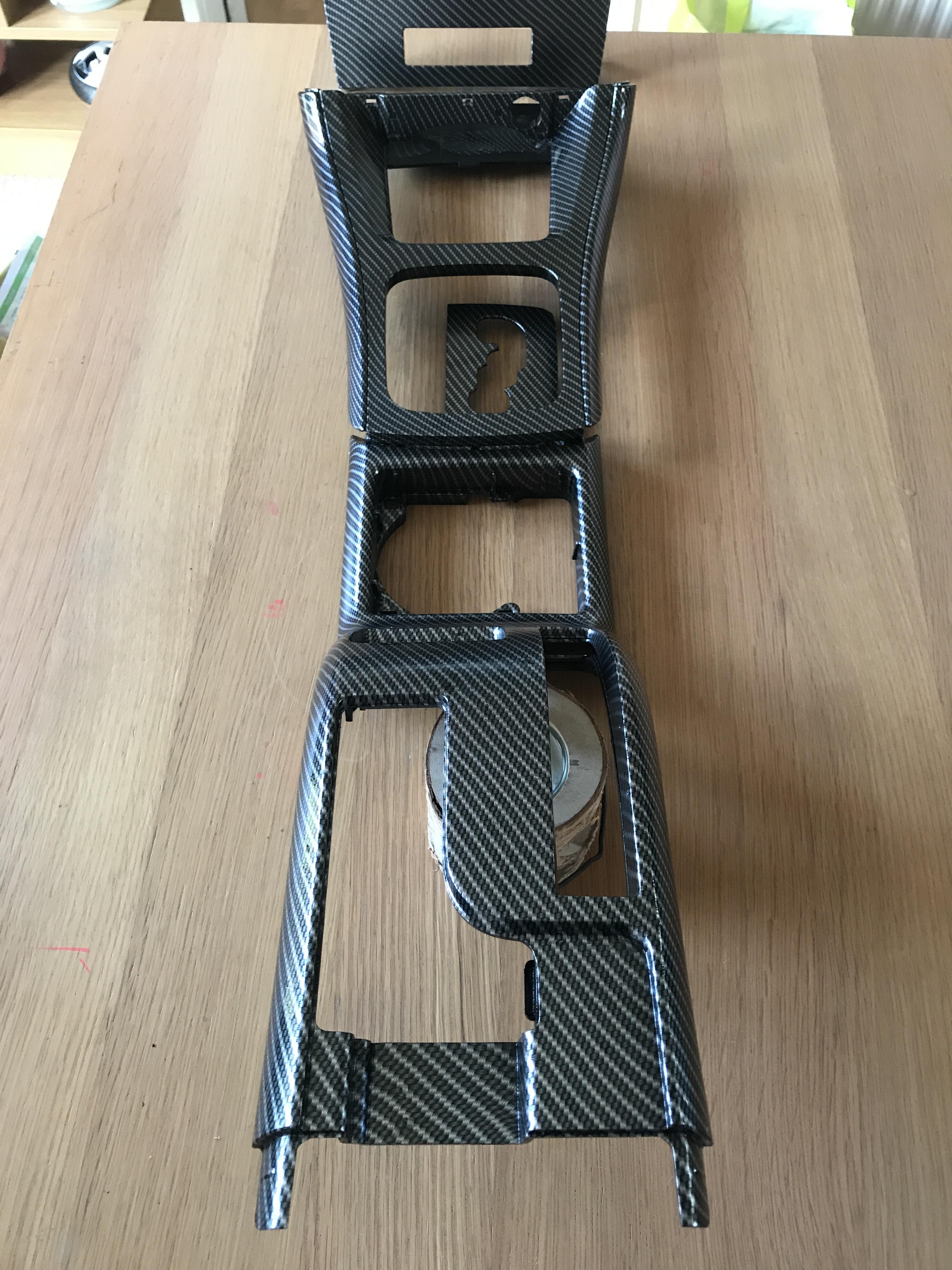
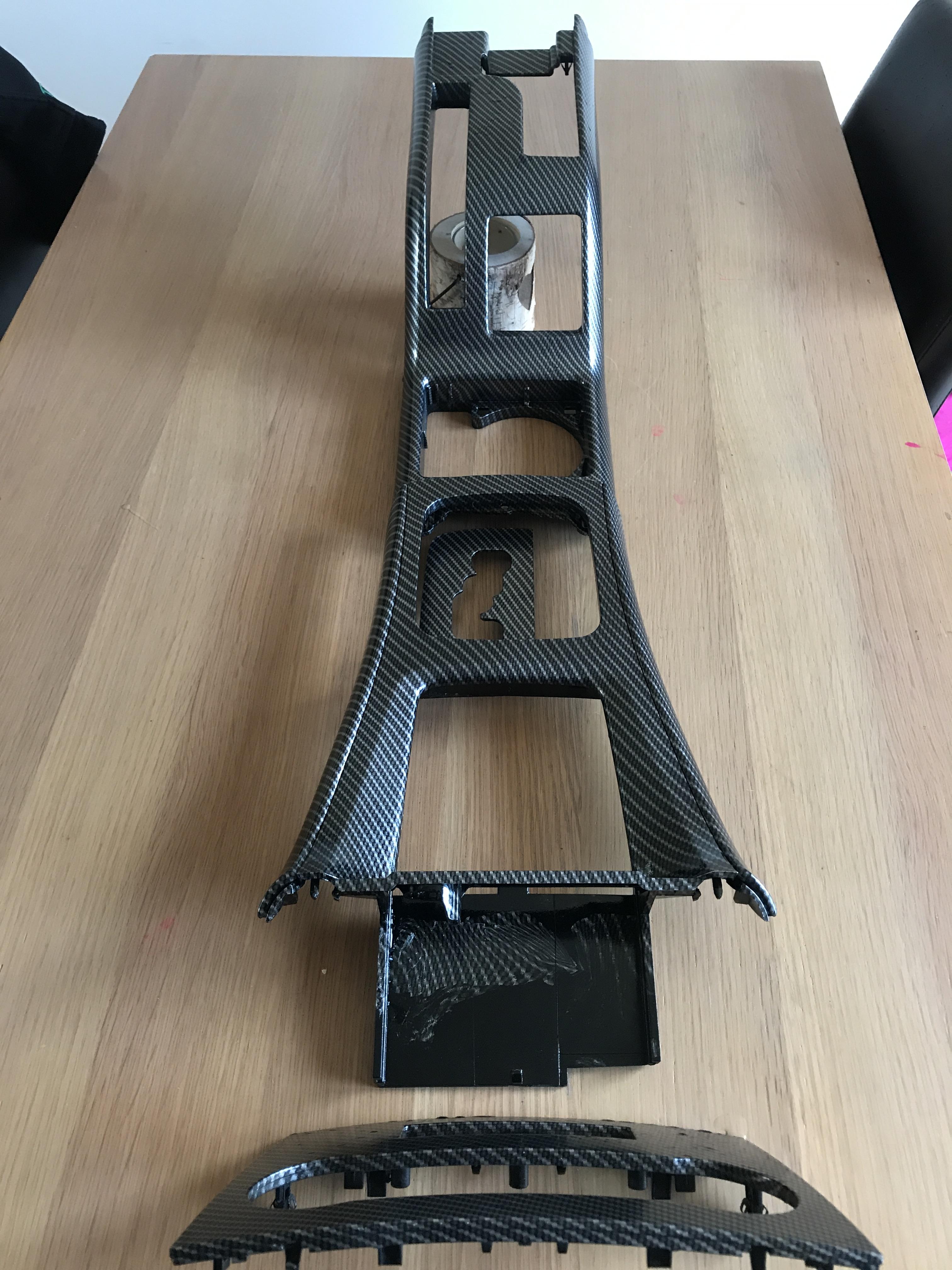
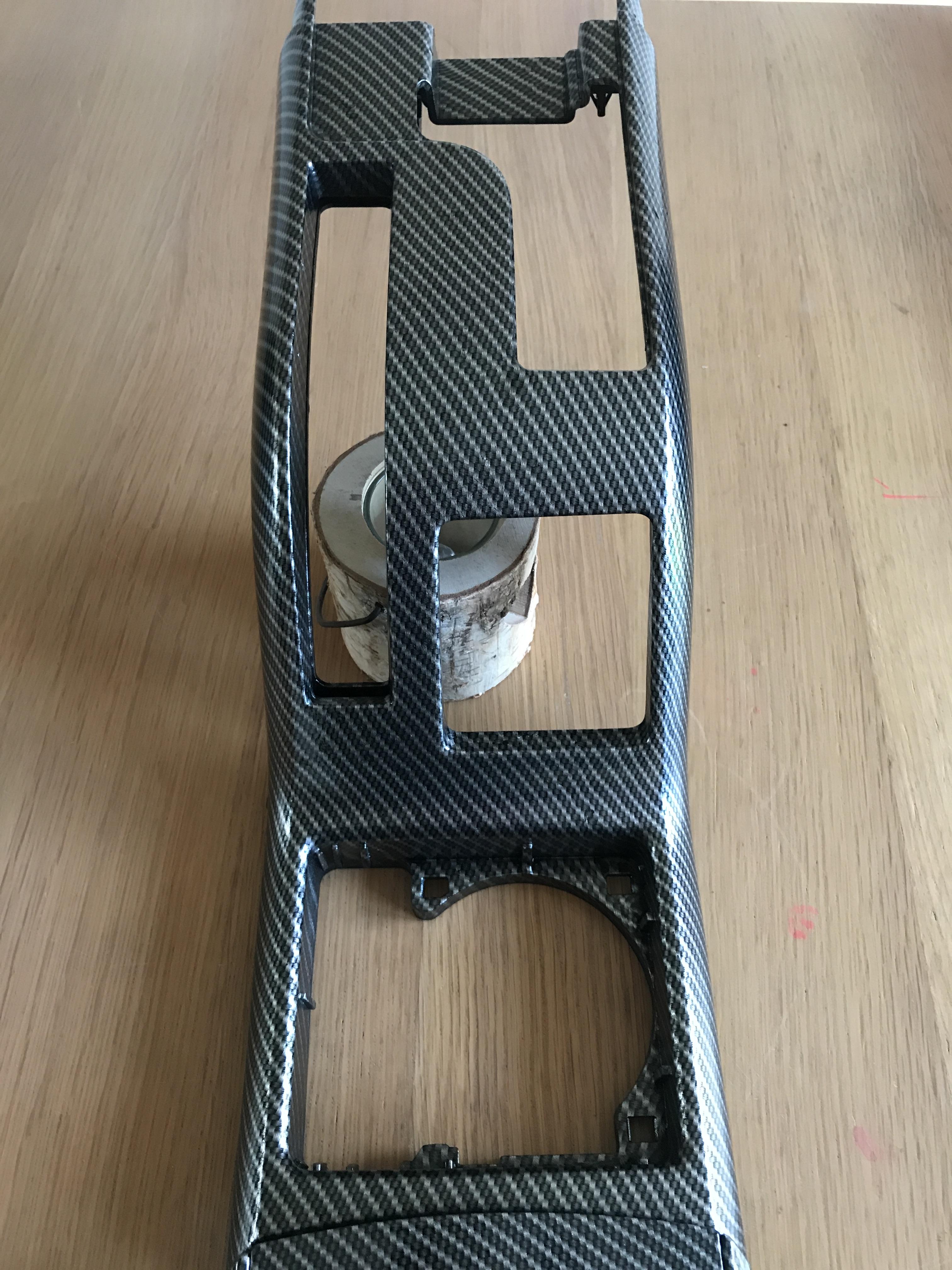
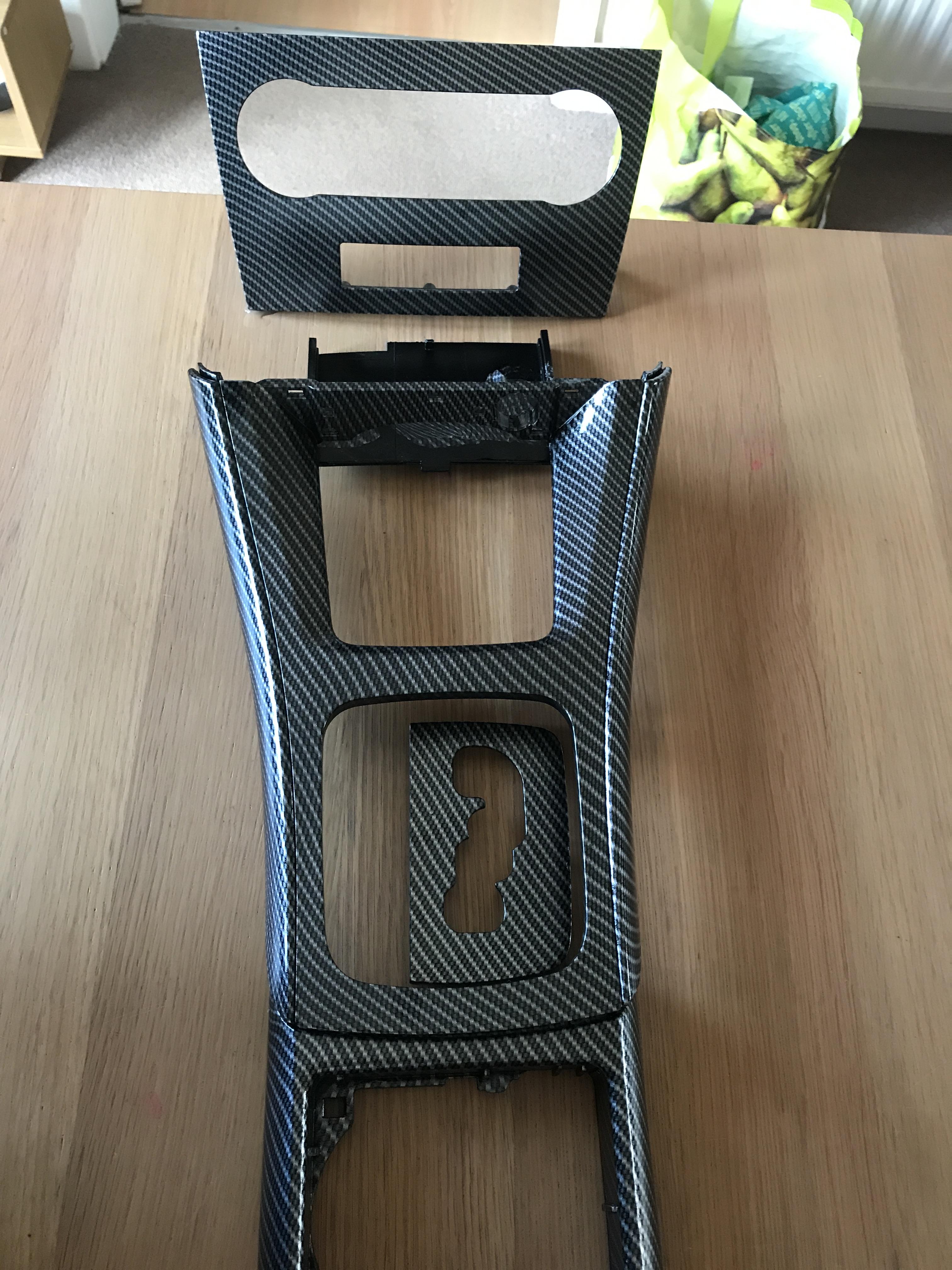
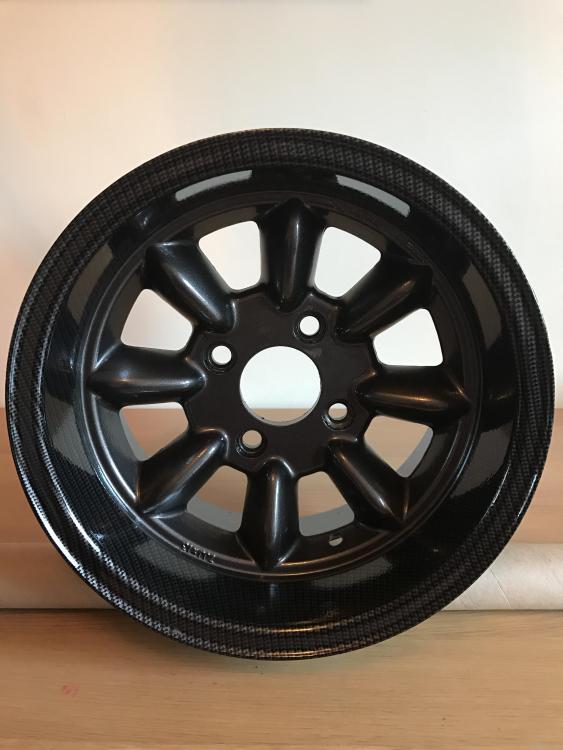
Not quite a bath tub but yeah on the water ! But if u want to try the tub go for it mate 👍🏻 Just a few below 😜
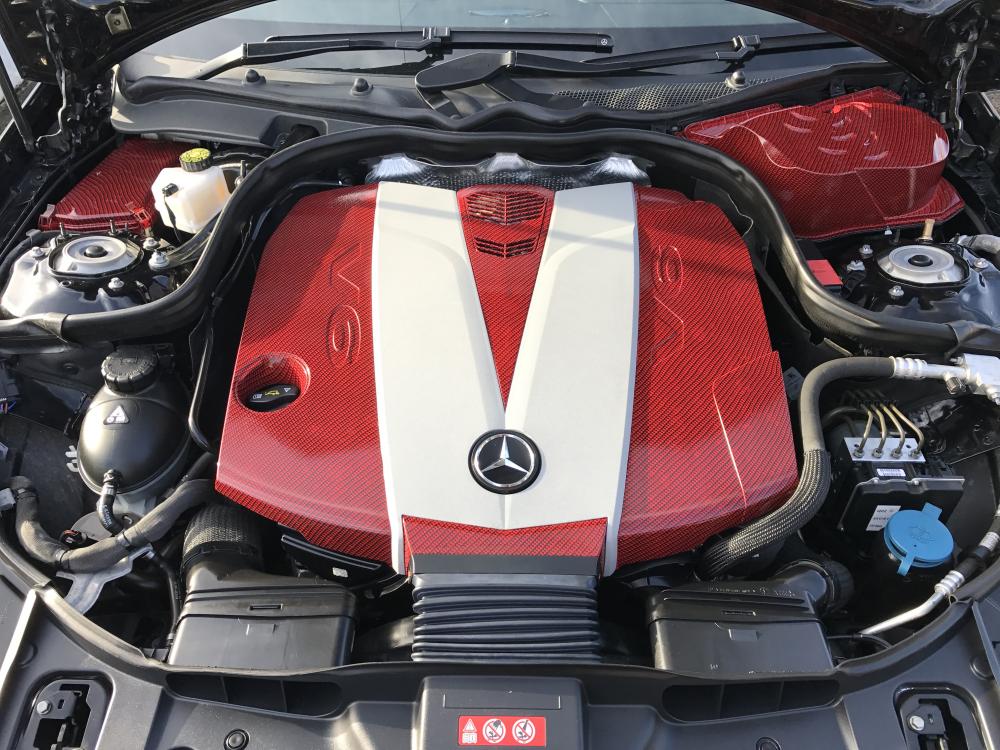
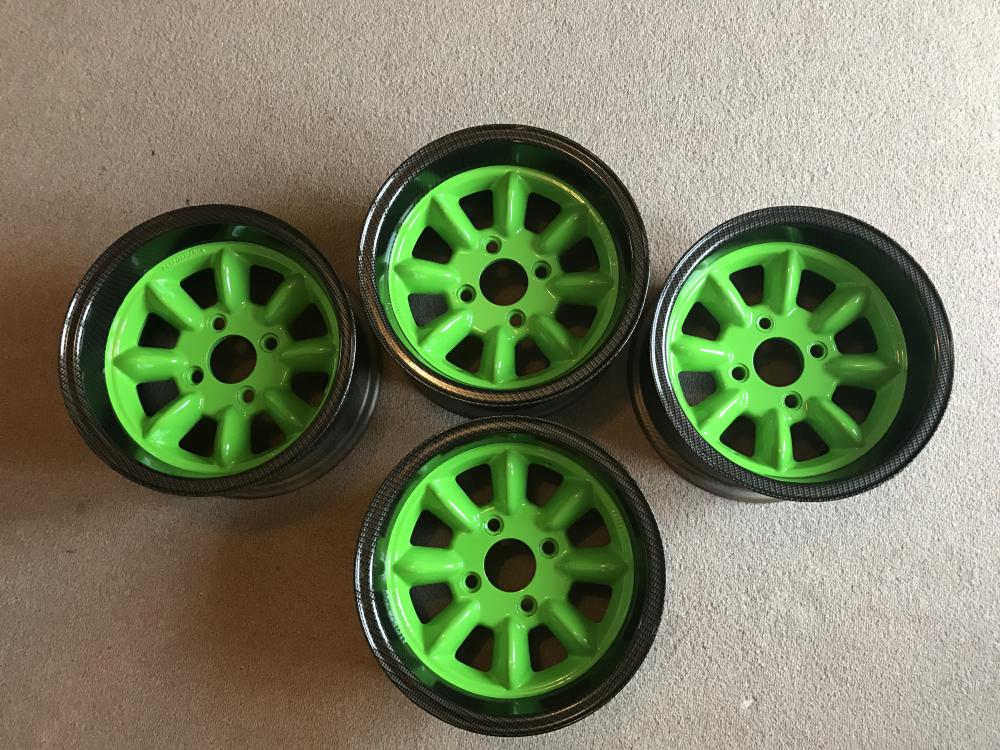
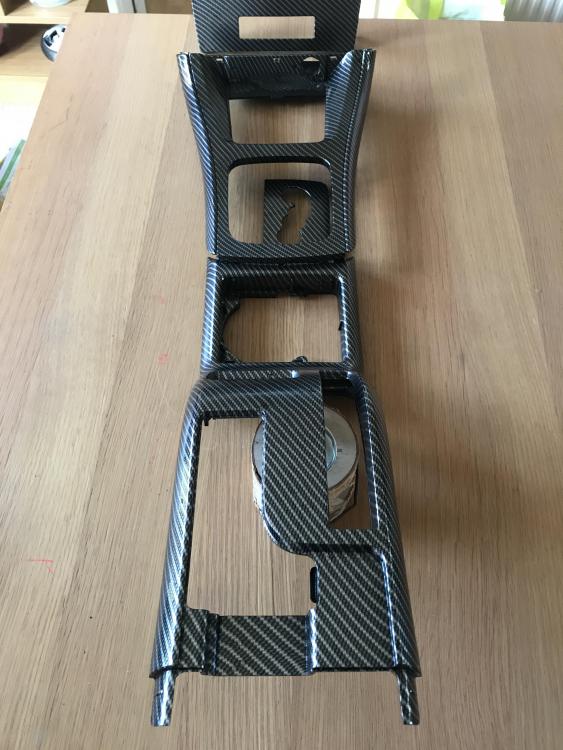
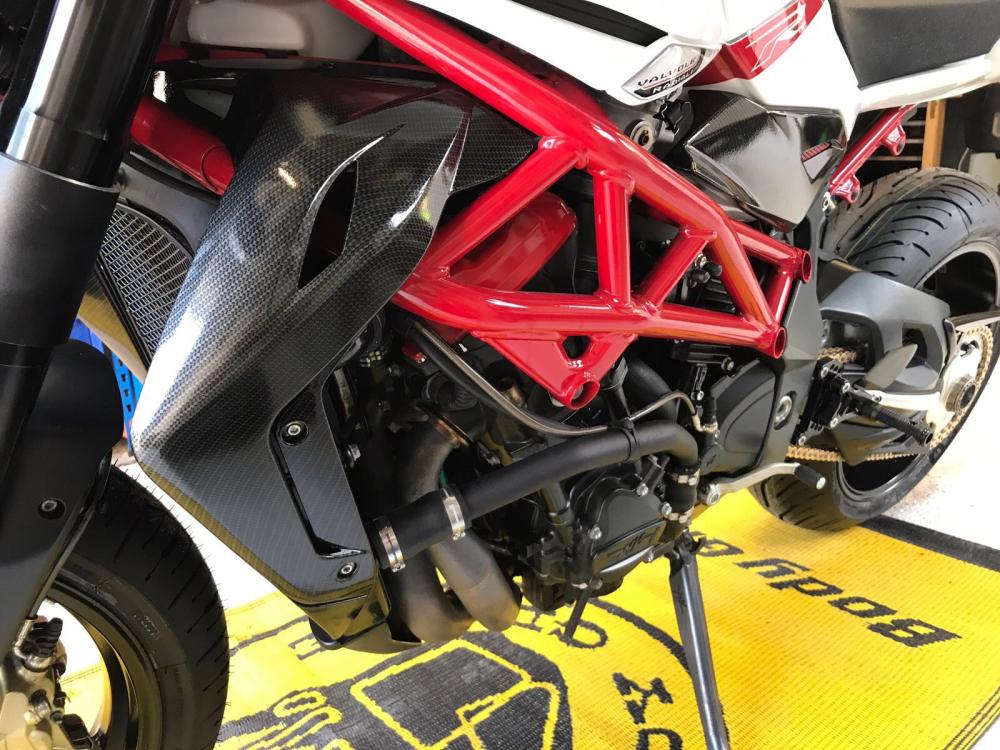
-
Fitted some up rated coils and plugs new fuel pump and filter 👍🏻Evening all does anybody know the part no. For a ej205 wrx 2001 knock sensor? thanks👍🏻Hi all. I know they are not car parts but something different.
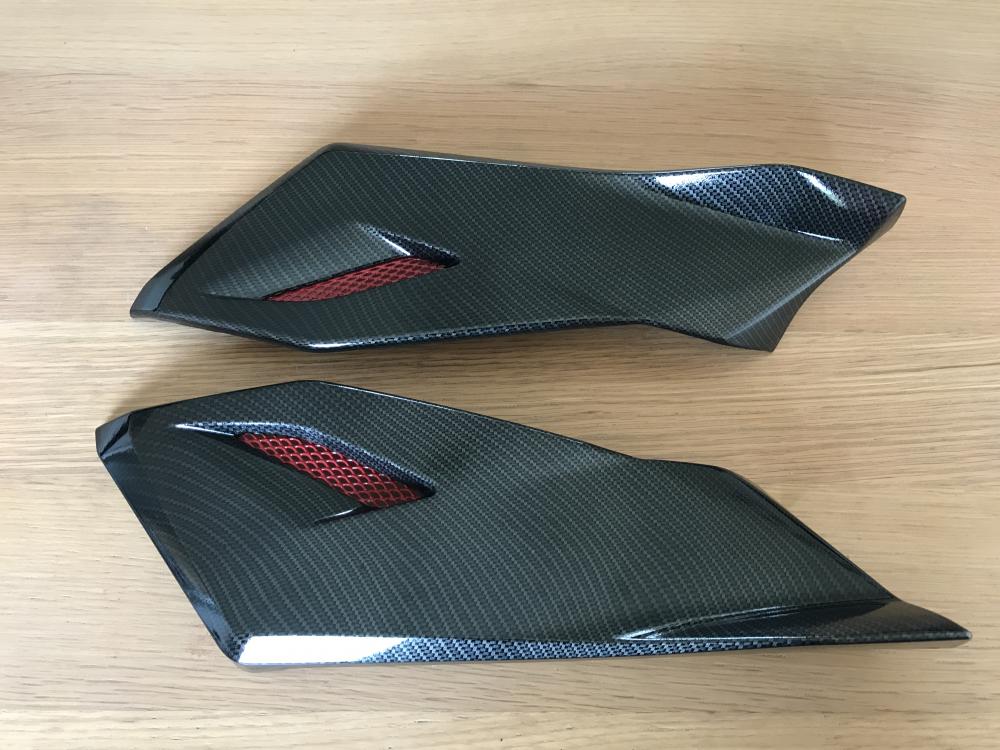
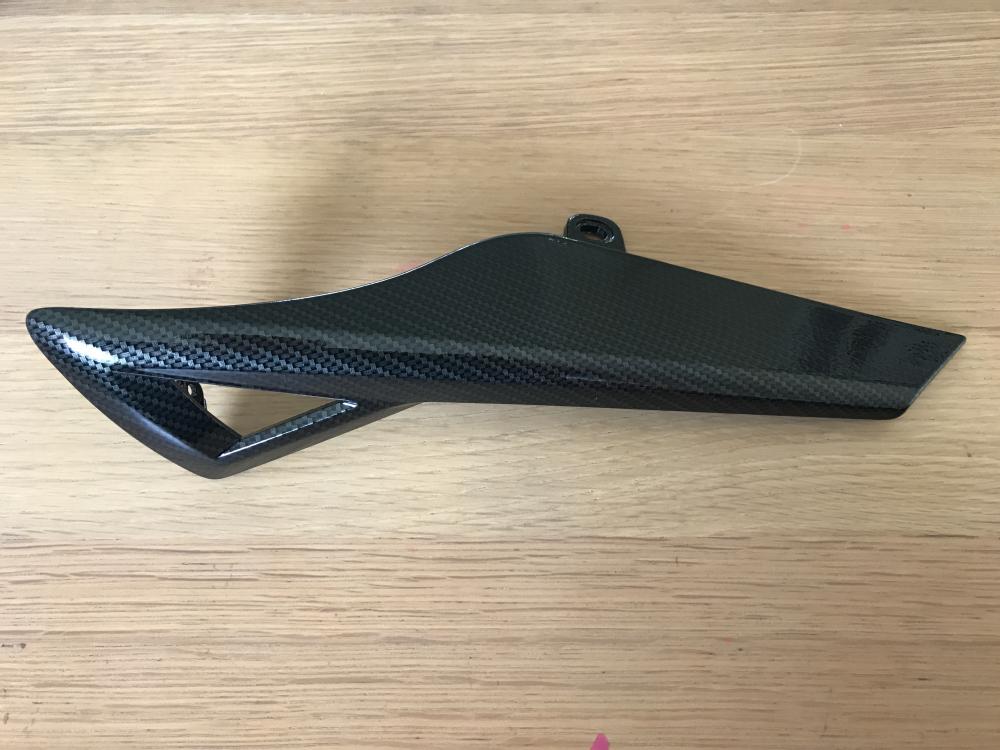
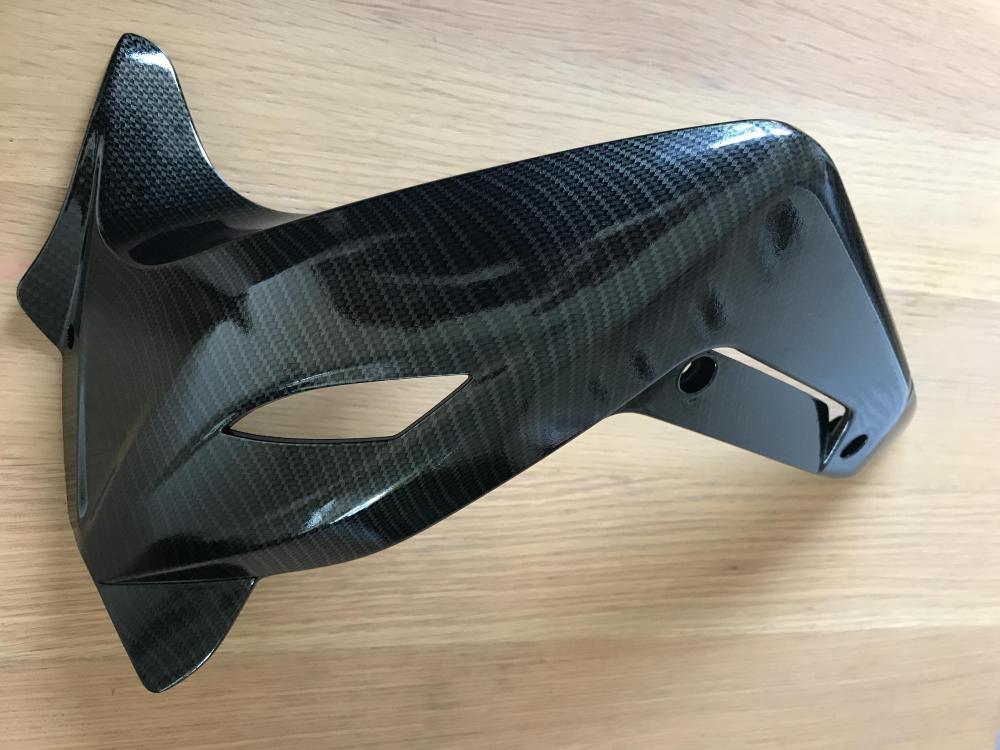
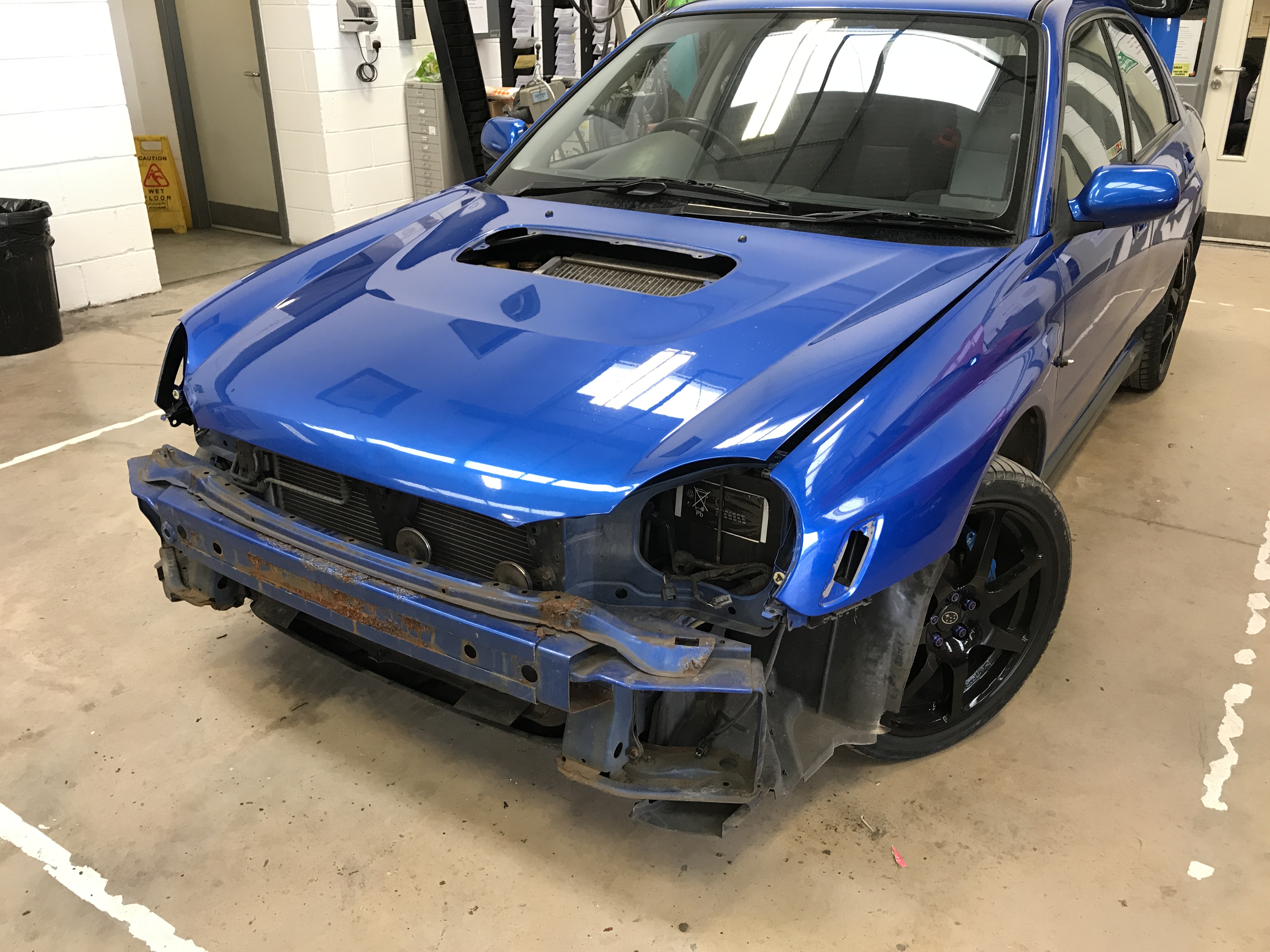
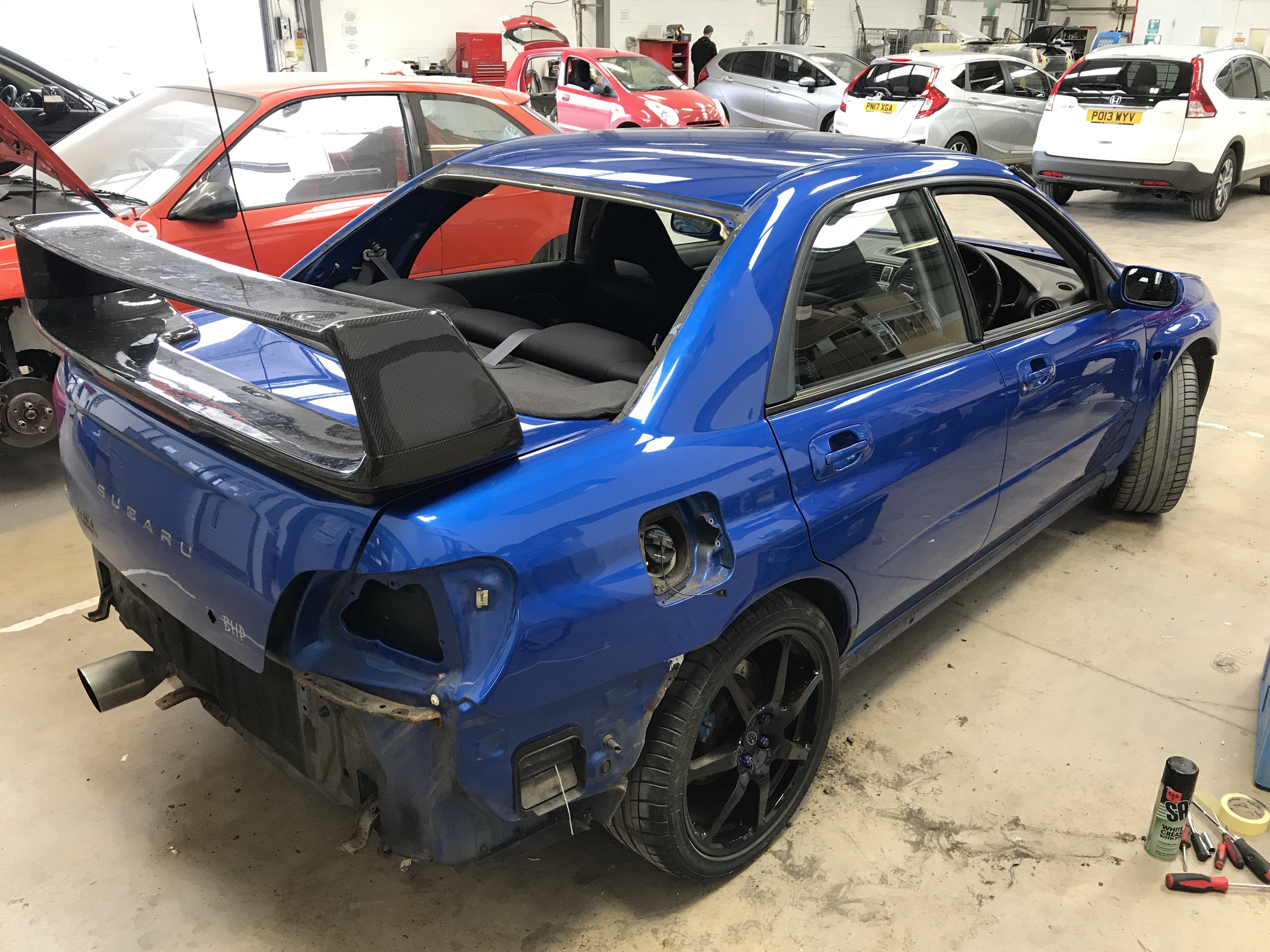
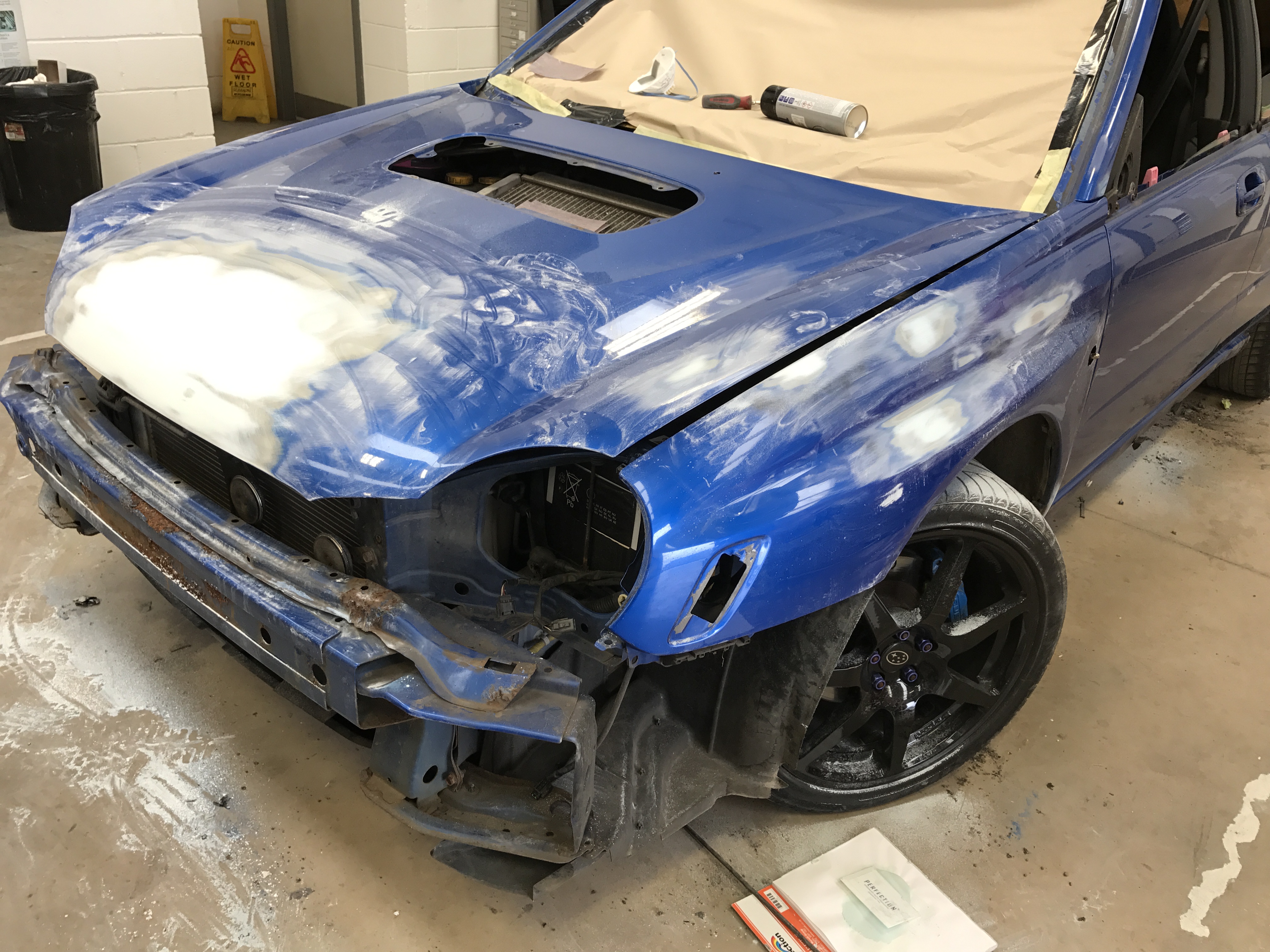
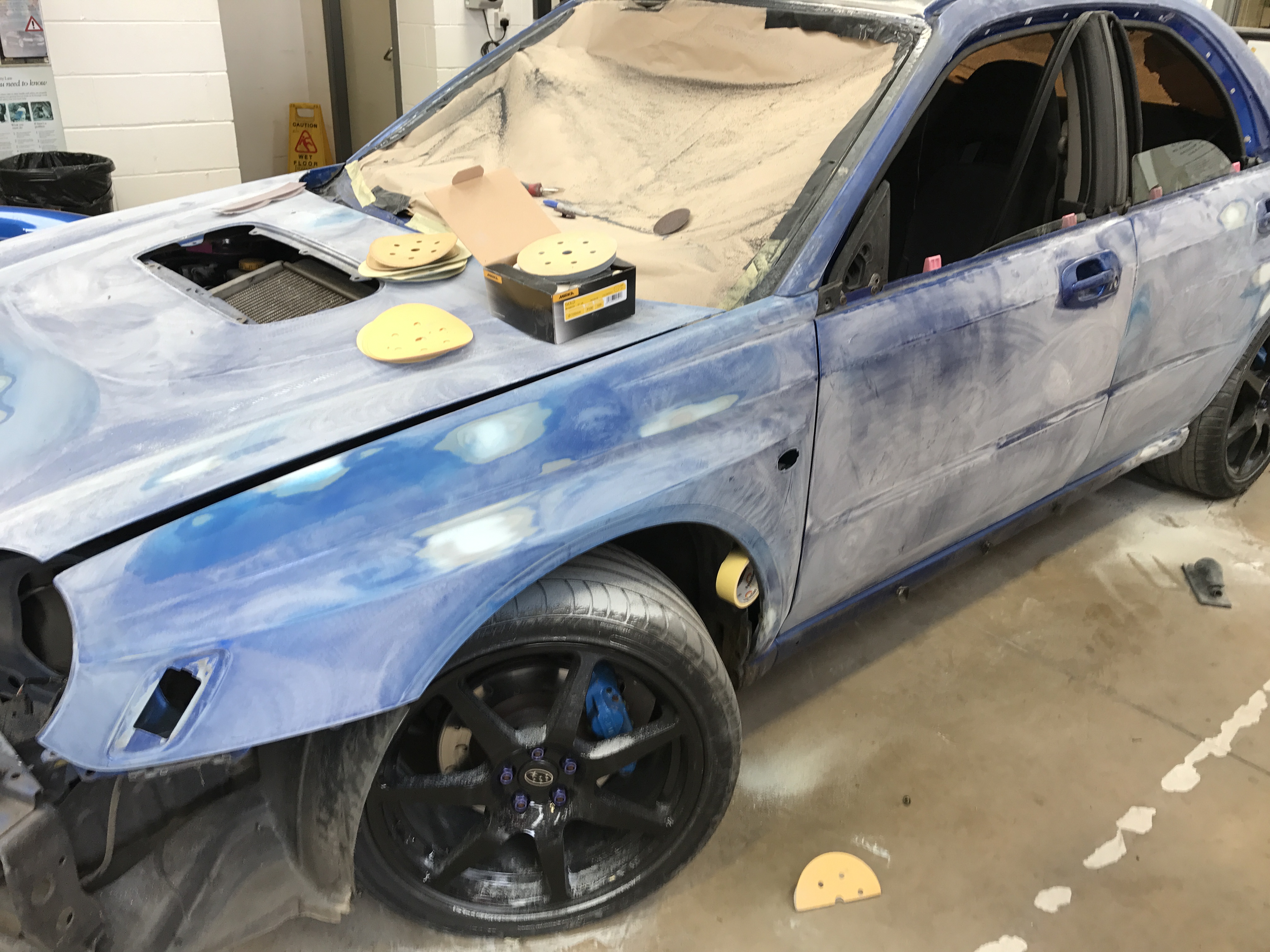
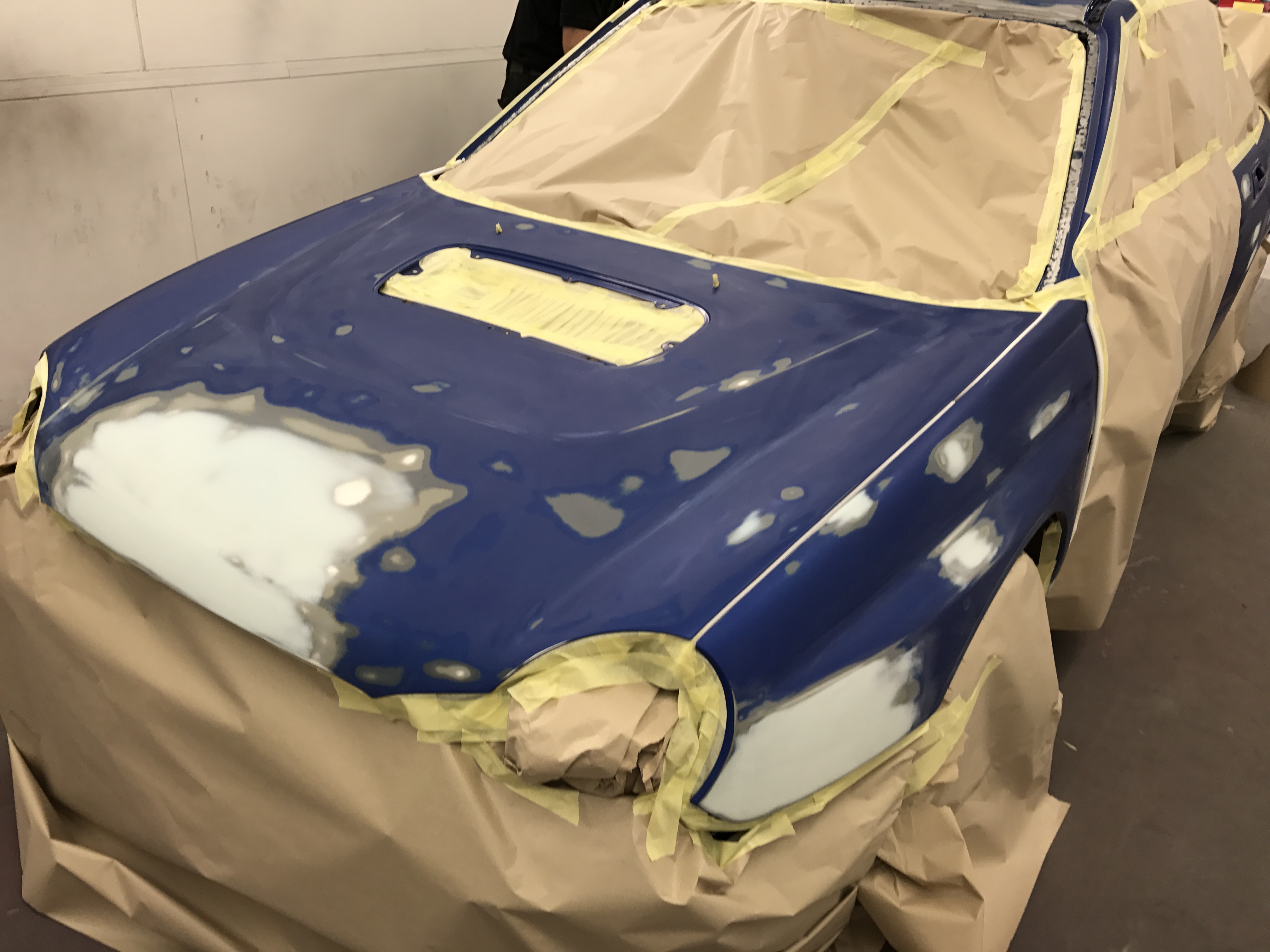
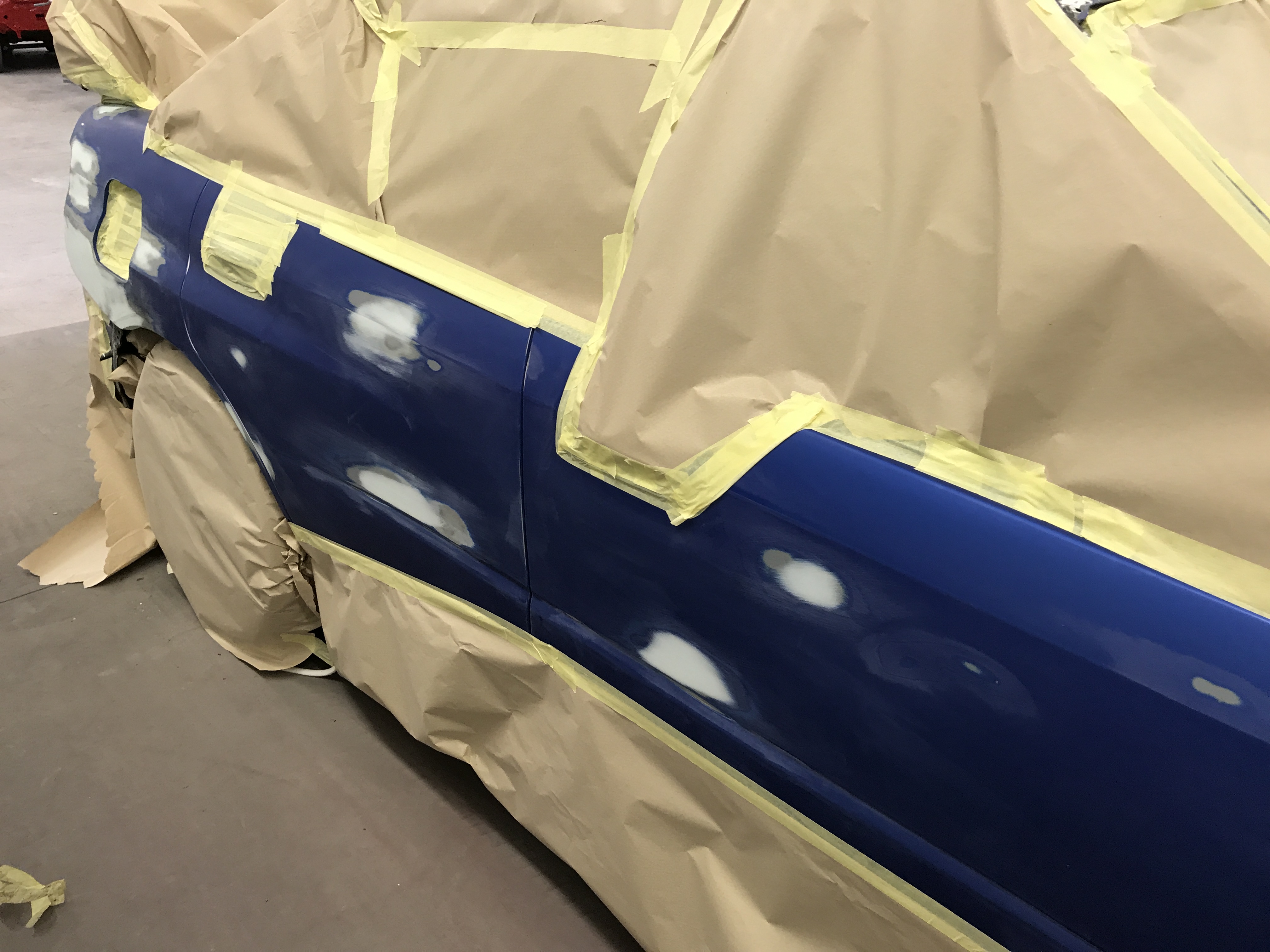
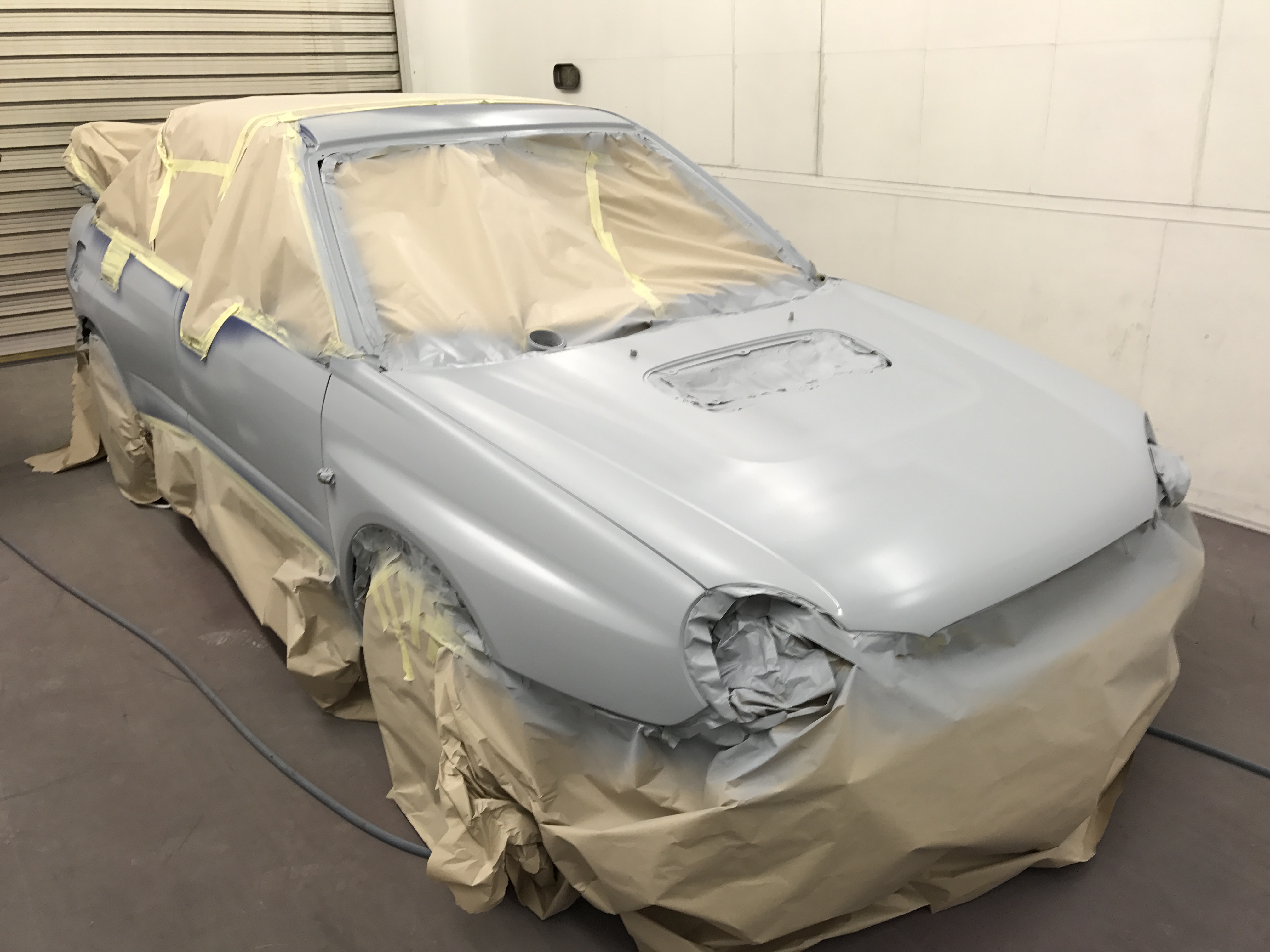
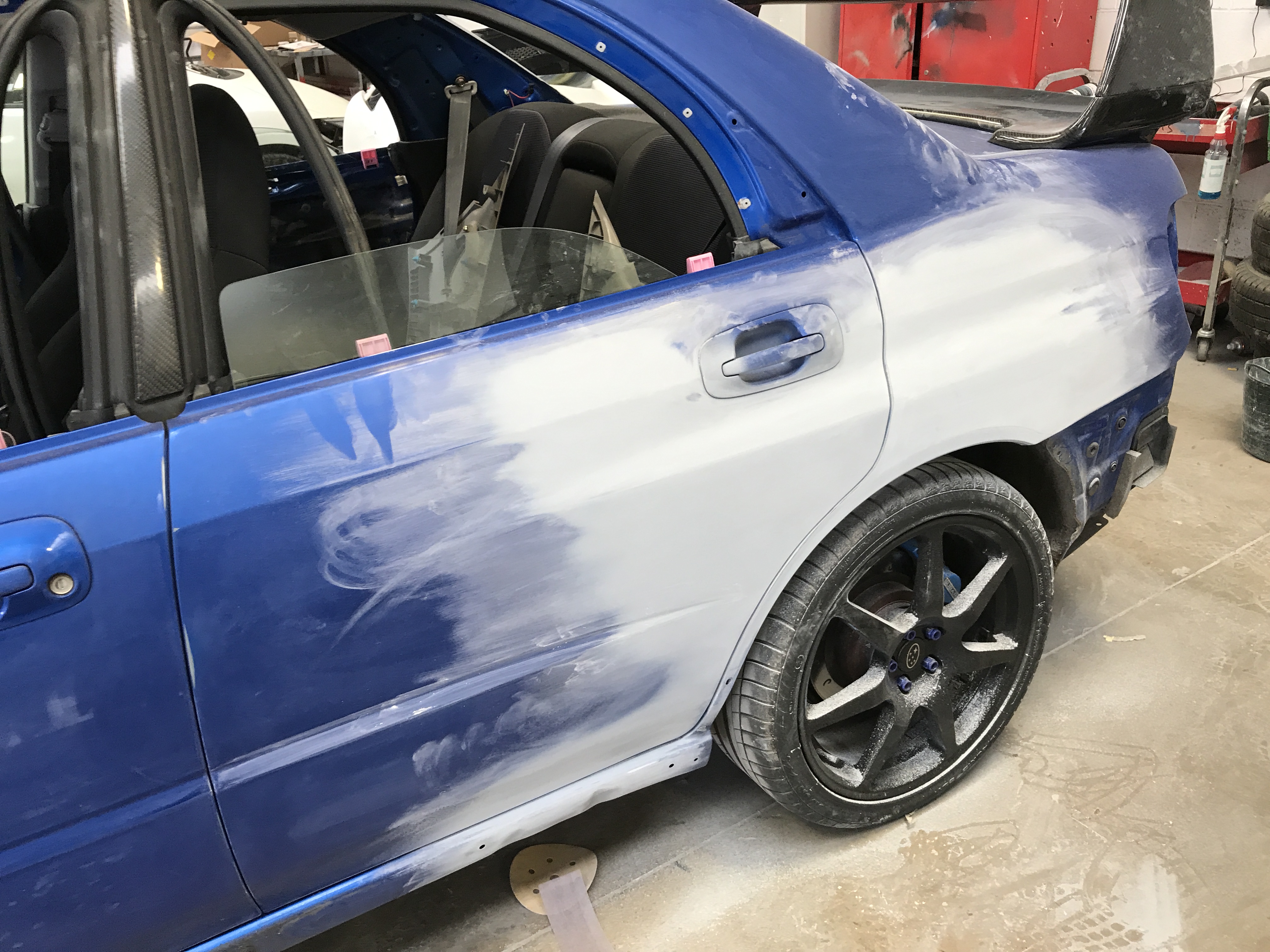
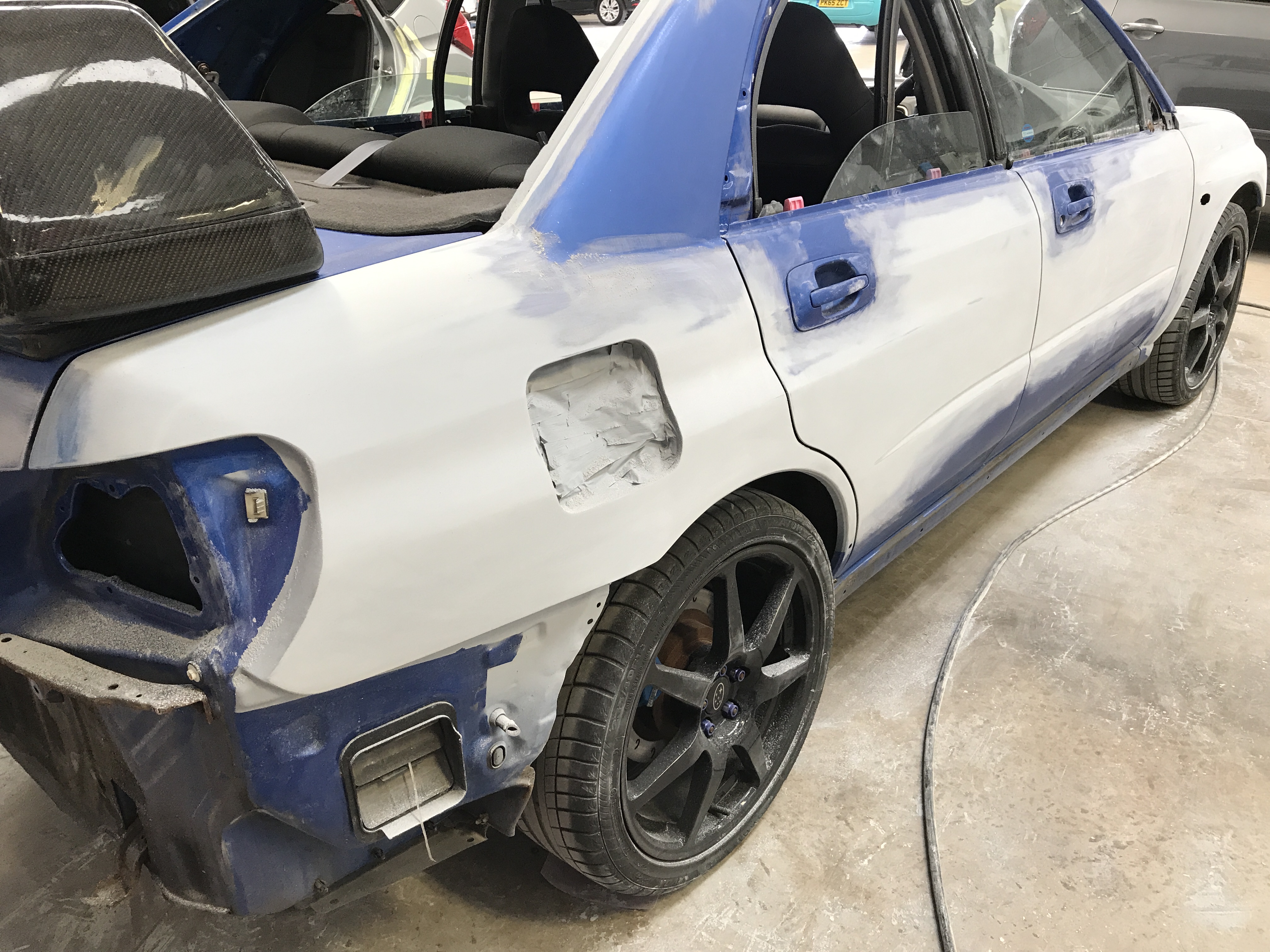
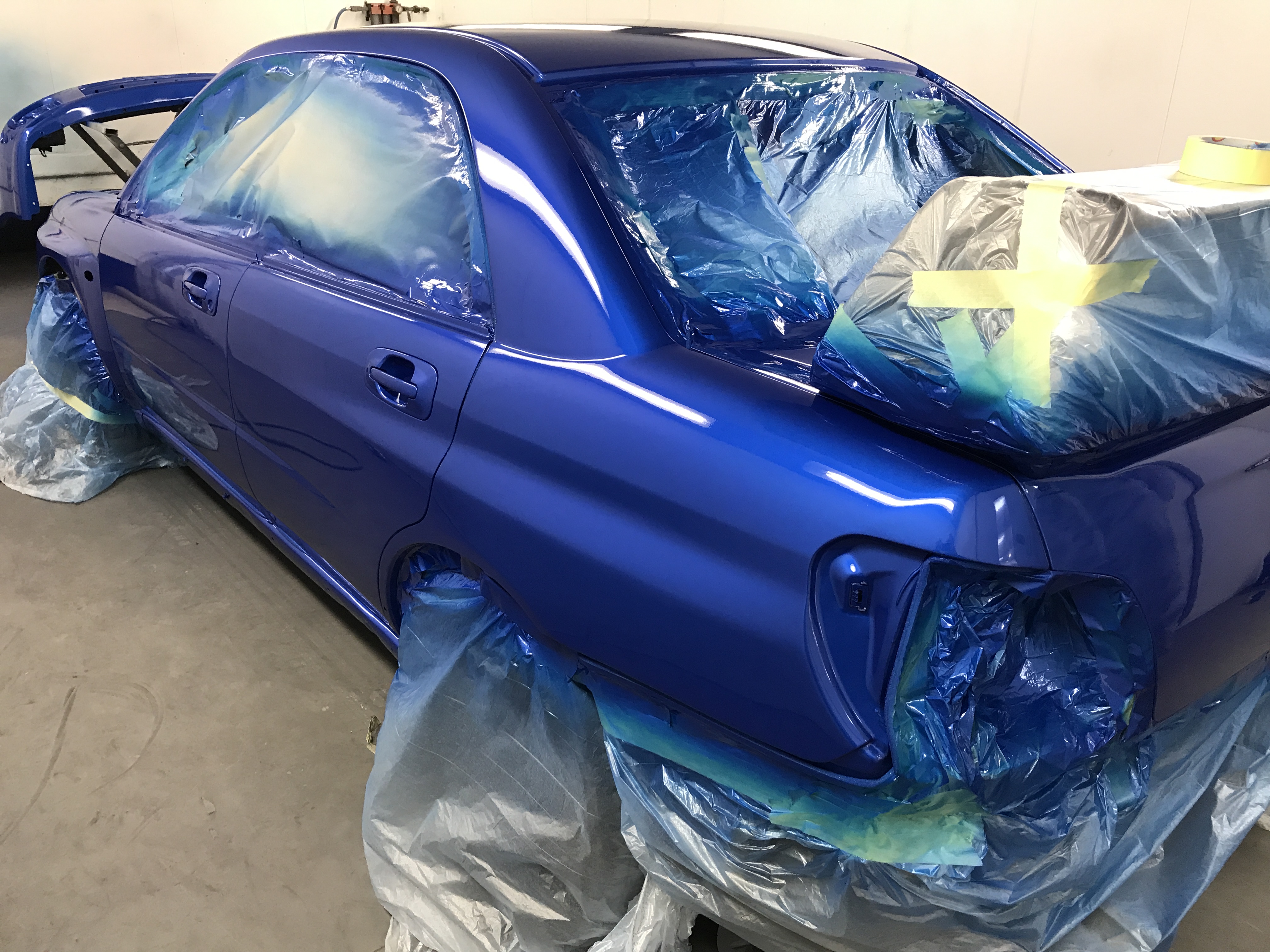
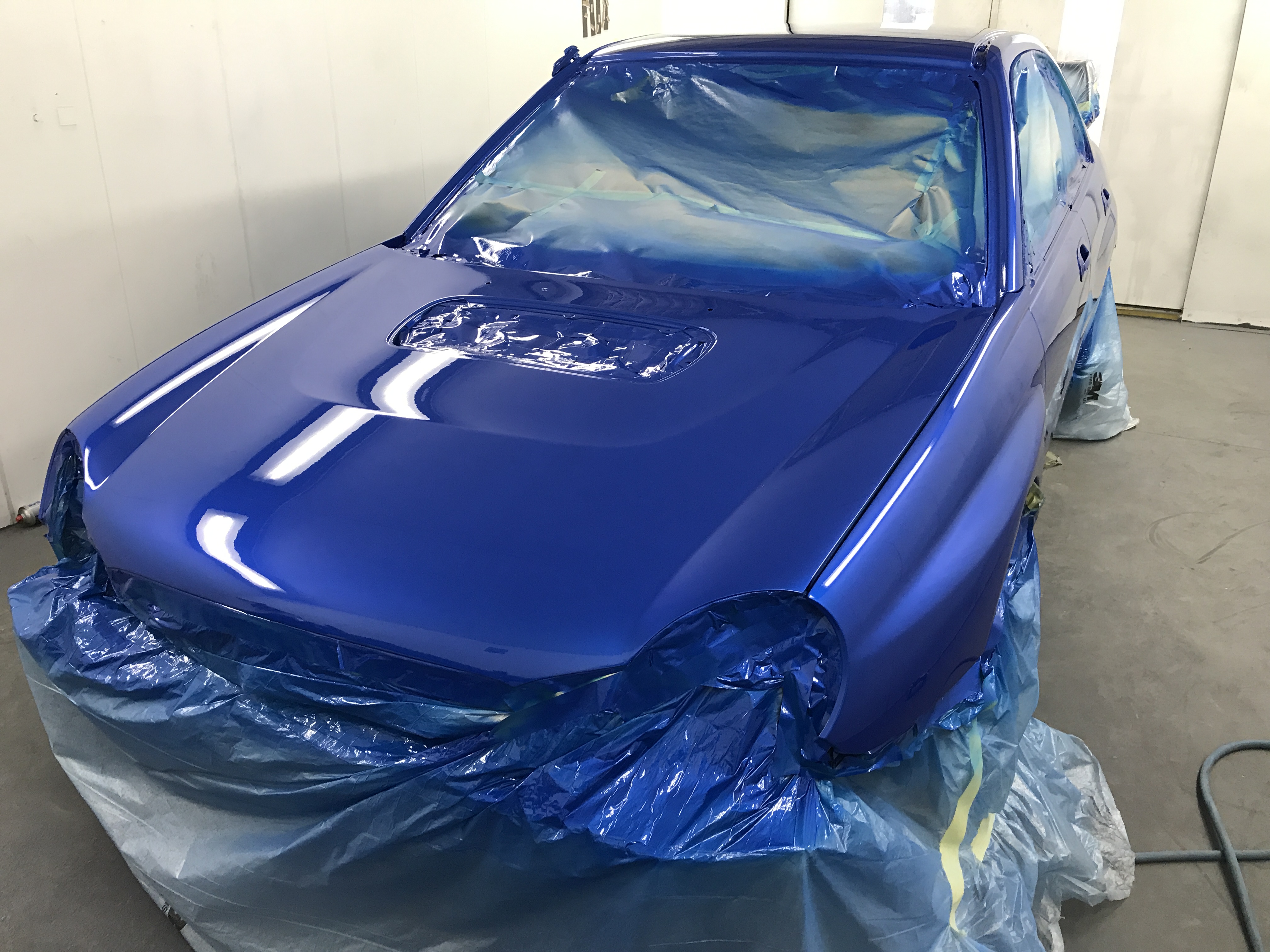
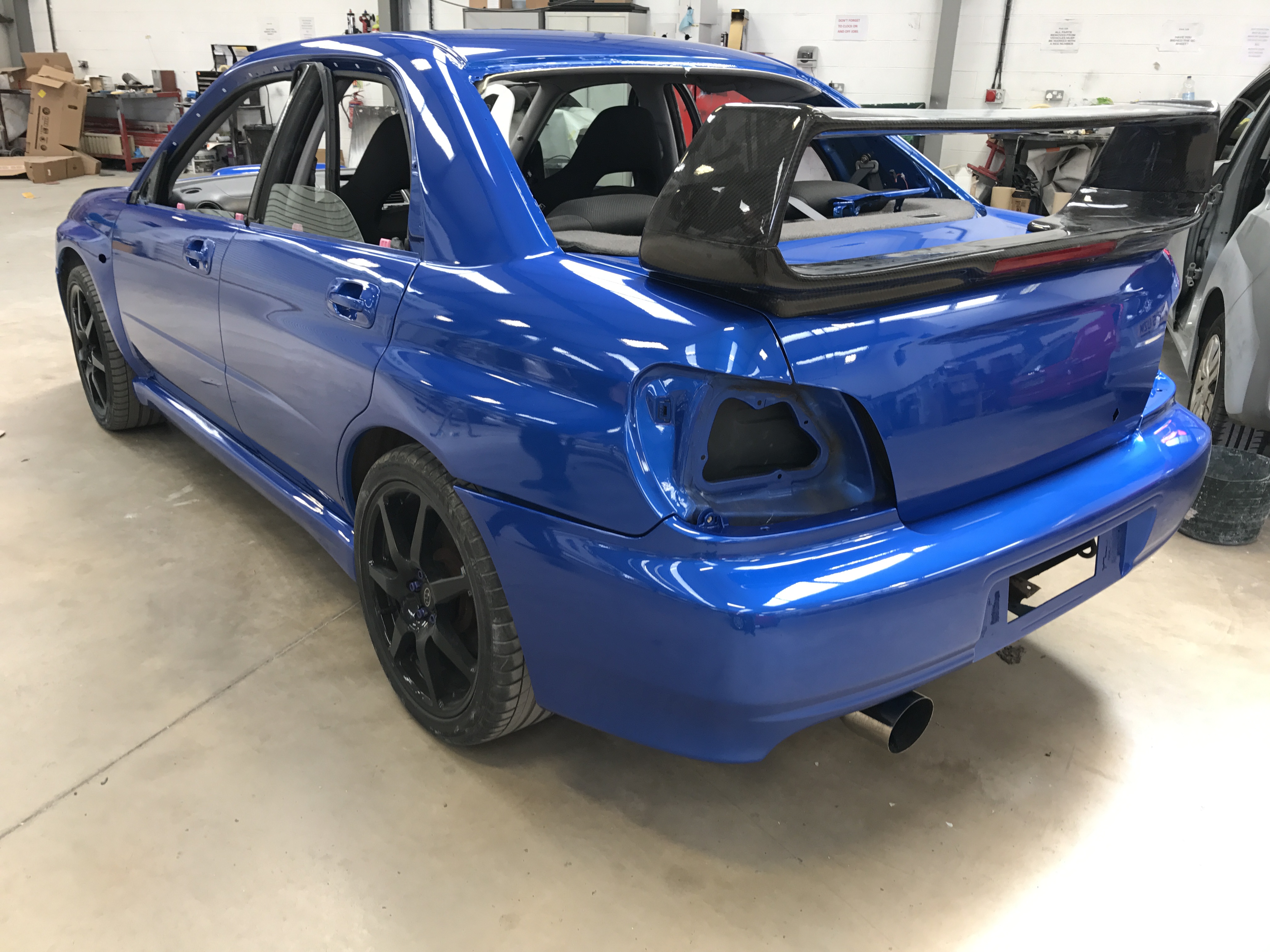
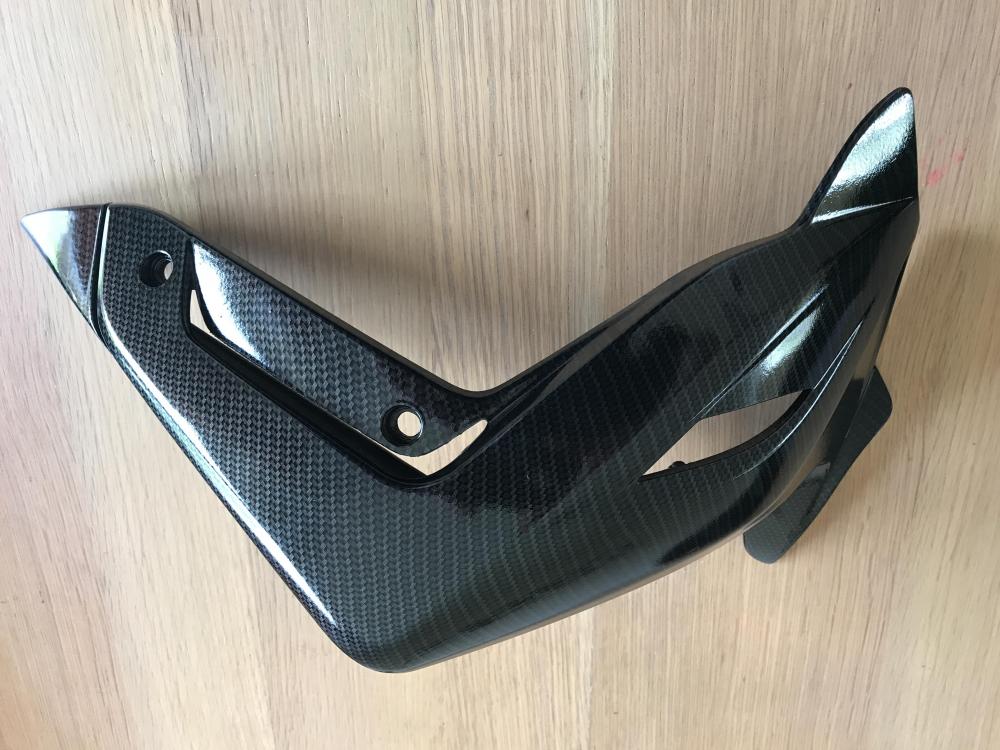 Hi all. I'm going to replace my coil packs and spark plugs on my bugeye wrx. What's people using ? thanks 👍🏻For the work that went into it it would be around £2000 maybe more but well worth it as I go sick at looking at the dents and rust lolIt was around 40 hours labour before the paint 😫Going to get some new rubber before scoobyfest.I did all the prep. I'm a Bodyshop manager then I had one of my lads paint it 👍🏻