
Do Not Sell My Personal Information Jump to content
View in the app

A better way to browse. Learn more.

Subaru Owners Club UK | Subaru Forums

A full-screen app on your home screen with push notifications, badges and more.

To install this app on iOS and iPadOS
  1. Tap the Share icon in Safari
  2. Scroll the menu and tap Add to Home Screen.
  3. Tap Add in the top-right corner.
To install this app on Android
  1. Tap the 3-dot menu (⋮) in the top-right corner of the browser.
  2. Tap Add to Home screen or Install app.
  3. Confirm by tapping Install.

paul guest

Members
  • Joined

  • Last visited

Everything posted by paul guest

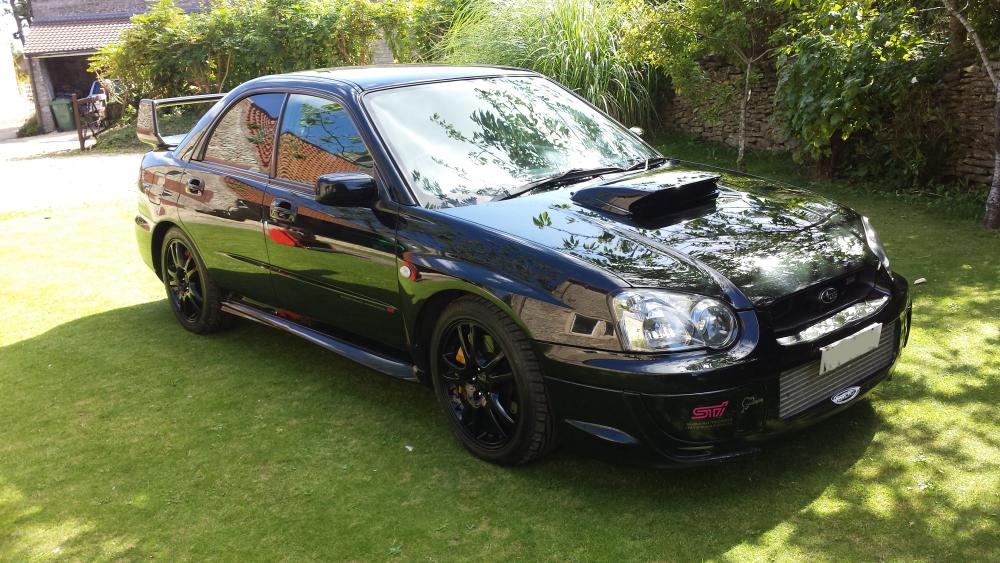
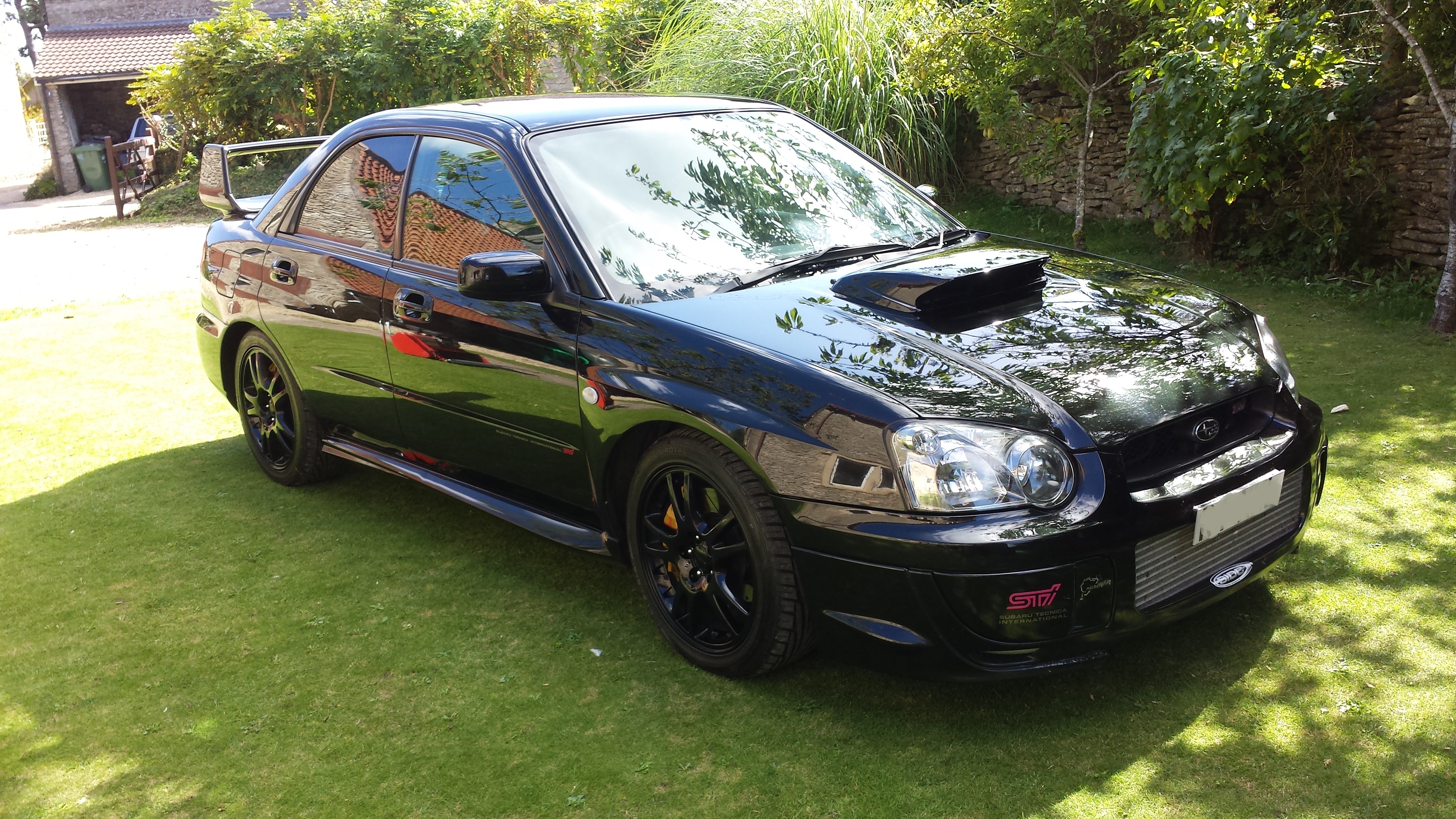
  1. apologies in advance, ill be honest I joined just to give you guys the sad news that its time to part with my pride and joy #sob I advertised it privately and just had dreamers and test pilots which I couldn't put up with so too it off the road for winter. ive put it on fleabay never sold anything on there before.. if you want to join in feel free, or make me an offer. http://rover.ebay.com/rover/0/e12000.m43.l6300/7?euid=6948d3d0b0d841559f1fdf4f5b269845&bu=44310217658&loc=http%3A%2F%2Fwww.ebay.co.uk%2Fulk%2Fitm%2F262877670487&exe=14613&ext=37426&sojTags=exe=exe,ext=ext,bu=bu thanks in advance,
Background Picker
Customize Layout

Account

Navigation

Search

Configure browser push notifications

Chrome (Android)
  1. Tap the lock icon next to the address bar.
  2. Tap Permissions → Notifications.
  3. Adjust your preference.
Chrome (Desktop)
  1. Click the padlock icon in the address bar.
  2. Select Site settings.
  3. Find Notifications and adjust your preference.