




Skip to content
View in the app

A better way to browse. Learn more.

Subaru Owners Club UK | Subaru Forums

A full-screen app on your home screen with push notifications, badges and more.

To install this app on iOS and iPadOS
  1. Tap the Share icon in Safari
  2. Scroll the menu and tap Add to Home Screen.
  3. Tap Add in the top-right corner.
To install this app on Android
  1. Tap the 3-dot menu (⋮) in the top-right corner of the browser.
  2. Tap Add to Home screen or Install app.
  3. Confirm by tapping Install.

TY 01

Members
  • Joined

  • Last visited

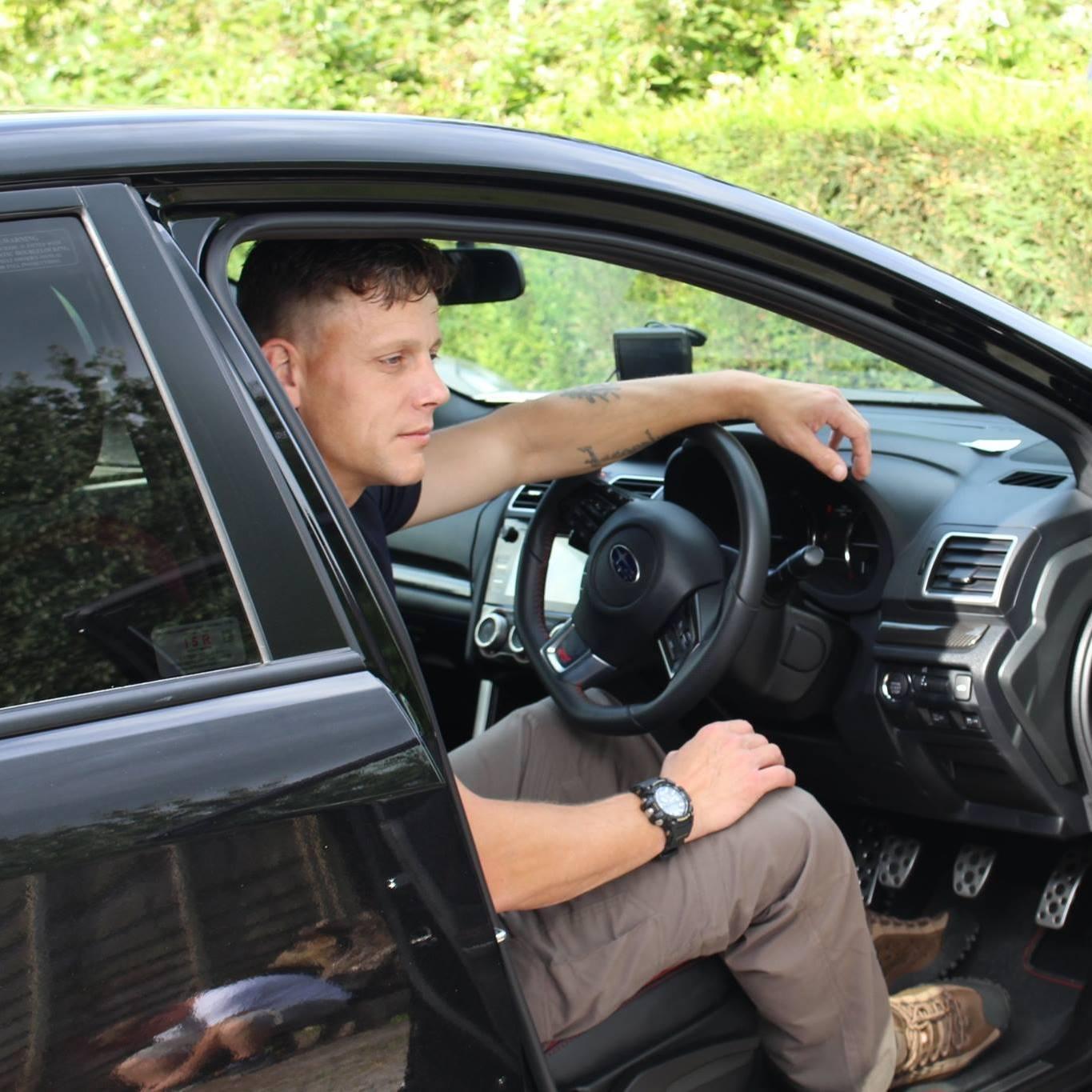
  1. Hi guys. Looking after your pride and joy is something you all can resonate with.. however, buying cleaning products, waxes, polishes ect is a friggen mine field, their are so many to choose from.. I've got a metallic black scooby and it shows every bit of dirt, finger print and water mark you can think of.. So what products and techniques do you guys use to keep 'her' looking good? 😀

Background Picker
Customize Layout

Account

Navigation

Search

Search

Configure browser push notifications

Chrome (Android)
  1. Tap the lock icon next to the address bar.
  2. Tap Permissions → Notifications.
  3. Adjust your preference.
Chrome (Desktop)
  1. Click the padlock icon in the address bar.
  2. Select Site settings.
  3. Find Notifications and adjust your preference.